
X Introduces Post Scheduling for Android Users, Plan Posts Up to 18 Months Ahead With Photos and Videos
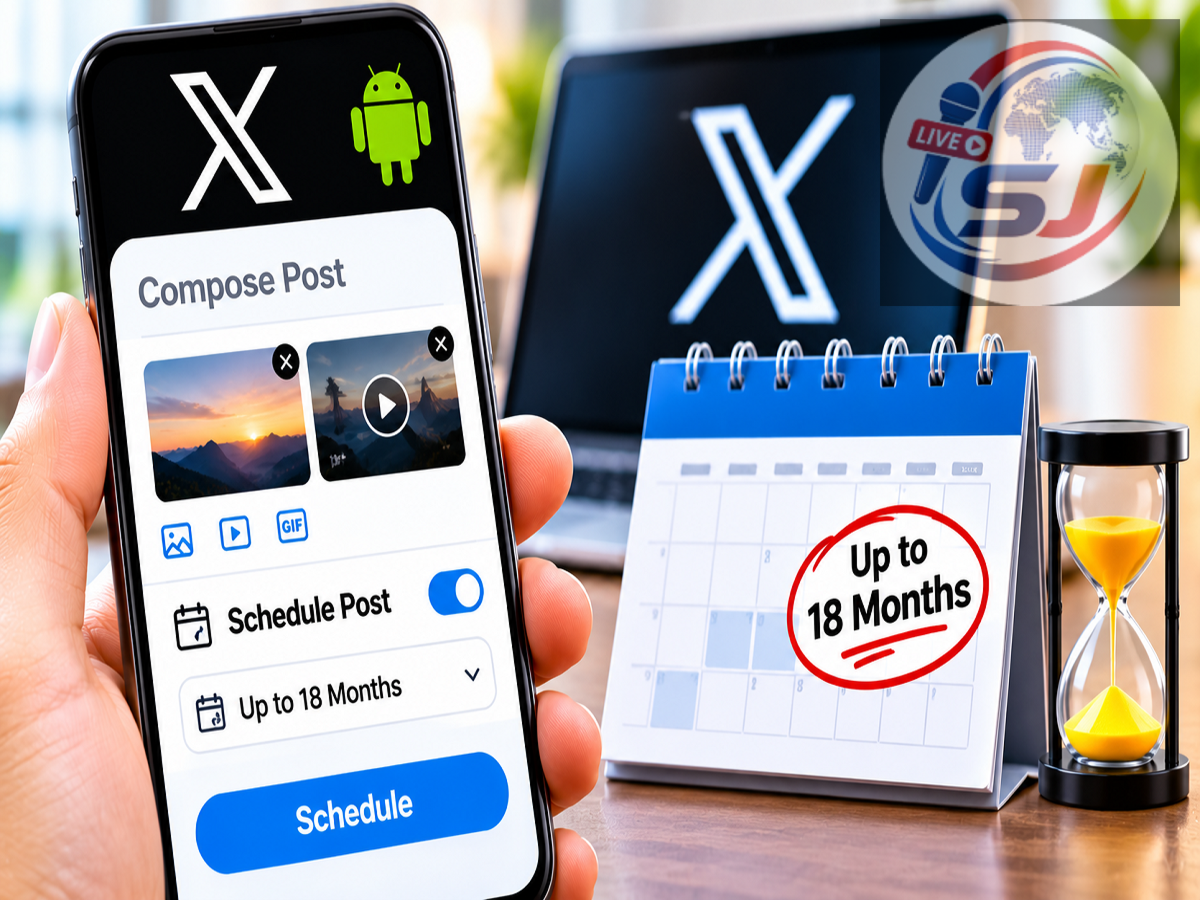
X Post Scheduling Feature: Elon Musk-owned social media platform X, formerly known as Twitter, has reportedly introduced a new scheduling feature for Android smartphone users. The latest update allows individuals to prepare posts in advance and select a specific date and time for their automatic publication.
Previously, according to the source report, this functionality was limited to the platform's website and iOS application. With its expansion to Android devices, more users will be able to manage their content directly from their smartphones without depending on external scheduling tools.
One of the biggest highlights of the new feature is that users can schedule posts up to 18 months in advance. The facility also supports multimedia content, including photographs and videos.
The update could be particularly useful for content creators, digital publishers, businesses, social media managers and individuals who regularly share updates on the platform.
X Rolls Out Native Post Scheduling for Android Smartphones
According to a report by Live Hindustan, X staff software engineer Evgeny Matsyuk announced the rollout of the scheduling feature for Android devices on Thursday.
The engineer also shared a demonstration explaining how users can prepare content, select their preferred publication date and schedule posts directly through the mobile application.
Once a post has been successfully scheduled, X will automatically publish it at the selected date and time.
Users will not need to keep the scheduling screen open or manually publish the content when the scheduled time arrives.
The application will also display a confirmation notifying users that their post has been successfully scheduled.
X Post Scheduling Feature: Key Highlights
| Feature |
Details |
|---|---|
| Platform |
X, formerly Twitter |
| Latest supported operating system |
Android |
| Maximum advance scheduling period |
Up to 18 months |
| Automatic publishing |
Available |
| Photo and video support |
Available |
| Scheduled post editing |
Supported |
| Publication date and time modification |
Supported |
| Scheduled post deletion |
Available |
| Scheduled content management |
Drafts section |
How to Schedule a Post on X Using an Android Phone
Android users who have received the latest scheduling feature can follow these steps to prepare and publish content automatically.
-
Update the X application through the Google Play Store.
-
Open the application and sign in to your account.
-
Tap the option to create a new post.
-
Enter the text you want to publish.
-
Attach photographs or videos if required.
-
Locate the scheduling option in the post creation interface.
-
Select your preferred publication date and time.
-
Tap the Set Schedule option.
-
Review the details and confirm the scheduling request.
Once the process is completed, the platform will retain the scheduled content and publish it automatically at the selected time.
The appearance and availability of the scheduling option may vary depending on the application version and rollout status.
How to Edit or Delete Scheduled Posts on X
The new feature also provides greater flexibility to users who want to modify content after scheduling it.
Scheduled posts can reportedly be accessed through the Drafts section of the X application.
Users can open an existing scheduled post and make changes to its text, attached media or publication schedule.
After completing the modifications, users can select the Save Changes option to update the scheduled content.
If a post is no longer relevant, users can also delete it before its scheduled publication.
This functionality can help individuals manage upcoming announcements, promotional campaigns and editorial content more efficiently.
Why the New Scheduling Feature Is Useful for Content Creators
Publishing content consistently can be challenging for individuals and businesses managing multiple digital platforms.
The introduction of native post scheduling on Android could simplify social media management by allowing users to prepare content in advance.
Digital publishers can schedule evergreen articles, while businesses can plan product announcements, promotional offers and seasonal campaigns.
Content creators can also maintain a consistent publishing schedule during holidays, travel or other commitments.
The ability to schedule content up to 18 months ahead provides additional flexibility for long-term content planning.
However, users should periodically review scheduled posts to ensure that the information remains accurate and relevant before publication.
X Also Introduces New Parental Control Features
Apart from expanding its post scheduling capabilities, X has reportedly introduced additional parental supervision tools designed for families with teenagers aged between 13 and 17 years.
These features aim to give parents and guardians greater visibility into their children's platform usage while allowing teenagers to retain ownership of their accounts.
According to the source report, the parental control framework includes several account management and online safety options.
X Parental Control Features at a Glance
| Parental Control Feature |
Functionality |
|---|---|
| Screen time monitoring |
Review weekly platform usage |
| Daily usage limits |
Set restrictions on daily screen time |
| Follower approval |
Require approval for new followers |
| Feed restrictions |
Limit recommended content |
| Keyword filtering |
Restrict content containing selected words |
| Sensitive content controls |
Limit exposure to sensitive photos and videos |
| Direct message restrictions |
Manage who can contact teenagers |
| Messaging activity visibility |
View accounts contacted without reading private messages |
| Multiple account supervision |
Manage up to five teenage accounts |
These tools could help families establish healthier digital habits and reduce teenagers' exposure to unwanted interactions or inappropriate content.
What If the X Scheduling Feature Is Not Visible on Your Phone?
Since new application features are often introduced gradually, some Android users may not immediately receive the scheduling option.
Users can check for application updates through the Google Play Store and restart the application after installing the latest available version.
If the feature remains unavailable, users may need to wait until the rollout reaches their accounts.
In the meantime, they can continue using the scheduling functionality available through supported versions of the X website.
The expansion of post scheduling to Android represents another step towards making X a more comprehensive platform for content creation, publishing and social media management.