
WhatsApp Text Sticker Update 2026: Create 10 Stylish Stickers Instantly With New Android Feature
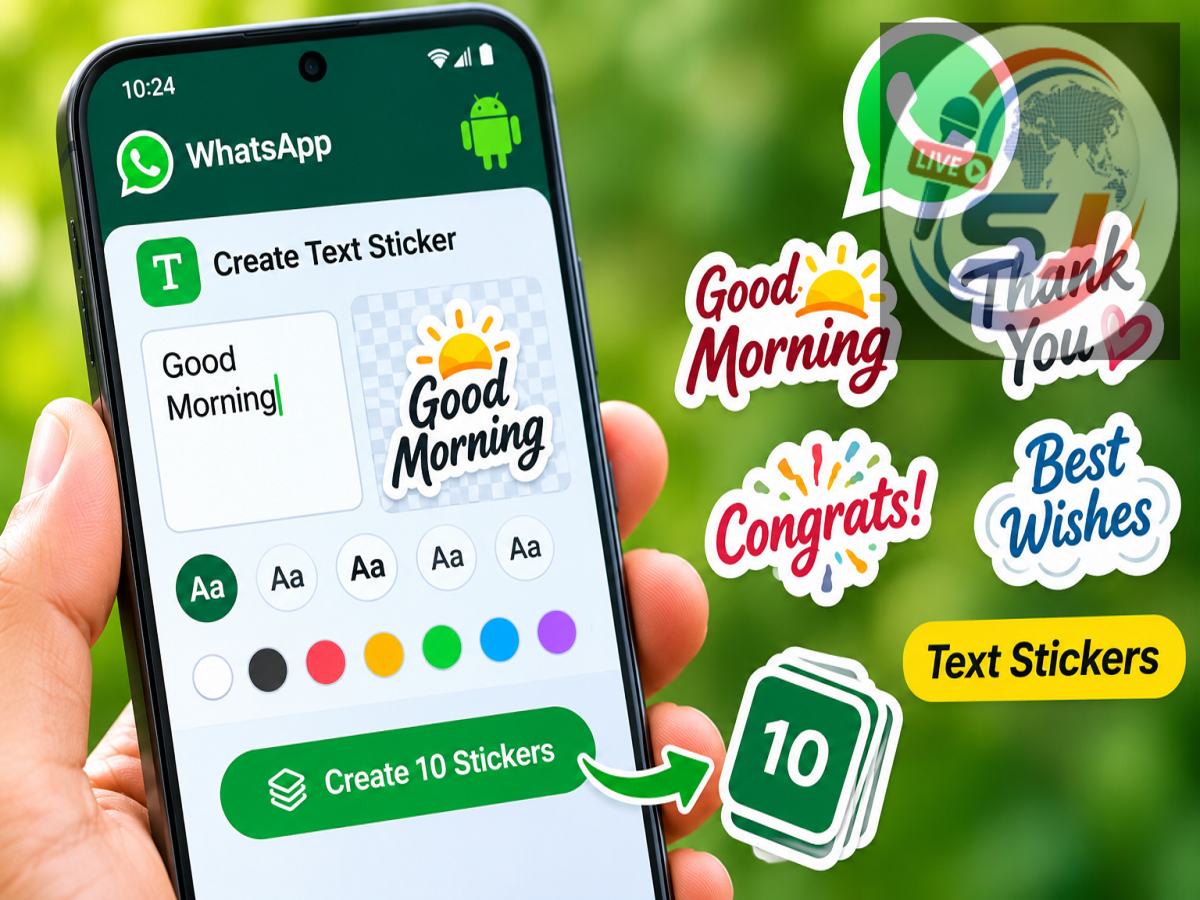
WhatsApp New Feature 2026: WhatsApp is introducing an improved text sticker creation experience for Android users, making it easier to turn ordinary words into colourful and expressive stickers. The latest update adds a dedicated option inside the sticker creation menu, allowing users to generate multiple sticker designs simply by typing a message.
According to WhatsApp feature tracker WABetaInfo, the improvement has been spotted in WhatsApp beta for Android version 2.26.46.1, available through the Google Play Beta Programme.
The feature can generate up to 10 different text sticker designs in real time, allowing users to choose a style that matches the tone of their conversation.
As reported by Live Hindustan on November 15, 2026, WhatsApp is gradually making the new functionality available to selected users. A wider rollout is expected, although the company has not confirmed when every Android user will receive it.
WhatsApp Introduces Easier Text Sticker Creation on Android
WhatsApp already allows users to share stickers, create personalised stickers and search for existing sticker collections.
However, the text sticker creation option was previously less visible because it was integrated into the search field of the sticker keyboard.
Users who were unfamiliar with this functionality might have overlooked it.
The latest update addresses that problem by adding a more noticeable entry point to the sticker creation interface.
Instead of searching for the feature, users can now access text sticker creation alongside the existing option for making stickers from photographs.
This change is designed to make sticker creation more convenient and accessible.
How to Create Text Stickers on WhatsApp
Users who have received the updated interface can create text stickers directly from a conversation.
The reported process works as follows:
-
Open WhatsApp on an Android smartphone.
-
Select an individual or group conversation.
-
Open the sticker keyboard from the message composition area.
-
Tap the option to create a new sticker.
-
Choose the text sticker option from the menu that appears.
-
Enter a word, phrase or short message in the text field.
-
Browse the automatically generated sticker designs.
-
Tap the preferred design to send it immediately.
As the user types, WhatsApp updates the sticker suggestions in real time.
This means users can experiment with different words or phrases before selecting a final design.
The exact appearance of the controls may vary depending on the installed WhatsApp version and whether the feature has been enabled for the account.
WhatsApp Expands Text Sticker Designs From Five to Ten
Another major improvement is the expansion of the available text sticker collection.
Earlier versions of the feature generated five designs for a typed message. The latest update increases that number to ten.
The available styles include:
-
Yellow label and sticky-note designs.
-
A pink heart surrounded by flames.
-
Handwritten calligraphy.
-
A dark background with lightning effects.
-
Shadow-style lettering.
-
Bright green and multicoloured designs.
-
A simple white frame.
-
A red A-frame sign design.
These options allow users to express different emotions using the same words.
For example, a birthday greeting could appear as a colourful sticker, while a short reminder could be displayed using a note-style design.
WABetaInfo
What Makes the New Text Sticker Feature Different?
The biggest improvement is not simply the additional sticker designs. WhatsApp is also changing how users discover the feature.
Previously, users had to enter text in the sticker keyboard's search field to generate custom text stickers.
That method was easy to overlook because many people use the search field only to find existing stickers.
With the redesigned interface, text sticker creation appears directly within the sticker-making menu.
This allows users to choose between creating a sticker from a photograph and generating one from text.
The updated interface could encourage more users to experiment with personalised stickers during everyday conversations.
Who Can Use the New WhatsApp Text Sticker Feature?
The new functionality is currently available to selected Android beta testers.
WABetaInfo reports that WhatsApp beta for Android 2.26.46.1 is a compatible version.
However, installing the update does not guarantee immediate access because the feature is being enabled gradually for eligible accounts.
Users who cannot see the new option may need to wait until WhatsApp expands the rollout.
The company has not announced a specific date for releasing the feature to all Android users.
WABetaInfo
How to Check Whether the Feature Is Available
Android users can check for the latest WhatsApp update through the Google Play Store.
After updating, they can open a conversation and navigate to the sticker keyboard.
If the new text sticker creation option appears, their account has received access.
If the option is missing, there is no need to reinstall WhatsApp or download an unofficial version of the application.
Users should avoid third-party APK files claiming to unlock unreleased WhatsApp features, as these may introduce security and privacy risks.
Will iPhone Users Also Receive the Feature?
The latest report specifically concerns WhatsApp beta for Android.
There is currently no confirmed release schedule for the same redesigned text sticker interface on iOS.
WhatsApp often develops and tests features separately across Android and iPhone devices.
Therefore, iPhone users should wait for an official announcement or a compatible app update.
Final Takeaway
WhatsApp's latest Android beta update is making custom text stickers easier to create and more visually appealing.
The new interface introduces a dedicated text sticker creation option and expands the number of available designs from five to ten.
Users can type their preferred message, preview multiple styles instantly and send a selected sticker directly into a conversation.
However, the feature is currently limited to selected Android beta testers, and WhatsApp has not confirmed a general release date.