
WhatsApp Support Change: Check Your Android or iPhone Before These 2026 Deadlines
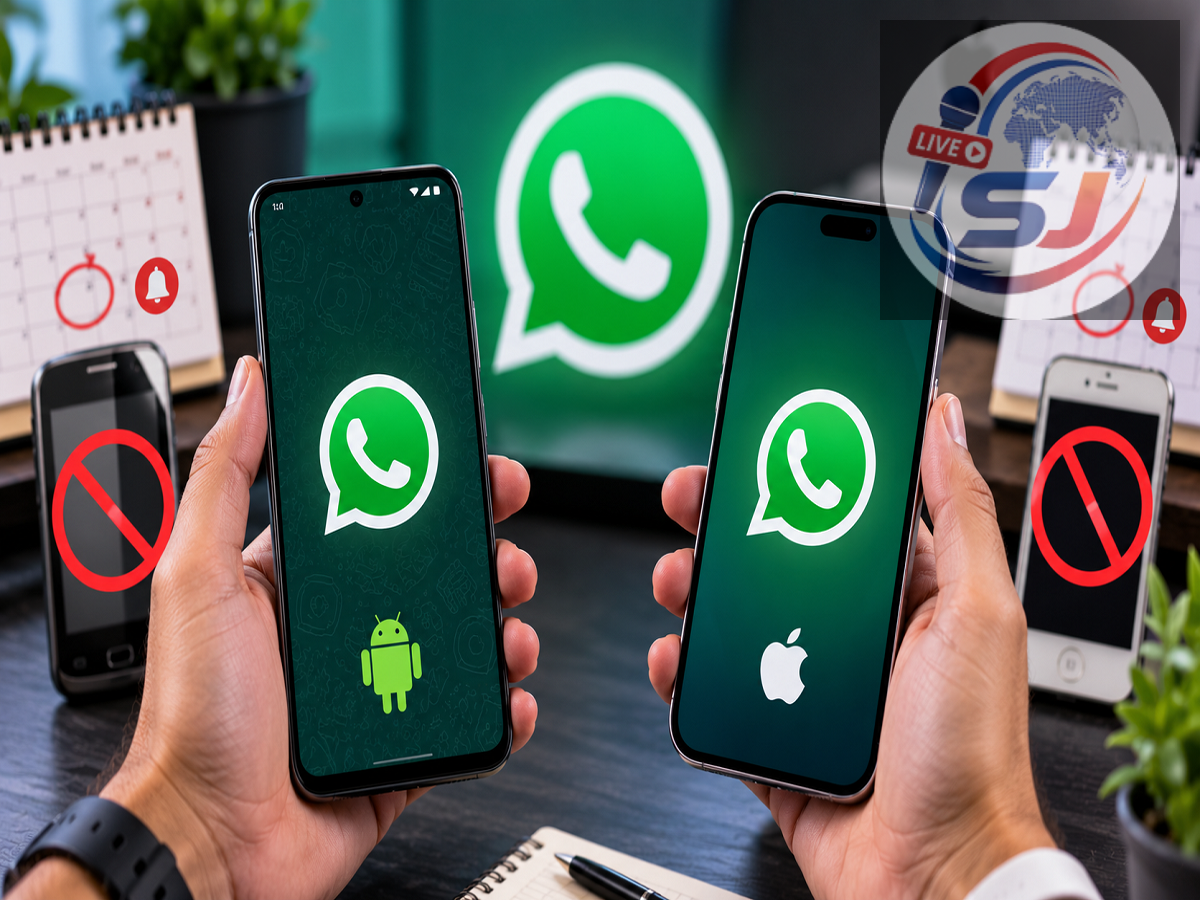
WhatsApp Support Update 2026: If you are using an old Android phone or iPhone, checking your device's operating system should be a priority. WhatsApp is raising its minimum software requirements, which means some devices running outdated versions of Android or iOS will no longer be officially supported.
The first major change takes effect on September 8, 2026. From this date, WhatsApp will support only phones running Android 6.0 or later. Devices that remain on Android 5.0 or Android 5.1 will fall outside the supported range.
iPhone users have a little more time. Beginning November 30, 2026, WhatsApp will require iOS 15.5 or later.
The important point is that WhatsApp itself is not shutting down. The change affects devices running operating systems that no longer meet the app's minimum requirements.
What Changes for Android Users on September 8?
Until September 7, WhatsApp officially supports Android phones running Android 5.0 or later. That minimum requirement changes the following day.
From September 8, Android 6.0 becomes the minimum supported version.
Therefore, users whose smartphones are still running Android 5.0 or Android 5.1 should immediately check whether a newer operating-system update is available.
If the phone can be upgraded to Android 6.0 or a later release, updating the operating system should allow the device to continue meeting WhatsApp's minimum software requirement.
The bigger problem arises for phones that cannot be upgraded beyond Android 5.
In such cases, installing the newest version of the WhatsApp app alone will not solve the compatibility problem because the underlying Android operating system itself is no longer supported.
Does This Mean WhatsApp Will Stop on Every Old Phone?
No.
The age or model name of the smartphone alone does not determine whether it is affected.
What matters is the operating-system version installed on the device.
For example, an older smartphone that has already been upgraded to Android 6 or a later version still meets the new minimum Android requirement.
On the other hand, a phone stuck permanently on Android 5.0 or 5.1 will no longer meet WhatsApp's requirements after the September 8 change.
This is why users should check the software version rather than relying on online lists of supposedly affected smartphone models.
How to Check Your Android Version
Android users can usually find the information by opening Settings and looking for an option such as About Phone, About Device or Software Information.
The exact menu name differs between manufacturers.
Look for "Android Version."
If the device shows Android 6.0 or anything newer, it meets the new minimum requirement taking effect on September 8.
If it shows Android 5.0 or Android 5.1, check the phone's Software Update or System Update section to see whether a newer Android release is available.
If the manufacturer no longer provides an update capable of taking the phone to Android 6 or above, moving WhatsApp to a newer compatible smartphone may eventually become necessary.
iPhone Users Have a November 30 Deadline
The next major change concerns Apple's iPhone.
WhatsApp currently supports iPhones running iOS 15.1 or newer. From November 30, 2026, the minimum supported version will increase to iOS 15.5.
Consequently, an iPhone still running iOS 15.1, 15.2, 15.3 or 15.4 will need a software update before the new requirement takes effect.
There is some good news for owners of older iPhones.
Models including the iPhone 6s, iPhone 6s Plus, first-generation iPhone SE, iPhone 7 and iPhone 7 Plus can run versions of iOS newer than 15.5. Reports note that these devices can be updated to iOS 15.8.8, meaning owners should be able to meet WhatsApp's new requirement through a software update rather than necessarily buying another phone.
How to Check the iOS Version on Your iPhone
Checking the software version on an iPhone takes only a few moments.
Open Settings > General > About and look for the iOS version installed on the device.
You can then go to Settings > General > Software Update to check whether a newer version is available.
If the iPhone is already running iOS 15.5 or later, it satisfies the WhatsApp requirement scheduled to take effect on November 30.
Users running an older version should install the latest compatible iOS update before the deadline.
Why Does WhatsApp Stop Supporting Older Software?
Dropping support for older operating systems is not unusual for major apps.
WhatsApp says it regularly reviews the devices and operating systems it supports. Each year, it looks at software and devices that are among the oldest and have relatively few remaining users.
Older operating systems may also lack recent security updates or technical capabilities required to support newer WhatsApp features.
As WhatsApp introduces new security technologies and app capabilities, maintaining compatibility with very old software can become increasingly difficult.
WhatsApp Says Users Will Receive Warnings
Users should not necessarily be caught by surprise.
According to WhatsApp, people using an operating system that is about to lose support will receive notifications inside the app.
The company says it will also provide reminders encouraging affected users to upgrade their devices or software before support ends.
If you receive such a notification, don't simply dismiss it. Check whether the warning relates to your operating-system version and whether an update is available.
Back Up Your WhatsApp Chats Before Changing Phones
If your Android phone cannot be upgraded and you decide to move to another device, protecting your WhatsApp data should be part of the process.
Before switching, check that important chats and media have been backed up or transferred using WhatsApp's supported migration options.
Also ensure that you still have access to the phone number associated with your WhatsApp account.
WhatsApp notes that a phone needs to be capable of receiving SMS messages or calls during the verification process.
Taking care of backups before an old device becomes unsupported can make the transition considerably easier.
Don't Download WhatsApp From Suspicious Websites
Users with unsupported phones may be tempted to download modified APK files or unofficial versions of WhatsApp that promise continued compatibility.
That can introduce unnecessary security risks.
If your phone no longer meets the minimum requirement, the safer approach is to check for an official operating-system update. If no compatible update exists, consider moving to a supported device rather than installing modified applications from unknown sources.
Two Important WhatsApp Deadlines to Remember
For Android users, the key date is September 8, 2026. From then, WhatsApp requires Android 6.0 or newer.
For iPhone users, the important date is November 30, 2026, when the minimum requirement rises to iOS 15.5 or newer. These requirements are listed on WhatsApp's official Help Center.
Therefore, claims that "WhatsApp is shutting down" are misleading. The service itself is not closing.
Instead, WhatsApp is ending support for certain outdated operating-system versions as it raises its minimum software requirements.
If you use an older smartphone, check its Android or iOS version now. A simple software update may be all that is required to keep WhatsApp working normally. If the device is too old to receive a compatible update, however, moving to a newer phone may be necessary to continue using the messaging service.