
WhatsApp Security: Turn On These 3 Settings to Keep Your Private Chats Safer
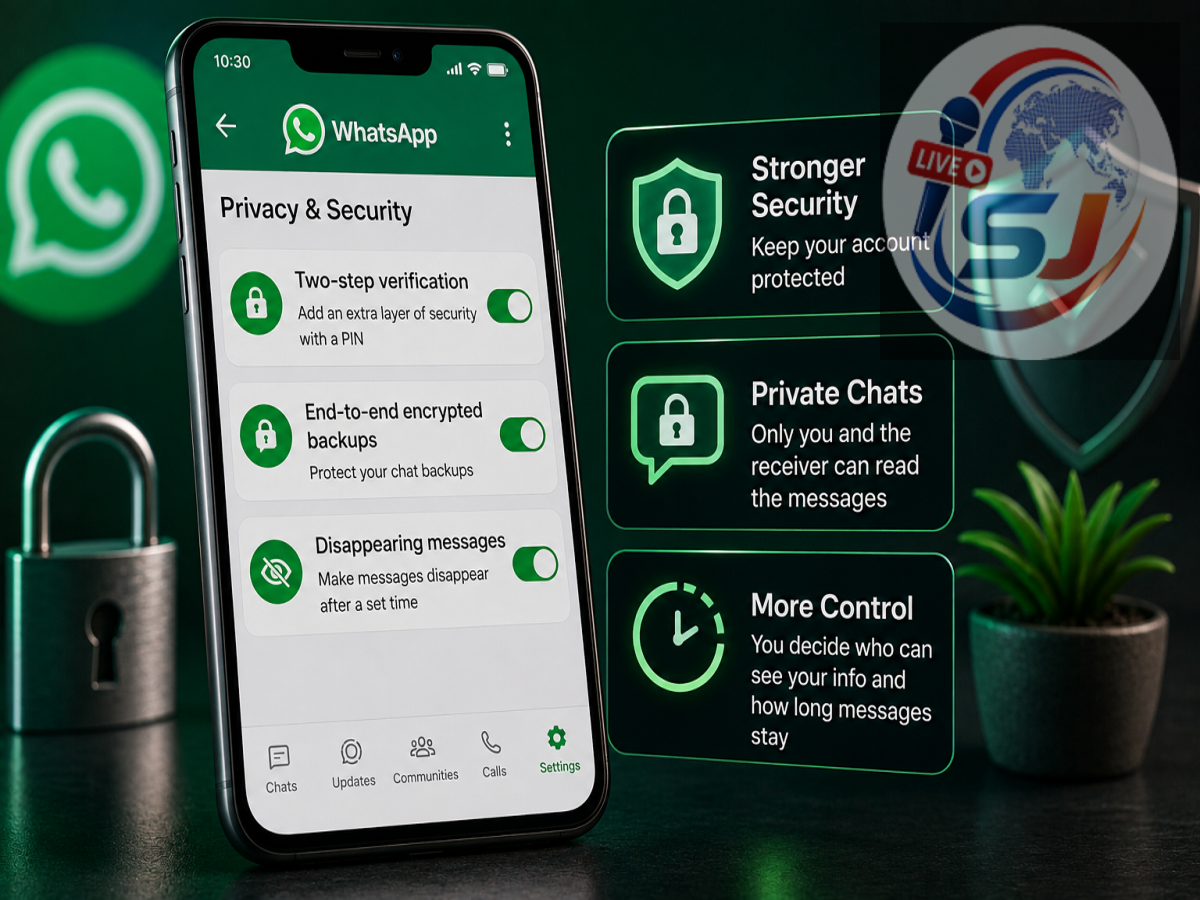
WhatsApp Privacy Settings: WhatsApp is used for everything from personal conversations and family photos to documents and financial information. While personal messages and calls are protected with end-to-end encryption by default, users can add extra layers of protection through WhatsApp’s privacy and security settings.
It is important, however, to avoid claims that any setting can guarantee chats will “never” leak. If someone gains access to an unlocked phone, screenshots a conversation, compromises a linked device, or a recipient shares messages, privacy can still be affected.
Here are three WhatsApp settings that can significantly improve chat and account security.
1. Turn On Chat Lock
If you have conversations that you do not want other people using your phone to see, Chat Lock can provide an additional layer of protection.
When Chat Lock is enabled, the conversation is moved out of the regular inbox and placed behind authentication such as your phone’s passcode, fingerprint, Face ID or a secret code. WhatsApp also hides details from locked conversations in notifications.
To use it, open the conversation you want to protect, tap the contact or group name and look for the Chat Lock option. The exact menu may vary depending on your phone and WhatsApp version.
This feature can be particularly useful if you occasionally hand your unlocked smartphone to another person.
2. Enable End-to-End Encrypted Chat Backups
Your WhatsApp messages are end-to-end encrypted during conversations, but users should also pay attention to how their chat history is backed up.
WhatsApp offers end-to-end encrypted backups, adding another security layer to backups stored in cloud services. WhatsApp says neither it nor the backup service provider can read an end-to-end encrypted backup.
You can check the option by going to:
WhatsApp → Settings → Chats → Chat Backup → End-to-End Encrypted Backup
Depending on the options available on your account, the backup can be protected using encryption credentials or passkey-based protection. WhatsApp has also introduced passkey-encrypted backups, allowing users to protect backups using their fingerprint, face or device screen-lock code.
One important caution: if your backup is protected with a password or encryption key and you lose the required credentials without another recovery route, restoring that backup may not be possible.
3. Strengthen Account Login Security
Protecting individual chats is useful, but protecting the WhatsApp account itself is equally important.
WhatsApp has strengthened its account security options. Its latest update upgrades traditional six-digit two-step verification to a stronger password system that can use longer alphanumeric passwords and special characters. WhatsApp also supports passkeys, which let users verify themselves through a fingerprint, Face ID or device screen lock.
Users can check available passkey options under:
WhatsApp → Settings → Account → Passkeys
WhatsApp says more than one billion people are already using passkeys, and users can now add multiple passkeys when using Android and iOS devices.
One More Setting Worth Checking
WhatsApp also provides a Privacy Checkup, which brings several important privacy controls together in one place. It can help users review who can contact them, who can see their personal information and what additional protections are enabled.
Users who face an unusually high risk of targeted cyberattacks can also consider WhatsApp’s Strict Account Settings. This advanced mode applies highly restrictive security controls, including silencing unknown callers and blocking some attachments or media from unknown senders.
Settings Help, but Your Habits Matter Too
Even after enabling these features, never share verification codes, passwords, encryption keys or other account credentials with anyone. Be cautious about suspicious links and regularly check the devices linked to your WhatsApp account.
Using Chat Lock, encrypted backups and stronger account authentication/passkeys together creates multiple layers of protection. It cannot make a chat impossible to expose under every circumstance, but it can substantially reduce the risk of unauthorized access to your WhatsApp conversations and account.