
WhatsApp Scam Alert: New Feature Could Warn You About Suspicious Messages
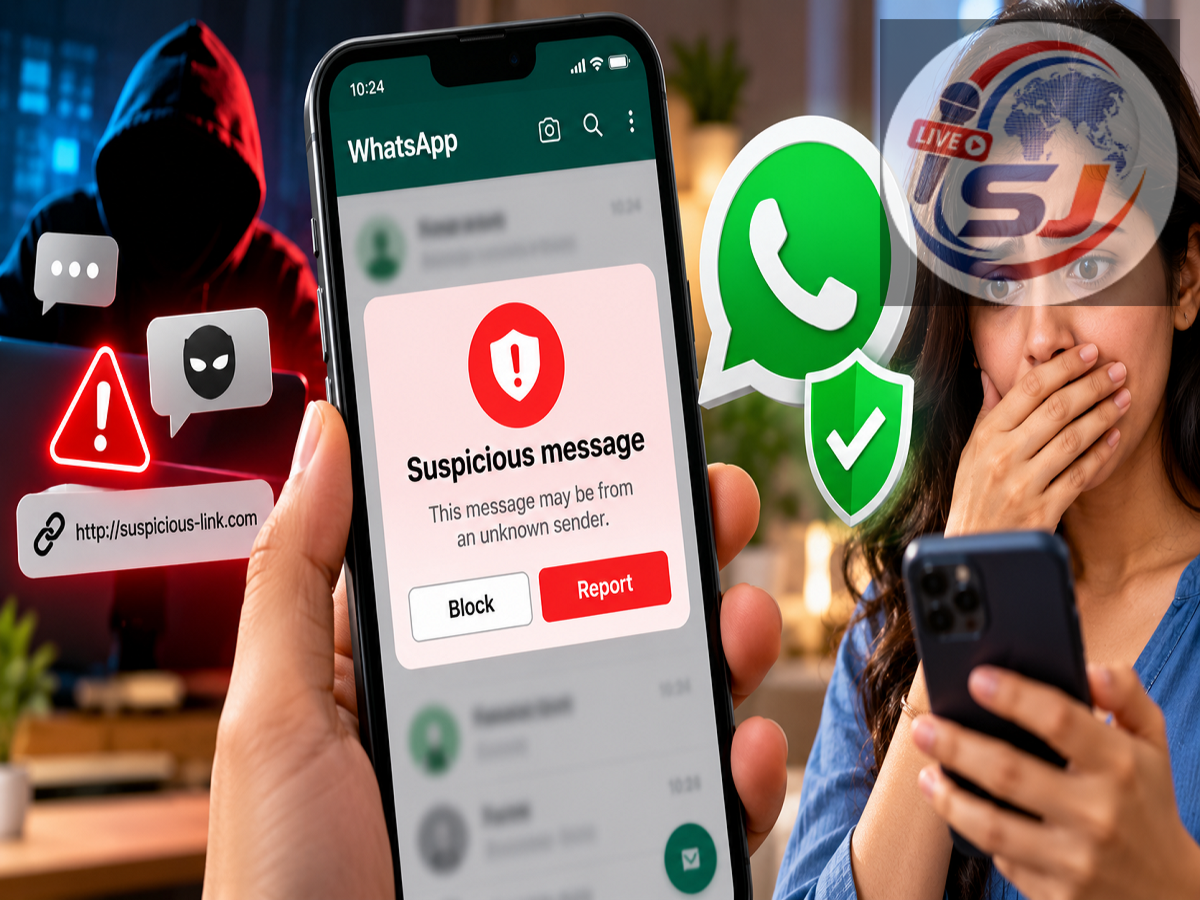
WhatsApp users regularly receive messages from unknown numbers, and some of them can be part of online scams. Fraudsters may pretend to be bank employees, company representatives, delivery agents or even friends and relatives to convince people to send money, open a suspicious link or reveal sensitive information.
To help users identify such messages, WhatsApp is reportedly testing a new Scam Alert feature that could display a warning when a conversation shows signs commonly associated with fraudulent activity.
The feature is said to analyse suspicious patterns on the user's device and alert the person before they decide how to respond.
However, the feature is reportedly available only to a limited number of Android beta users at this stage. This means most WhatsApp users may not yet see the Scam Alert option in their settings.
What Is WhatsApp Scam Alert?
Scam Alert is designed to provide an additional layer of protection when users receive potentially suspicious messages, particularly from unfamiliar numbers.
Online scammers often use urgency to pressure their targets.
For example, a message may claim that your bank account will be blocked unless you immediately verify your details. Another message may ask you to transfer money urgently, claiming to come from someone you know.
Fraudsters may also send links promising prizes, refunds, jobs or investment returns.
According to the details provided, WhatsApp's Scam Alert feature attempts to identify conversation patterns that could indicate suspicious behaviour.
If the system detects warning signs, it may display an alert within the chat.
How Could WhatsApp Detect a Suspicious Message?
The reported feature uses a machine-learning model to analyse certain patterns associated with suspicious conversations.
Importantly, the system is described as carrying out this analysis on the device.
It does not mean that every message from an unknown number will automatically be labelled a scam.
Instead, the system reportedly looks for patterns and behaviour similar to those commonly associated with fraudulent messages.
If potential warning signs are detected, WhatsApp may caution the user that the sender could be suspicious.
The user can then decide what to do next.
What Can You Do After Receiving an Alert?
If WhatsApp displays a scam warning, the feature does not automatically decide that the sender is a criminal or permanently remove the conversation.
Instead, the user remains in control.
Depending on the options available in the tested version, users may be able to block the number, report it, continue the conversation or mark the chat as trusted if they believe the warning was incorrect.
This is important because automated detection systems can make mistakes.
A genuine message from a new business contact, delivery person or someone using a new phone number could potentially look unusual even when it is legitimate.
The alert should therefore be treated as a reason to examine the conversation more carefully rather than as definitive proof that the sender is a scammer.
How to Turn On WhatsApp Scam Alert
According to the information provided, users who have received the feature can check for it inside WhatsApp.
The reported path is:
WhatsApp → Settings → Account → Scam Alert
If the Scam Alert option appears, users can activate it from there.
However, this setting is reportedly being tested with only some Android beta users, so it may not appear on your phone even if you are using the latest WhatsApp version.
The feature has also not been described as generally available to iPhone users at this stage.
Can't Find Scam Alert in Settings?
There is no need to worry if the option does not appear.
WhatsApp frequently tests new features with limited groups of users before deciding whether to expand their availability.
Updating the application also does not necessarily guarantee immediate access.
If Scam Alert is being enabled through a limited server-side or account-based rollout, two people running similar WhatsApp versions could still have different features available.
Users should therefore avoid installing unofficial applications or modified WhatsApp versions that claim to unlock Scam Alert.
Wait until the feature becomes officially available to your account.
Don't Install Unknown Apps to Get the Feature
This is particularly important because scammers can exploit interest in new WhatsApp features.
If you receive a message claiming that you must download a separate APK, app or software package to enable WhatsApp Scam Alert, treat it with caution.
New WhatsApp features should be obtained through official WhatsApp updates and legitimate app stores.
Users should never provide an OTP, WhatsApp verification code, bank PIN or card information to someone claiming that these details are required to activate a security feature.
Will WhatsApp Read Your Private Chats?
Privacy is an obvious concern whenever an application uses automated systems to analyse suspicious behaviour.
According to the information provided about the tested feature, Scam Alert is designed to perform the relevant message analysis on the user's phone.
The report states that the message content is not sent to WhatsApp or Meta specifically for this Scam Alert analysis.
The feature is also not described as automatically reporting every suspicious conversation.
Instead, when a warning appears, the user decides whether they want to block the sender, report the account or continue chatting.
If a user manually chooses to report an account, that is a separate action initiated by the user and is subject to WhatsApp's reporting process.
Scam Alert May Not Catch Every Fraud Attempt
Even if the feature becomes widely available, users should not depend entirely on automated scam detection.
Fraud techniques change constantly.
A sophisticated scam message may not always trigger a warning, while a legitimate conversation could potentially be flagged by mistake.
Users should therefore continue following basic digital-safety practices.
Be particularly cautious if an unknown person creates urgency and asks you to send money immediately.
Never share OTPs, UPI PINs, banking passwords, card PINs or WhatsApp verification codes through a chat.
Avoid opening suspicious links, particularly those claiming that an account will be blocked or a prize will expire within minutes.
If someone claims to represent your bank or another company, verify the request independently using the organisation's official contact channel.
A Warning Tool, Not a Guarantee Against Scams
WhatsApp's reported Scam Alert feature could provide users with another useful warning before they interact with potentially fraudulent messages.
But it should not be considered a complete fraud-prevention system.
The feature is designed to flag suspicious patterns and give users more information before they make a decision.
At present, the most important limitation is availability. The Scam Alert setting is reportedly being tested with selected Android beta users, and it has not been rolled out universally.
If you see the option under Settings → Account, you may be able to activate it. If it is missing, there is no need to download anything separately or use an unofficial workaround.
Until the feature reaches more users, caution remains the strongest defence: verify unusual requests, avoid suspicious links and never share financial or authentication credentials with unknown senders.
Note: Scam Alert is described here as a feature under limited testing based on the supplied report. Its name, location in Settings, functionality and availability could change before a wider WhatsApp rollout.