
WhatsApp Scam Alert 2026: Can Replying 'NO' to a Fake Bank Message Empty Your Account? Know the Truth
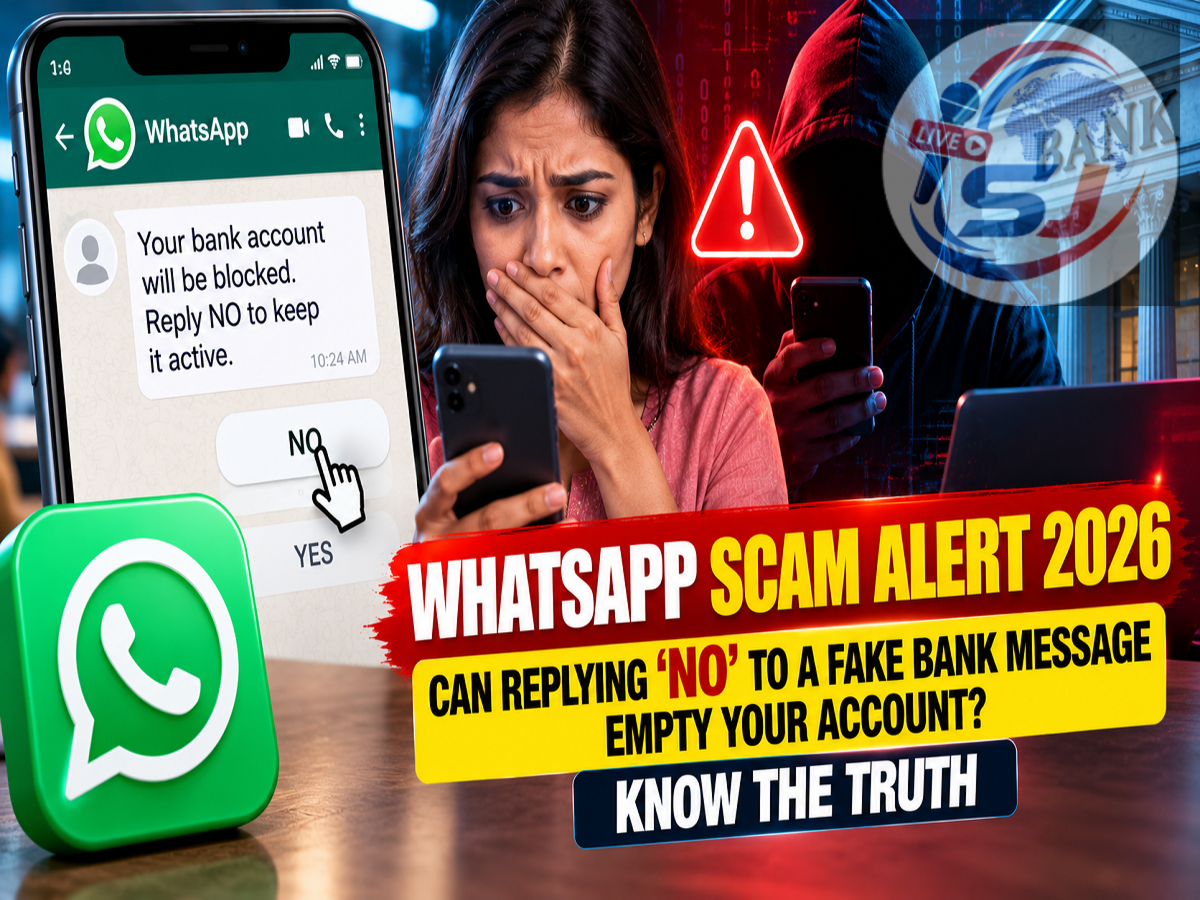
WhatsApp Banking Fraud Alert 2026: Cybercriminals are reportedly using a new type of WhatsApp message to frighten bank customers into responding to fake transaction alerts. The message claims that money has been deducted from the recipient's bank account and asks them to reply with 'YES' or 'NO' to confirm whether the transaction was authorised.
Unlike familiar online scams involving suspicious links, OTP requests or fake payment pages, this method initially appears to require nothing more than a simple text response.
The warning has attracted attention following reports about a WhatsApp banking fraud tactic highlighted by Hyderabad Police Commissioner V.C. Sajjanar.
However, there is an important distinction between responding to a fraudulent message and having a bank account compromised.
Simply typing 'NO' in a WhatsApp conversation does not ordinarily authorise a bank transfer, install malware or give a stranger access to your phone. The danger lies in how fraudsters may use the response to initiate further deception or persuade victims to take unsafe actions.
Here is how the reported scam works, what the technical risks actually are and how WhatsApp users can protect their money.
What Is the New WhatsApp 'YES or NO' Banking Scam?
In this reported fraud technique, a person receives an unexpected WhatsApp message from an unfamiliar number.
The sender claims that a transaction has been completed using the recipient's bank account.
The message may suggest that a substantial amount has been deducted and instruct the recipient to respond immediately if they did not authorise the payment.
For example, a fraudulent message might say:
A transaction has been processed from your bank account. If you did not authorise this payment, reply NO immediately.
The message is designed to create panic.
Someone worried about losing their savings may respond without checking whether the alert actually came from their bank.
Once the recipient replies, the fraudster knows the number is active and that the person may be concerned about the supposed transaction.
The scammer may then attempt to continue the conversation, impersonate a bank employee or introduce another fraudulent step.
How Do Fraudsters Use Fear to Target Bank Customers?
The main weapon in this type of scam is psychological pressure.
Cybercriminals often create situations that appear urgent so that victims act before thinking carefully.
A message about money disappearing from a bank account can be particularly effective because people naturally want to stop an unauthorised transaction.
Fraudsters may exploit this reaction by claiming that immediate action is required to reverse the payment or secure the account.
They could then request sensitive banking information, encourage the victim to install an application or direct them to a fraudulent customer support channel.
This method is commonly associated with social engineering, where attackers manipulate people rather than directly breaking through a bank's technical security.
Can Replying 'NO' Really Hack Your Phone?
Claims that a smartphone can automatically be hacked merely because someone replies with the word 'NO' should be treated cautiously.
Under normal circumstances, sending a plain-text WhatsApp reply does not execute an attachment, install an application or grant remote access to a device.
A text response also does not provide the banking credentials normally needed to authorise a financial transaction.
Reports discussing this scam have referred to possible hidden-code or automatic-execution attacks.
However, no independently verified technical mechanism has been established in the supplied report demonstrating that typing 'NO' alone triggers such an attack.
Sophisticated software vulnerabilities can exist, but exploiting them is different from an ordinary WhatsApp text reply.
Therefore, users should avoid both extremes: dismissing suspicious messages as harmless or believing that a single word automatically empties a bank account.
Why Is Replying to an Unknown Number Still Risky?
Although a simple response does not normally compromise a phone, interacting with scammers can increase the risk of further targeting.
A reply may confirm that the mobile number belongs to an active WhatsApp user.
The attacker may also learn that the recipient is willing to engage with unexpected financial messages.
This could lead to additional fraudulent communications, including fake bank verification requests, malicious attachments and impersonation attempts.
In some cases, scammers may claim that the victim must complete a security procedure to prevent further deductions.
The safest approach is to verify the alleged transaction independently instead of continuing the conversation.
WhatsApp Banking Scam: Warning Signs to Watch
| Suspicious Message Feature |
Why It May Be Dangerous |
|---|---|
| Message from an unknown or international number |
Sender may not be associated with the bank |
| Unexpected account debit warning |
Could be designed to create panic |
| Demand for an immediate YES or NO reply |
May encourage engagement without verification |
| Request for OTP, PIN or password |
Sensitive credentials may be stolen |
| Request to install an APK or remote-access app |
Could expose the device to malicious access |
| ZIP, EXE or unfamiliar attachment |
May contain harmful software |
| Threat that the account will be blocked |
Common pressure tactic used by scammers |
Not every unfamiliar message is fraudulent, but unexpected financial alerts should always be checked through trusted banking channels.
What Should You Do If You Receive This Message?
If a WhatsApp message claims that money has been deducted from your bank account, follow these precautions.
1. Do not respond immediately. Avoid replying to suspicious messages until you have verified the claim.
2. Check your bank account directly. Open your bank's official mobile application or internet banking service and review recent transactions.
3. Do not use links provided in the message. If you need to contact your bank, use its official website, application or customer support number.
4. Block and report suspicious senders. WhatsApp provides options to report and block accounts involved in suspicious activity.
5. Preserve evidence. Save screenshots showing the message, sender's number and relevant timestamps.
6. Avoid unknown attachments. Do not install applications or open unfamiliar executable files sent by strangers.
These measures can help prevent an initial suspicious message from turning into a larger financial fraud.
Beware of Fake Bank Statements and Malicious Files
The Indian Cyber Crime Coordination Centre (I4C) has issued warnings about malicious files distributed through messaging platforms.
Cybercriminals may disguise dangerous attachments as bank statements, official documents or other seemingly legitimate files.
Certain executable files or malicious applications can compromise devices if users download, open or install them.
For example, an attacker might send an Android application package (APK) and claim that it is required to verify a transaction.
Installing an untrusted application could expose personal information or allow unauthorised access, depending on the permissions granted and the malware involved.
Users should also be cautious about ZIP archives, executable files and other unexpected attachments.
The presence of a file does not automatically mean a device is infected. The risk increases when malicious content is opened, executed or installed.
What If You Have Already Replied 'NO'?
If you have only sent a plain-text reply and have not shared credentials, opened suspicious files, installed applications or authorised payments, there is generally no reason to assume that your bank account has been compromised.
Nevertheless, it is sensible to stop interacting with the sender and check your account activity through official channels.
If the scammer continues contacting you, block and report the number.
If you shared an OTP, entered banking credentials on a suspicious website or installed an unfamiliar application, take additional precautions immediately.
Contact your bank, secure the relevant accounts and seek technical assistance if device compromise is suspected.
What to Do If Money Has Already Been Stolen
Anyone who discovers an unauthorised financial transaction should report it to their bank without delay.
In India, victims of cyber-enabled financial fraud can contact the national cybercrime helpline at 1930.
A complaint can also be submitted through the official National Cyber Crime Reporting Portal.
Reporting quickly can improve the chances of appropriate action, although recovery of lost funds is not guaranteed.
Victims should preserve transaction details, messages, phone numbers and other evidence relevant to the incident.
They should also follow the bank's instructions regarding account protection and disputed transactions.
How to Report a Suspicious WhatsApp Account
WhatsApp users can generally report suspicious conversations directly through the application.
Open the conversation, access the contact information or conversation menu, and select the available reporting option.
Users can also block the sender to prevent further direct messages from that account.
The exact steps may vary depending on the device and application version.
Reporting suspicious accounts can help the platform investigate potential misuse.
How to Keep Your WhatsApp and Bank Account Secure
Digital security requires more than avoiding suspicious links.
Users should enable two-step verification for WhatsApp and protect their phones with a secure screen lock.
Banking applications should be downloaded only from official sources.
Never disclose a UPI PIN, banking password or OTP to someone claiming to be a customer support representative.
A legitimate bank employee should not need your UPI PIN to receive a complaint about an unauthorised transaction.
Users should also review app permissions and avoid granting accessibility or remote-control permissions to unknown applications.
Keeping the smartphone operating system and installed applications updated can help reduce exposure to known security vulnerabilities.
WhatsApp Scam Alert 2026: Final Takeaway
The reported WhatsApp 'YES or NO' banking scam demonstrates how cybercriminals use alarming financial messages to attract attention and manipulate potential victims.
A message claiming that money has been deducted from your bank account should never be accepted as genuine simply because it looks urgent.
Replying 'NO' alone does not normally cause money to disappear from a bank account. However, engaging with fraudsters may expose users to additional attempts involving fake customer support, malicious files or requests for confidential information.
The safest response is to verify transactions through your bank's official channels, avoid suspicious attachments and report fraudulent messages.
If an unauthorised transaction has already occurred, immediately inform your bank and report the incident through the 1930 cybercrime helpline.
Disclaimer: This article provides general cybersecurity awareness information based on reports available as of October 14, 2026. The claim that typing 'NO' alone can automatically hack a phone has not been technically established by the supplied report.