
WhatsApp Privacy Trick 2026: Hide Personal Chats With Chat Lock and Secret Code, Here's How
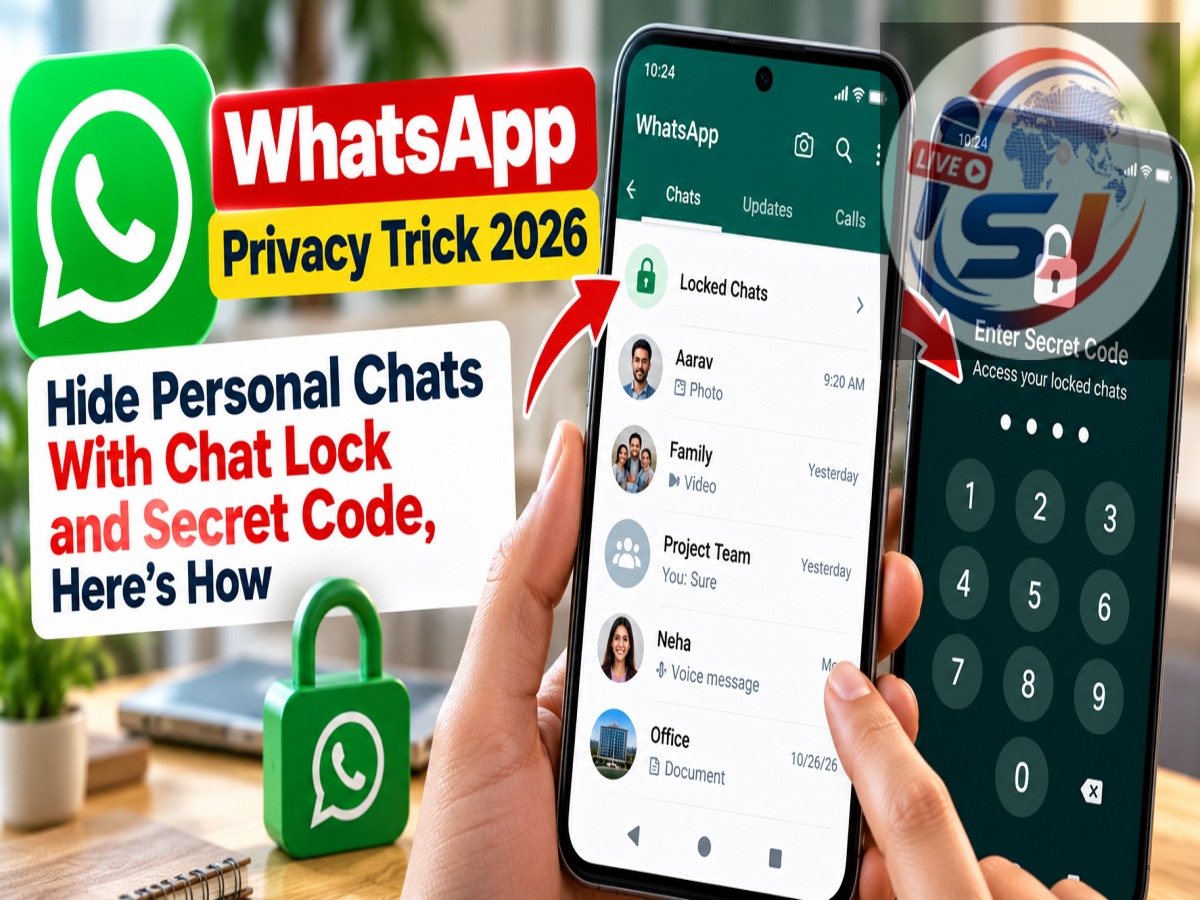
WhatsApp Chat Lock Feature 2026: Do you want to keep certain WhatsApp conversations private without locking the entire application? WhatsApp offers a useful privacy feature called Chat Lock, which allows users to protect individual conversations using their phone's fingerprint, face recognition or passcode.
Whether you want to protect personal messages, confidential work discussions or sensitive information, this feature adds an extra layer of security to selected chats.
According to a Live Hindustan report published on October 29, 2026, WhatsApp users can also use the Secret Code feature to hide the Locked Chats folder from the main chat list.
This means that even if someone opens WhatsApp on your phone, the protected conversations will not appear among your regular chats.
Here is how the feature works and how you can enable it on your smartphone.
What Is WhatsApp Chat Lock?
WhatsApp Chat Lock is a privacy feature designed to protect selected personal and group conversations.
When users activate Chat Lock for a conversation, WhatsApp moves that chat from the regular chat list into a separate section called Locked Chats.
Accessing this section requires authentication, depending on the device and its security settings.
The feature is especially useful for people who occasionally share their smartphones with family members, friends or colleagues.
For example, someone may need to hand over their phone to show a photograph or make a call but may not want other people to read private WhatsApp conversations.
Chat Lock provides an additional barrier against casual access.
However, it does not guarantee complete protection if someone else knows the device passcode or has access to an authorised unlocking method.
How to Lock a Personal WhatsApp Chat
Users can lock an individual WhatsApp conversation by following a few simple steps.
-
Open WhatsApp on your Android smartphone or iPhone.
-
Select the personal or group conversation you want to protect.
-
Tap the contact or group name at the top of the screen.
-
Open the chat information page.
-
Find the Chat Lock option.
-
Tap the option and enable the available locking setting.
-
Complete the required authentication using your phone's supported security method.
After the feature is activated, the conversation will move into the Locked Chats section.
The chat will no longer appear in the regular conversation list in the same way as before.
The exact menu wording may vary depending on your WhatsApp version and device.
Where Can You Find Locked Chats on WhatsApp?
After enabling Chat Lock, some users may initially find it difficult to locate the protected conversation.
WhatsApp places locked conversations in a dedicated folder.
To access it, open WhatsApp and go to the main Chats screen.
On supported versions, pull down the chat list to reveal the Locked Chats folder.
Tap the folder and complete the required authentication.
You can then open your protected conversations.
If you have enabled the Secret Code feature and chosen to hide the folder, the Locked Chats section may not appear in the normal chat list.
In that situation, you will need to use the configured Secret Code to locate it.
WhatsApp Secret Code: What Is It?
Secret Code is an additional privacy feature that works with Chat Lock.
While Chat Lock protects individual conversations, Secret Code can help conceal the Locked Chats folder itself.
Without this setting, someone using your phone might notice that you have a Locked Chats folder, even if they cannot open it.
With the appropriate Secret Code settings enabled, the folder can be hidden from the main chat list.
Users can then reveal their protected chats by entering the correct Secret Code in WhatsApp's search bar.
This adds another level of privacy for users who do not want the presence of locked conversations to be immediately visible.
How to Hide Locked Chats Using Secret Code
Users who want to hide the Locked Chats folder can follow these steps.
-
Open WhatsApp and access the Locked Chats folder.
-
Complete the required authentication.
-
Open the available Chat Lock settings.
-
Select Secret Code.
-
Create a code that is difficult for other people to guess.
-
Confirm the code when prompted.
-
Return to Chat Lock settings.
-
Enable Hide Locked Chats, if the option is available.
Once this setting is enabled, the Locked Chats folder can disappear from the main chat list.
To access it again, enter your Secret Code in WhatsApp's search bar.
The protected folder should become accessible after the correct code is recognised.
Users should select a code they can remember while avoiding obvious combinations.
Chat Lock vs Secret Code: What Is the Difference?
Although the two features work together, they serve different purposes.
| Feature |
Chat Lock |
Secret Code |
|---|---|---|
| Main purpose |
Protect selected conversations |
Help conceal the Locked Chats folder |
| Authentication |
Supported device security method |
User-created secret code |
| Removes chat from normal list |
Yes |
Works with locked chats |
| Hides Locked Chats folder |
Not necessarily |
Yes, when hiding is enabled |
| Can protect group chats |
Yes |
Applies to the locked chat section |
For users seeking greater privacy, combining both features can be more useful than enabling Chat Lock alone.
Can You Lock a WhatsApp Group Chat?
Yes. Chat Lock is not limited to conversations with individual contacts.
Users can also protect supported group conversations.
This may be helpful when a group contains private family information, financial discussions or confidential workplace messages.
The locking process is generally similar to the steps used for an individual conversation.
Open the group, tap its name and look for the Chat Lock option in the group information settings.
Once enabled, the group conversation can be moved into the Locked Chats folder.
Will Notifications Reveal Locked WhatsApp Messages?
WhatsApp's Chat Lock feature is designed to provide additional privacy for protected conversations, including reducing the exposure of message content in notifications.
However, notification behaviour can depend on the operating system, app version and device settings.
Users who want stronger privacy should also review their phone's lock-screen notification settings.
For example, Android and iPhone devices offer options that can restrict the display of message previews while the phone is locked.
Combining these settings with Chat Lock can help reduce accidental exposure of private information.
Is WhatsApp Chat Lock Completely Secure?
Chat Lock is useful, but users should understand its limitations.
It is primarily intended to restrict casual access to selected conversations on a device.
It does not replace the need for strong phone security.
If another person knows your phone's unlock passcode, the protection offered by device-based authentication may be weaker.
Similarly, someone who has access to an unlocked phone or another linked WhatsApp device may present additional privacy risks depending on the applicable settings.
Users should therefore review their linked devices, device authentication and WhatsApp privacy settings regularly.
They should also avoid sharing their Secret Code with other people.
Important WhatsApp Privacy Tips
Besides using Chat Lock, WhatsApp users can improve their account security through several basic precautions.
-
Enable two-step verification in WhatsApp's account settings.
-
Use a strong phone passcode and supported biometric authentication.
-
Avoid sharing OTPs or verification codes.
-
Review linked devices and remove unfamiliar sessions.
-
Keep WhatsApp updated through the official app store.
-
Restrict lock-screen message previews when privacy is important.
These steps can help protect personal information from unauthorised access.
How to Remove Chat Lock From a Conversation
Users who no longer want a conversation to remain locked can disable the feature.
First, open the Locked Chats folder and authenticate.
Select the conversation you want to unlock.
Open its contact or group information page and locate Chat Lock.
Disable the locking option and complete any required verification.
The conversation should then return to the regular chat list, subject to the app's current behaviour.
Users should remember that unlocking a chat may make it easier for someone with access to their phone to view the conversation.
WhatsApp Chat Lock 2026: Final Update
WhatsApp's Chat Lock and Secret Code features provide a convenient way to protect selected conversations without locking the entire application.
Chat Lock moves personal or group conversations into a protected folder, while Secret Code can hide that folder from the main chat list.
Users can reveal their hidden conversations by entering the correct Secret Code in WhatsApp's search bar.
The key takeaway: If you want to keep a particular WhatsApp conversation private, enable Chat Lock and consider using Secret Code with Hide Locked Chats. These features add useful privacy protections, although strong device security remains essential.