
WhatsApp Privacy Settings 2026: 5 Essential Features to Protect Your Chats, Profile Photo and Status
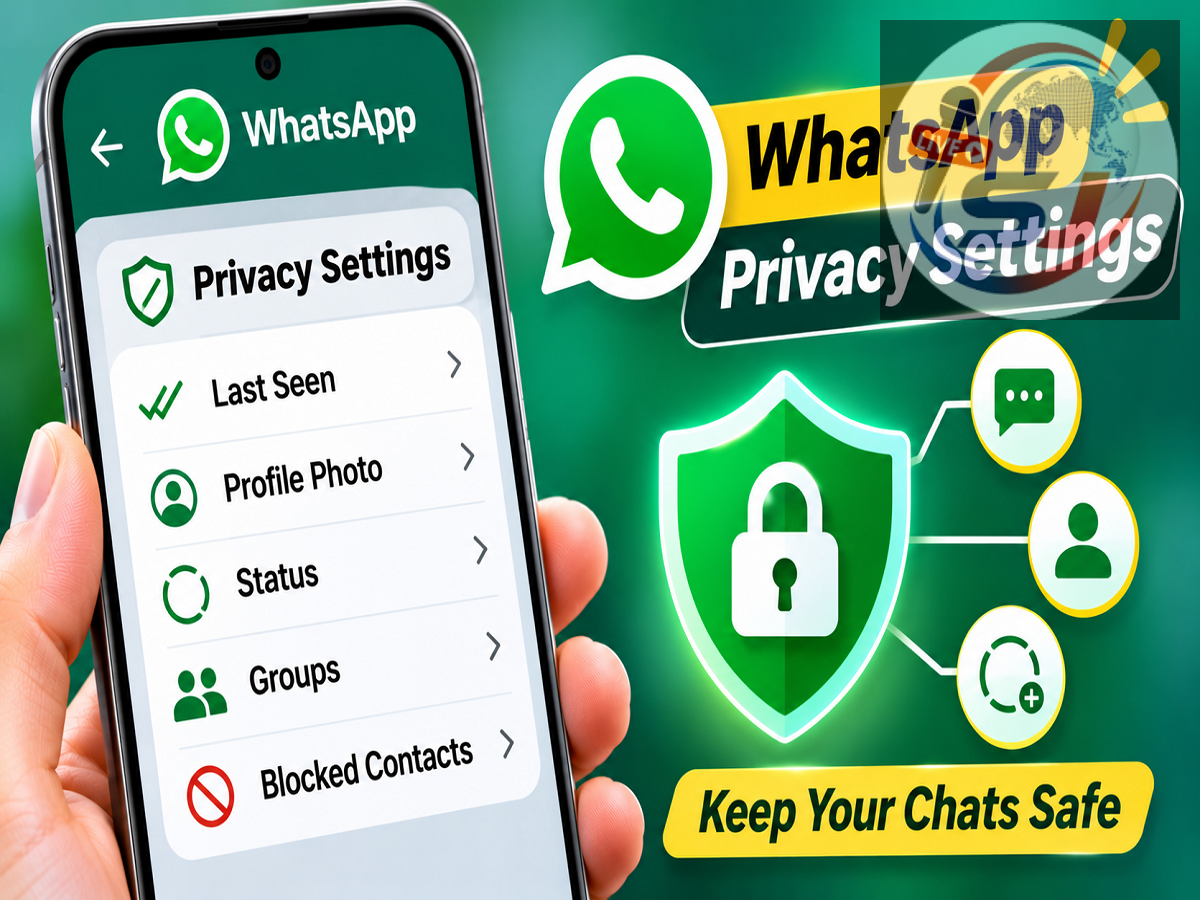
WhatsApp Privacy Tips 2026: WhatsApp has become an essential communication platform for millions of people who use it to exchange personal messages, family photographs, office documents, videos and important information. However, with so much private content being shared through the messaging application, managing privacy settings is increasingly important.
Many WhatsApp users may not realize that the Meta-owned platform provides several built-in controls to help protect personal conversations and manage who can view their information. From locking individual chats to restricting profile photo visibility, these features allow users to customize their privacy according to their preferences.
Five particularly useful options include Chat Lock, App Lock, Profile Photo Privacy, View Once and Status Privacy. These features are available on supported Android smartphones and iPhones, although their exact location and appearance may differ depending on the application version.
Here is a detailed guide explaining how these WhatsApp privacy features work and how to enable them.
1. WhatsApp Chat Lock: Keep Personal Conversations Private
WhatsApp's Chat Lock feature provides an additional layer of protection for selected conversations.
It can be particularly useful for people who share their smartphones with family members or occasionally hand their devices to others.
When Chat Lock is enabled, the selected conversation moves from the regular chat list into a protected Locked Chats folder.
Accessing the conversation requires the authentication method supported by the device.
How to Enable Chat Lock on WhatsApp
-
Open WhatsApp on your Android phone or iPhone.
-
Select the conversation you want to protect.
-
Tap the contact's or group's name at the top.
-
Find the Chat Lock option.
-
Enable the feature and complete the required authentication.
Once activated, the conversation will be moved into the Locked Chats section.
WhatsApp also offers a Secret Code feature that can provide additional privacy by allowing users to hide the Locked Chats folder from their regular chat list.
Users can then access hidden locked chats by entering their secret code in WhatsApp's search bar.
The availability and exact setup process may vary according to the application version.
2. WhatsApp App Lock: Protect the Entire Application
While Chat Lock protects individual conversations, App Lock helps restrict access to WhatsApp itself.
This feature can be useful when someone else temporarily uses your smartphone.
Depending on the device, WhatsApp may support fingerprint authentication, Face ID or other compatible device security methods.
How to Turn On WhatsApp App Lock
On supported Android devices:
-
Open WhatsApp.
-
Tap Settings.
-
Navigate to Privacy.
-
Find App Lock or the fingerprint lock option.
-
Enable the available authentication method.
On supported iPhones, users can find WhatsApp's application locking controls under the relevant Privacy settings, although the menu name may vary.
After enabling the feature, WhatsApp may require authentication whenever someone attempts to open the application.
However, certain functions, such as responding to notifications or incoming calls, may remain available depending on the device and settings.
For stronger privacy, users should also review their phone's lock-screen notification settings to prevent sensitive message previews from appearing.
3. WhatsApp Profile Photo Privacy: Choose Who Can See Your Picture
Your WhatsApp profile photograph can reveal personal information, particularly when it is visible to people outside your trusted contacts.
Fortunately, WhatsApp allows users to control who can view their profile picture.
How to Change Profile Photo Privacy
Follow these steps:
-
Open WhatsApp and go to Settings.
-
Select Privacy.
-
Tap Profile Photo.
-
Choose your preferred visibility setting.
WhatsApp generally provides the following options:
| Privacy Option |
What It Means |
|---|---|
| Everyone |
Your profile photo may be visible to WhatsApp users generally |
| My Contacts |
Only eligible people saved in your contacts can view it |
| My Contacts Except |
Hide your photo from selected contacts |
| Nobody |
Prevent other users from viewing your profile photo |
For users who want greater control over their personal information, limiting profile photo visibility to trusted contacts can be a useful precaution.
The My Contacts Except option is particularly helpful when you want to hide your picture from specific people without blocking them.
4. WhatsApp View Once: Send Photos and Videos With Additional Privacy
WhatsApp's View Once feature is designed for sharing media that should not remain available for repeated viewing.
When users send a supported photo or video using View Once, the recipient can open it once before it becomes unavailable through the normal chat interface.
This option may be useful for sharing temporary information or media that does not need to remain in the conversation.
How to Send View Once Photos or Videos
-
Open a WhatsApp conversation.
-
Select the photo or video you want to send.
-
On the preview screen, locate the circular 1 icon.
-
Tap the icon to activate View Once.
-
Send the media to the recipient.
WhatsApp also supports View Once functionality for voice messages on compatible versions.
According to WhatsApp's privacy protections, View Once media cannot normally be saved through the usual gallery-saving option, and screenshot or screen-recording restrictions are applied within supported applications.
However, these protections are not absolute. A recipient may still capture the content using another device or external method.
Therefore, users should share sensitive media only with people they trust.
View Once also does not replace the need for caution when sharing personal documents, financial information or confidential photographs.
5. WhatsApp Status Privacy: Decide Who Can View Your Updates
WhatsApp Status allows users to share photographs, videos, text and other updates that typically disappear after 24 hours.
However, not every update needs to be visible to every contact.
WhatsApp provides audience controls that allow users to decide who can see their Status posts.
How to Manage WhatsApp Status Privacy
-
Open WhatsApp.
-
Go to Settings.
-
Select Privacy.
-
Tap Status.
-
Choose the audience you want.
The available privacy options generally include:
| Status Privacy Setting |
Visibility |
|---|---|
| My Contacts |
Share updates with eligible contacts |
| My Contacts Except |
Exclude selected contacts from viewing updates |
| Only Share With |
Make updates visible only to selected contacts |
The Only Share With option can be particularly useful for personal updates intended for a small group of trusted people.
For example, users may want to share family photographs with relatives while keeping those updates hidden from professional contacts.
It is also important to remember that changes to Status privacy settings generally apply to future updates rather than retroactively changing the audience of previously posted content.
Be Careful When Mentioning People in WhatsApp Status
WhatsApp also supports private mentions in Status updates.
This functionality allows users to notify selected people or groups about a Status post.
Depending on the feature's implementation, mentioned recipients may be able to reshare the Status with their own audience.
Therefore, users should carefully review whom they mention before publishing content containing personal information.
Even when Status visibility is restricted, recipients may still capture or share information outside WhatsApp.
Privacy settings can reduce exposure, but they cannot guarantee that every recipient will keep shared content confidential.
Additional WhatsApp Privacy Tips Every User Should Know
Apart from the five features discussed above, WhatsApp users can strengthen their account security through a few additional precautions.
Enabling two-step verification can help protect against unauthorized account registration attempts.
Users should also review linked devices regularly and sign out of sessions they do not recognize.
Keeping WhatsApp updated through official app stores is important because updates may include security improvements and bug fixes.
Avoid sharing verification codes, account PINs or sensitive login information with anyone.
Users can also review their Last Seen, Online, About and group invitation privacy settings to manage how much personal information is visible to others.
Why WhatsApp Privacy Settings Matter
WhatsApp is used for far more than casual messaging. Many people exchange work-related documents, personal photographs, family information and financial details through the platform.
Although WhatsApp protects personal messages and calls with end-to-end encryption, encryption alone does not control who can physically access an unlocked phone or view information shared through a user's profile and Status.
That is why additional privacy controls remain important.
Features such as Chat Lock and App Lock help restrict access to conversations, while Profile Photo and Status Privacy settings allow users to manage the visibility of their personal information.
View Once provides another option for sharing certain types of temporary media, although users should remain aware of its limitations.
Final Takeaway
WhatsApp offers several practical privacy features that can help users protect conversations and control the visibility of their personal information.
Chat Lock secures selected conversations, App Lock restricts access to the application, and Profile Photo Privacy determines who can see your picture.
Meanwhile, View Once adds restrictions to supported media, and Status Privacy allows users to choose the audience for their updates.
Taking a few minutes to review these five settings can help make WhatsApp more private and better suited to individual preferences.