
WhatsApp Privacy Alert 2026: 5 Ways Your Private Chats Could Be Exposed and How to Protect Your Messages
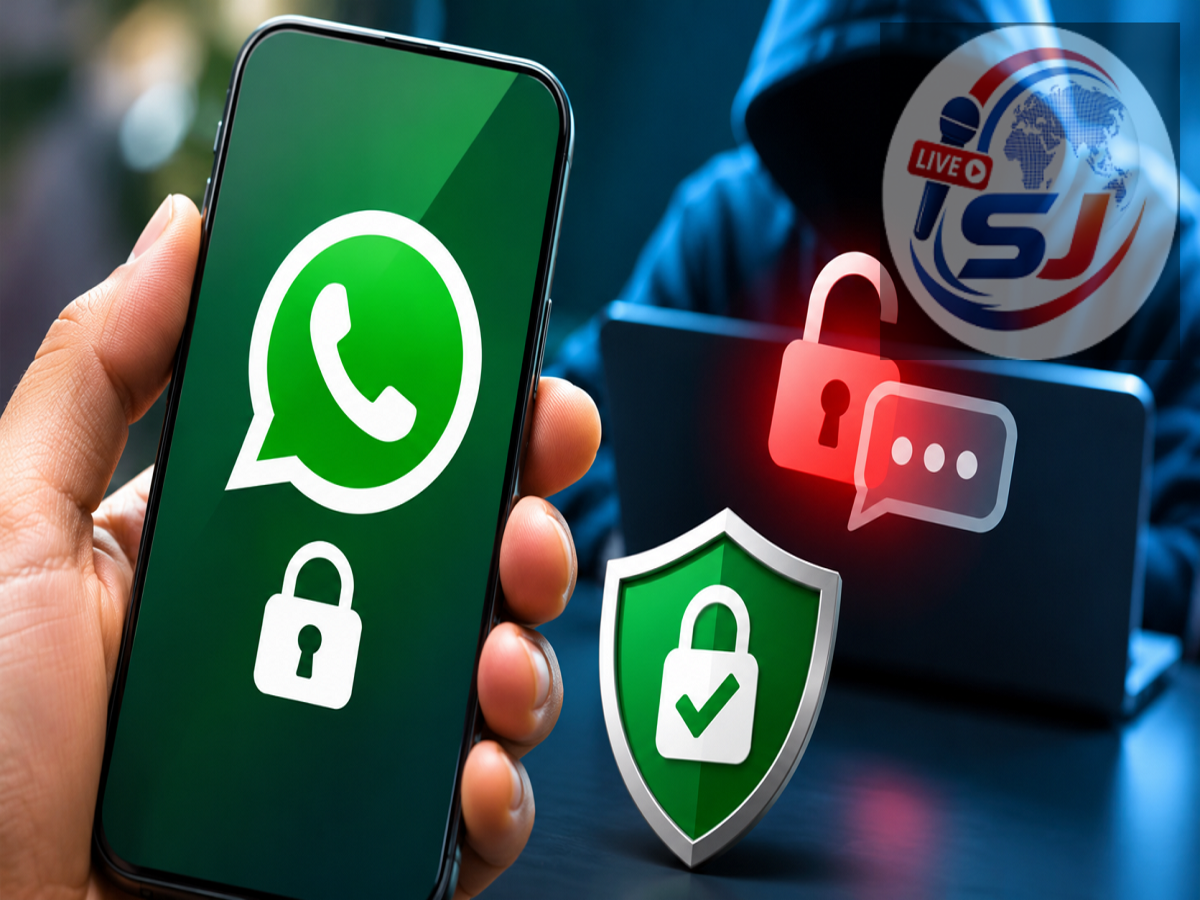
WhatsApp Security Tips 2026: WhatsApp is one of the most widely used messaging platforms, allowing millions of people to exchange personal messages, photographs, videos, documents and voice notes every day. The platform uses end-to-end encryption to protect personal conversations, meaning that messages are designed to remain accessible only to the sender and intended recipients.
WhatsApp states that even the company cannot read the contents of properly encrypted personal messages while they are being transmitted. However, this does not mean every conversation is completely protected from unauthorised access.
Cybercriminals, suspicious linked devices, compromised smartphones and careless privacy settings can expose sensitive conversations. In some cases, another person may be able to read messages without directly breaking WhatsApp's encryption.
Understanding these risks can help users identify suspicious activity and strengthen their account security.
Can Someone Read Your WhatsApp Chats Without Your Permission?
WhatsApp's end-to-end encryption is an important security feature, but it protects messages primarily during transmission between communicating devices.
Once messages reach a smartphone or another authorised linked device, their security also depends on the protection of that device.
For example, someone who gains access to an unlocked phone may be able to read conversations directly. Similarly, a linked computer that remains accessible to another person can expose messages.
Users should also understand that WhatsApp does not provide a feature that identifies everyone who has viewed their conversations.
However, several security checks can help detect unauthorised device access or other suspicious activity.
1. Unknown Linked Devices May Expose Your WhatsApp Messages
WhatsApp allows users to access their accounts on additional devices, including computers and other supported smartphones.
This feature is useful for people who regularly switch between devices, but it can become a privacy concern if an unfamiliar device is linked to an account.
Anyone with access to an authorised linked device may be able to view conversations available on that device.
How to check linked devices:
-
Open WhatsApp on your primary smartphone.
-
On Android, tap the three-dot menu and select Linked Devices. On iPhone, open Settings and select Linked Devices.
-
Review the list of connected devices.
-
Check whether any device appears unfamiliar.
-
Select a suspicious device and log it out.
Users should review this section periodically, especially after using WhatsApp Web on shared or public computers.
2. Someone With Access to Your Unlocked Phone Can Read Your Chats
One of the simplest ways personal conversations become exposed is through physical access to a smartphone.
If someone uses an unlocked phone, they may be able to open WhatsApp and read messages without needing to bypass the platform's encryption.
This risk can arise when a device is left unattended, shared with another person or protected by a weak screen lock.
How to improve protection:
-
Enable a strong phone passcode, fingerprint authentication or facial recognition.
-
Activate WhatsApp's app-lock feature where available.
-
Use Chat Lock for conversations requiring additional privacy.
-
Avoid leaving your smartphone unlocked in public places.
-
Hide sensitive message previews from the lock screen.
These precautions reduce the chances of someone accessing private conversations through the device itself.
3. Spyware and Malicious Applications Can Threaten Chat Privacy
Malicious software is another potential threat to messaging privacy.
Some harmful applications attempt to collect information from compromised devices by abusing permissions or exploiting security vulnerabilities.
On certain devices, malicious applications with excessive accessibility or notification permissions may be able to capture information displayed on the screen.
Users should be particularly cautious about applications that promise to reveal deleted WhatsApp messages, secretly monitor other people's conversations or provide unofficial WhatsApp features.
Such applications may expose personal data or compromise device security.
Safety precautions: Install applications only from trusted sources, review app permissions and keep the operating system updated. Avoid installing unknown APK files received through messaging applications or suspicious websites.
4. WhatsApp Backups May Create Additional Privacy Risks
WhatsApp users often back up their conversations to cloud services so that messages can be restored after changing or resetting a smartphone.
However, backup security depends on the settings used.
WhatsApp offers end-to-end encrypted backups, which provide additional protection for stored conversations when enabled.
Without this protection, backup confidentiality may depend more heavily on the security of the associated cloud account and service.
How to check backup encryption:
-
Open WhatsApp.
-
Go to Settings and select Chats.
-
Open Chat Backup.
-
Look for End-to-end Encrypted Backup.
-
Follow the available instructions to enable or manage the feature.
Users should also secure their Google or Apple accounts with strong authentication and protect any backup password or encryption key.
5. Account Takeover Scams Can Give Criminals Access to WhatsApp
Cybercriminals sometimes attempt to take over WhatsApp accounts by tricking users into sharing registration codes or approving fraudulent device-linking requests.
A scammer may pretend to be a friend, customer-support representative or company employee.
They may claim that a verification code was sent accidentally and ask the recipient to forward it.
Sharing a WhatsApp registration code can allow an attacker to attempt account registration on another device.
Criminals may also use deceptive QR codes or linking instructions to gain access to a victim's account.
Important: Never share WhatsApp registration codes, two-step verification PINs or device-linking approvals with anyone.
How to Check Whether Your WhatsApp Account Is Secure
WhatsApp security checklist
0 of 6 completed
Review all devices under Linked Devices
Enable WhatsApp two-step verification
Turn on app lock and secure your phone
Check end-to-end encrypted backup settings
Remove suspicious apps and review permissions
Update WhatsApp and your phone's operating system
Completing these checks can improve account security, although no checklist can guarantee that a device is completely free from compromise.
How to Enable Two-Step Verification on WhatsApp
Two-step verification provides an additional layer of protection against unauthorised account registration.
To activate it, open WhatsApp and navigate to Settings → Account → Two-step Verification.
Select the option to enable the feature and create a six-digit PIN.
WhatsApp may also allow users to add an email address for account recovery.
Choose a PIN that is difficult for others to guess and avoid sharing it with anyone.
Two-step verification can reduce the risk of account takeover, but users should still remain cautious about suspicious messages and linking requests.
Warning Signs That Your WhatsApp Account May Be Compromised
Certain unusual activities may indicate that an account requires immediate attention.
These include unfamiliar linked devices, unexpected registration-code requests, account logout notifications and messages appearing to have been sent without the user's knowledge.
Friends or family members receiving unusual requests for money from an account may also indicate possible misuse.
However, none of these signs alone proves that someone has hacked the account.
Users should investigate suspicious activity carefully and avoid assuming that ordinary technical problems are necessarily security breaches.
What to Do If You Suspect Someone Is Reading Your WhatsApp Chats
If you believe another person may have accessed your conversations, begin by reviewing linked devices and removing any connections you do not recognise.
Next, change the security credentials of relevant accounts, strengthen your phone's screen lock and enable WhatsApp two-step verification.
Check whether unfamiliar applications have been installed or granted sensitive permissions.
If your WhatsApp account has been taken over, follow the official account recovery process and inform your contacts that suspicious messages may have been sent from your number.
In India, suspected cybercrime can be reported through the National Cyber Crime Reporting Portal. Financial cyber fraud can also be reported by calling 1930.
Does WhatsApp End-to-End Encryption Guarantee Complete Privacy?
End-to-end encryption provides strong protection for message content while it travels between authorised participants.
However, encryption does not prevent someone from reading messages on an unlocked device, accessing an authorised linked computer or viewing information that another participant chooses to share.
Recipients can also take screenshots, forward messages or disclose conversation details.
Therefore, WhatsApp privacy depends on a combination of encryption, device security, account protection and responsible user behaviour.
Conclusion
WhatsApp offers important security features, but personal conversations can still become exposed through compromised devices, unauthorised linked sessions, malicious applications, insecure backups and account takeover scams.
Users who want to protect their private messages should regularly review connected devices, enable two-step verification, secure their smartphones and avoid suspicious links or verification requests.
Most importantly, WhatsApp does not offer a reliable feature showing exactly who has read your private chats. The best approach is to monitor potential access points and take preventive action before sensitive information is exposed.