
WhatsApp New Update 2026: Android Users Can Now Add Cover Photos to Profiles, Here's How
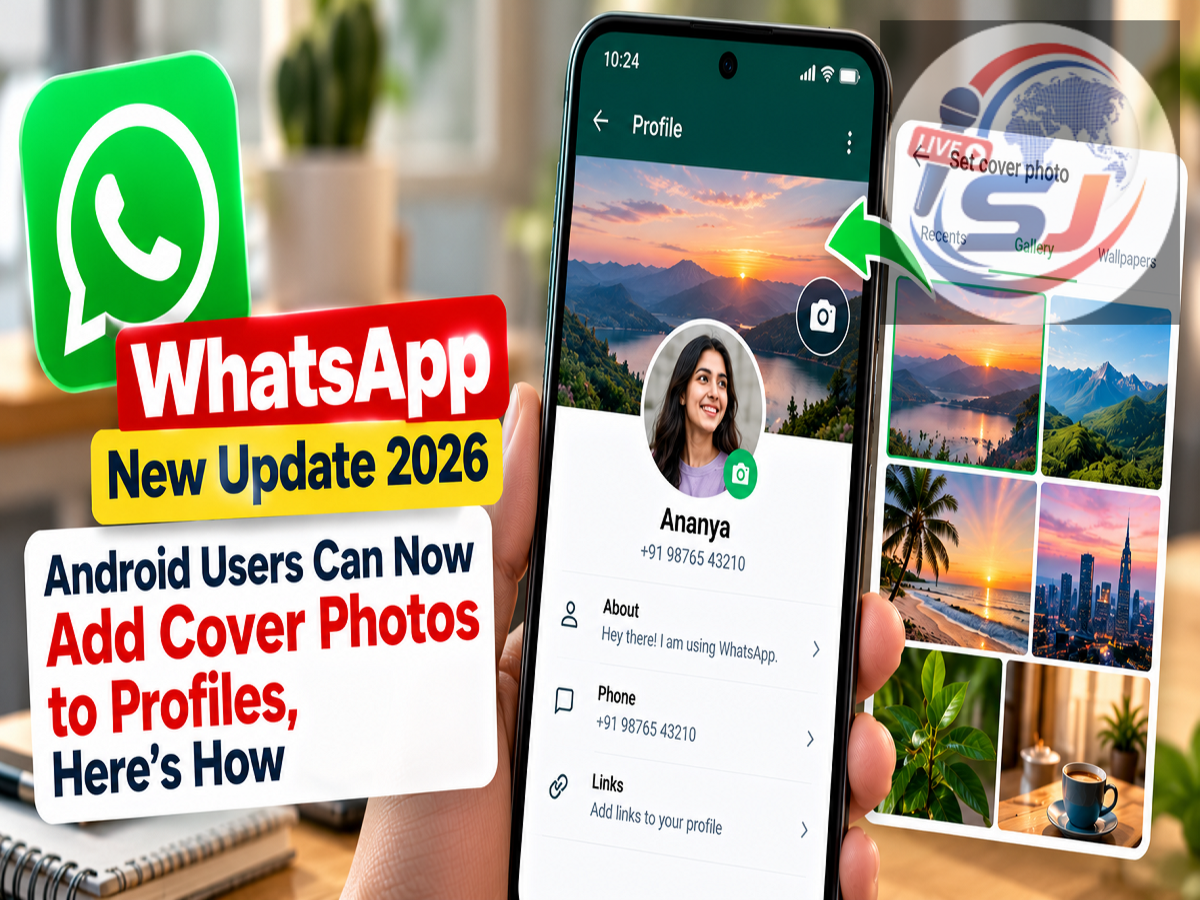
WhatsApp Cover Photo Update 2026: WhatsApp is introducing a new feature that will allow users to add a cover photo to their personal profiles. The update aims to make WhatsApp profiles more attractive and personalised, similar to the cover image feature available on several social media platforms.
According to a report by WhatsApp feature tracker WABetaInfo, the new functionality has been spotted in WhatsApp beta for Android version 2.26.43.11. It is currently being introduced to selected beta testers through the Google Play Store.
With this feature, users can display a large horizontal image at the top of their profile without replacing their existing profile picture. WhatsApp is also introducing privacy settings that allow users to decide who can see their cover photos.
However, the feature is not yet available to all Android users, and WhatsApp has not announced an official date for its wider release.
WhatsApp Introduces Cover Photos for Personal Profiles
Until now, WhatsApp users have mainly relied on profile pictures, names and About information to personalise their accounts.
The new update introduces an additional visual element in the form of a cover photo.
Unlike a traditional profile picture, which appears in a circular format, the cover photo will be displayed as a wide rectangular banner.
This allows users to showcase landscape photographs, travel memories, artwork or other images that reflect their interests.
According to the report, the feature is no longer limited to business-related profile customisation. Selected users with personal WhatsApp accounts can now access the cover photo option during beta testing.
The addition could make WhatsApp profiles more expressive while retaining the platform's familiar messaging experience.
Where Will the WhatsApp Cover Photo Appear?
The new cover photo is expected to appear in multiple sections of the application.
Users will see the image at the top of their personal profile page and in the relevant settings interface.
Other people may also see the cover photo when they open the user's chat information screen, depending on the selected privacy settings.
The image will appear above the profile picture, contact name and phone number.
Importantly, the cover photo does not replace the regular profile picture.
Users can keep both images at the same time.
If someone chooses not to upload a cover photo, WhatsApp may display a default background until a custom image is selected.
How to Set a Cover Photo on WhatsApp for Android
Android users who receive access to the new feature can add a cover photo through their WhatsApp profile settings.
Follow these steps:
-
Open WhatsApp on your Android smartphone.
-
Go to the Settings section.
-
Tap your profile to open the profile information page.
-
Look for the cover photo section and select Edit.
-
Choose how you want to add an image.
-
Select a photo from your gallery, capture a new picture or use the available Meta AI option.
-
Review the selected image as WhatsApp adjusts it to the landscape banner format.
-
Save the cover photo.
Once the image is saved, it should appear in the designated profile area.
These steps are based on the reported beta interface. The final process may change before the public rollout.
WhatsApp May Allow Users to Generate Cover Photos With Meta AI
One interesting addition is the reported integration of Meta AI.
According to the report, eligible users may be able to create a new cover photo using Meta's artificial intelligence tools.
This could be useful for people who do not want to upload personal photographs.
For example, users may choose an AI-generated nature scene, abstract artwork or another suitable background.
The image can then be displayed in the horizontal cover photo section.
However, Meta AI availability may vary depending on the account, region and WhatsApp version.
Users should also review AI-generated images before sharing them through their profiles.
WhatsApp Cover Photo Privacy: Who Can See Your Image?
WhatsApp is reportedly introducing dedicated privacy controls for cover photos.
These settings will allow users to choose who can view the image.
The report identifies four options.
| Privacy option |
What it means |
|---|---|
| Everyone |
The cover photo can be visible to other WhatsApp users |
| My Contacts |
Only saved contacts can see the cover photo |
| My Contacts Except |
Selected contacts can be excluded from viewing it |
| Nobody |
The cover photo is hidden from other users |
These options are similar to privacy settings already available for other WhatsApp profile information.
For example, users who want only friends and family to see their cover photo can select My Contacts.
Those who want to exclude certain people can choose My Contacts Except.
Users who prefer to keep their cover image private can select Nobody.
The exact settings and their behaviour may be refined during beta testing.
Can Someone See Your Cover Photo Without Saving Your Number?
The answer depends on the privacy option selected by the profile owner.
If the cover photo is set to Everyone, it may be visible more broadly.
If the setting is My Contacts, visibility will generally be limited to saved contacts.
Therefore, users should check their cover photo privacy settings before uploading personal or sensitive images.
A cover photo containing family photographs, home details or other personal information should be shared carefully.
WhatsApp Cover Photo vs Profile Picture: Key Differences
Although both features allow users to display images, their appearance and purpose are different.
| Feature |
Profile picture |
Cover photo |
|---|---|---|
| Image shape |
Circular |
Horizontal banner |
| Main purpose |
Identify the account |
Personalise the profile |
| Position |
Profile and chat interfaces |
Top of the profile page |
| Can be used together |
Yes |
Yes |
| Availability |
Available to regular users |
Limited Android beta rollout |
The new feature provides more visual space without changing the existing profile picture system.
Who Can Use the New WhatsApp Cover Photo Feature?
The feature has reportedly appeared in WhatsApp beta for Android version 2.26.43.11.
However, only selected beta testers currently have access.
WhatsApp commonly introduces new features gradually before making them available to a wider audience.
This allows the company to identify technical issues, evaluate user feedback and make necessary improvements.
As a result, two people using the same beta version may not receive the feature at the same time.
The rollout may expand over the coming weeks, but an official timetable has not been confirmed.
How to Check Whether the Feature Is Available
Android users can check for WhatsApp updates through the Google Play Store.
After installing the latest available version, they can open WhatsApp settings and inspect their profile page.
If a cover photo editing option appears, the feature may have been enabled for their account.
If the option is missing, users may need to wait for a future rollout.
Installing an update does not guarantee immediate access.
Users should avoid unofficial WhatsApp applications or modified APK files that claim to unlock experimental features.
The official app can be found on Google Play Store.
Will iPhone Users Get WhatsApp Cover Photos?
The current report focuses on the Android beta version.
There is no confirmed public release date for iPhone users in the supplied information.
WhatsApp often develops features for multiple platforms, but availability and release schedules can differ.
Therefore, iPhone users should wait for official announcements rather than assuming that the Android beta rollout means an immediate iOS launch.
Why Is WhatsApp Adding Cover Photos?
The new feature appears to be part of WhatsApp's efforts to offer more personalisation options.
A cover photo gives users additional space to express their preferences and interests.
It may also make profile pages visually richer without affecting the core messaging functions.
The reported privacy controls are particularly important because they allow users to manage who can view their images.
The integration of Meta AI could further expand the available customisation options.
However, WhatsApp has not yet confirmed every detail of the final public version.
WhatsApp Cover Photo Update 2026: Final Details
WhatsApp is gradually rolling out a new cover photo feature for selected Android beta testers.
The update allows users to add a wide image above their existing profile picture, with options to select photographs, capture new images or potentially generate artwork using Meta AI.
Users can also control cover photo visibility through dedicated privacy settings.
The key takeaway: WhatsApp's cover photo feature is currently in a limited Android beta rollout. Users with access can personalise their profiles with a horizontal banner image, but the feature is not yet available to everyone. A confirmed public release date has not been announced.