
WhatsApp New Feature 2026: View Once Text Messages Coming to iPhone, No Copying or Screenshots Allowed
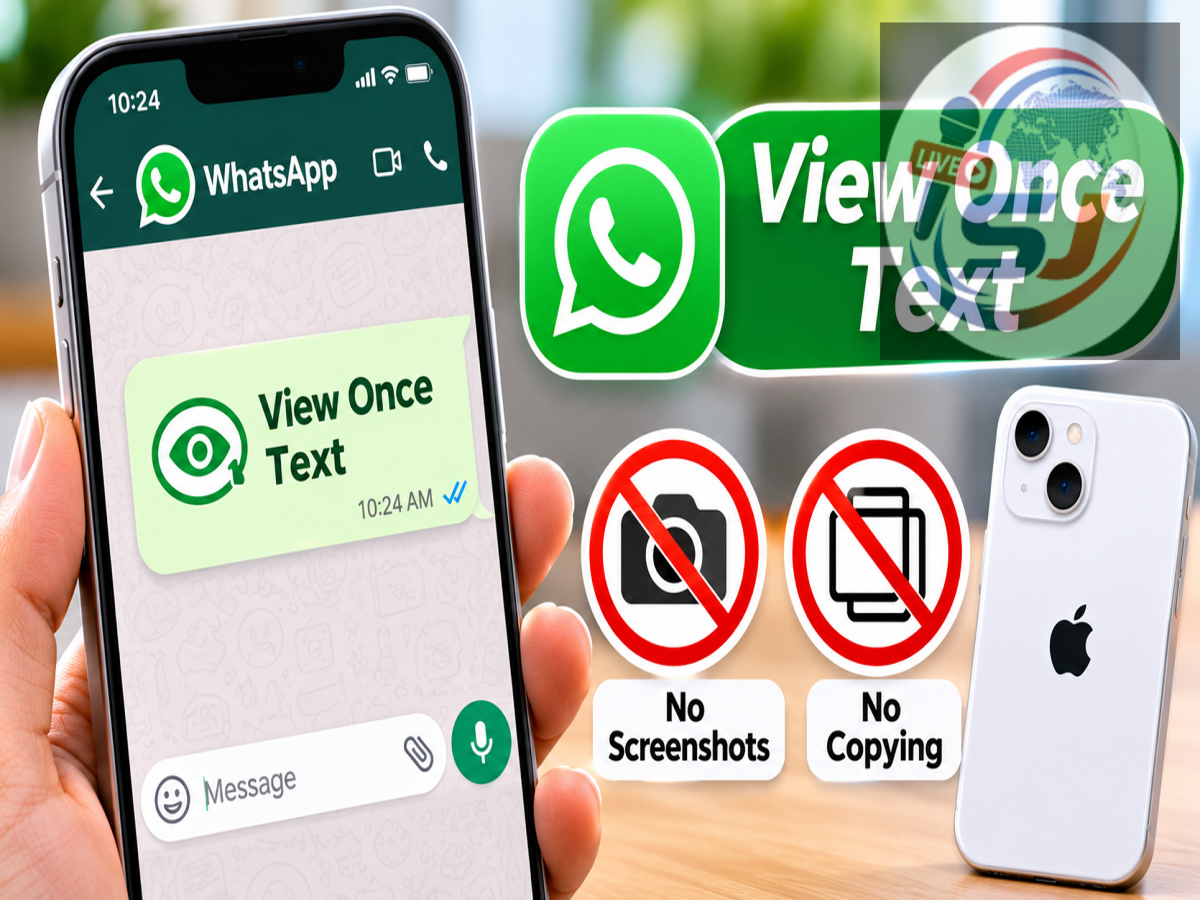
WhatsApp New Update 2026: WhatsApp is reportedly testing a new privacy-focused feature that will allow iPhone users to send text messages that disappear after being opened once. Called View Once Text Messages, the feature is designed to give users greater control over sensitive conversations by preventing recipients from reopening, copying, forwarding or capturing the message through supported screenshot and screen-recording restrictions.
According to a report by WhatsApp feature tracker WABetaInfo, the functionality has been spotted in WhatsApp beta for iOS version 26.45.10.73 and is currently available to a limited number of testers.
The feature could eventually provide an additional privacy option for people who want to share temporary information without leaving a permanent text message in their chat history.
However, WhatsApp has not confirmed a general release date for all iPhone users.
What Is WhatsApp's New View Once Text Messages Feature?
WhatsApp already provides a View Once option for certain photos, videos and voice messages. The company is now reportedly extending a similar concept to ordinary text conversations.
Under the proposed feature, users will be able to send a message that the recipient can open and read only once.
After the recipient closes the message, its contents will no longer be accessible through the conversation.
Instead of displaying the original text, WhatsApp will show an "Opened" indicator, allowing the sender to see that the message has been accessed.
Unlike regular messages, which remain visible unless deleted or covered by disappearing-message settings, View Once Text Messages are designed to become inaccessible immediately after the first viewing session.
WhatsApp View Once Text Messages: Key Features
The reported update introduces several restrictions intended to reduce the possibility of recipients saving or redistributing temporary messages.
| Feature |
Expected Function |
|---|---|
| Single Viewing |
Recipient can open the message once |
| Automatic Disappearance |
Message becomes inaccessible after closing |
| Screenshot Restriction |
Screenshots are intended to be blocked |
| Screen Recording Restriction |
Screen capture recording is intended to be restricted |
| Copy Protection |
Text cannot be selected and copied normally |
| Forwarding Restriction |
Message cannot be forwarded to another chat |
| Opened Indicator |
Sender can see when the message has been opened |
| Availability |
Limited iOS beta testing |
These capabilities are based on the reported beta implementation and may change before a wider release.
WhatsApp May Block Screenshots and Screen Recording
One of the most notable aspects of the upcoming feature is its proposed protection against screenshots.
Ordinary WhatsApp text messages can generally be captured using a phone's screenshot function.
With View Once Text Messages, WhatsApp reportedly intends to restrict screenshots while the temporary message is displayed.
Screen recording may also be blocked during viewing.
These restrictions could make it more difficult to preserve or share the contents through standard device features.
However, users should understand that screenshot blocking cannot guarantee complete confidentiality. A recipient may still photograph the screen using another device or manually record the information.
Therefore, sensitive information should only be shared with trusted recipients.
Users Will Not Be Able to Copy or Forward View Once Text
The feature is also expected to prevent recipients from copying message contents directly.
In ordinary WhatsApp chats, users can select text and copy it for use in another application or conversation.
The new mode reportedly removes that option.
Similarly, recipients will not be able to forward the View Once message to another WhatsApp contact or group using the usual forwarding function.
These limitations are intended to provide senders with additional control over how their messages can be handled.
Nevertheless, they should not be treated as a guarantee that information cannot be reproduced through other methods.
How to Send a View Once Text Message on WhatsApp for iPhone
According to the reported beta version, eligible iPhone users can access the feature through the message-sending interface.
Follow these steps if the functionality is available in your WhatsApp application:
1. Open WhatsApp: Launch the application on your iPhone.
2. Select a conversation: Open the individual chat where you want to send a temporary message.
3. Type your message: Enter the text you want the recipient to view only once.
4. Press and hold Send: Instead of tapping the send button normally, press and hold it to display the available sending options.
5. Choose View Once: Select the option labelled "Send as view once," if it appears.
6. Send the message: WhatsApp will deliver the text using the temporary viewing mode.
After the recipient opens and closes the message, the original content is expected to become unavailable.
The exact steps may change as WhatsApp continues testing the feature.
View Once Text vs Disappearing Messages: What's the Difference?
WhatsApp already offers disappearing messages, but the upcoming View Once Text functionality is designed to work differently.
| Feature |
View Once Text |
Disappearing Messages |
|---|---|---|
| Message Visibility |
One viewing session |
Available until the timer expires |
| Disappearance |
After being opened and closed |
After the selected duration |
| Screenshot Restrictions |
Reportedly supported |
Not generally blocked |
| Copying Text |
Reportedly restricted |
Generally possible |
| Forwarding |
Reportedly restricted |
Generally possible |
| Main Purpose |
Temporary single-view communication |
Automatic chat cleanup |
WhatsApp's existing disappearing-message feature allows users to choose supported durations such as 24 hours, seven days or 90 days.
View Once Text, meanwhile, is designed to make the message inaccessible after a single viewing session rather than waiting for a timer.
Which iPhone Users Can Access the Feature?
WABetaInfo reportedly identified the feature in WhatsApp beta for iOS version 26.45.10.73.
At present, it is described as available only to selected beta testers.
This means that installing the latest publicly available WhatsApp version does not necessarily provide access to the feature.
WhatsApp often tests new capabilities with limited groups before considering broader availability.
Depending on testing results, the company may modify the interface, introduce additional safeguards or change the release schedule.
There is currently no confirmed date for general availability on iPhones or Android smartphones in the supplied report.
Why Is WhatsApp Introducing More Privacy Controls?
Privacy has become an important consideration for messaging applications as users increasingly share personal and confidential information through digital conversations.
Temporary messaging features can help reduce the amount of information retained in chat histories.
The proposed View Once Text option may be useful for sharing short-lived instructions, temporary details or information that does not need to remain available indefinitely.
However, it should not replace secure methods of sharing highly sensitive information, such as passwords, banking credentials or authentication codes.
WhatsApp users should continue following basic digital security practices even when additional privacy tools are available.
WhatsApp View Once Text Messages: When Will Everyone Get It?
The new feature remains in limited beta testing, according to the November 23 report.
It may become available to additional testers in the coming weeks, but a wider rollout has not been officially confirmed.
Users interested in accessing the functionality should keep WhatsApp updated through the Apple App Store and monitor official announcements.
The key takeaway is that WhatsApp is reportedly developing a new way to send text messages that can be viewed only once, with restrictions on copying, forwarding and screen capture. If introduced widely, the feature could offer users greater flexibility when sharing temporary information.