
WhatsApp New Feature 2026: Save Phone Numbers, Create Calendar Events and Open Maps Directly From Chats
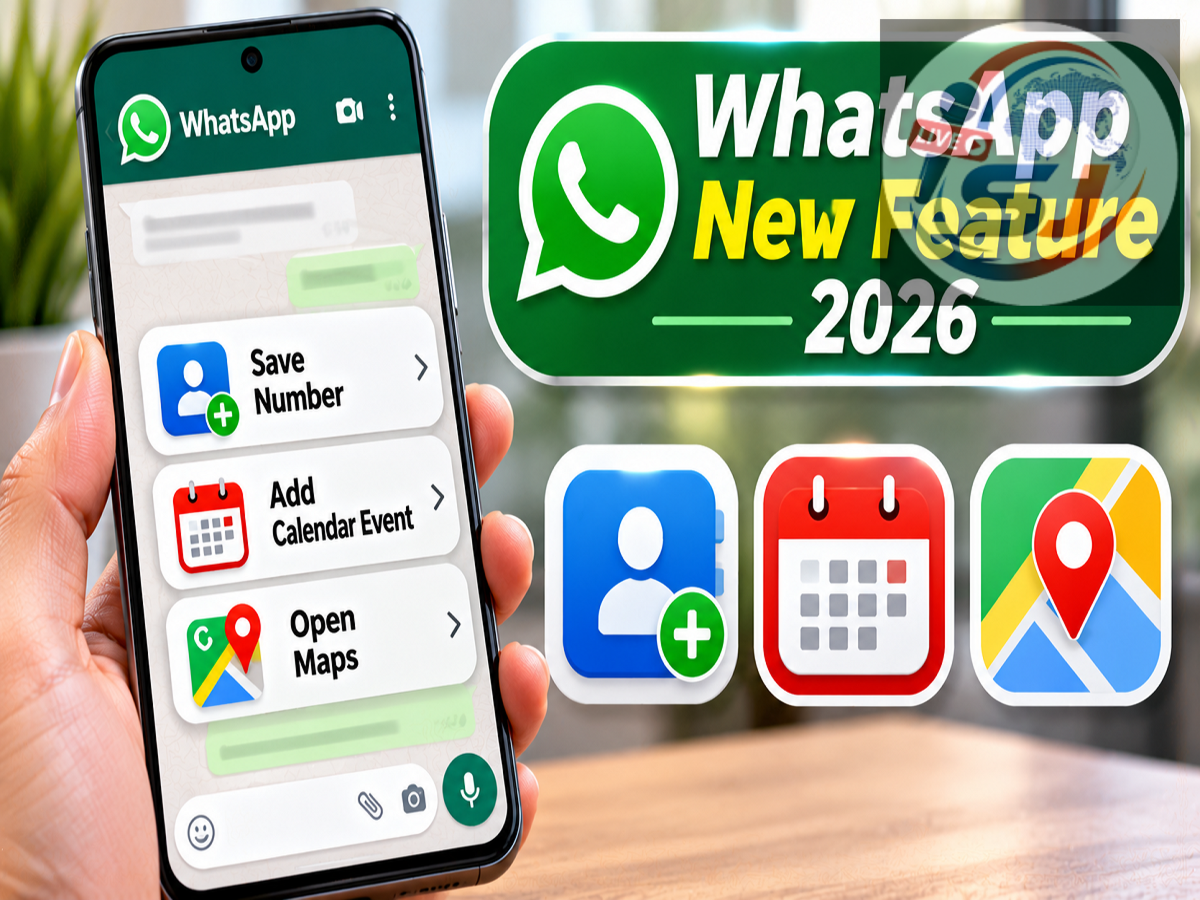
WhatsApp Smart Text Actions Feature: WhatsApp is introducing a useful new feature that could make everyday conversations more convenient for millions of users. Called Smart Text Actions, the feature automatically recognises important information shared in messages and offers relevant shortcuts without requiring users to manually copy and paste details into other applications.
The new functionality can identify phone numbers, dates, times, email addresses and physical addresses inside WhatsApp conversations. Users can then perform actions such as saving a contact, making a phone call, creating a calendar event or opening an address in a maps application.
According to a Live Hindustan report published on November 3, 2026, citing WhatsApp feature-tracking website WABetaInfo, the feature is gradually becoming available to selected Android and iOS users.
Here is how WhatsApp Smart Text Actions works, what shortcuts it offers and when users can expect to receive it.
What Is WhatsApp Smart Text Actions?
Smart Text Actions is a new WhatsApp functionality designed to recognise specific types of information within chat messages.
For example, when someone shares a mobile number, meeting date, email address or location, WhatsApp can identify the relevant text and offer suitable actions.
Instead of manually selecting and copying the information, users can tap the recognised text and choose an appropriate shortcut.
The feature is designed to simplify common tasks and reduce the number of steps required to use information received through WhatsApp.
It can work with messages sent by the user as well as messages received from other people.
According to the report, the functionality supports both individual conversations and group chats.
How Does WhatsApp Smart Text Actions Work?
WhatsApp uses text recognition to identify supported information inside messages.
When the application detects a phone number, date, time, email address or location, the recognised text may appear with a dotted underline.
This visual indicator helps users understand that additional actions are available.
Tapping the underlined text opens a pop-up menu displaying the recognised information and available shortcuts.
Users can review the detected details before selecting an action.
For example, if a message contains a date and time, the pop-up may offer an option to create a calendar event.
Similarly, tapping a recognised phone number may display options to copy it, save it as a contact or make a call.
The exact actions may depend on the device, operating system and applications installed.
Save Phone Numbers Directly From WhatsApp Chats
One of the most useful applications of Smart Text Actions is managing phone numbers shared through messages.
Suppose someone sends a new contact number in a WhatsApp conversation.
Previously, users might have needed to copy the number, open the phone's contacts application and manually create a contact.
With Smart Text Actions, WhatsApp can recognise the number and provide relevant shortcuts.
Users may be able to:
-
Copy the phone number.
-
Save it in the phone's contact list.
-
Initiate a call through the mobile network.
This could be particularly useful when receiving contact details from colleagues, service providers, delivery personnel or friends.
Users should still verify unfamiliar numbers before saving or calling them.
Create Calendar Events From Dates and Times in Messages
WhatsApp Smart Text Actions can also recognise dates and times mentioned in conversations.
For example, someone might send a message saying that a meeting is scheduled for November 12 at 4 PM.
If the feature recognises the date and time, WhatsApp can provide an option to create a calendar event.
Users can then review the event details and save them using the phone's calendar application.
This could make it easier to organise meetings, appointments, family functions and other scheduled activities.
It may also reduce the possibility of forgetting important dates shared in chat conversations.
However, users should confirm the date, time and other event details before saving them.
Open Shared Addresses Directly in Maps
Another practical benefit involves addresses shared through WhatsApp.
People frequently exchange locations and addresses when planning visits, deliveries, meetings or social gatherings.
With Smart Text Actions, a recognised address can provide a shortcut to open the location in a compatible maps application.
Users may then view the destination and request navigation directions.
For instance, if someone sends the address of a restaurant or office, the feature may allow the recipient to open that address without manually copying it into a maps search.
The accuracy of the result will depend on whether the address is recognised correctly and whether the mapping application can identify the destination.
Send Emails Using Addresses Shared in WhatsApp
Smart Text Actions also supports email addresses.
When someone shares an email ID in a conversation, WhatsApp can recognise it and offer relevant actions.
Users may be able to copy the email address or open their default email application with the recipient information already entered.
This can be useful for professional communication, customer support requests, job applications and document sharing.
Before sending an email, users should verify that the recognised address is correct.
WhatsApp Smart Text Actions: Features at a Glance
| Information Detected | Possible Action |
|---|---|
| Phone Number | Copy, save contact or call |
| Date | Create calendar event |
| Time | Add to a calendar event |
| Email Address | Copy or compose email |
| Physical Address | Open in maps application |
| Recognised Text | View available shortcuts in a pop-up |
The availability of individual shortcuts may vary according to the WhatsApp version and the device's operating system.
Will Smart Text Actions Affect WhatsApp Privacy?
Privacy is an important consideration whenever a messaging application introduces automatic text recognition.
According to WABetaInfo, WhatsApp's Smart Text Actions uses on-device pattern matching to identify supported information.
This means the recognition process described in the report does not require message content to be sent to WhatsApp's servers specifically for text detection.
The feature is therefore designed to work without interfering with WhatsApp's existing end-to-end encryption.
End-to-end encryption protects the content of personal messages and calls during transmission between participants.
However, users should remember that selecting an external action, such as opening an address in a maps application or sending an email, may involve sharing the relevant information with that external service.
The privacy practices of the selected application will then apply.
Does the Feature Work in Personal and Group Chats?
According to the report, Smart Text Actions can work across different types of WhatsApp conversations.
This includes one-to-one chats and group conversations.
The feature can recognise supported text in both outgoing and incoming messages.
For example, a user could tap a date they previously sent in a group conversation and create a calendar reminder.
Similarly, they could save a phone number received from another participant.
This makes the feature useful for both personal and professional communication.
How to Get WhatsApp Smart Text Actions on Android and iPhone
The feature is currently being introduced gradually, so it may not appear on every device immediately.
Users can follow these steps to check for availability:
-
Open the Google Play Store on Android or the Apple App Store on iPhone.
-
Search for WhatsApp.
-
Install the latest available update.
-
Open an individual or group conversation.
-
Look for a dotted underline beneath a supported phone number, date, email address or address.
-
Tap the recognised text to see whether Smart Text Actions is available.
If the feature does not appear, it may not have been enabled for the account yet.
Installing the latest application version does not guarantee immediate access because WhatsApp may activate features gradually.
When Will All WhatsApp Users Receive the Feature?
WhatsApp Smart Text Actions is reportedly available to selected Android and iOS users as part of a phased rollout.
The company has not announced a confirmed global release date for every user.
More accounts may receive access in the coming weeks, but the exact timeline remains uncertain.
Users should keep WhatsApp updated and wait for the feature to become available through official application releases.
There is no need to download unofficial WhatsApp versions or third-party applications to obtain the functionality.
Why Is This Feature Useful?
Smart Text Actions could reduce the effort required to perform routine tasks involving information shared in messages.
Instead of switching repeatedly between WhatsApp, contacts, calendars, email and maps, users can access relevant shortcuts directly from conversations.
The feature may be especially useful for people who regularly coordinate appointments, exchange contact details or receive addresses through WhatsApp.
It also demonstrates how messaging applications are becoming more integrated with everyday smartphone functions.
Final Thoughts
WhatsApp's Smart Text Actions feature aims to make conversations more useful by turning recognised information into convenient shortcuts.
With support for phone numbers, dates, times, email addresses and physical addresses, users can save contacts, create events, open maps and compose emails more easily.
The reported on-device recognition approach is also designed to preserve the privacy of encrypted conversations.
Although the feature is not yet available to everyone, its gradual rollout across Android and iOS could make everyday messaging more efficient.
Users should keep their WhatsApp application updated and watch for the new dotted-underlined text shortcuts in their chats.