
WhatsApp May Block Login on Older Android and iPhones: Check Your Phone's Software Before It's Too Late
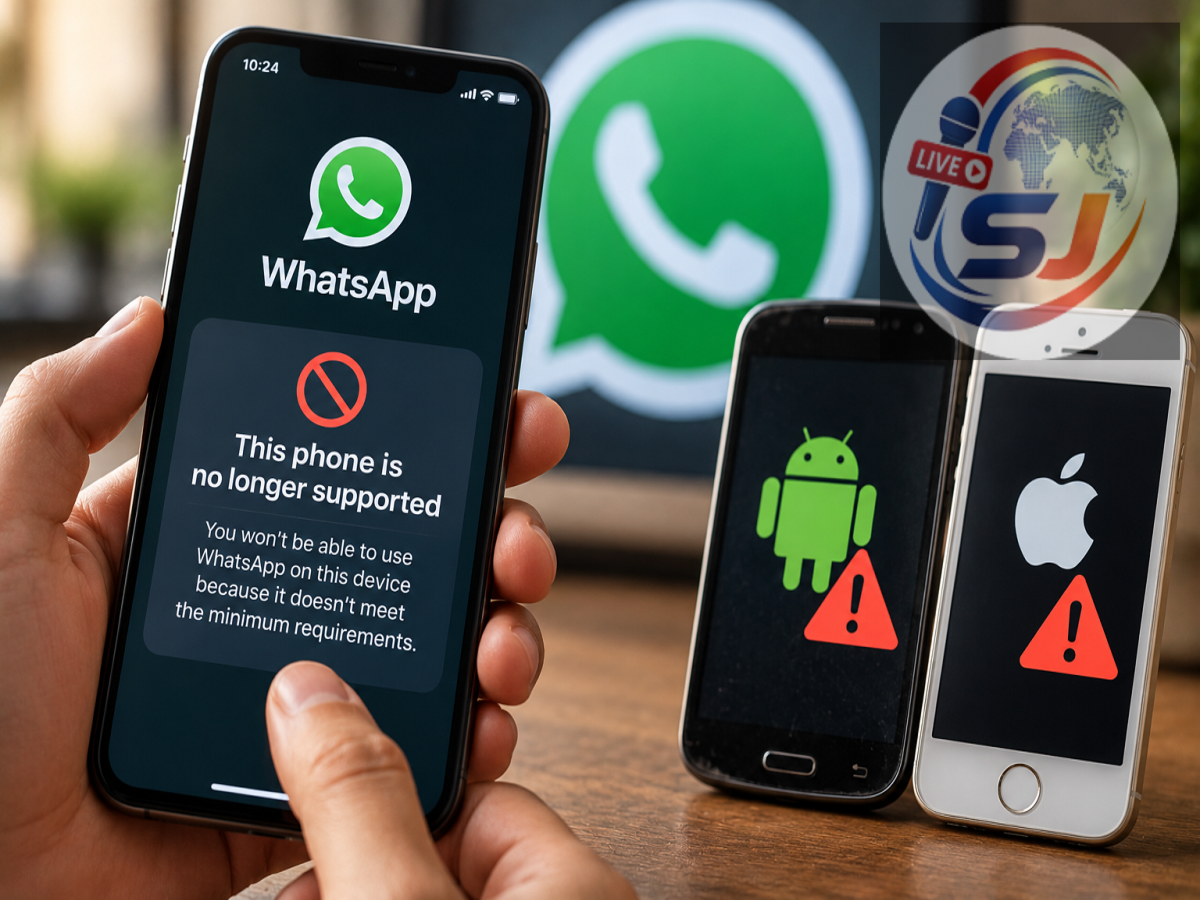
WhatsApp Latest Update 2026: WhatsApp is reportedly experimenting with a new login requirement that could affect people using older Android smartphones and iPhones. Under the proposed change, some users may be required to update their phone's operating system before they can continue accessing the messaging platform.
The development could become particularly important for people who have been using the same smartphone for several years. Although WhatsApp regularly updates its app with new features and security improvements, this reported test focuses on the software running the device itself.
According to information shared by WhatsApp feature-tracking platform WABetaInfo, a limited number of users have encountered a warning screen instructing them to install an available operating system update.
However, WhatsApp has not officially announced a universal login restriction for older phones, and the precise Android and iOS versions affected by the experiment remain unknown.
WhatsApp Tests Mandatory Software Update Warning
The reported change introduces an additional requirement during the WhatsApp login process.
Users participating in the test may encounter a screen informing them that their smartphone's operating system needs to be updated.
Unlike an ordinary notification suggesting that users install a newer version of WhatsApp, this warning reportedly prevents affected users from proceeding until the required software update is completed.
The screen may also provide instructions for checking the Android or iOS version currently installed on the device.
This means that people using outdated phone software could face difficulties accessing WhatsApp, even when the messaging application itself is already updated.
For now, the warning has reportedly appeared only for selected users, and there is no indication that every older smartphone will immediately lose access.
Will WhatsApp Stop Working Without an Android or iOS Update?
For users who receive the new warning, installing an available operating system update may be necessary to continue using WhatsApp.
Reports suggest that the message cannot simply be dismissed to bypass the requirement.
An important detail is that WhatsApp is reportedly implementing the experiment through a server-side change.
This allows the company to activate certain requirements for selected accounts without requiring users to download a new version of the WhatsApp application.
Consequently, an affected user might encounter the restriction even if they have not recently updated WhatsApp through the Google Play Store or Apple App Store.
Nevertheless, the reported restriction should not be confused with an official announcement ending support for all older smartphones.
Which Android Phones and iPhones Could Be Affected?
WhatsApp has not disclosed a definitive list of Android or iOS versions covered by the reported login test.
It is also unclear whether the restriction targets every outdated operating system or primarily versions that no longer receive important security patches.
Older smartphones can face several limitations, including outdated security protections, compatibility problems and reduced support from application developers.
Devices that have stopped receiving operating system updates may become particularly vulnerable to future compatibility requirements.
However, owning an older smartphone does not automatically mean WhatsApp will stop functioning.
The important factors include the operating system installed, the manufacturer's update support and WhatsApp's official minimum software requirements.
How to Check Your Phone's Software Version
Smartphone owners can check their current operating system and look for available updates using the device settings.
For Android smartphones
-
Open the Settings application.
-
Select About Phone or About Device.
-
Find the Android Version section.
-
Return to Settings and open Software Update or System Update.
-
Check whether a new update is available for installation.
The exact menu names may differ depending on the smartphone manufacturer.
For iPhone users
-
Open Settings on your iPhone.
-
Select General.
-
Tap About to check the installed iOS version.
-
Return to General and select Software Update.
-
Install any compatible update available for your device.
Before installing a major operating system update, users should back up important information and ensure sufficient battery charge and storage space.
What Happens If Your Smartphone No Longer Receives Updates?
Some older Android phones and iPhones eventually stop receiving new operating system versions from their manufacturers.
If WhatsApp introduces a requirement that exceeds the maximum software version supported by a device, the user could eventually face compatibility problems.
In such circumstances, installing the latest available version of WhatsApp might not be enough to restore access.
Users may need to consider switching to a newer compatible smartphone if the application officially discontinues support for their operating system.
However, there is currently no confirmed deadline or complete device list associated with this reported test.
Users should avoid assuming that their phones will be blocked simply because they are several years old.
WhatsApp Also Reportedly Testing Warnings for Unofficial Web Clients
Alongside the operating system login experiment, WhatsApp is reportedly developing another security-related feature targeting unofficial WhatsApp Web clients.
The proposed warning could appear in the application's Linked Devices section.
It may inform users when their account is connected through an unofficial client and encourage them to switch to WhatsApp's supported services.
Unofficial clients are third-party applications or software platforms that connect to WhatsApp accounts without being developed or officially supported by Meta.
Such tools may introduce privacy and security concerns, particularly when their handling of account information is unclear.
The reported warning remains under development, and WhatsApp has not announced a confirmed public release schedule.
More WhatsApp Privacy and Scam Protection Features Under Development
WhatsApp is also reportedly exploring additional tools designed to improve account safety.
These include scam-related alerts and restricted chat features that could provide users with greater control over suspicious interactions.
The company regularly introduces privacy and security improvements as online fraud techniques become more sophisticated.
Features that warn users about potentially unsafe account activity or unsupported software could help reduce certain security risks.
However, the availability and final functionality of experimental features can change before an official release.
What Should WhatsApp Users Do Right Now?
There is no need to panic if WhatsApp continues working normally on your smartphone.
Users can take a few practical precautions, including checking for official system updates, keeping WhatsApp updated through trusted app stores and avoiding unofficial WhatsApp clients.
It is also sensible to maintain a recent backup of important conversations, particularly when using a device that no longer receives regular software support.
Anyone who encounters a mandatory software update message should follow the instructions displayed by the official application rather than downloading software from unknown websites.
Is Your WhatsApp Account Safe?
For the moment, the reported mandatory operating system update requirement appears limited to a small group of Android and iPhone users.
WhatsApp has not confirmed which devices will be affected permanently, whether the experiment will expand globally or when any broader restrictions might take effect.
The key takeaway is that an older phone is not necessarily an unsupported phone. Users should check their installed Android or iOS version, install available security updates and follow official WhatsApp announcements for any changes to minimum software requirements.
Until further details are confirmed, most users who are not seeing the new warning can continue using WhatsApp normally.
Disclaimer: The login restriction described above is based on reports of limited testing. It should not be interpreted as a confirmed worldwide rollout or an official list of smartphones losing WhatsApp support.