
WhatsApp Login Alert 2026: Android and iPhone Users May Need a Software Update to Keep Using the App
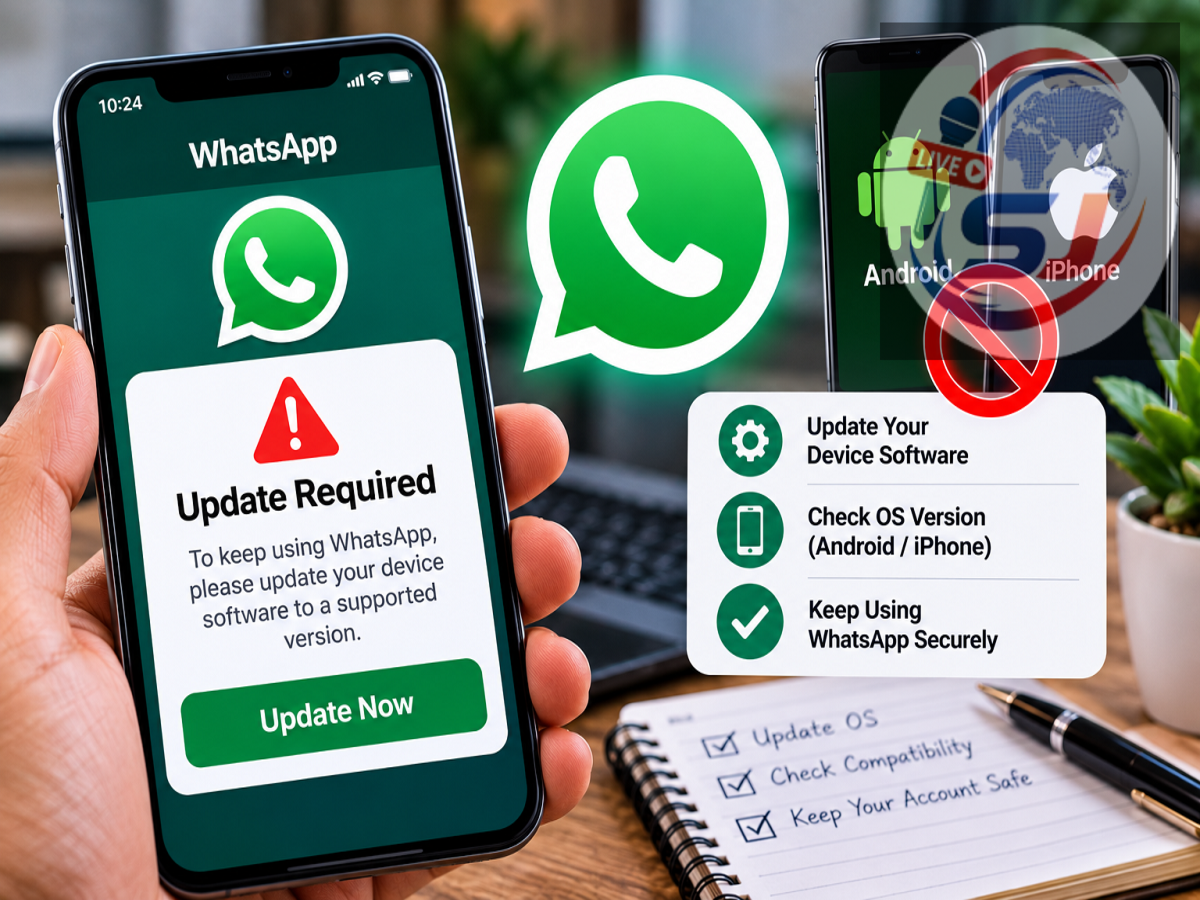
WhatsApp Security Update October 2026: Millions of WhatsApp users on Android smartphones and iPhones may need to pay closer attention to their device's operating system. A reported new security measure could prevent some users with outdated software from logging into their WhatsApp accounts until they update their phones.
According to a report published on October 12, 2026, WhatsApp has started introducing a security warning for selected users whose devices are running older versions of Android or iOS.
The warning reportedly instructs affected users to update their phone's operating system before proceeding with the login process.
Technology update tracker WABetaInfo has reported that users receiving this warning may not be able to bypass it.
However, WhatsApp has not specified in the supplied report exactly which Android and iOS versions will be affected by this particular security check.
This means users should not assume that WhatsApp will suddenly stop working on every older smartphone.
WhatsApp Introduces New Security Warning for Older Phones
WhatsApp regularly introduces security improvements to protect users from cyber threats, malicious software, and unauthorised access.
The latest reported measure focuses on smartphones running outdated operating systems.
Older software may contain security vulnerabilities that have already been fixed in newer versions.
If users continue running outdated software, attackers may attempt to exploit these weaknesses.
To address this concern, WhatsApp is reportedly displaying a security warning when certain users attempt to log in.
The message may instruct them to update their phone's operating system before accessing the messaging application.
Unlike a routine reminder, the reported warning may prevent affected users from continuing until the required update has been installed.
However, the feature is understood to be rolling out selectively rather than appearing on every device at once.
Why Is WhatsApp Asking Users to Update Android and iOS?
The main purpose of the reported change is to improve device security.
Operating system updates often contain fixes for vulnerabilities discovered after a smartphone was released.
These fixes can protect against malware, unauthorised access, and other security threats.
When a phone runs an outdated version of Android or iOS, some known vulnerabilities may remain unpatched.
Cybercriminals can sometimes exploit such weaknesses to compromise devices or access sensitive information.
Since WhatsApp is frequently used for personal conversations, photographs, documents, and business communication, device security is particularly important.
The reported login warning appears intended to encourage users to install available security updates before continuing.
Updating WhatsApp Alone May Not Fix the Problem
One important detail in the WABetaInfo report is that the new security check may be controlled through WhatsApp's servers.
This means the requirement may not be limited to one particular version of the WhatsApp application.
As a result, simply updating WhatsApp through the Google Play Store or Apple App Store may not resolve the warning.
Affected users may also need to install an operating system update.
For example, someone using an outdated Android version might have the latest WhatsApp application installed but still receive a security message during login.
Similarly, an iPhone user may need to update iOS before being allowed to proceed.
The exact behaviour will depend on the device and the security requirements applied to the account.
Will WhatsApp Stop Working on All Older Android and iPhones?
No general shutdown of WhatsApp on all older phones has been established by the supplied report.
The reported measure concerns selected users whose devices are running outdated operating systems.
It is also important to distinguish between two separate situations.
The first is WhatsApp's existing minimum operating system requirements, which determine whether the application officially supports a device.
The second is the newly reported security warning, which may require certain users to install an available software update before logging in.
These are related but not necessarily identical restrictions.
A smartphone that continues to meet WhatsApp's compatibility requirements may still function normally.
However, a device that no longer receives manufacturer updates could eventually face compatibility or security limitations.
Users should check the latest official WhatsApp requirements rather than relying on rumours about unsupported phone models.
How to Check Your Android Version
Android users can check their phone's software version through the Settings application.
Follow these steps:
-
Open Settings on your Android smartphone.
-
Select About phone or About device.
-
Look for Android version or Software information.
-
Check the installed Android version and security patch details.
The exact menu names may differ depending on the smartphone manufacturer.
Samsung, Xiaomi, OnePlus, Realme, Vivo, Oppo, and other Android brands may organise these settings differently.
After checking the version, users can look for available software updates.
How to Update an Android Phone for WhatsApp
If your Android phone displays a WhatsApp security warning, try the following process.
Step 1: Open the Settings application.
Step 2: Navigate to System, Software update, or the equivalent section. On some phones, this option appears under About phone.
Step 3: Select Check for updates.
Step 4: If a compatible update is available, download and install it.
Step 5: Restart the phone if required.
Step 6: Open WhatsApp and attempt to log in again.
Before installing a major operating system update, make sure your phone has sufficient storage space and battery charge.
Connecting to a reliable Wi-Fi network can also help avoid interruptions during the download.
If no update is available, the device manufacturer may have stopped providing software support for that model.
How to Check and Update iOS on an iPhone
Apple iPhone users can also check their operating system version and install available updates.
Follow these steps:
-
Open Settings on your iPhone.
-
Tap General.
-
Select Software Update.
-
Wait while the device checks for available updates.
-
If a compatible iOS update appears, choose Download and Install.
-
Follow the on-screen instructions and allow the installation to finish.
Once the update is complete, open WhatsApp again.
Users can check their currently installed iOS version through Settings, General, and About.
If an older iPhone cannot install the operating system version required by WhatsApp, its compatibility may be limited.
What If Your Phone Does Not Support New Software Updates?
Some smartphones eventually stop receiving major operating system upgrades.
This generally happens when manufacturers end software support for older hardware.
If your device cannot install the required version of Android or iOS, updating the WhatsApp application may not be enough.
In that situation, check whether a smaller security update is available.
You should also verify the device's compatibility with WhatsApp's official requirements.
If the phone is no longer supported, moving to a compatible device may eventually become necessary.
However, users should not purchase a new phone simply because they have read about the reported warning.
First, confirm whether their existing device is actually affected.
Will Your WhatsApp Chats Be Deleted After Updating Your Phone?
Installing a normal operating system update does not ordinarily require WhatsApp chats to be deleted.
However, users should take precautions before making significant changes to their device.
Check whether WhatsApp chat backup is enabled and whether a recent backup has completed successfully.
Android users may have access to supported Google account backup options, while iPhone users can use the available iCloud backup functionality.
Backup availability and restoration requirements depend on the device, account, and WhatsApp settings.
If you are planning to switch to a new smartphone, review WhatsApp's official chat transfer instructions before resetting or selling the old device.
Avoid uninstalling WhatsApp or performing a factory reset without confirming that your important conversations can be restored.
Why Software Updates Matter for Smartphone Security
Software updates are not limited to introducing new features.
They often include security patches, stability improvements, and bug fixes.
An outdated operating system can increase exposure to certain known vulnerabilities.
For example, malicious applications may attempt to exploit weaknesses in system components.
Security updates can help reduce these risks, although no software update can guarantee complete protection from every cyberattack.
Users should also avoid downloading modified WhatsApp applications from unknown websites.
Such applications may expose personal information and create additional security problems.
Installing apps through official app stores and keeping device software updated remain sensible precautions.
WhatsApp Security Alert 2026: What Users Should Do Now
The reported security measure is an important reminder for smartphone users to keep their operating systems updated.
If WhatsApp is functioning normally on your phone, there is no reason to assume that your account will suddenly be blocked.
However, checking for pending Android or iOS updates is advisable.
Users who receive the new security warning should follow the instructions displayed by WhatsApp and install available compatible updates.
They should also keep the WhatsApp application updated and maintain a recent chat backup.
The key takeaway is that some users with outdated Android or iOS software may face additional WhatsApp login checks, but the supplied report does not confirm a blanket ban on all older smartphones.
Disclaimer: This article is based on the supplied October 12, 2026 report citing WABetaInfo. The precise operating system versions affected by the newly reported security check have not been independently confirmed. Users should refer to WhatsApp's official support information for current compatibility requirements.