
WhatsApp Ends Support for Older Android Phones Today; iPhone Deadline Follows in November
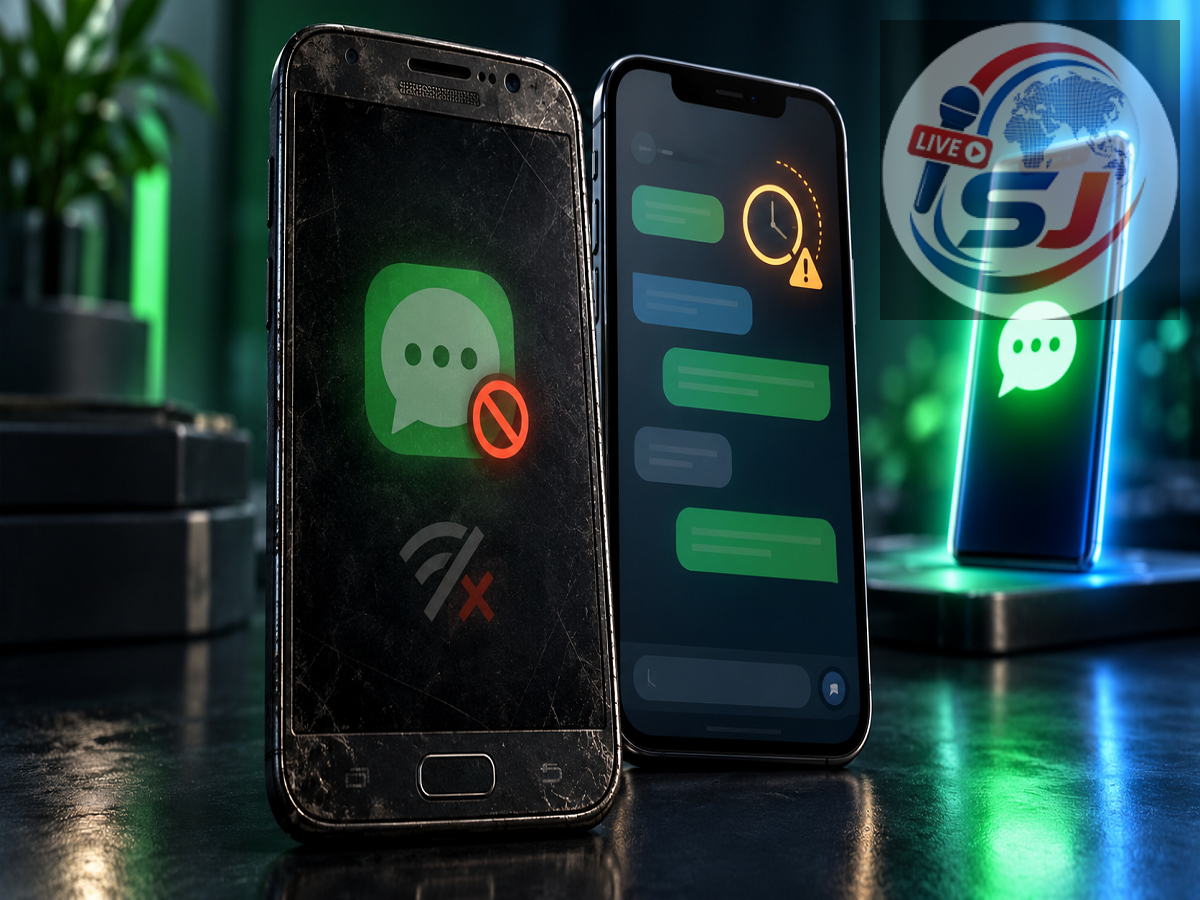
WhatsApp has raised its minimum operating-system requirement for Android smartphones, leaving some older devices unable to run the messaging service. From September 8, 2026, WhatsApp supports only phones operating on Android 6.0 or a newer version.
The change mainly affects smartphones that are still running Android 5.0, Android 5.1 or an earlier operating system. Users whose devices cannot be upgraded to Android 6 may need to switch to a newer phone if they want to continue sending messages, making calls and accessing their WhatsApp chats.
A separate compatibility update is also approaching for Apple users. From November 30, 2026, WhatsApp will require iOS 15.5 or later on iPhones. The dates and minimum requirements are listed on WhatsApp’s official supported operating systems page.
Which Android Phones Are Affected?
WhatsApp’s new rule is based on the operating-system version rather than only the phone’s model name. This means that not every smartphone originally released with Android 5 will necessarily lose access.
If an older handset has already received an official update to Android 6 or a more recent version, it should continue to meet WhatsApp’s minimum software requirement. However, a device that remains on Android 5.0 or Android 5.1 is no longer officially supported from September 8.
Users should therefore check the Android version installed on their device instead of relying on unofficial lists of affected smartphones. The exact path can differ depending on the manufacturer, but the information is generally available through:
Settings > About phone > Android version
On some Samsung phones, users may need to open:
Settings > About phone > Software information
If the displayed version is Android 6 or above, the phone meets the new minimum requirement. Devices running Android 5.1 or earlier will need an operating-system update, if one is available.
How to Check for an Android Software Update
Open the phone’s Settings app and look for System, Software update or System update. Select the option to check for updates and install any official upgrade offered by the device manufacturer.
The phone should be connected to a stable Wi-Fi network and have sufficient battery power before the update begins. It is also sensible to back up important photos, contacts and documents before installing a major system upgrade.
If the manufacturer does not provide Android 6 or a later version for the device, reinstalling WhatsApp will not solve the compatibility problem. Downloading modified APK files or unofficial versions is also unsafe because they may expose personal messages and account information to security threats.
In that situation, moving the WhatsApp account to a supported smartphone is the practical solution.
iPhone Users Have Until November 30
The Android deadline has already arrived, but affected iPhone owners have additional time. WhatsApp says that only iOS 15.5 and later will be supported beginning November 30, 2026.
Apple users can check their installed software by opening:
Settings > General > About > iOS Version
They can search for an available update through:
Settings > General > Software Update
An iPhone already running iOS 15.5 or any later version meets the upcoming requirement. Those on iOS 15.0 through iOS 15.4 should install the latest software update available for their model before the deadline.
A user does not automatically need a new iPhone simply because the device currently has an older iOS release. If Apple offers iOS 15.5 or newer for that model, updating the software should be enough. Hardware replacement becomes necessary only when the phone cannot be upgraded to a supported version.
Back Up WhatsApp Chats Before Changing Phones
Anyone using an affected Android device should protect important conversations before access becomes unreliable. In WhatsApp, open:
Settings > Chats > Chat backup
Select the appropriate Google Account, review the backup settings and start a manual backup. Make sure the process finishes successfully before resetting the old phone or moving the SIM card.
Users should remember that videos can make a backup considerably larger. They must also have adequate cloud storage and a stable internet connection. A backup protected with end-to-end encryption will require the password or encryption key created by the user.
On an iPhone, WhatsApp chat backups generally use iCloud. Users should check that they are signed in to the correct Apple Account, iCloud Drive is enabled and sufficient storage is available.
When setting up WhatsApp on another phone, use the same mobile number associated with the old account. The application may then offer an option to restore the available backup or transfer chats directly, depending on the devices involved.
Why Does WhatsApp Stop Supporting Older Systems?
Older operating systems may no longer receive regular security updates from their manufacturers. They may also lack the technology required for new WhatsApp features, encryption improvements and performance changes.
WhatsApp periodically reviews the devices and software versions it supports. Ending compatibility with outdated systems allows the company to concentrate development and security testing on platforms that remain widely used and actively maintained.
The change does not mean that every older-looking smartphone will stop working. What matters is the software version currently installed. Android users should confirm that their phones run Android 6 or newer, while iPhone owners should prepare for the iOS 15.5 requirement taking effect on November 30, 2026.
Affected users should update their operating system immediately if an official upgrade is available. If no supported update exists, they should back up their WhatsApp data and move their account to a compatible device.