
WhatsApp Deleted Messages Recovery 2026: Can You Restore Chats Without Backup? Here's What Actually Works
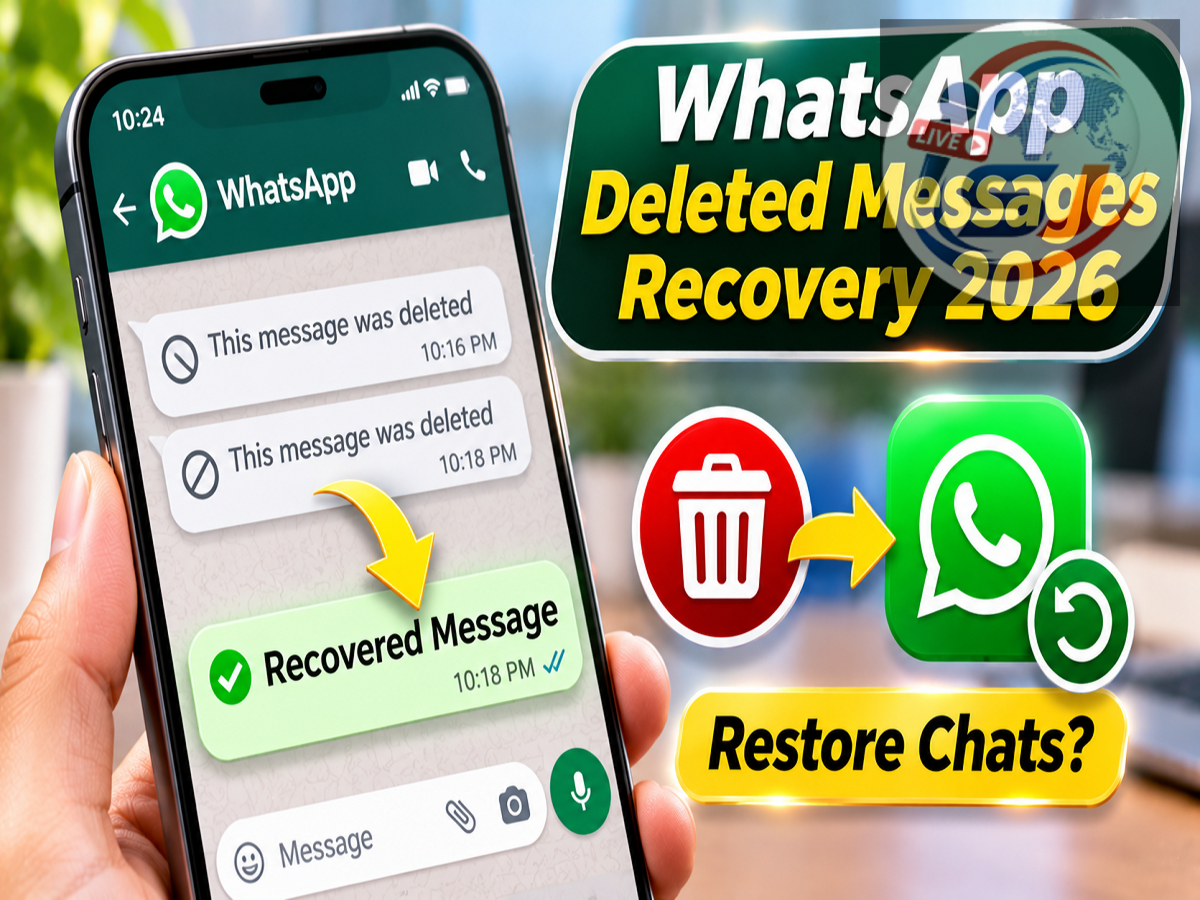
WhatsApp Chat Recovery 2026: Accidentally deleting an important WhatsApp message or an entire conversation can be frustrating, especially when the chat contains personal information, business discussions, photographs or important documents. Many users immediately search online for ways to recover deleted WhatsApp messages without a backup. However, not every recovery method advertised on the internet actually works.
Several third-party applications claim they can restore deleted WhatsApp conversations instantly, even when no backup exists. But WhatsApp's official recovery system has important limitations.
In general, WhatsApp does not provide an official feature to restore permanently deleted chat history when no usable backup is available. Nevertheless, certain situations may allow users to retrieve message content through an existing backup, the other participant or previously stored notifications.
Here is what Android and iPhone users should know about recovering deleted WhatsApp messages in 2026.
Can You Recover Deleted WhatsApp Messages Without a Backup?
WhatsApp uses end-to-end encryption to protect personal conversations.
The platform does not maintain an ordinary, user-accessible archive of complete chat histories that customers can request whenever messages are deleted.
As a result, if a conversation has been permanently removed from your device and no usable backup exists, WhatsApp generally cannot restore that chat through its official recovery process.
However, recovery may be possible if the deleted conversation was included in an earlier backup.
Android users can back up WhatsApp chats through their Google account, while iPhone users can use iCloud.
Before attempting any recovery procedure, it is essential to check when the last backup was created.
Accidentally Used 'Delete for Me'? Try These Options
WhatsApp provides different message deletion options, including Delete for Me and Delete for Everyone.
When you select Delete for Me, the message is removed from your own chat view. It does not automatically disappear from the other participant's conversation.
If the recipient still has the message, you can ask them to forward it again or share a screenshot.
WhatsApp also provides a brief Undo option after certain accidental Delete for Me actions.
This option generally remains visible for approximately five seconds.
If you select Undo before the time expires, the message can be restored to your chat.
However, once the Undo option disappears, it cannot normally be reopened.
What Happens if You Delete an Entire WhatsApp Conversation?
Recovering an entire deleted conversation is more complicated than restoring a single message.
WhatsApp does not offer a standard Undo button for recovering a fully deleted chat.
However, an older backup may contain the missing conversation.
For example, suppose your WhatsApp backup was created on Monday, but you accidentally deleted an important chat on Wednesday.
If that conversation existed when Monday's backup was created, restoring the backup may bring it back.
However, messages received after the backup was created may not be included in the restored chat history.
This creates an important trade-off: restoring older messages can result in losing newer conversations that were not included in the backup.
Therefore, users should carefully consider the consequences before reinstalling WhatsApp or restoring an older backup.
How to Check WhatsApp Backup on Android
Android users can check their WhatsApp backup information directly through the application.
Follow these steps:
-
Open WhatsApp on your Android smartphone.
-
Tap the three-dot menu in the upper-right corner.
-
Select Settings.
-
Open the Chats section.
-
Tap Chat backup.
-
Review the date and time of the most recent available backup.
If the backup was created before the conversation was deleted, it may contain the missing messages.
Users should also verify that the backup is associated with the correct Google account and phone number.
If end-to-end encrypted backups are enabled, the relevant password, passkey or recovery method may also be required.
How to Check Deleted WhatsApp Chat Backup on iPhone
iPhone users can review their backup information through WhatsApp settings.
Open WhatsApp and navigate to Settings, followed by Chats and Chat Backup.
The application may display details such as the last backup date, time and backup size.
If an iCloud backup was created before the conversation was deleted, restoring that backup may recover the missing messages.
However, the process generally requires access to the appropriate Apple account and the same phone number associated with the WhatsApp backup.
Users should also ensure that the necessary backup credentials are available before beginning the restoration process.
Should You Uninstall WhatsApp to Recover Deleted Chats?
Uninstalling and reinstalling WhatsApp is commonly suggested as a recovery method.
However, reinstalling the application does not automatically bring back deleted messages.
The method depends on whether a usable backup exists.
If the most recent backup was created after the conversation was deleted, it may no longer contain the missing chat.
Creating another backup without checking the existing backup date can also create problems because newer cloud backups may replace older versions.
Therefore, users should avoid rushing into uninstalling WhatsApp or manually creating a new backup immediately after discovering that an important conversation is missing.
Check the available backup information first.
Can Android Notification History Show Deleted WhatsApp Messages?
Some Android smartphones include a feature called Notification History.
When enabled in advance, it can preserve information from certain notifications received by the device.
For example, if someone sends you a WhatsApp message and later deletes it, part of the original text may still appear in Notification History under certain conditions.
However, several limitations apply.
The feature must generally have been enabled before the notification arrived, and the message must have generated a notification that the device recorded.
Notification History may not retain complete messages, photographs, videos or other attachments.
It also cannot restore an entire deleted WhatsApp conversation.
The feature is best understood as a limited way to review previously displayed notification content rather than a complete message recovery solution.
Are Third-Party WhatsApp Recovery Apps Safe?
Many applications advertise the ability to recover deleted WhatsApp messages without backups.
Users should approach these claims carefully.
Some applications do not actually recover deleted messages from WhatsApp. Instead, they record incoming notifications after being installed and granted permission.
This means they may display certain messages that appeared in notifications before deletion.
However, they generally cannot retrieve messages that were permanently deleted before the application began recording notifications.
Granting notification access to an unknown application may also expose sensitive information from banking apps, email services and other notifications.
Users should never provide WhatsApp verification codes, account passwords or encrypted backup recovery keys to suspicious websites or applications.
Can You Recover Messages Deleted Using 'Delete for Everyone'?
WhatsApp's Delete for Everyone feature allows a sender to request the removal of a message from participants' chats within the supported time limit.
When successful, the original message is replaced by a deletion notice.
WhatsApp does not provide an official feature that allows recipients to tap this notice and retrieve the deleted content.
In some circumstances, a recipient may already have read the message, saved a screenshot or received a notification containing part of the text.
However, these situations do not mean that WhatsApp itself offers a way to reverse Delete for Everyone.
WhatsApp Deleted Message Recovery: What Is Actually Possible?
| Situation |
Recovery Possibility |
|---|---|
| Message removed using Delete for Me |
The other participant may resend it |
| Undo option still visible |
Message may be restored immediately |
| Deleted chat included in an older backup |
Restoration may be possible |
| No usable backup available |
No standard official recovery method |
| Message recorded in Android Notification History |
Some text may remain visible |
| Message removed using Delete for Everyone |
No official recovery option within WhatsApp |
Recovery depends on the exact circumstances, device settings and availability of earlier copies.
How to Protect WhatsApp Chats From Accidental Deletion
Preventing data loss is generally easier than attempting to recover permanently deleted conversations.
WhatsApp users can reduce the risk of losing important messages by enabling regular backups.
Depending on their device and available settings, users can select suitable backup frequencies and confirm that the correct Google or iCloud account is connected.
Important photographs, documents and other files can also be saved separately in a secure location.
For additional privacy, WhatsApp offers end-to-end encrypted backup options.
When using encrypted backups, users should securely preserve the required password or recovery credentials.
Losing access to these credentials may prevent restoration of an encrypted backup.
It is also advisable to periodically check whether backups are completing successfully rather than assuming they are being created automatically.
Conclusion
Recovering deleted WhatsApp messages without a backup is not as straightforward as many online advertisements suggest.
If a message was removed using Delete for Me, the other participant may still have a copy. The brief Undo feature may also help when used immediately.
An older Google account or iCloud backup can sometimes restore deleted conversations, although newer messages may be lost during the process.
Certain Android devices may also retain limited message information through Notification History.
However, when messages have been permanently deleted and no usable backup or other copy exists, WhatsApp does not provide an official method to recover them.
For long-term protection, users should maintain regular backups, safeguard recovery credentials and avoid suspicious third-party recovery applications.