
WhatsApp Chat Lock Guide 2026: Hide Private Messages and Group Chats With a Secret Code Without Locking the Entire App
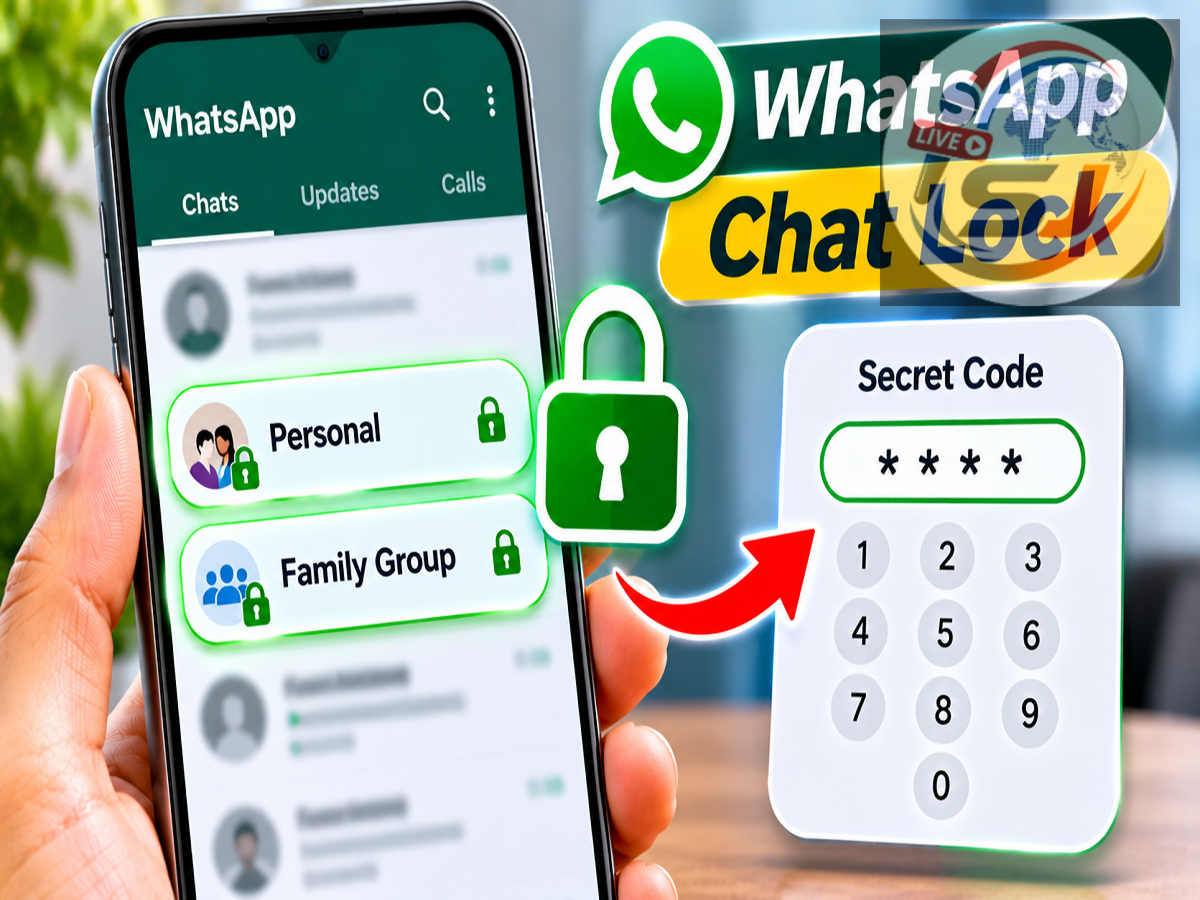
WhatsApp Privacy Features 2026: Handing your smartphone to a friend, colleague or family member can sometimes raise concerns about the privacy of your personal conversations. Whether someone wants to make a quick call or view a photograph, there is always a possibility that they could accidentally access confidential WhatsApp messages.
To address this concern, WhatsApp offers a dedicated Chat Lock feature that allows users to protect selected individual and group conversations without restricting access to the entire application.
Users can secure specific chats using fingerprint authentication, facial recognition or their smartphone's passcode. Additionally, WhatsApp's Secret Code functionality allows them to completely hide the Locked Chats folder from the main conversation list.
Here is everything you need to know about WhatsApp Chat Lock, including how to activate it, hide confidential conversations and access them whenever required.
What Is the WhatsApp Chat Lock Feature?
WhatsApp Chat Lock is a privacy-focused functionality that provides an additional layer of protection for selected conversations.
Once the feature is enabled, the selected conversation is removed from the regular chat list and transferred to a separate folder called Locked Chats.
Accessing this folder requires authentication through the security method supported by the smartphone.
Users can protect both individual conversations and group chats without affecting their remaining WhatsApp messages.
This feature can be particularly useful for individuals who frequently share their smartphones with others or exchange confidential personal and professional information.
WhatsApp Automatically Hides Private Message Notifications
Another important benefit of Chat Lock is enhanced notification privacy.
Whenever a new message arrives from a locked conversation, WhatsApp hides sensitive notification details, including the sender's name and message preview.
Instead, users receive a generic notification indicating that a new WhatsApp message has arrived.
To read the actual message, they must open the protected conversation after completing the required authentication.
However, locking a conversation does not prevent the contact from making WhatsApp voice or video calls. Incoming calls from locked contacts may continue to appear normally.
How to Lock Personal and Group Chats on WhatsApp
Users can activate Chat Lock by following these simple steps:
-
Open WhatsApp on your Android smartphone or iPhone.
-
Select the individual conversation or group chat you want to protect.
-
Tap the contact or group name displayed at the top of the screen.
-
Scroll down and locate the Chat Lock option.
-
Enable the Chat Lock feature.
-
Complete authentication using your fingerprint, facial recognition or device passcode.
-
The selected conversation will move to the Locked Chats folder.
On supported WhatsApp versions, users may also lock conversations directly from the main chat list by pressing and holding the selected conversation and choosing the relevant lock option.
The exact menu options may differ depending on the smartphone and WhatsApp application version.
How to Completely Hide WhatsApp Locked Chats Using a Secret Code
Although Chat Lock protects conversations, the Locked Chats folder may still be visible within the main chat list.
WhatsApp's Secret Code feature allows users to hide this folder entirely, providing an additional level of privacy.
Follow these steps to activate the functionality:
-
Open WhatsApp and swipe down on the main conversation list.
-
Locate and open the Locked Chats folder.
-
Complete the required device authentication.
-
Tap the three-dot menu or available settings option.
-
Open Chat Lock Settings.
-
Select the Secret Code option.
-
Create a unique code that is difficult for others to guess.
-
Enter the code again to confirm it.
-
Return to Chat Lock Settings.
-
Enable the Hide Locked Chats option.
Once activated, the Locked Chats folder will disappear from the regular conversation list.
How to Find Hidden WhatsApp Chats Again
Accessing hidden conversations is relatively simple if you remember your Secret Code.
Open WhatsApp and tap the search bar. Enter the Secret Code you previously created.
The hidden Locked Chats folder should appear in the search results. Tap the folder and complete any required authentication to access your protected conversations.
Users can then read messages, send replies and manage conversations as usual.
If the folder has not been hidden using a Secret Code, simply swipe down on the main chat list to locate the Locked Chats section.
WhatsApp Chat Lock vs App Lock: What Is the Difference?
| Feature |
WhatsApp Chat Lock |
WhatsApp App Lock |
|---|---|---|
| Protection Coverage |
Selected conversations |
Entire application |
| Individual Chat Protection |
Yes |
No separate protection |
| Group Chat Protection |
Yes |
Entire app protected |
| Hide Selected Conversations |
Yes |
No |
| Secret Code Facility |
Available |
Generally unavailable |
| Authentication |
Fingerprint, face or passcode |
Supported device authentication |
| Notification Privacy |
Locked chat details are hidden |
Depends on notification settings |
| Access to Other Conversations |
Remains available |
Requires unlocking the app |
Chat Lock offers selective privacy, while App Lock restricts access to the entire messaging application.
What Happens If You Forget Your WhatsApp Secret Code?
Users should exercise caution when creating a Secret Code for their hidden conversations.
Forgetting the code could make accessing protected messages difficult. WhatsApp provides an option to unlock and clear locked chats, but using this reset functionality may delete messages and media contained within those conversations.
Therefore, users should select a memorable but secure code and carefully read any deletion warnings before proceeding with a reset.
Avoid using easily identifiable combinations such as birthdays, mobile numbers or simple numerical sequences.
Important Things to Know Before Using WhatsApp Chat Lock
Although Chat Lock enhances privacy, users should understand its limitations.
The feature does not block incoming calls from protected contacts. It also does not prevent recipients from sharing messages they have received.
Users should separately review the security of their linked WhatsApp Web sessions and other connected devices, as protection may vary depending on the platform and application version.
Chat Lock also differs from the Archive feature. Archiving a conversation merely removes it from the primary chat list, whereas Chat Lock requires authentication before protected messages can be accessed.
Why WhatsApp Chat Lock Is Useful for Everyday Privacy
WhatsApp has become an essential communication platform for personal conversations, banking-related notifications, business discussions and document sharing.
The Chat Lock and Secret Code features give users greater control over which conversations remain accessible when someone else uses their smartphone.
By combining selective chat protection, hidden message previews and Secret Code authentication, users can strengthen their messaging privacy without repeatedly locking and unlocking the entire application.
For additional security, users can also enable WhatsApp's two-step verification, maintain a strong smartphone screen lock and regularly review connected devices.
Note: Menu names, authentication methods and feature availability may vary depending on the operating system and WhatsApp version. Users should keep their applications updated through official app stores.