
UPI Without ATM Card 2026: Set Your Payment PIN Using Aadhaar OTP, Check Supported Apps
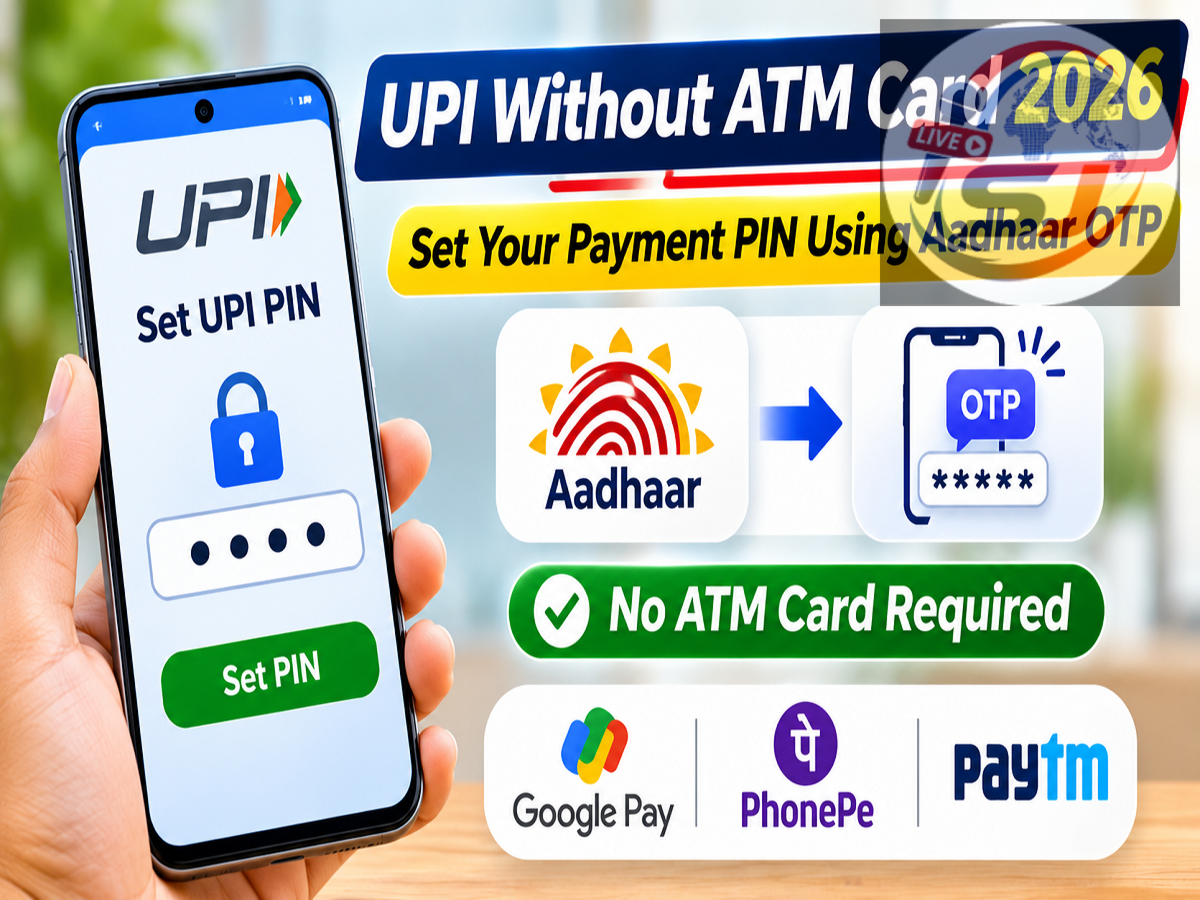
UPI Registration Without Debit Card 2026: Don't have an ATM or debit card but want to make UPI payments? Eligible bank account holders in India may be able to activate UPI services using Aadhaar-based OTP authentication. This facility allows users to create or reset their UPI PIN without entering debit card details, provided their bank and chosen payment application support the feature.
The Aadhaar-based UPI PIN setup facility operates within the framework of the National Payments Corporation of India (NPCI). However, its availability is not universal. Users must meet specific verification requirements, including having the same mobile number registered with their bank account and Aadhaar.
Can You Activate UPI Without a Debit Card?
Traditionally, many UPI applications required debit card details to create a payment PIN. This created difficulties for customers who had bank accounts but had never received debit cards.
Aadhaar-based authentication provides an alternative for eligible users.
Instead of relying on debit card information, the verification process uses Aadhaar authentication and applicable bank-level checks.
Once the process is completed successfully, customers can use supported UPI services to transfer money, pay merchants and make other permitted transactions.
Importantly, Aadhaar-based UPI activation is not the same as making payments directly through an Aadhaar number.
Requirements for Aadhaar-Based UPI Registration
Before attempting registration, users should confirm the following conditions:
-
The bank account is eligible for UPI services.
-
Aadhaar is linked to the relevant bank account as required for this authentication method.
-
The same active mobile number is registered with Aadhaar and the bank.
-
The registered SIM is available in the smartphone being used.
-
The bank and UPI application support Aadhaar OTP-based PIN creation.
If any of these requirements are not satisfied, the Aadhaar verification option may not appear or the process may fail.
Which UPI Apps Support Aadhaar-Based PIN Setup?
Several major UPI platforms may provide Aadhaar-based authentication for eligible bank accounts. However, support can differ according to the application version, bank and account type.
| UPI Application | Aadhaar-Based PIN Setup |
|---|---|
| BHIM UPI | May offer Aadhaar OTP verification for supported banks and eligible accounts |
| Google Pay | Aadhaar-based PIN setup may appear for eligible bank accounts where supported |
| PhonePe | May provide Aadhaar authentication as an alternative to debit card verification |
| Paytm | Availability depends on the supported bank account and current application features |
| Bank Mobile Apps | Some banks provide Aadhaar-based UPI PIN creation through their official applications |
Important: This table identifies applications where Aadhaar-based setup may be available; it is not a confirmation that every listed app currently supports the feature for every bank. Users should check the PIN setup options displayed in their own application. If Aadhaar OTP is not offered, the bank or application may not support that verification method for the selected account.
How to Create a UPI PIN Without an ATM Card
The exact interface differs between applications, but the general process is straightforward.
Step 1: Open a Supported UPI App
Launch BHIM, Google Pay, PhonePe, Paytm or your bank's official UPI application.
Complete mobile number verification if registering for the first time.
Step 2: Link Your Bank Account
Select your bank from the available list.
The application will attempt to identify eligible accounts associated with your registered mobile number.
Choose the account you want to use for UPI transactions.
Step 3: Select Aadhaar Authentication
Open the option to create or reset your UPI PIN.
If the application supports Aadhaar-based verification for your account, select the Aadhaar OTP option instead of debit card verification.
Step 4: Enter the Required Aadhaar Details
The application may ask for the first six digits of your Aadhaar number.
Provide only the information requested through the official application and review the authentication consent.
Step 5: Complete OTP Verification
An OTP may be sent to your Aadhaar-registered mobile number.
Depending on the bank's authentication process, an additional bank OTP may also be required.
Complete all verification steps shown in the application.
Step 6: Create Your UPI PIN
Choose a four-digit or six-digit UPI PIN, depending on your bank's requirements.
Confirm the PIN to complete registration.
After successful activation, you can begin using the available UPI payment services.
What If Your Aadhaar and Bank Mobile Numbers Are Different?
Aadhaar-based UPI authentication generally requires matching registered mobile numbers.
If the numbers differ, contact your bank to update the mobile number associated with your account or use UIDAI's authorized services to update your Aadhaar mobile number, as appropriate.
Once the changes have been processed, try the registration procedure again.
Can You Send Money Immediately After Creating a UPI PIN?
After successful PIN creation, eligible users can generally access standard UPI payment features, subject to their bank's rules and transaction limits.
These may include QR-code payments, transfers using UPI IDs and payments to supported merchants.
However, newly activated accounts may face temporary transaction restrictions or additional verification requirements.
The applicable limits depend on the bank, payment application and NPCI rules.
Is Aadhaar-Based UPI Registration Free?
UPI PIN creation is generally offered without a separate registration fee.
However, mobile operators may charge for verification SMS messages according to the user's telecom plan.
Users should not pay unauthorized agents or share banking credentials to activate the service.
Important UPI Security Precautions
Never disclose your UPI PIN, Aadhaar OTP or bank verification codes.
Remember that receiving money through a normal UPI transfer does not require entering your UPI PIN.
Avoid unknown payment links, suspicious QR codes and screen-sharing applications recommended by strangers.
Always install UPI applications from official app stores and verify payment details before authorizing transactions.
Conclusion
Aadhaar-based UPI PIN setup can make digital payments more accessible to customers who do not possess debit cards.
The facility offers an alternative authentication method, but successful registration depends on the participating bank, supported application and matching Aadhaar-bank mobile details.
Before proceeding, users should confirm that the Aadhaar OTP option is available for their account and follow the instructions displayed by their official UPI application.