
UPI AutoPay 2026: Set Up Automatic Payments for Bills and Subscriptions, Know How It Works
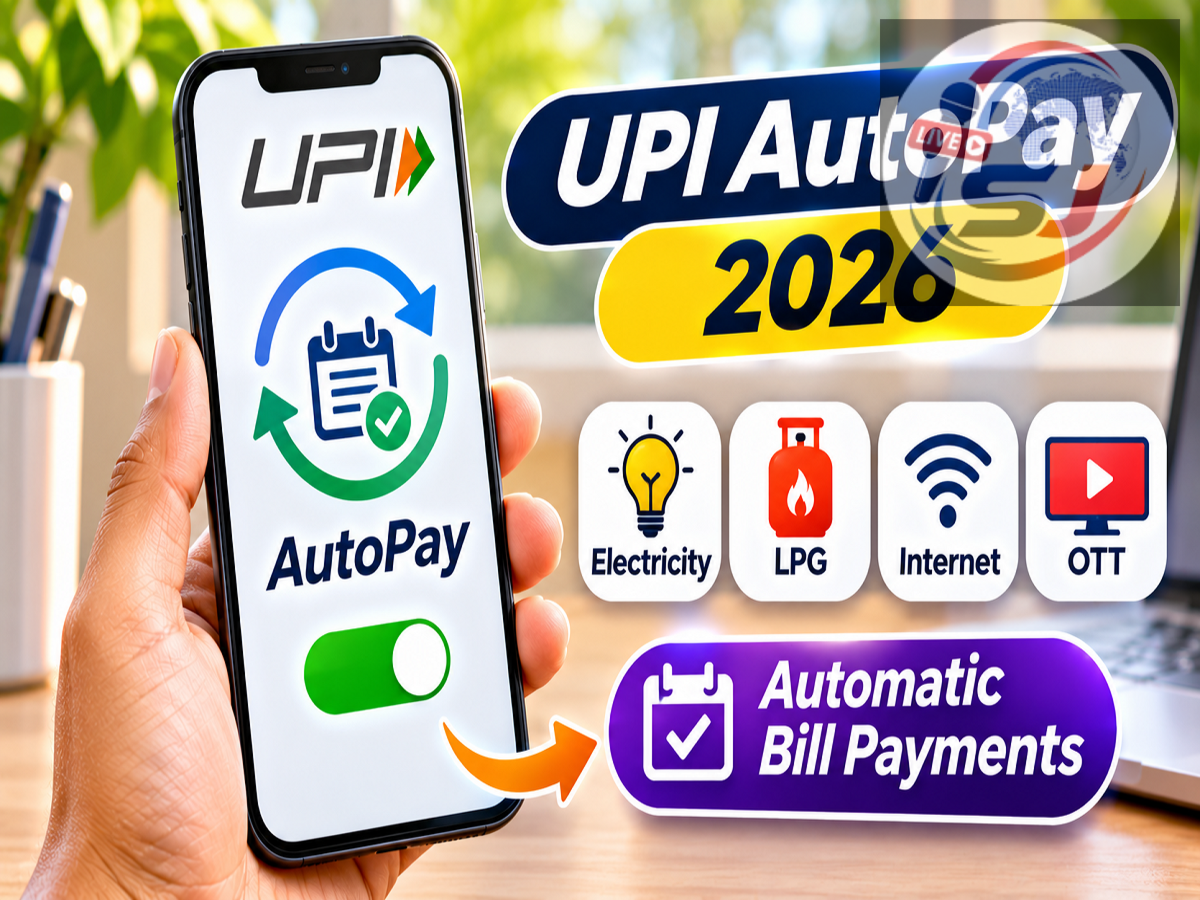
UPI AutoPay 2026: Paying electricity bills, mobile recharges, insurance premiums and subscription charges every month can be time-consuming. However, the Unified Payments Interface (UPI) offers a feature that allows users to authorize eligible recurring payments once and have them processed automatically according to a selected schedule.
The feature is called UPI AutoPay, and it is designed to simplify recurring digital transactions.
A recent UPI Chalega social media awareness poll asked users to identify the UPI feature that enables scheduled automatic payments. Among the participants, 62.9% selected UPI AutoPay, while 14.3% chose UPI Lite and 22.9% selected UPI One World.
UPI AutoPay was the correct answer.
Although the facility offers convenience, users should understand how payment mandates work, how to cancel them and what precautions to take before authorizing recurring debits.
UPI AutoPay 2026: Important Details
| Particulars | Information |
|---|---|
| Feature | UPI AutoPay |
| Payment System | Unified Payments Interface |
| Main Purpose | Automatic Recurring Payments |
| Payment Frequency | As Supported by the Mandate |
| Common Uses | Bills, Subscriptions, Premiums and Other Eligible Payments |
| Setup | Through Supported UPI Applications |
| Authorization | Customer Approval Required |
| Payment Limit | Depends on Applicable NPCI and Regulatory Rules |
| Cancellation | Through Supported Mandate Management Facilities |
| Official Information | https://www.npci.org.in |
What Is UPI AutoPay?
UPI AutoPay is a recurring payment facility available through the UPI ecosystem.
It allows customers to create electronic mandates authorizing eligible payments at specified intervals.
Instead of manually initiating the same transaction every month, the customer can approve a recurring payment arrangement in advance.
For example, someone paying ₹499 every month for a subscription may be able to authorize a UPI AutoPay mandate for that service.
Once the mandate is active, eligible payments can be processed according to the approved schedule and applicable rules.
This reduces the need to remember every payment date.
However, successful payment still depends on factors such as sufficient account balance, mandate validity and the payment service's operating conditions.
How Does UPI AutoPay Work?
UPI AutoPay operates through a mandate-based authorization process.
A customer first selects a service that supports recurring UPI payments.
The service provider then presents a mandate request containing details such as the amount, frequency and validity period.
The customer reviews the information and authorizes the mandate using the supported UPI authentication process.
After activation, eligible payments can be collected according to the approved arrangement.
Some transactions may require additional authentication depending on their amount, category and applicable rules.
Users should not assume that every recurring debit can take place without any further authorization.
How to Activate UPI AutoPay
The exact process may differ between UPI applications and merchants, but the general steps are similar.
Step 1: Open a Supported UPI Application
Use a UPI application that supports recurring payment mandates.
Step 2: Select an Eligible Service
Choose a merchant, subscription or bill payment service offering UPI AutoPay.
Step 3: Choose the Recurring Payment Option
Select UPI AutoPay or the equivalent automatic payment facility.
Step 4: Review the Mandate Details
Check the merchant's name, maximum authorized amount, payment frequency, start date and validity period.
Step 5: Select the Bank Account
Choose an eligible UPI-linked bank account.
Step 6: Authorize the Mandate
Complete the prescribed UPI authentication process.
Step 7: Confirm Activation
Check whether the mandate has been successfully registered.
Step 8: Monitor Future Payments
Review transaction notifications and account statements to ensure that deductions match the authorized arrangement.
Users should activate a mandate only after understanding the merchant's cancellation and refund policies.
Where Can UPI AutoPay Be Used?
UPI AutoPay can support several categories of recurring payments, subject to merchant and bank availability.
OTT and Digital Subscriptions
Eligible streaming, entertainment and other digital services may offer recurring UPI payment options.
Mobile and Internet Services
Certain telecom and internet service providers may support scheduled payments.
Utility Bills
Eligible electricity, water and other utility services may allow recurring payment arrangements.
Insurance Premiums
Some insurance providers may support premium collection through authorized UPI mandates.
Investment Contributions
Certain investment platforms may offer UPI-based recurring payment facilities, subject to applicable product and payment rules.
Membership and Service Fees
Eligible membership services and subscription-based businesses may also support UPI AutoPay.
Not every merchant or payment category is necessarily supported by every UPI application.
What Are the Benefits of UPI AutoPay?
Convenience: Users can reduce the need to initiate the same payment repeatedly.
Timely Payments: Scheduled collections may help users avoid missing eligible payment dates.
Digital Authorization: Mandates can be approved through supported UPI applications.
Payment Visibility: Users can review mandate information and transaction records.
Control: Supported mandate management facilities may allow users to pause, revoke or modify arrangements according to the applicable rules.
However, automatic payments should still be monitored regularly.
What Is the Maximum Limit for UPI AutoPay?
UPI AutoPay transaction limits depend on the applicable regulatory framework, NPCI rules and payment category.
Different limits may apply to different types of recurring transactions.
Certain categories can have higher permitted thresholds than ordinary recurring payments.
Additional authentication requirements may also vary according to the transaction amount and category.
Users should check the current limit displayed by their UPI application and the relevant merchant before authorizing a mandate.
A merchant's advertised subscription amount does not automatically establish the maximum permissible UPI AutoPay limit.
UPI AutoPay vs UPI Lite vs UPI One World
The UPI Chalega awareness poll included three payment features. Although all are associated with the UPI ecosystem, they serve different purposes.
| Feature | Main Purpose |
|---|---|
| UPI AutoPay | Authorizes eligible recurring payments |
| UPI Lite | Supports eligible low-value UPI transactions |
| UPI One World | Provides a UPI-based payment facility for eligible international visitors to India |
UPI Lite is primarily designed to simplify eligible small-value transactions.
UPI One World is intended to facilitate UPI payments for eligible foreign visitors through the prescribed wallet-based arrangement.
Neither is the recurring payment feature described in the poll.
How to Cancel UPI AutoPay
Users who no longer need an automatic payment arrangement can generally manage it through their supported UPI application.
The process may involve opening the application's AutoPay, mandates or recurring payments section.
The user can then select the relevant active mandate and choose an available cancellation or revocation option.
Authentication may be required to complete the request.
Users should check the resulting mandate status rather than assuming that selecting a cancellation button immediately stops every pending debit.
They should also cancel the underlying subscription with the merchant when necessary.
Revoking a payment mandate does not automatically cancel a contractual obligation or eliminate an outstanding bill.
What Happens if There Is Insufficient Balance?
An automatic payment may fail if the linked bank account does not contain sufficient funds.
Failure can also occur because of technical issues, expired mandates or other restrictions.
Depending on the service provider, the merchant may attempt collection again or request another payment method.
A failed UPI AutoPay transaction does not necessarily cancel the underlying subscription or financial obligation.
Users should review the merchant's terms to understand any applicable late fees, service interruptions or retry procedures.
Is UPI AutoPay Safe?
UPI AutoPay operates within the regulated digital payments ecosystem, but users must remain cautious when approving mandates.
Fraudsters may attempt to misuse payment requests by presenting misleading descriptions or impersonating legitimate merchants.
Before authorizing a mandate, users should verify the recipient's identity, the payment amount and the frequency.
They should never disclose their UPI PIN, banking password or OTP to unknown individuals.
A UPI PIN should only be entered within the authorized payment application when the user is intentionally approving an action that requires authentication.
Users should also review active mandates periodically and revoke those they no longer recognize or need.
Important Tips Before Setting Up Automatic Payments
Customers should confirm whether the mandate authorizes a fixed amount or payments up to a specified maximum.
They should also check the frequency, expiry date and merchant's cancellation policy.
A recurring mandate may remain active even if the customer stops using the underlying service, unless it is properly cancelled.
Users should therefore monitor bank statements and UPI transaction histories.
If an unauthorized debit occurs, they should promptly contact their bank or payment service provider through official support channels.
Suspected cyber fraud can be reported through the national cybercrime helpline 1930 or https://cybercrime.gov.in.
UPI AutoPay 2026: What Did the Awareness Poll Reveal?
The UPI Chalega awareness poll asked participants to identify the feature that enables recurring payments after a one-time setup.
The results shared in the poll were:
| Answer Option | Share of Votes |
|---|---|
| UPI AutoPay | 62.9% |
| UPI Lite | 14.3% |
| UPI One World | 22.9% |
The results show that UPI AutoPay received the largest share of votes.
However, the supplied poll information does not specify the total number of participants or provide evidence that the results represent the wider population of UPI users.
Conclusion
UPI AutoPay is a useful digital payment feature for customers who regularly pay bills, premiums and subscription charges.
It allows users to authorize eligible recurring transactions and reduces the need to initiate each payment manually.
The recent UPI Chalega poll correctly identified UPI AutoPay as the feature associated with scheduled automatic payments.
Before using the facility, customers should understand mandate limits, authorization requirements, cancellation procedures and the merchant's payment terms.
Source Credit: UPI Chalega – Social media awareness poll on recurring UPI payments.
Official References: National Payments Corporation of India | Reserve Bank of India
Disclaimer: UPI AutoPay availability, transaction limits and authentication requirements depend on applicable regulations, NPCI rules, banks, UPI applications and merchants. Users should verify current terms before creating a recurring payment mandate.