
Think Your Phone or Computer Has Been Hacked? Take These Steps Immediately
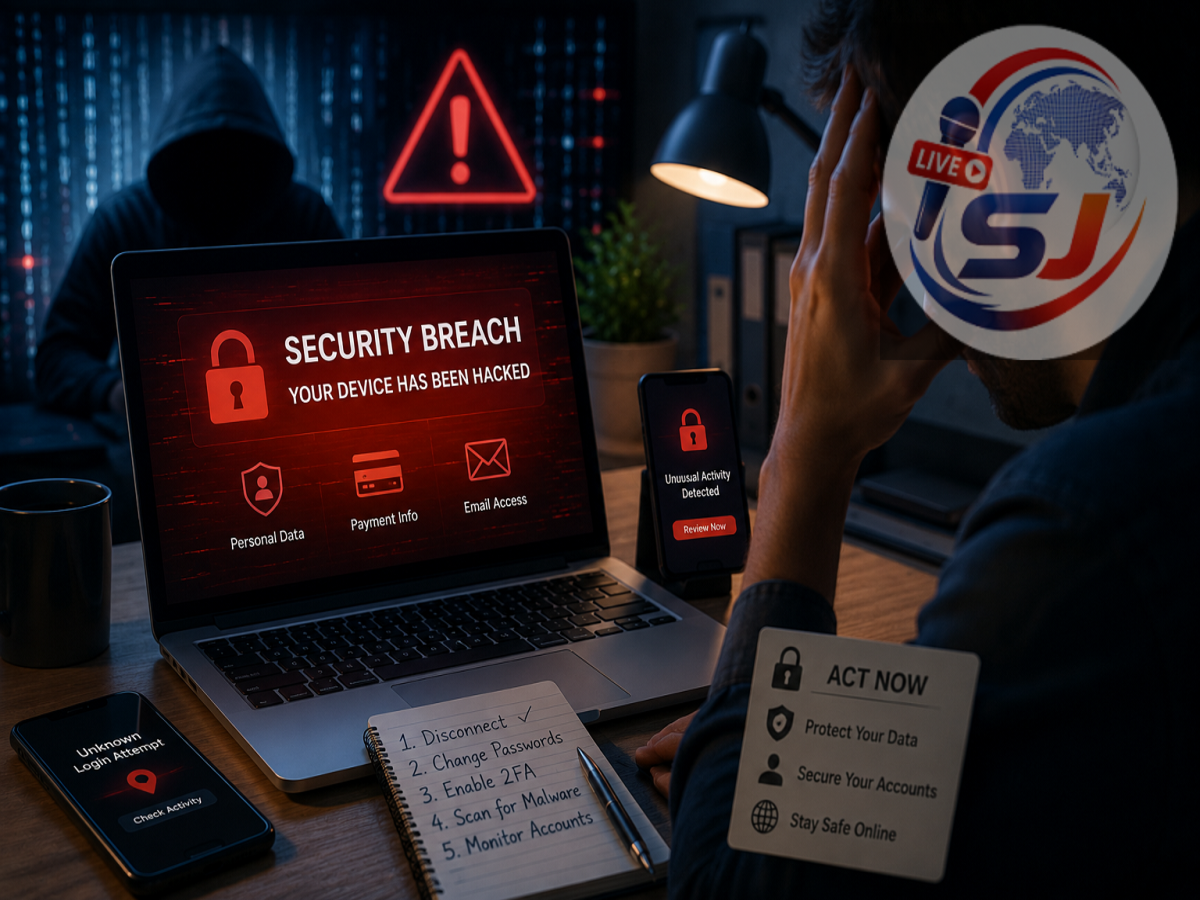
Cyber Attack Safety Tips: Cybercrime is no longer limited to attacks on multinational companies, banks or government organisations. Individual users are increasingly being targeted through phishing messages, malicious software, ransomware, fake applications, account hacking and online financial scams.
A cyberattack can begin with something as simple as clicking an unfamiliar link, installing an unofficial application or opening an unexpected email attachment. In some cases, victims may not immediately realise that their device or online account has been compromised.
If you notice suspicious activity on your smartphone, computer or online account, responding quickly can help limit potential damage. One of the first things to consider is isolating the affected device from the internet, particularly when malware infection is suspected.
Here are some important steps that can help protect your data and online accounts.
First Step: Disconnect the Device From the Internet
If you suspect that your phone or computer has been infected with malware, disconnect it from the internet.
For a laptop or desktop computer, switch off Wi-Fi. If the computer is connected through an Ethernet cable, unplug the cable as well.
On a smartphone, turn off both Wi-Fi and mobile data.
This can help interrupt communication between malicious software on the device and an external server controlled by an attacker. It may also reduce the risk of certain malware spreading across connected devices or continuing to transmit information.
However, disconnecting from the internet is a containment measure. It does not automatically remove malware that is already installed.
Never Open an Unknown File
An unexpected download should immediately raise suspicion, particularly if you do not remember initiating it.
Cybercriminals often disguise malicious files as genuine documents. A dangerous attachment might appear to be a bank statement, electricity bill, courier receipt, job offer, invoice or photograph.
If an unknown file has appeared on your phone or computer, do not open it simply to find out what it contains.
Opening the file could activate malicious code and potentially give an attacker greater access to the device.
The same caution should be applied to unfamiliar apps, browser extensions and software installers.
Don't Keep Clicking a Suspicious Link
Phishing remains one of the most common techniques used by online scammers.
A fraudulent message may claim that your bank account will be blocked, your electricity connection will be disconnected or a parcel cannot be delivered unless you immediately click a link.
The webpage may look almost identical to a legitimate website and ask you to enter your username, password, card information or other credentials.
If you have already clicked a suspicious link, avoid entering any additional information. Close the page and take steps to secure accounts whose credentials may have been exposed.
Change Important Passwords From a Safe Device
If there is a possibility that your phone or computer has been compromised, avoid using that same device to reset critical passwords.
Malware could potentially monitor what you type or capture other sensitive information.
Instead, use another device you trust.
Start by securing your primary email account, since access to email can allow an attacker to reset passwords for many other services.
Next, change passwords for important accounts such as banking, social media, cloud storage and shopping platforms.
Use a different password for each important account rather than recycling one password everywhere.
Enable Two-Factor Authentication
A strong password provides important protection, but adding a second verification layer can make an account considerably harder to compromise.
Enable two-factor authentication (2FA) or multi-factor authentication wherever possible.
Depending on the service, this may involve an authenticator application, passkey, security key or one-time verification code.
Never share an OTP, authentication code or account-recovery code with another person. Genuine bank representatives and customer-support employees should not need your confidential PIN or password to resolve routine issues.
Check Which Devices Are Logged Into Your Accounts
After securing your passwords, review active login sessions.
Major email and social-media services generally provide a section where users can see phones, computers and browsers currently connected to their account.
Remove anything you do not recognise.
If available, use an option such as "Sign out of all other devices" before signing back in from trusted devices.
This can be particularly useful when you suspect that someone has gained access to an account using stolen credentials.
Check Bank, UPI and Card Transactions
If there is any possibility that financial information has been compromised, immediately examine your bank account and payment applications.
Look for transactions you do not recognise.
Also check credit and debit card activity, UPI applications and digital wallets.
If an unauthorised transaction appears, contact the financial institution through its official customer-care channel as quickly as possible. Depending on the situation, blocking a card or temporarily restricting payment access may be necessary.
Do not use customer-care numbers sent by unknown people through WhatsApp or SMS.
Report Financial Cyber Fraud Quickly
For users in India, online financial fraud should be reported as quickly as possible through official channels.
The Government of India's National Cyber Crime Reporting Portal can be used to report cybercrime. Victims of financial cyber fraud can also use the 1930 cybercrime helpline.
Speed can matter because stolen funds may be transferred through multiple accounts shortly after a fraudulent transaction.
Preserve details such as transaction IDs, screenshots, phone numbers, email addresses and suspicious messages when filing a complaint.
Scan the Device for Malicious Software
Once immediate account security measures have been taken, the affected device should be checked.
Use reputable security software to perform a full malware scan. Also examine installed applications and browser extensions for anything unfamiliar.
On smartphones, review app permissions.
A simple application unexpectedly requesting access to SMS messages, accessibility controls, notifications, contacts, microphone or screen-sharing functions should be examined carefully.
Remove software you are confident is malicious or seek professional assistance if you are uncertain about the extent of the compromise.
Don't Delete Important Evidence Immediately
When someone discovers a scam, their first instinct may be to delete suspicious messages.
That can sometimes remove information that could later help with an investigation or complaint.
Before deleting anything, save relevant screenshots and transaction details. Record suspicious phone numbers, email addresses, website names and the approximate time the incident occurred.
Never forward malicious links to friends while preserving evidence.
What If Your Account Has Been Hacked?
If you can still access the account, immediately change the password from a trusted device and review the recovery email address and phone number.
Attackers sometimes modify recovery information so they can regain access even after the victim changes the password.
Also review recent security activity, connected applications and logged-in devices.
If you can no longer access the account, use the platform's official account-recovery process rather than paying someone online who claims they can "hack back" the account.
Watch for Common Signs of a Cyberattack
Not every compromised device behaves dramatically.
Some warning signs can include unfamiliar applications, unexpected login alerts, password-reset messages you did not request or messages being sent from your account without your knowledge.
Changes to browser settings or security settings can also deserve investigation.
Financial transactions you do not recognise should be treated particularly seriously.
However, a slow phone or rapidly draining battery does not automatically mean that the device has been hacked. Such symptoms can have many legitimate explanations.
What to Do if Ransomware Appears
Ransomware is malware designed to lock a device or encrypt files and then demand payment.
If you encounter a ransomware message, disconnect the affected system from networks and connected storage devices where possible.
Avoid randomly deleting or modifying encrypted files.
For a business computer or a device containing valuable information, professional cybersecurity assistance may be required.
Regular backups stored separately from the primary device can substantially improve recovery options following a ransomware attack.
How to Protect Yourself From Future Cyberattacks
Good digital habits can prevent many common attacks.
Keep your operating system, browser and applications updated so that known security vulnerabilities receive patches.
Download software only from trusted sources and avoid installing unknown APK files or pirated applications.
Treat unexpected links and attachments with caution, even if they appear to come from someone you know. A friend's account may itself have been compromised.
Regularly backing up important files can also limit the impact of malware, ransomware and device failure.
Cyber Attack: Remember the First Few Minutes Matter
If you suspect malware on your phone or computer, one of the first containment steps is to disconnect the affected device from the internet. Switch off Wi-Fi and mobile data and unplug Ethernet connectivity where applicable.
Do not open unfamiliar files that have unexpectedly downloaded, and avoid continuing to interact with suspicious links.
Next, use a trusted device to secure important accounts, change compromised passwords, enable two-factor authentication and remove unfamiliar login sessions.
If the incident involves financial fraud, immediately contact your bank or payment provider and report the matter through India's official cybercrime reporting channels.
Cyberattacks can happen quickly, but a calm and systematic response can help limit the damage. The key is to stop further exposure, secure your accounts and avoid taking actions that could give the attacker additional access.