
Tenant Police Verification Online: No More Police Station Visits, Complete Guide to Verify a Tenant From Your Mobile
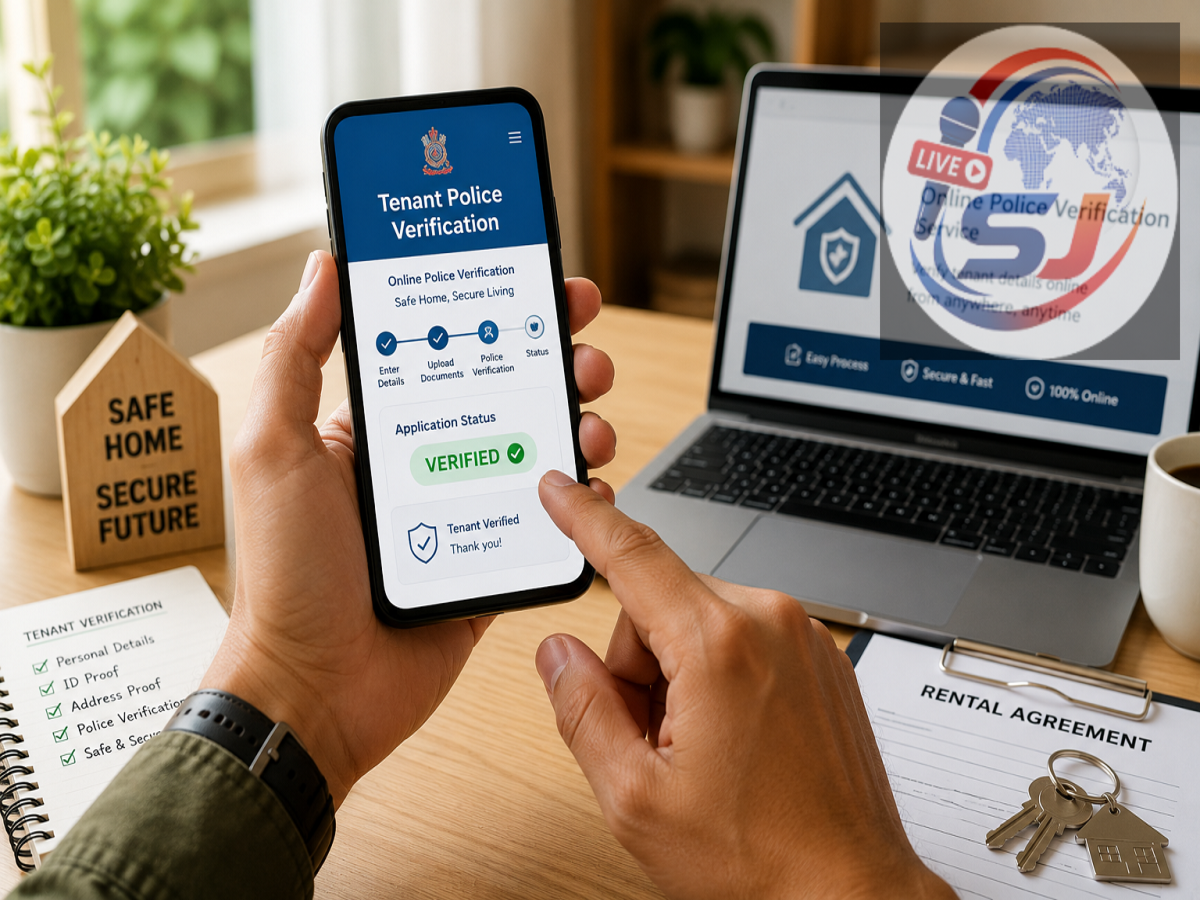
Tenant Police Verification Online: If you are a landlord in Uttar Pradesh and rent out a house, flat, shop or other property, getting the tenant's details verified can be an important safety measure. Police authorities commonly encourage landlords to submit tenant information so that the occupant's identity and background can be checked when required.
The process has become easier with digital citizen services offered by the Uttar Pradesh Police. Instead of repeatedly visiting a police station, landlords can use the UPCOP app to submit tenant verification details online from their smartphone.
Here is a step-by-step guide explaining the process, documents that may be required, payment and how to track the application.
What Is Tenant Police Verification?
Tenant police verification is a process through which a landlord provides details about a person occupying a rented property to the police.
Information such as the tenant's name, permanent address, contact details, photograph and identity document may be collected as part of the process. The concerned police unit can then check the information according to the applicable procedure.
Apart from security considerations, maintaining verified tenant records can also help landlords keep proper documentation of people staying at their property.
Download the UPCOP App
To begin the online process, download the official UPCOP application on your smartphone.
After installing the app, open it and look for the Citizen Services section. First-time users may need to create an account using details such as their name and mobile number.
Complete the registration process and log in to access the available citizen services.
Make sure you use the official application rather than downloading an APK or application from an unknown website.
Select Tenant/Servant Verification
After logging in, look for the option related to Tenant/Servant Verification.
Select the service to open the online application form. The form generally requires information about both the landlord and the person whose verification is being requested.
Before starting, keeping the necessary documents and information ready can make the application process faster.
Enter the Landlord's Details
The landlord will first have to provide basic information in the application.
This can include the landlord's name, residential address, mobile number and details of the property where the tenant is staying.
Enter all information carefully. Incorrect addresses or contact details could create problems during subsequent verification.
Provide Complete Details of the Tenant
The next step is to enter the tenant's information.
You may be asked for details including the tenant's full name, father's name, mobile number, current address and permanent address.
Check spellings and numbers against the tenant's identity documents before submitting the form. Providing accurate information is particularly important when the permanent address is located in another district or state.
Upload the Required Documents
The application may also require supporting documents for identity verification.
Depending on the options available in the service, an accepted government-issued identity document may need to be uploaded along with a recent photograph of the tenant.
Keep clear scanned copies or photographs of the documents ready before starting the application. Images should be readable and should not be blurred, cropped incorrectly or altered.
The exact document requirements displayed on the official service at the time of application should be followed.
Pay the Applicable Fee Online
If a service fee is applicable, the payment option will appear during the online application process.
The source information states that the tenant verification service carries a ₹50 fee. Since fees and service conditions can change, applicants should confirm the amount shown in the official UPCOP service before making payment.
Available digital payment options may include UPI, debit or credit cards and net banking, depending on what the platform supports.
Avoid making payments to individuals or unofficial accounts claiming they can speed up police verification.
Save Your Application or Acknowledgement Number
Once the form, documents and applicable payment have been successfully submitted, an acknowledgement or application reference number should be generated.
Save this number carefully. Taking a screenshot or downloading the acknowledgement can be useful for future reference.
The application number may be required to track the verification request or raise a query later.
What Happens After the Application Is Submitted?
After submission, the application is forwarded through the police system to the concerned unit for processing.
The authorities may check the details submitted by the applicant and verify the tenant's information according to the applicable procedure. Additional information or clarification may also be requested if necessary.
Processing time can vary depending on the location, completeness of the application and verification requirements.
How to Check Tenant Verification Status
Instead of visiting the police station repeatedly, applicants can check the status of their request through the digital service where the facility is available.
Log in to the UPCOP app and open the relevant application or status section. Use your application or acknowledgement details to check whether the request is pending, under verification or completed.
Once the process is completed, the available verification report or acknowledgement can be saved for the landlord's records.
Important Precautions While Renting Out Your Property
Police verification should form only one part of proper tenant documentation.
Landlords should also consider keeping a properly executed rental agreement, copies of accepted identity and address documents, emergency contact details and a record of rent payments. Requirements can differ depending on local rules and the nature of the tenancy.
Most importantly, never upload a tenant's personal documents to unknown websites or send them to people claiming to be police agents without verifying their identity.
Online Verification Makes the Process More Convenient
Digital citizen services can reduce the need for landlords to make repeated visits to a police station merely to submit forms and track applications.
Through the UPCOP platform, eligible users can submit tenant information, upload documents, complete applicable payments and follow the progress of their request online.
However, procedures, fees and document requirements may be updated periodically. Before submitting an application, landlords should check the latest instructions displayed on the official Uttar Pradesh Police/UPCOP service and provide only accurate information.