
Smart Home Hacking Alert 2026: CCTV Cameras, Smart TVs and Wi-Fi Routers Can Be Hacked, Follow These 7 Safety Tips
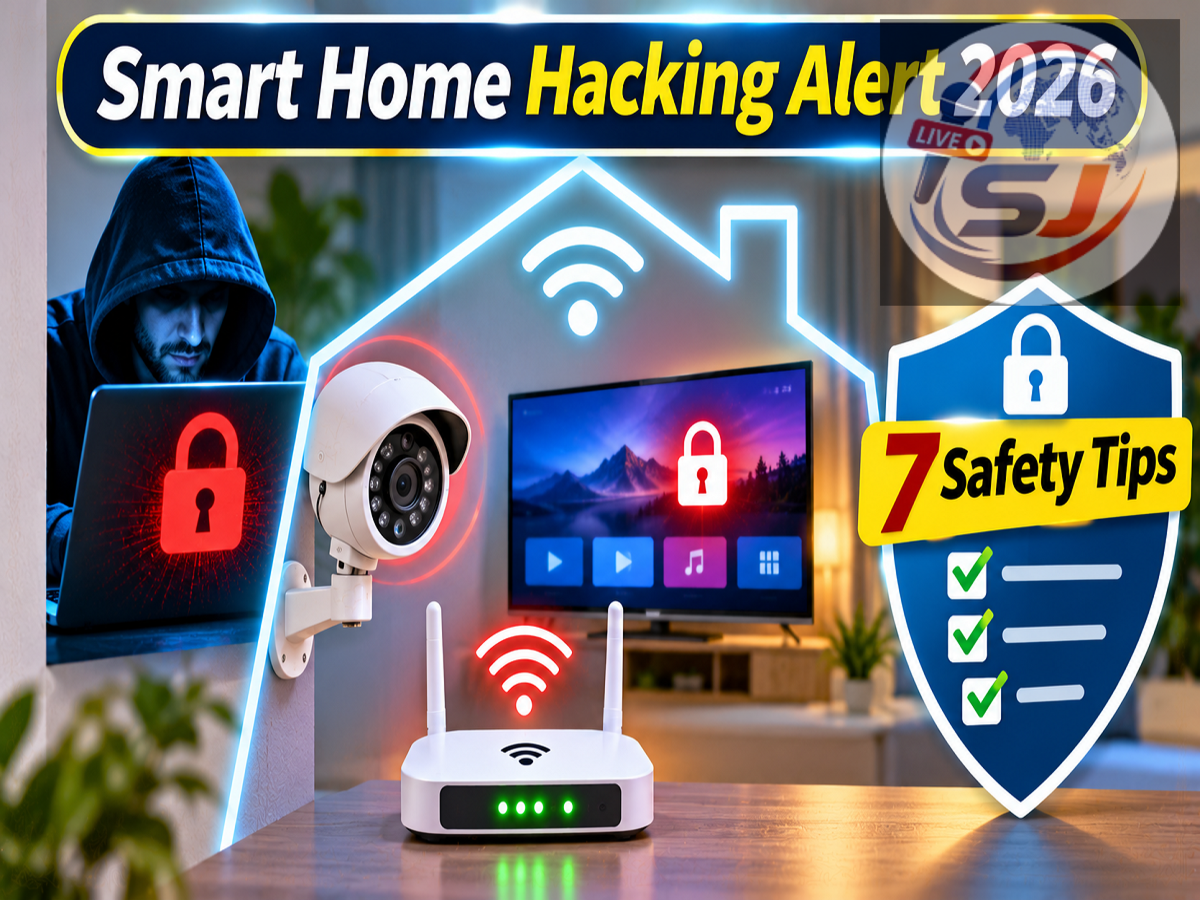
Smart Home Cybersecurity Tips 2026: Cybercriminals are not just targeting smartphones, laptops and computers. Several internet-connected devices used inside modern homes, including CCTV cameras, smart televisions, Wi-Fi routers, video doorbells and smart locks, can also become vulnerable to hacking if proper security measures are not followed.
As smart home technology becomes increasingly popular, people are using connected appliances to make everyday tasks easier. From monitoring security cameras remotely to controlling refrigerators and washing machines through mobile applications, these devices offer convenience and automation.
However, internet connectivity can also introduce cybersecurity risks.
According to a Live Hindustan report published on November 3, 2026, poorly secured smart devices may allow attackers to gain unauthorised access, interfere with device settings or compromise personal privacy.
Understanding these risks and following a few basic security practices can help protect your home network and connected devices.
CCTV Cameras and Video Doorbells Can Become Targets for Hackers
Many households install CCTV cameras and video doorbells to improve home security.
These devices allow users to monitor their property through mobile applications, even when they are away from home.
However, security cameras connected to the internet can become vulnerable if they use weak passwords, outdated software or poorly protected remote-access services.
If attackers successfully gain access to a camera account or device, they may be able to view live footage or previously recorded videos, depending on the system's capabilities.
Some CCTV cameras and video doorbells also contain microphones, which could create additional privacy risks if unauthorised access occurs.
To reduce these risks, users should replace default passwords, install available security updates and enable two-factor authentication wherever supported.
It is also advisable to purchase security cameras from manufacturers that provide regular software updates and clear privacy controls.
Wi-Fi Router Security Is Extremely Important
The Wi-Fi router is one of the most important devices in a connected home.
It provides internet access to smartphones, computers, televisions, cameras and other smart appliances.
If an attacker compromises the router, they may be able to interfere with network settings, redirect some traffic or attempt to target other connected devices.
This makes router security essential.
Users should change the default administrator password immediately after installation and select a strong Wi-Fi password.
They should also ensure that the router uses modern wireless security, preferably WPA3 where supported or WPA2-AES where necessary.
Regular firmware updates are important because manufacturers release patches to address security vulnerabilities.
Another useful precaution is to disable unnecessary remote administration features.
If the router supports a guest network, users can consider connecting visitors and selected smart home devices to a separate network.
Smart TVs Can Also Face Cybersecurity Threats
Modern smart televisions operate using internet-connected software platforms and support streaming applications, web browsing and other online services.
Like smartphones and computers, these devices may contain software vulnerabilities.
A compromised smart TV could potentially expose account information, allow unauthorised changes to settings or create other privacy concerns.
Some televisions also include microphones or support connected cameras, making privacy permissions particularly important.
Users should regularly update their television's operating system and installed applications.
Downloading apps only from trusted sources can also reduce security risks.
Additionally, users should review microphone, camera and application permissions and disable features they do not need.
Smart Locks and Home Alarm Systems Need Protection
Smart locks and connected alarm systems are designed to improve convenience and security.
Many of these products allow users to lock doors, receive notifications or monitor security events through mobile applications.
However, weak account credentials or software vulnerabilities may create opportunities for unauthorised access.
Depending on the device and the nature of a security breach, attackers could potentially interfere with settings or access controls.
Users should enable available security features, review access permissions and remove accounts belonging to people who no longer need access.
It is also important to keep recovery options and emergency unlocking procedures available.
For security-sensitive devices, choosing a reputable manufacturer with ongoing software support is especially important.
Even Smart Refrigerators and Washing Machines Can Be Vulnerable
Internet-connected appliances are becoming increasingly common in Indian households.
Smart refrigerators can offer temperature monitoring and remote controls, while connected washing machines allow users to manage wash cycles through applications.
Although these features are convenient, every internet-connected device introduces another potential point of exposure.
A poorly secured appliance could be targeted through vulnerable software, weak passwords or insecure cloud accounts.
The risk does not necessarily mean that hackers can physically control every function of an appliance. The possible impact depends on its design, permissions and security protections.
Users should therefore apply the same basic security practices to smart appliances that they use for other connected devices.
Connected Cars Can Also Face Hacking Risks
Cybersecurity concerns extend beyond household appliances to modern connected vehicles.
Many cars now include internet-enabled infotainment systems, navigation features, remote applications and connected services.
The Live Hindustan report referred to a well-known cybersecurity demonstration involving a Jeep vehicle in 2015.
During the demonstration, security researchers exploited vulnerabilities in a connected vehicle system and demonstrated remote interference with certain vehicle functions.
The incident led to a major recall affecting approximately 1.4 million vehicles for software-related security improvements.
The example illustrates why connected vehicle manufacturers must regularly identify and address cybersecurity vulnerabilities.
Vehicle owners should install official software updates and avoid using untrusted applications or accessories that could compromise connected systems.
7 Important Ways to Protect Smart Devices From Hackers
Protecting smart home devices does not always require advanced technical knowledge.
Several basic precautions can significantly reduce common cybersecurity risks.
1. Change Default Passwords Immediately
Many smart devices come with default login credentials or initial setup passwords.
These should be changed before the device is connected for regular use.
Choose a strong, unique password for each device account.
Avoid common combinations such as 123456, password123, names or easily guessed dates.
A password manager can help generate and store unique passwords securely.
2. Enable Two-Factor Authentication
Two-factor authentication, also called 2FA, adds another verification step when someone attempts to access an account.
Even if an attacker obtains a password, an additional authentication requirement can make unauthorised access more difficult.
Enable 2FA on CCTV camera accounts, smart home applications and other supported services.
Authenticator apps or passkeys may offer stronger protection than SMS-based verification where available.
3. Keep Software and Firmware Updated
Software updates often include important security fixes.
Manufacturers may release patches for routers, televisions, cameras and connected appliances after discovering vulnerabilities.
Enable automatic updates where supported and regularly check the manufacturer's official application or website.
Avoid installing firmware downloaded from unknown sources.
4. Check the Security of Older Devices
Some smart devices stop receiving security updates after several years.
When a manufacturer ends software support, newly discovered vulnerabilities may remain unpatched.
Users should check whether older devices are still supported.
If a device no longer receives security updates, consider limiting its internet access or replacing it when the security risk is significant.
5. Disable Unnecessary Internet Features
Not every smart appliance requires continuous remote internet access.
If you never control a device while away from home, consider disabling its remote-access functionality.
Similarly, turn off unused services such as remote administration or unnecessary device-sharing features.
Reducing the number of active network services can help limit potential entry points for attackers.
6. Use a Separate Wi-Fi Network for Smart Devices
Creating a separate network for smart home devices can provide an additional layer of protection.
For example, users may keep laptops and smartphones on their main Wi-Fi network while connecting compatible smart appliances to a separate guest or IoT network.
This arrangement can help limit communication between devices if the router provides proper network isolation.
However, some smart home products require local communication with phones or hubs, so users should check compatibility before enabling isolation settings.
7. Regularly Review Connected Devices
Most modern routers allow users to view a list of connected devices.
Checking this list periodically can help identify unfamiliar connections.
If an unknown device appears, change the Wi-Fi password, review router security settings and investigate whether the connection is legitimate.
Users should also ensure that the router's administrative account remains protected and that unnecessary features are disabled.
Smart Home Cybersecurity Checklist
| Smart Device | Main Security Concern | Recommended Precaution |
|---|---|---|
| CCTV Camera | Unauthorised access to footage | Strong password and 2FA |
| Video Doorbell | Exposure of video or audio | Update firmware and secure account |
| Wi-Fi Router | Network compromise | WPA2/WPA3, updates and strong credentials |
| Smart TV | Vulnerable apps and account access | Update software and review permissions |
| Smart Lock | Unauthorised changes to access settings | Secure accounts and access permissions |
| Smart Refrigerator | Insecure connected services | Update software and disable unused features |
| Smart Washing Machine | Weak app or cloud security | Use unique passwords and trusted apps |
| Connected Car | Vulnerable connected systems | Install official vehicle software updates |
What Should You Do If a Smart Device Has Been Hacked?
If you suspect that a CCTV camera, router or another smart device has been compromised, take action promptly.
First, disconnect the affected device from the internet if it is safe and practical to do so.
Next, change the password of the associated account using a trusted phone or computer.
Review recent login activity, remove unknown users and revoke suspicious device access where supported.
Install available security updates and consider performing a factory reset if recommended by the manufacturer.
For a compromised router, review DNS settings, administrative credentials and connected devices before reconnecting your home network.
If personal information or financial accounts may have been exposed, change relevant passwords and monitor for suspicious activity.
In India, suspected cybercrime can be reported through the National Cyber Crime Reporting Portal at https://cybercrime.gov.in. Financial cyber fraud can also be reported through helpline 1930.
Final Thoughts
Smart home devices offer convenience, automation and improved connectivity, but they also require proper cybersecurity protection.
CCTV cameras, smart televisions, Wi-Fi routers, video doorbells and connected appliances can become targets when passwords are weak, software is outdated or unnecessary internet services remain exposed.
The most effective precautions include using unique passwords, enabling two-factor authentication, installing updates and separating smart devices from sensitive personal equipment where practical.
A few minutes spent reviewing security settings can help reduce the risk of unauthorised access and protect your family's digital privacy.