
SBI Fraud Alert 2026: Fake Bank Letters and KYC Messages Can Empty Your Account, Beware of Malicious APK Links
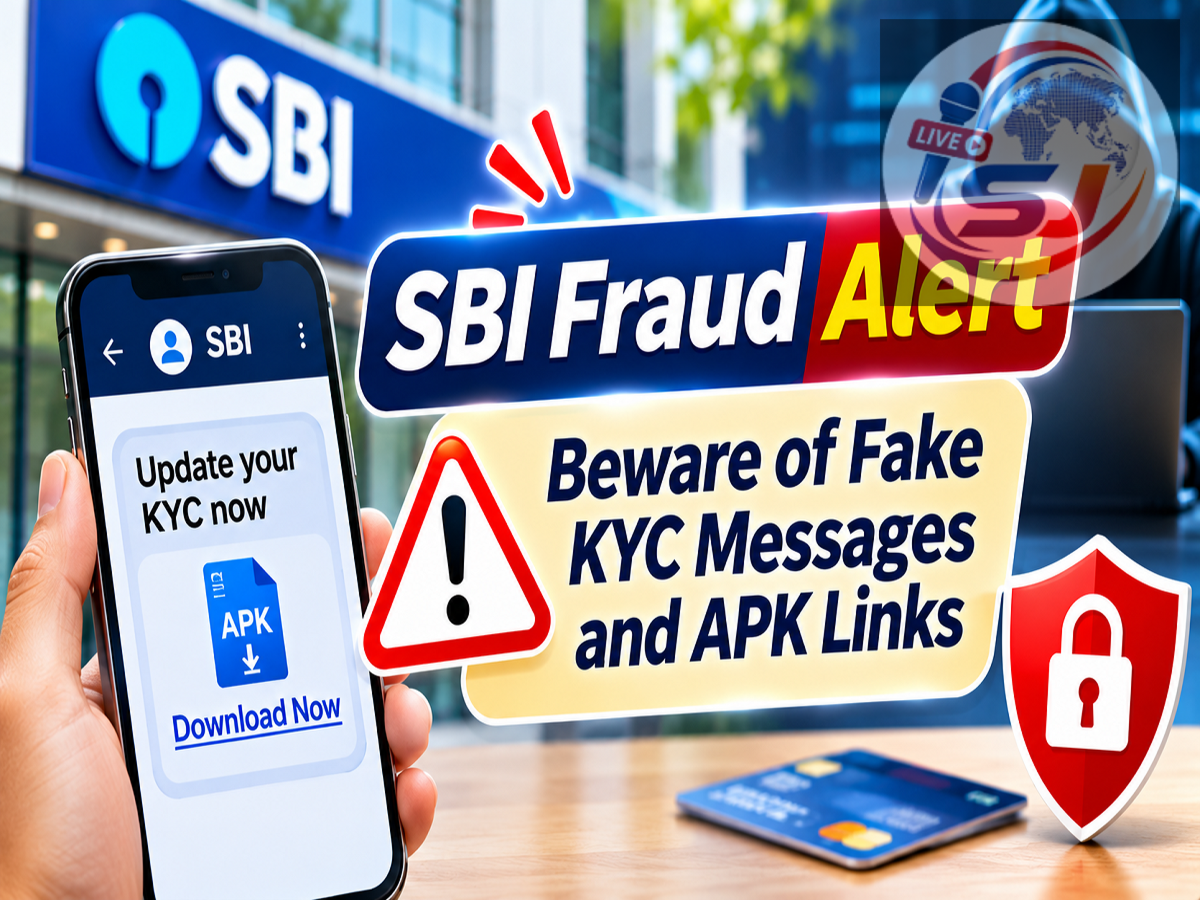
SBI Cyber Fraud Alert 2026: The State Bank of India (SBI) has issued an important cybersecurity warning for customers about a growing fraud technique involving fake bank letters, KYC verification messages and malicious Android application files.
According to the bank's official awareness communication, cybercriminals are sending messages that appear to contain genuine banking instructions but include dangerous APK links.
SBI has warned that opening suspicious links and installing malicious applications can compromise mobile devices and expose customers to financial fraud.
The bank has advised customers to download applications only from trusted sources, such as the Google Play Store or Apple App Store, and avoid installing unknown APK files.
The warning is particularly relevant to people who regularly use mobile banking, UPI applications and other digital payment services.
SBI Warns Customers About Fake KYC Messages
Cybercriminals frequently use the names of banks and financial institutions to make fraudulent messages appear trustworthy.
Such messages may claim that a customer's Know Your Customer (KYC) information needs urgent verification.
In some cases, fraudsters may send documents designed to resemble official bank letters.
These communications can create a false sense of urgency by suggesting that banking services will be restricted unless the recipient takes immediate action.
The message may then direct the customer to download an application through a link.
SBI has warned customers not to trust suspicious APK links received through such communications.
What Is an APK File?
APK stands for Android Package Kit.
It is a file format used to distribute and install applications on Android devices.
Although APK files are not inherently malicious, criminals can distribute harmful applications through unofficial download links.
When users install a malicious application, it may request permissions that allow access to sensitive information or device functions.
Depending on its capabilities and the permissions granted, malicious software may attempt to access messages, notifications, contacts or other data.
Some fraudulent applications can also interfere with banking-related activities.
SBI's warning focuses on the risks associated with suspicious APK files received from unknown sources.
How Does the Fake Bank Letter Scam Work?
Fraudsters may use a series of steps to deceive customers.
Step 1: A Fake Banking Message Arrives
The customer receives a message through SMS, WhatsApp or another communication platform.
It may appear to come from a bank or customer support department.
Step 2: The Message Creates Urgency
The fraudster may claim that the customer's KYC details are incomplete or that the account requires immediate verification.
Step 3: A Suspicious Download Link Is Shared
The message contains a link to an APK file or an unofficial application download page.
Step 4: The Customer Is Asked to Install the App
The malicious application may imitate a banking service or identity verification tool.
Step 5: Sensitive Information May Be Compromised
If the application is installed and granted dangerous permissions, criminals may attempt to steal information or facilitate unauthorized transactions.
The exact method varies between scams. Simply receiving a fraudulent message does not mean that the device has been compromised.
Why Are Fake KYC Alerts Dangerous?
KYC verification is a legitimate banking requirement, which makes it an attractive subject for fraudsters.
Customers may be more likely to respond when a message appears to concern account access or regulatory compliance.
Criminals exploit this concern by creating fake warnings and providing malicious links.
A genuine-looking logo, bank letterhead or message format does not prove that a communication is authentic.
Customers should independently verify any unexpected KYC request through their bank's official channels.
They should not rely on contact numbers or links supplied within suspicious messages.
SBI Cyber Fraud Alert: Important Safety Tips
SBI has specifically advised customers to download applications only from trusted app stores and avoid suspicious APK files.
Customers can also reduce their exposure to fraud by following these precautions:
-
Do not install APK files received through unknown SMS or WhatsApp messages.
-
Avoid clicking suspicious links claiming that your bank account will be blocked.
-
Never share OTPs, UPI PINs, passwords or banking credentials.
-
Verify KYC-related requests through the bank's official website or customer service channels.
-
Check the application publisher before installing banking-related apps.
-
Avoid granting unnecessary accessibility, SMS or notification permissions to unfamiliar applications.
-
Keep your phone and installed applications updated.
-
Report suspected unauthorized banking transactions immediately.
These precautions are useful for customers of SBI and other banks.
Can a Malicious APK Steal Money From Your Bank Account?
A malicious application can create serious security risks, but the outcome depends on its capabilities, permissions and the device's security protections.
Some harmful applications may attempt to capture sensitive information or misuse access to messages and notifications.
Others may use deceptive screens to obtain banking credentials.
Fraudsters can also combine malicious software with social engineering to persuade victims to authorize transactions.
Therefore, installing an unknown application can increase the risk of financial loss.
However, not every APK file automatically steals money, and merely tapping a link does not always result in a successful attack.
The most important precaution is to avoid installing unverified applications and granting them sensitive permissions.
What Should You Do If You Have Installed a Suspicious APK?
Customers who suspect that they have installed a malicious application should act quickly.
First, stop using the affected device for banking transactions.
If there are signs of unauthorized activity, contact the bank immediately through its verified customer service channels.
Customers should consider disconnecting the affected phone from mobile data and Wi-Fi to reduce further communication by suspected malware.
Using a separate trusted device, they should change important passwords and review their banking accounts.
They should also seek appropriate assistance to remove the suspicious application and assess whether the device has been compromised.
If financial fraud has occurred, it is important to report the incident without delay.
How to Report Cyber Financial Fraud in India
Victims of suspected cyber financial fraud can contact the national cybercrime helpline.
Cybercrime Helpline: 1930
Complaints can also be submitted through the Government of India's National Cyber Crime Reporting Portal.
Official Website: https://cybercrime.gov.in/
Customers should additionally notify their bank immediately about unauthorized transactions.
Prompt reporting is important because the applicable customer liability protections depend on the circumstances and timing of the report.
Under RBI's customer protection framework, liability is determined by the nature of the unauthorized transaction and the relevant reporting conditions.
Customers should preserve suspicious messages, transaction references and other evidence that may help with the complaint.
How to Verify Genuine SBI Communications
Customers should use SBI's official website to access verified information about banking services.
SBI Official Website: https://sbi.bank.in/
If a message claims that urgent KYC verification is required, customers should verify the request independently.
They should avoid calling unknown numbers mentioned in suspicious letters.
Official bank applications should be downloaded through verified distribution channels.
Customers should also remember that criminals can copy bank logos and imitate formal communication styles.
SBI Fraud Warning 2026: Important Message for Customers
The State Bank of India's latest cybersecurity advisory warns customers about fake bank letters and KYC alerts carrying malicious APK links.
Such messages may appear genuine but can be used to trick people into installing harmful applications.
SBI has advised customers to download applications only from trusted app stores and never install suspicious APK files from unknown sources.
Customers should verify unexpected banking requests independently and report suspected fraud immediately.
Staying alert to fake KYC messages and malicious downloads can help protect personal information, mobile devices and bank accounts.
Source Credit: State Bank of India — Official Cybersecurity Awareness Communication, November 4, 2026.
Original SBI Advisory: https://x.com/TheOfficialSBI/status/2117912238917054619
SBI Official Website: https://sbi.bank.in/
National Cyber Crime Reporting Portal: https://cybercrime.gov.in/
Cyber Financial Fraud Helpline: 1930