
Public Wi-Fi Safety Tips: 8 Things You Should Do Before Connecting at Airports, Cafes or Hotels
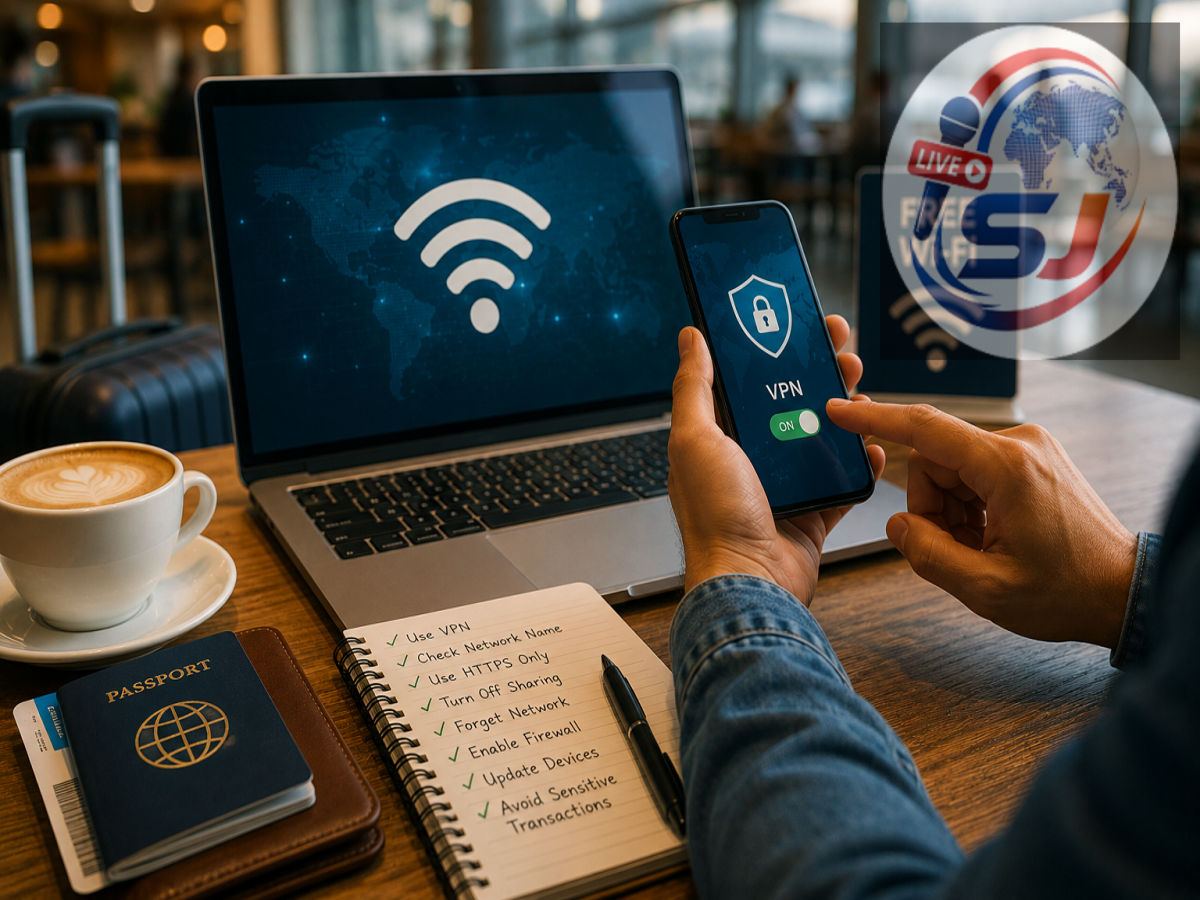
Free public Wi-Fi can be extremely convenient when you are travelling, working from a cafe, waiting at an airport or trying to save mobile data. Railway stations, hotels, colleges, shopping malls and restaurants now commonly offer wireless internet access, making it easy to get online almost anywhere.
But convenience can come with security risks. Not every public Wi-Fi network is equally secure, and connecting carelessly may expose users to fake hotspots, phishing pages or other attempts to steal personal information.
A few simple precautions can significantly reduce the risk.
1. Confirm the Wi-Fi Network Before Connecting
If several similarly named Wi-Fi networks appear on your phone or laptop, do not simply connect to the first open network.
Cybercriminals can create fake hotspots with names that resemble those of nearby hotels, cafes or airports. A user may connect believing it is the official network when it is actually controlled by someone else.
Before connecting, confirm the exact Wi-Fi name with the venue's staff, signage or official instructions. If a password is provided, use only the one given by the establishment.
2. Avoid Banking and Sensitive Payments on Public Wi-Fi
It is safer to avoid highly sensitive financial transactions when connected to an unfamiliar public network.
Tasks such as internet banking, entering card details, making high-value payments or changing financial passwords are better performed using your mobile data connection or another trusted network.
UPI itself uses secure systems, but users can still be exposed to phishing pages, fake login screens or other scams if they are browsing on an untrusted connection.
If a financial transaction cannot wait, switching to your phone's cellular data is usually a better option.
3. Look for HTTPS, but Don't Rely on It Alone
Modern websites commonly use HTTPS to encrypt data exchanged between your browser and the website.
Check the address bar and make sure the website uses https:// before entering information. Most modern browsers also warn users about insecure or invalid connections.
However, HTTPS does not guarantee that the website itself is genuine. Fraudsters can also create phishing websites that use encrypted connections.
Always check the spelling of the domain name and avoid visiting banking or payment websites through links received in suspicious messages.
4. Turn Off File Sharing and Network Discovery
When connecting a laptop to public Wi-Fi, make sure file sharing and network discovery are disabled unless you specifically need them.
These features are useful on trusted home or office networks because they help computers communicate with one another. On a public network, however, there is usually no reason for strangers' devices to discover your computer.
Windows and other operating systems may ask whether a newly connected network should be treated as public or private. For airports, hotels and cafes, selecting the public network profile is generally the safer choice.
5. Disable Automatic Wi-Fi Connections
Many phones and laptops can automatically reconnect to previously used networks or join open Wi-Fi networks.
While convenient, this feature can cause a device to connect without the user carefully checking the network first.
Review your Wi-Fi settings and turn off automatic connection to unknown or open networks where possible.
This also reduces the risk of accidentally joining a malicious hotspot using a familiar-looking network name.
6. A VPN Can Add Privacy, but It Is Not a Complete Shield
People who regularly work through public Wi-Fi may consider using a reputable VPN service.
A VPN encrypts traffic between your device and the VPN provider, adding an additional layer of privacy when using an untrusted local network.
However, a VPN cannot protect you from every online threat. It will not make a fraudulent website legitimate, prevent you from voluntarily giving a scammer your OTP or automatically identify a malicious attachment.
Users should also be careful when selecting a VPN provider because the service itself handles significant amounts of network traffic.
7. Keep Your Phone, Laptop and Apps Updated
Software updates are not only about adding new features. They frequently contain important security patches.
An outdated operating system, browser or application may contain known vulnerabilities that attackers can exploit.
Enable automatic security updates where practical and keep browsers, banking apps and device software current.
A strong screen lock and device encryption can provide additional protection if the device itself is lost or stolen while travelling.
8. Forget the Network When You Are Finished
Once you no longer need a public Wi-Fi connection, disconnect from it.
If you are unlikely to use the network again, choose the Forget Network option on your phone or computer. This prevents your device from automatically trying to reconnect to the same network name in the future.
You can also turn Wi-Fi off when it is not required, particularly while moving through crowded public places.
Be Careful With Public Wi-Fi Login Pages
Some legitimate public networks use a captive portal that asks users to accept terms or enter basic details before connecting.
But unexpected requests for bank passwords, card PINs, UPI PINs or email passwords should immediately raise suspicion.
A hotel or airport Wi-Fi login should not need your banking credentials.
If the login page looks unusual, stop and confirm the network with staff before entering information.
Mobile Data Can Be the Safer Choice for Sensitive Tasks
Public Wi-Fi is perfectly useful for routine activities such as reading news, checking maps or watching videos when sensible precautions are followed.
But when you need to access highly sensitive accounts, mobile data or a trusted personal hotspot can reduce exposure to risks associated with an unfamiliar local network.
The simplest rule is to treat public Wi-Fi as a shared environment rather than your private home connection.
Verify the network, avoid unnecessary financial activity, keep sharing features disabled and stay alert to suspicious login pages. Those small habits can make public internet access considerably safer.