
Phishing Scam Alert 2026: Fake Websites Can Steal Your Passwords and Banking Details, Rajasthan Government Warns
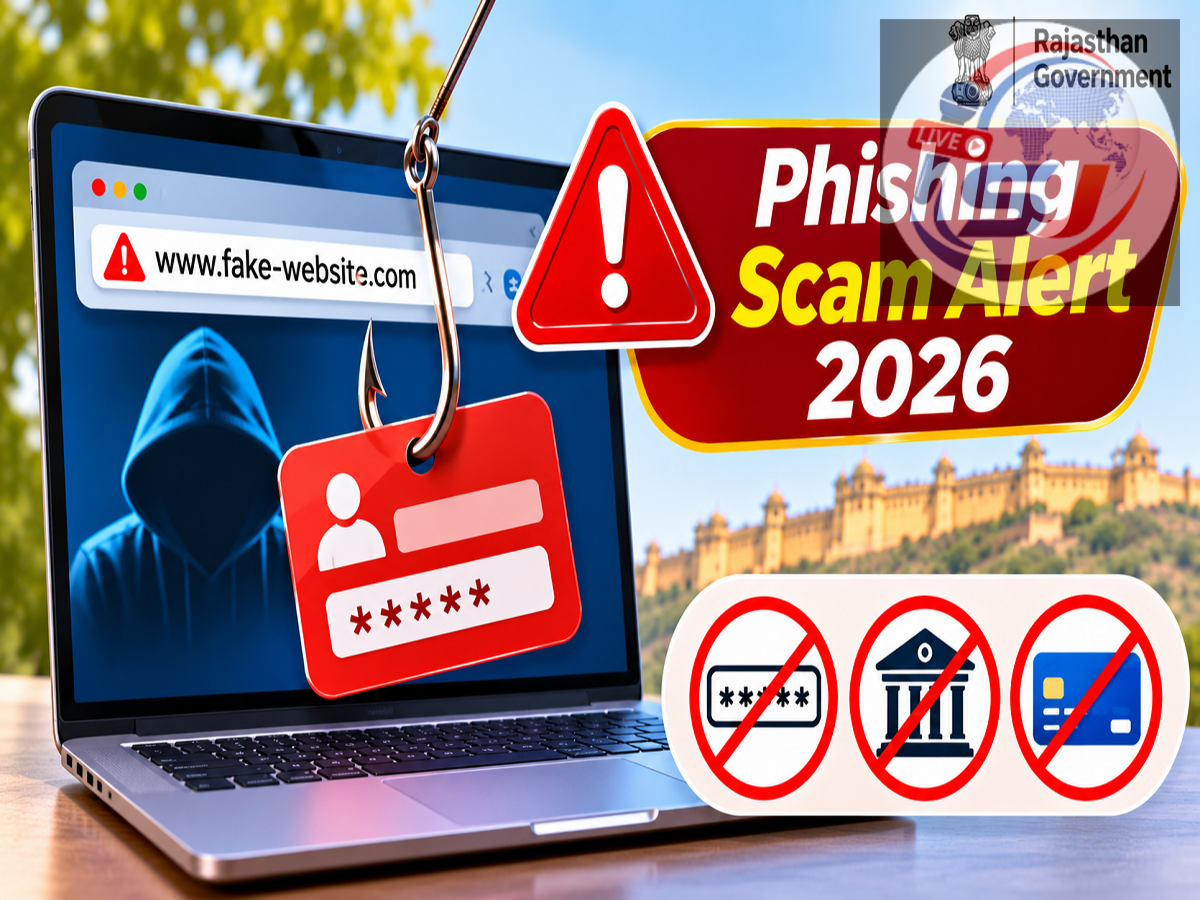
Phishing Fraud Alert 2026: Internet users are being advised to exercise caution while opening unfamiliar links, as cybercriminals can use fraudulent websites to steal passwords, banking credentials and personal information. The Rajasthan government's Department of Information Technology and Communication (DoIT&C) has shared an important cyber safety advisory warning citizens against suspicious links and fake websites.
The advisory highlights the growing importance of verifying website authenticity before entering confidential information online. Fraudsters may impersonate banks, government departments, online shopping platforms or trusted organisations to convince users to visit malicious websites.
The key message is simple: Never click suspicious links or enter personal and financial information on a website without verifying its authenticity.
Rajasthan Government Issues Cyber Safety Advisory on Phishing Links
The Rajasthan government's cyber awareness message focuses on protecting citizens from phishing attacks, a form of online fraud in which criminals attempt to obtain confidential information through deceptive messages and websites.
Phishing links may arrive through SMS, email, WhatsApp, social media messages or other digital communication channels.
These links can lead to websites that closely resemble genuine banking portals, government service platforms or popular online applications.
Once users visit these websites, they may be asked to enter passwords, OTPs, card details or other sensitive information.
The information submitted can then be captured and misused by cybercriminals.
The DoIT&C advisory encourages users to verify website addresses and avoid suspicious links before sharing any personal details.
What Is a Phishing Scam and How Does It Work?
Phishing is a cyber fraud technique in which attackers impersonate legitimate organisations or individuals to obtain confidential information.
A typical phishing attempt begins with a misleading message.
The message may claim that a bank account has been suspended, a parcel delivery has failed or a government benefit requires urgent verification.
The recipient is then instructed to click a link to resolve the supposed problem.
The link may open a fraudulent website designed to resemble an official service.
For example, a fake banking website might display a familiar logo, similar colours and a login form.
If the victim enters their username, password or other credentials, the attacker may capture that information.
In some cases, phishing websites also request OTPs or payment card details to facilitate further fraud.
How Do Fraudsters Create Fake Websites?
Cybercriminals may register website addresses that resemble the names of legitimate organisations.
They can also copy the visual design of genuine websites to make fraudulent pages appear convincing.
A fake website may contain familiar logos, navigation menus and customer support information.
However, its web address may differ slightly from the official domain.
Fraudsters sometimes use spelling variations, additional words, misleading subdomains or unfamiliar domain extensions.
For example, a malicious website might include the name of a well-known bank within a longer address that is not controlled by that bank.
Users should therefore examine the actual website domain rather than trusting the appearance of the page.
A professional-looking website is not necessarily a genuine one.
Common Phishing Messages That Internet Users Should Recognise
Phishing attacks frequently rely on urgency, fear or the promise of financial benefits.
Some common examples include:
-
Bank account suspension: A message claims that the account will be blocked unless the customer immediately verifies their identity.
-
KYC update warning: The recipient is told to click a link to complete a mandatory verification.
-
Fake government subsidy: A message promises financial assistance and asks users to submit personal information.
-
Parcel delivery problem: A fraudulent notification claims that a package cannot be delivered until an address or payment is confirmed.
-
Electricity bill scam: The recipient is warned that power supply will be disconnected unless an outstanding bill is paid.
-
Online shopping refund: A message directs the customer to a fake website to claim a refund.
-
Prize or cashback offer: The victim is promised a reward after completing a verification process.
These examples illustrate common phishing techniques and are not specific incidents confirmed in the Rajasthan government's brief advisory.
How to Identify a Suspicious Phishing Link
Phishing links can sometimes be identified by carefully examining their structure and the message accompanying them.
A suspicious link may contain unusual spelling, extra characters or a domain name that differs from the official website.
Users should also be cautious when a message contains grammatical errors, unexpected payment demands or threats of immediate account suspension.
However, well-written messages and professional website designs can also be fraudulent.
Therefore, the absence of spelling mistakes does not prove that a link is safe.
When in doubt, users should avoid opening the link and instead visit the organisation's official website by typing its known address directly into the browser.
Does HTTPS Mean a Website Is Safe?
Many people assume that a website is genuine simply because it displays HTTPS or a padlock symbol.
However, HTTPS primarily indicates that the connection between the browser and website is encrypted.
It does not guarantee that the website belongs to a legitimate organisation.
Fraudulent websites can also use HTTPS certificates.
Therefore, users should verify the website's domain name and the organisation behind it before entering sensitive information.
The presence of HTTPS is an important technical security feature, but it should not be treated as proof of authenticity.
Phishing Website vs Genuine Website: Important Differences
| Genuine Website |
Potential Phishing Website |
|---|---|
| Uses the organisation's verified official domain |
May use a misleading or lookalike domain |
| Can be accessed through established official channels |
Often promoted through unexpected messages |
| Follows the organisation's normal verification procedures |
May demand sensitive information unexpectedly |
| Provides verifiable contact and service information |
May display misleading contact details |
| Does not require disclosure of confidential credentials to callers |
May ask users to reveal OTPs or passwords |
| Can be independently verified |
May pressure users to act without verification |
These differences can help users identify warning signs, but no single indicator is sufficient to establish that a website is genuine.
Can Phishing Links Steal Money From Bank Accounts?
Phishing attacks can lead to financial losses when criminals obtain information needed to access accounts or authorise transactions.
For example, a victim may enter banking credentials on a fake website.
The attacker may then attempt to use those credentials to access the genuine account.
Some phishing schemes also attempt to capture OTPs or persuade victims to approve payments.
However, merely opening a phishing link does not automatically mean that money has been stolen.
The risk depends on factors such as the website's behaviour, whether the user enters information, device security and any malicious files or software involved.
Users should still avoid suspicious links because some malicious websites may attempt additional attacks or prompt harmful downloads.
What Should You Do If You Click a Phishing Link?
If you accidentally open a suspicious website, avoid entering personal or financial information.
Close the page and do not download files or install applications suggested by the website.
If you entered a password, change it immediately through the genuine service's official website or application.
Where available, enable multi-factor authentication and review recent account activity.
If banking details or payment credentials were disclosed, contact the bank through its verified customer support channels.
Users should also check for unfamiliar transactions and report suspected fraud promptly.
If a suspicious application was downloaded or installed, the device should be examined for potential security risks.
How to Report Phishing Fraud in India
Victims of financial cyber fraud can contact the national cybercrime helpline 1930.
Complaints can also be submitted through the official National Cyber Crime Reporting Portal.
If an unauthorised banking transaction has occurred, the affected individual should notify the bank or payment service provider immediately.
Users should preserve relevant evidence, including suspicious website addresses, messages, screenshots and transaction details.
Suspicious websites and online fraud attempts may also be reported through relevant platform or browser reporting mechanisms.
Early reporting can support investigation and timely action, although recovery of lost funds cannot be guaranteed.
Important Tips to Protect Yourself From Phishing Scams
Internet users can reduce their exposure to phishing attacks by following basic digital safety practices.
Always verify the website address before entering login credentials or payment information.
Avoid clicking unfamiliar links received through unsolicited messages.
Do not share OTPs, UPI PINs or banking passwords with anyone claiming to represent a trusted organisation.
Use official mobile applications and bookmarked websites when accessing frequently used financial services.
Keep browsers, operating systems and security software updated.
Users should also avoid installing applications from unknown websites or following unexpected instructions to disable security protections.
Families can help elderly relatives and first-time internet users understand how fake websites and misleading messages operate.
Why Phishing Awareness Is Important in 2026
As banking, shopping, education and government services increasingly rely on digital platforms, phishing remains an important online security concern.
Cybercriminals can imitate familiar organisations and create convincing messages to exploit users' trust.
Many phishing attempts do not require attackers to break into a system directly.
Instead, they persuade victims to voluntarily disclose information through fraudulent websites.
This makes user awareness a critical layer of protection.
Recognising suspicious links, checking website addresses and refusing unexpected requests for confidential information can prevent many common phishing-related incidents.
Final Takeaway: Verify Every Website Before Sharing Sensitive Information
The Rajasthan government's latest cyber safety message reminds citizens that fraudulent links can lead to websites designed to steal passwords, banking details and personal information.
Never enter confidential information on an unfamiliar website without confirming that it is genuine.
Users should access important financial and government services through official websites or verified applications rather than relying on unexpected links.
Anyone who suspects that their information has been compromised should secure the affected accounts and report financial fraud immediately.
Source Credit: Rajasthan Government Department of Information Technology and Communication (DoIT&C) — Public cyber awareness advisory shared under #DOITC, #CyberSafety, #PhishingScam, #CyberAwareness and #Rajasthan. Additional information about phishing techniques, website verification and cybercrime reporting has been included for public awareness.