
Netflix Account Security 2026: How to Check Logged-In Devices and Remove Unknown Users
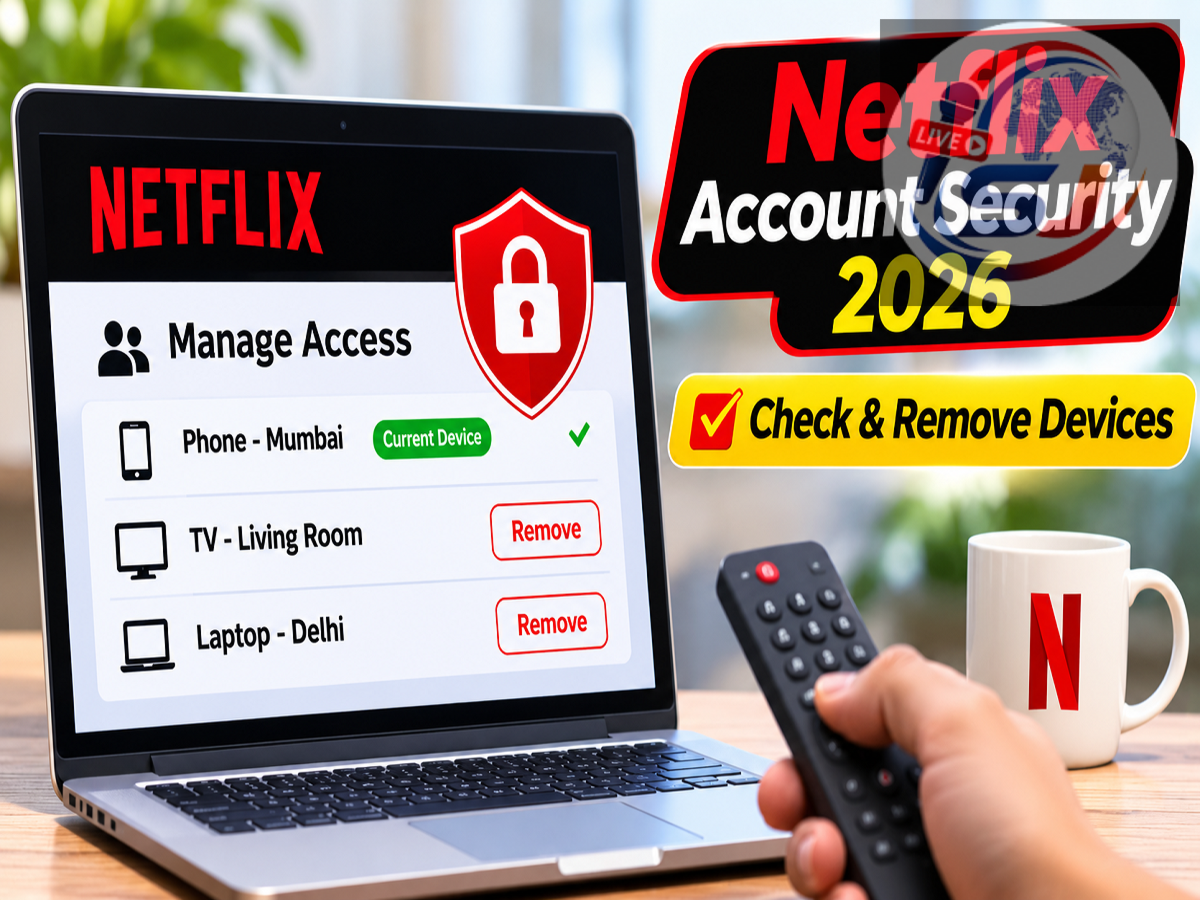
Netflix Account Safety Tips 2026: Is someone secretly using your Netflix account? Unexpected changes in your viewing history, unfamiliar shows appearing in your recommendations or repeated streaming-limit warnings could indicate that another person has access to your subscription. Netflix offers a built-in security feature that allows subscribers to review recently active devices and sign out of those they do not recognize.
Whether you use Netflix on a smartphone, smart TV, tablet or computer, checking connected devices can help protect your account from unauthorized access. Here is how to identify suspicious activity, remove unwanted devices and strengthen your Netflix account security.
How to Tell If Someone Else Is Using Your Netflix Account
Unusual account activity can sometimes indicate that your login credentials have been shared or compromised.
One common warning sign is an unexpected change in your viewing history. If movies or television series appear in your recently watched list without your knowledge, someone else may have accessed your profile.
Another indication is receiving a message that too many devices are streaming simultaneously, even when nobody in your household appears to be watching.
Changes to your watch progress, unfamiliar recommendations or devices you cannot identify may also justify a security check.
However, these signs do not necessarily confirm that your account has been hacked. Family members, previously connected televisions or shared profiles may explain the activity.
How to Check Devices Logged Into Your Netflix Account
Netflix provides a feature called Manage Access and Devices, which helps subscribers review devices that have recently accessed their accounts.
Follow these steps to check your account activity:
-
Open the Netflix application on your smartphone or visit the official Netflix website.
-
Sign in and navigate to your profile or account menu.
-
Open Account settings.
-
Find the Manage Access and Devices option under the security or device-management settings.
-
Review the available device information and recent account activity.
The page may display device types, profile information and approximate access details.
Compare these entries with the phones, televisions, tablets and computers used by your household.
Keep in mind that the displayed information may not include every device or session immediately.
How to Remove an Unknown Device From Netflix
If you discover a device that does not belong to you or another authorized household member, you can remotely sign it out.
Open the Manage Access and Devices section and locate the suspicious device.
Select the available Sign Out option associated with that device.
Once the request is processed, the device should lose access to the existing Netflix session.
However, signing out alone may not prevent another login if someone still knows your password.
For stronger protection, change your account password and review other active sessions.
How to Sign Out of Netflix on All Devices
Netflix also provides an option to sign out of all devices associated with an account.
This feature can be useful when you cannot determine which device is responsible for suspicious activity.
To use it, open your Netflix account settings and locate the option to sign out of all devices.
Confirm the action when prompted.
You will need to sign in again on the devices you want to continue using.
Netflix notes that signing out across devices may take some time to complete.
If you suspect that your credentials have been compromised, changing your password is an important additional precaution.
How to Change Your Netflix Password for Better Security
A strong password reduces the risk of unauthorized account access.
To update your credentials, visit Netflix account settings and select the password-change option.
Choose a unique password that is not used for your email, banking applications or other online services.
A longer password containing a combination of letters, numbers and symbols can provide stronger protection.
Avoid easily guessed information such as names, birthdays and mobile numbers.
If you have reused your Netflix password elsewhere, consider updating those accounts as well.
Netflix Subscription Plans in India: Prices and Streaming Limits
Netflix offers several subscription options in India, with different limits on simultaneous viewing and supported devices.
The following prices and features are based on the plan details provided in the source material.
| Netflix Plan | Monthly Price | Simultaneous Streaming | Video Quality |
|---|---|---|---|
| Mobile | ₹149 | 1 mobile device or tablet | Up to 480p |
| Basic | ₹199 | 1 supported device | Up to 720p |
| Standard | ₹499 | 2 devices | Up to 1080p |
| Premium | ₹649 | 4 devices | Up to 4K Ultra HD |
Note: Subscription prices, video quality and device restrictions may change. Check Netflix's official website for the latest plan details.
If your subscription allows only one simultaneous stream, another person watching through your account could prevent you from starting playback.
However, a streaming-limit warning does not automatically mean that an unauthorized user is involved.
What to Do If Your Netflix Account Has Been Hacked
If you notice unauthorized activity, begin by securing your Netflix password.
Next, review connected devices and remove sessions you cannot identify.
Check whether your account email address, phone number or other account information has changed unexpectedly.
It is also important to secure the email account associated with Netflix, especially if the same password was previously used for both services.
If you cannot access your account or reset your password, contact Netflix through its official support website at help.netflix.com.
Avoid unofficial account-recovery services or individuals requesting passwords and verification codes.
Netflix Household Rules: What Subscribers Should Know
Netflix accounts are generally intended for use within a single household, subject to the platform's applicable membership rules.
Sharing login credentials with people living outside the registered household may trigger additional verification or restrictions.
Subscribers should review Netflix's current household policies before allowing others to use their accounts.
Removing unused devices and limiting unnecessary password sharing can also help maintain better control over account access.
How to Keep Your Netflix Account Safe
Regular security checks can reduce the possibility of unwanted account activity.
Review your connected devices periodically, particularly after signing in on a hotel television, shared computer or another device you do not personally control.
Sign out after using Netflix on public or temporary devices.
Be cautious of suspicious emails or text messages claiming that your Netflix subscription has expired or requires immediate payment.
Always open Netflix directly through its official application or website rather than entering your credentials through unfamiliar links.
Conclusion
Protecting your Netflix account does not require advanced technical knowledge. The platform's device-management settings allow users to review recent account access, identify unfamiliar devices and remotely end unwanted sessions.
If your viewing history changes unexpectedly or streaming limits appear without an obvious explanation, checking connected devices is a sensible first step.
Combining regular account reviews with a unique password and careful login practices can help keep your Netflix subscription and personal information more secure.