
Lost or Stolen Smartphone? Block Its IMEI Through Sanchar Saathi, Check Status and Unblock It After Recovery
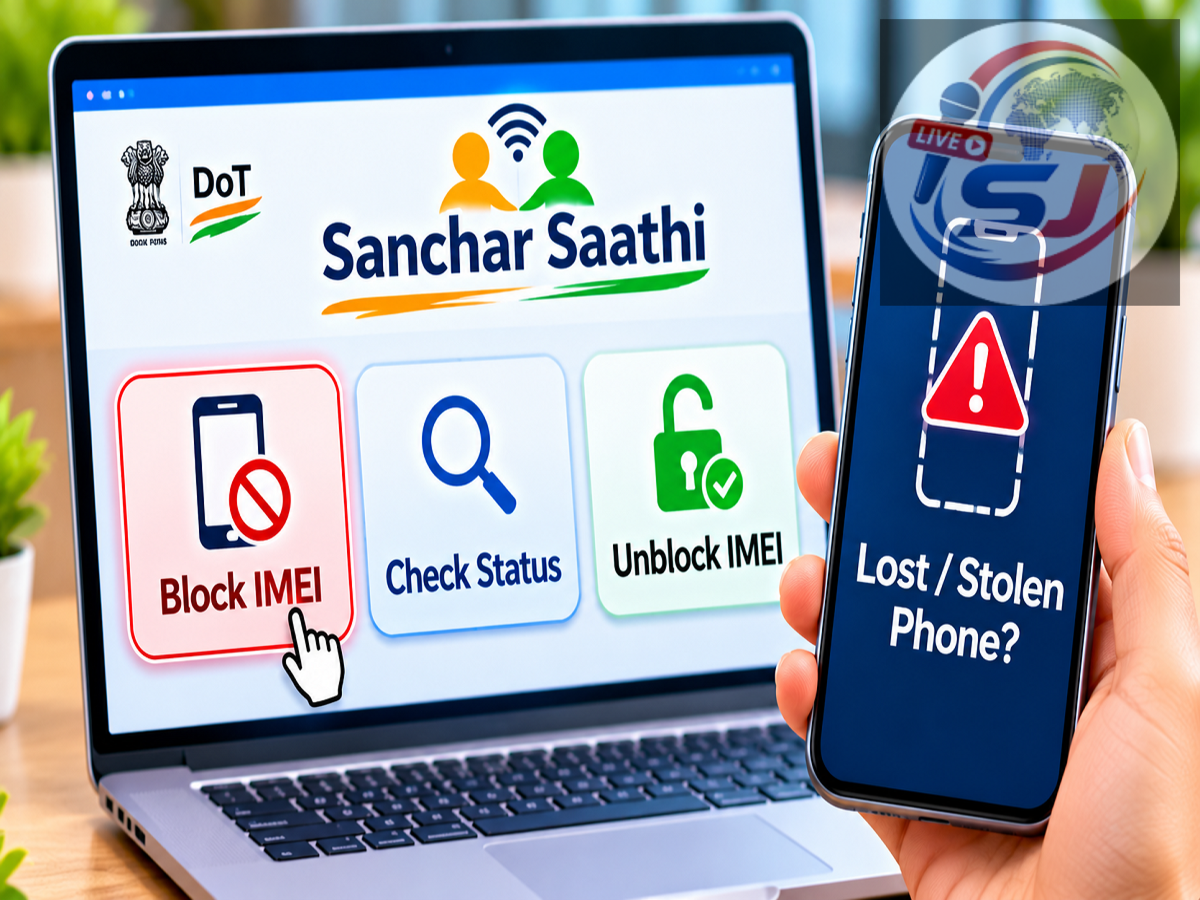
Sanchar Saathi IMEI Blocking Guide: Losing a smartphone can be a stressful experience, particularly when the device contains personal photographs, banking applications, confidential documents and important contact information. While blocking the SIM card is an essential security measure, it may not prevent another person from using the handset with a different SIM.
To address this concern, the Department of Telecommunications (DoT) provides an online facility through the Sanchar Saathi portal, allowing individuals to block the International Mobile Equipment Identity (IMEI) number of their lost or stolen smartphones.
The service operates through the Central Equipment Identity Register (CEIR) system. Once a handset is successfully blocked, it cannot connect to participating Indian mobile networks, even if someone inserts a different SIM card.
Users can also track their blocking requests online and apply to unblock their smartphones if they are subsequently recovered.
What Is an IMEI Number?
IMEI stands for International Mobile Equipment Identity. It is a unique 15-digit identification number assigned to a mobile device.
Unlike a mobile number, which is associated with a SIM card, the IMEI identifies the handset itself. Smartphones supporting two SIM connections generally have two IMEI numbers.
Users can find their smartphone's IMEI number through the following methods:
-
Dial
*#06#on the smartphone. -
Check the About Phone section in device settings.
-
Examine the original smartphone packaging.
-
Check the purchase invoice, if the IMEI is mentioned.
-
Review previously saved device information.
Keeping a record of your smartphone's IMEI number can be particularly helpful if the device is lost or stolen.
What Is the CEIR System?
The Central Equipment Identity Register is a system that helps mobile network operators identify and restrict lost or stolen handsets.
Blocking a device through CEIR makes it difficult for unauthorised individuals to use the handset for mobile calls, SMS and cellular internet services across India.
However, IMEI blocking does not automatically erase personal information, prevent Wi-Fi connectivity or guarantee the recovery of a stolen smartphone.
Documents Required to Block a Lost Smartphone Online
Before submitting an IMEI blocking request, users should arrange the necessary documents and obtain a replacement SIM card from their telecom operator.
| Document or Information |
Requirement |
|---|---|
| Police complaint or FIR |
Mandatory |
| Valid identity proof |
Mandatory |
| Reissued SIM card |
Required for OTP verification |
| Smartphone purchase invoice |
Optional, if available |
| IMEI number |
Provide if available |
| Smartphone brand |
Mandatory |
| Smartphone model |
Provide if available |
| Date and place of loss |
Mandatory |
| Police complaint number |
Mandatory |
If Aadhaar is selected as identity proof, the portal requires a masked Aadhaar document. Users must also ensure that SMS services are active on their replacement SIM card.
ceir.sancharsaathi.gov.in+1
How to Block a Lost or Stolen Phone Through Sanchar Saathi
Smartphone owners can submit an online blocking request by following these steps:
-
Register a complaint regarding the missing smartphone with the police.
-
Contact your telecom operator to block the missing SIM and obtain a replacement with the same mobile number.
-
Visit the official Sanchar Saathi portal.
-
Navigate to the facility for blocking lost or stolen mobile handsets.
-
Enter your mobile number, IMEI details and smartphone information.
-
Provide the date, location and police complaint details.
-
Upload the requested police report and identity documents.
-
Complete OTP verification and accept the declaration.
-
Submit the blocking application and securely save the generated Request ID.
The Request ID will be useful for monitoring your application and unblocking the device if it is recovered.
ceir.sancharsaathi.gov.in+1
How to Check Your IMEI Blocking Request Status
Applicants do not need to submit another request to check whether their smartphone has been blocked.
Visit the CEIR Request Status page, provide your Request ID or supported police complaint number, complete the CAPTCHA verification and submit the information.
The portal will display the available status of your request.
ceir.sancharsaathi.gov.in
Forgot Your Sanchar Saathi Request ID? Here's How to Recover It
Users who have misplaced their Request ID can recover it through the official CEIR portal.
Open the Forgot Request ID page and enter the mobile number previously provided for verification or notifications. Complete the CAPTCHA and OTP authentication before submitting the request.
ceir.sancharsaathi.gov.in
How to Unblock Your Smartphone After Recovery
If your missing smartphone is subsequently recovered, you can request the removal of its IMEI restriction.
Visit the CEIR Mobile Unblocking page.
Provide the original Request ID, mobile number associated with the missing handset, relevant complaint information and reason for unblocking. Complete the required verification and submit the application.
Users who cannot retrieve their Request ID and original mobile number may need to contact the concerned police station for assistance.
ceir.sancharsaathi.gov.in
SIM Blocking vs IMEI Blocking: What Is the Difference?
Many smartphone users mistakenly believe that blocking their SIM card automatically prevents the entire device from being used.
However, both security measures serve different purposes.
| Feature |
SIM Blocking |
IMEI Blocking |
|---|---|---|
| Primary purpose |
Protects the mobile connection |
Restricts the smartphone |
| Prevents use of the original SIM |
Yes |
Not directly |
| Restricts handset use with another SIM |
No |
Yes, on Indian mobile networks |
| Deletes personal information |
No |
No |
| Prevents Wi-Fi connectivity |
No |
No |
| Managed through |
Telecom operator |
Sanchar Saathi CEIR |
| Reversible |
Subject to operator procedures |
Yes, after recovery and approval |
Users should consider both security measures to minimise the risks associated with smartphone theft.
Important Security Measures After Losing Your Smartphone
Apart from submitting an IMEI blocking request, smartphone owners should immediately secure their digital accounts.
Android users can use Google's Find Hub service, while iPhone users can access Apple's Find My facility to locate or remotely secure their devices, subject to device settings and connectivity.
Users should also change important account passwords, inform their banks if necessary, secure UPI and mobile banking services, and deactivate active sessions on sensitive applications.
In case of financial cyber fraud, individuals can contact the national cybercrime helpline at 1930 or report the incident through cybercrime.gov.in.
Avoid sharing banking credentials, OTPs or device passwords with strangers claiming to have recovered your missing smartphone.
Sanchar Saathi CEIR: Important Online Services
| Service |
Official Website |
|---|---|
| Block lost or stolen smartphone |
|
| Check blocking request status |
|
| Recover forgotten Request ID |
|
| Unblock recovered smartphone |
|
| Report cybercrime |
The Sanchar Saathi initiative provides smartphone owners with an important tool for restricting the unauthorised use of missing handsets. Taking immediate action, securing financial accounts and submitting an IMEI blocking request can help reduce the potential risks associated with mobile phone theft.
Disclaimer: The supplied article has been expanded using information from the official CEIR portal and additional general digital security guidance. IMEI blocking does not guarantee smartphone recovery or complete protection of personal data. The application process has not been tested through an actual blocking request.