
Instagram New Update 2026: Edit Stories Within 15 Minutes of Posting Without Losing Views, Likes or Replies
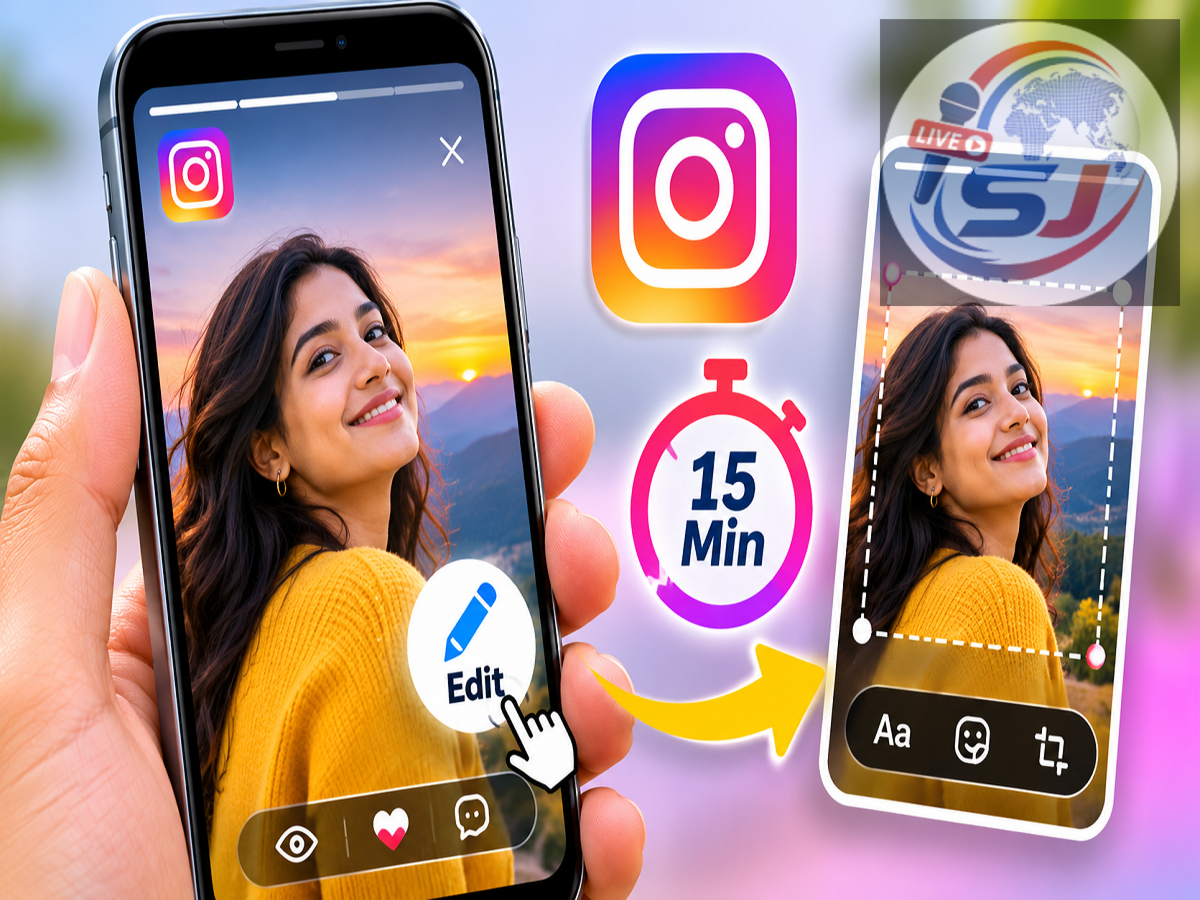
Instagram Story Editing Feature 2026: Instagram has introduced a new feature that allows users to make changes to their Stories even after publishing them. The update offers greater flexibility to people who accidentally post incorrect text, forget to add music or want to adjust stickers and drawings after sharing their content.
Instagram head Adam Mosseri announced the feature, explaining that users can now modify certain elements of a published Story within a limited period without deleting the original post.
Previously, correcting a mistake in an Instagram Story generally required removing the content and uploading a new version. This meant losing the views, likes and replies associated with the original Story.
The latest update addresses this inconvenience by allowing users to make corrections while retaining their existing engagement.
Instagram Introduces Story Editing After Publishing
Instagram Stories are among the platform's widely used features, allowing people to share photographs, videos, music, text and interactive stickers with their followers.
However, users have often faced difficulties when they notice an error after publishing a Story.
For example, someone might accidentally misspell a word, select the wrong song or forget to include an important sticker.
Until now, correcting these mistakes usually meant deleting the Story and creating another version.
With the newly announced editing functionality, Instagram is making it easier to correct certain elements of published Stories without starting over.
The feature is particularly useful for content creators, businesses, influencers and everyday users who frequently share updates with their audiences.
How to Edit an Instagram Story After Posting
Instagram has introduced a straightforward process for editing Stories that have already been published.
Users can follow these steps:
-
Open the Instagram application on your Android smartphone or iPhone.
-
Tap your profile picture to view your currently published Story.
-
Open the specific Story you want to modify.
-
Tap the three-dot menu located in the bottom-right corner.
-
Select the Edit Story option.
-
Make the required changes to supported elements, such as text, music, stickers or drawings.
-
Save the changes using the available confirmation option.
The editing feature is available for a maximum of 15 minutes after the Story is originally published.
Users should complete their corrections within this period because the editing option is not intended to remain available throughout the Story's entire 24-hour lifespan.
The feature's availability may depend on the Instagram app version and account rollout.
What Can You Change in an Instagram Story?
According to the announcement, the new editing feature supports modifications to several commonly used Story elements.
Text corrections: Users can fix spelling mistakes, adjust written messages or correct text that was added incorrectly.
Music changes: The feature allows modifications to music associated with a Story, helping users address an incorrect or missing soundtrack.
Sticker adjustments: Users can make changes to supported stickers without removing the entire Story.
Drawing modifications: Hand-drawn elements can also be edited during the permitted editing period.
These options provide greater control over content that has already been shared.
However, the announcement does not establish that users can replace the original photograph or video entirely. The confirmed editing functionality focuses on text, music, stickers and drawings.
Instagram Story Editing Time Limit: Only 15 Minutes
One important restriction is the time available to make changes.
Instagram allows users to edit supported Story elements for up to 15 minutes after publishing.
For example, if a user uploads a Story at 10:00 AM, the editing facility should remain available until approximately 10:15 AM.
After the permitted period ends, users may need to use the existing deletion and reposting process if they want to make further changes.
The 15-minute window is designed to help users correct mistakes they notice shortly after posting.
It is not a permanent editing facility for Stories that have been online for several hours.
Will Editing an Instagram Story Remove Views and Likes?
One of the most significant advantages of the new feature is that users can retain their existing Story engagement.
Instagram has indicated that supported edits will not erase the views, likes or replies already received on the published Story.
This is an important improvement over the earlier process.
Previously, deleting a Story meant losing the engagement associated with that particular upload.
For creators and businesses that monitor audience interactions, this could be inconvenient, especially when a Story had already attracted considerable attention.
The new system allows users to correct eligible mistakes while keeping the original Story and its accumulated engagement.
Adam Mosseri Explains the New Instagram Feature
Instagram head Adam Mosseri shared details of the update through a post on the platform.
He explained that the functionality is intended for users who discover mistakes shortly after publishing their Stories.
The announcement confirmed that changes to supported text, music, stickers and drawings can be made during the 15-minute editing window without sacrificing existing interactions.
The development reflects Instagram's efforts to make Story publishing more flexible and convenient.
It also addresses a common frustration among users who previously had no straightforward way to correct small mistakes after posting.
Instagram Is Also Improving Story Creation Tools
Alongside the post-publication editing facility, Instagram is introducing additional improvements to its Story creation experience.
The changes are designed to provide more creative options and simplify the process of preparing Stories.
New fonts: Instagram is expanding text styling options so users can customise their messages more effectively.
Additional colours: More colour choices will help users create visually distinctive Stories.
New sticker shapes: The platform is introducing more design options for stickers.
Organised sticker sheets: Stickers will be grouped into dedicated collections, making them easier to browse and select.
Blur effects: Additional visual effects will provide new ways to customise Story backgrounds and content.
Gradient backgrounds: Users will have more background styling choices when creating Stories.
Together, these improvements aim to make Instagram Stories more customisable and easier to create.
Why This Update Matters for Instagram Creators and Businesses
The ability to edit published Stories can be particularly valuable for professional Instagram users.
Businesses frequently use Stories to promote products, announce offers, communicate important information and interact with customers.
A spelling mistake, incorrect promotional message or missing design element can affect how such content appears to viewers.
The new editing feature allows supported corrections to be made quickly without requiring the original Story to be deleted.
Similarly, influencers and digital content creators can refine certain Story elements while preserving audience engagement.
For everyday users, the update simply makes sharing photographs, videos and personal moments less stressful.
What to Do If the Edit Story Option Is Missing
Some Instagram users may not immediately see the new editing option on their accounts.
If the feature is unavailable, users can check whether they are running the latest version of Instagram.
Android users can look for updates through the Google Play Store, while iPhone users can check the Apple App Store.
After updating, users can open a recently published Story and check the three-dot menu for the editing option.
If it still does not appear, the feature may not yet be enabled for their account.
Instagram features can become available to different users at different times, so the absence of the option does not necessarily indicate a problem with the device.
Final Takeaway
Instagram's new Story editing feature introduces a useful improvement for people who regularly share content on the platform.
By allowing modifications to text, music, stickers and drawings within 15 minutes of publication, Instagram is reducing the inconvenience of deleting and reposting Stories to fix small mistakes.
The ability to preserve views, likes and replies makes the update particularly useful for creators, brands and businesses that depend on audience engagement.
Combined with new fonts, sticker designs, visual effects and background options, the changes are expected to make Instagram's Story creation tools more flexible.
Users can check the three-dot menu on a recently published Story to see whether the new Edit Story option is available on their account.