
How to Delete Your Facebook Account Permanently in 2026: Save Your Photos and Data Before Leaving
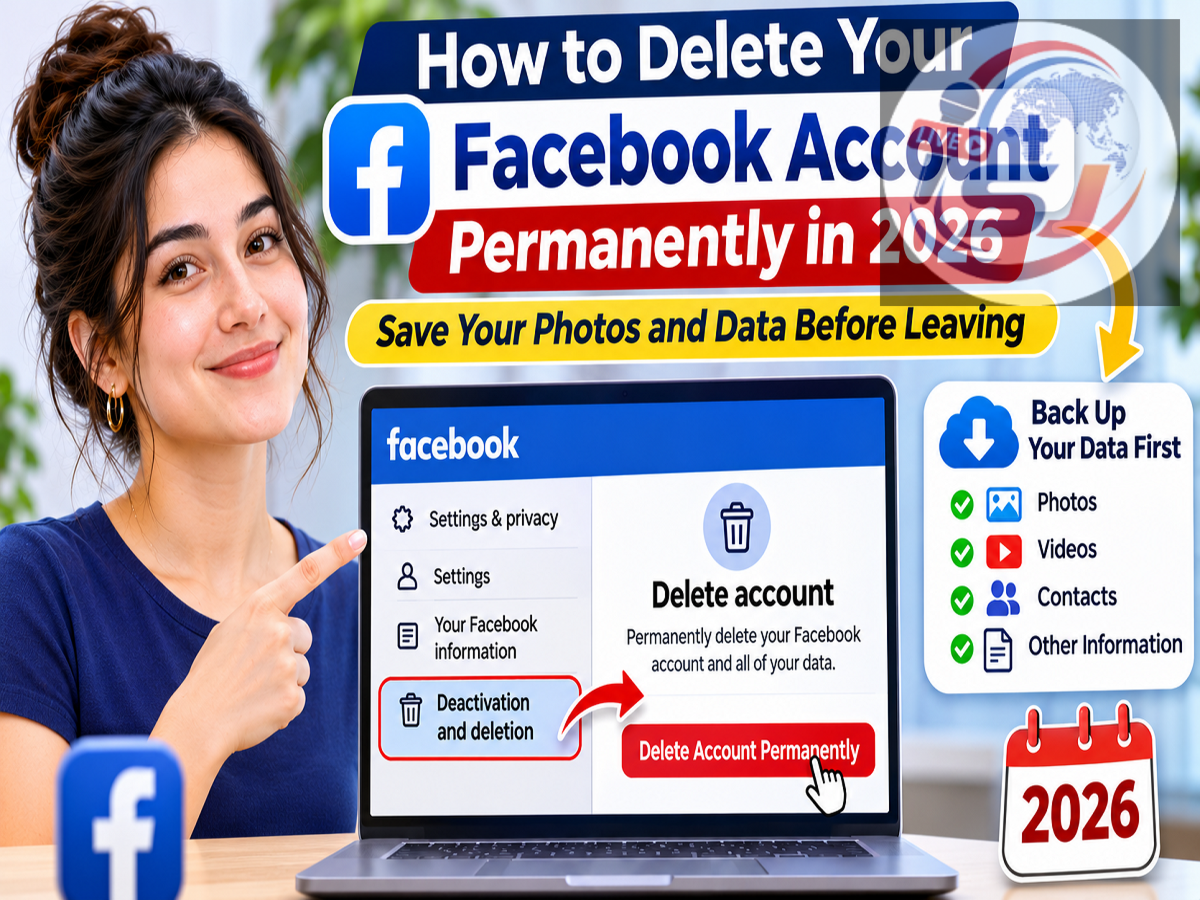
Facebook Account Deletion Guide 2026: Planning to quit Facebook permanently? Whether you are concerned about online privacy, want to reduce your social media usage or simply no longer need your account, Facebook allows users to permanently delete their profiles. However, before taking this step, it is important to download your personal information, including photos, videos, posts and other valuable memories.
Facebook has remained one of the world's most widely used social networking platforms, allowing people to connect with friends, share updates, manage business pages and communicate through Messenger.
Over time, users may accumulate years of personal information on their accounts. This can include family photographs, conversations, videos, important posts and details connected to third-party applications.
Deleting a Facebook account without preparing properly could result in losing access to information and services that may still be important.
Meta, Facebook's parent company, provides two different options for users who want to leave the platform: temporary deactivation and permanent deletion.
Understanding the difference between these options is essential before making a final decision.
What Happens When You Permanently Delete Your Facebook Account?
Permanently deleting your Facebook account has several consequences.
Once the deletion process is completed, your Facebook profile and associated content are removed according to Meta's data deletion policies.
Your photos, videos, posts and other account information will no longer be accessible through the deleted profile.
You will also lose access to Facebook Messenger through that account.
Another important consideration involves third-party services. If you use Facebook Login to access applications or websites, deleting your account may prevent you from signing in through that method.
This could affect services such as Spotify, Pinterest or other platforms where Facebook was used as the login option.
Users who have linked Meta Quest services to their Facebook accounts should also review the possible impact on purchased applications, achievements and store credits.
Because some consequences may be irreversible, downloading important data before deletion is strongly recommended.
How to Download Your Facebook Photos, Videos and Personal Data
Before permanently removing your account, Facebook provides a way to export a copy of your information.
This feature can help you preserve important memories and records.
Follow these steps:
Step 1: Open Facebook on your smartphone or computer and sign in to your account.
Step 2: Go to Settings & privacy and select Settings.
Step 3: Open Accounts Centre.
Step 4: Find the Your information and permissions section.
Step 5: Select Download your information or the available data export option.
Step 6: Choose the Facebook account and the categories of information you want to save.
Step 7: Select the available date range, file format and media quality preferences.
Step 8: Submit your download request.
Depending on how much information your account contains, Facebook may take some time to prepare the archive.
Once the file is ready, download it and store it in a secure location.
Make sure the archive contains the photographs, videos and other information you want to preserve before proceeding with permanent deletion.
How to Permanently Delete Your Facebook Account on Android, iPhone or Computer
Facebook allows users to request account deletion through the mobile application or website.
Although the appearance of the settings menu may vary slightly across devices, the general process is similar.
Follow this step-by-step guide:
-
Open the Facebook app or visit the Facebook website.
-
Sign in to the account you want to remove.
-
Tap or click your profile picture or menu icon.
-
Select Settings & privacy, followed by Settings.
-
Open Meta Accounts Centre.
-
Navigate to Personal details.
-
Select Account ownership and control.
-
Tap Deactivation or deletion.
-
Choose the Facebook account you want to delete.
-
Select Delete account and press Continue.
-
Follow the remaining instructions and enter your password if requested.
-
Confirm your decision to submit the deletion request.
After completing these steps, Facebook will begin the account deletion process.
Users should remember that requesting deletion and completing permanent deletion are not the same thing. Meta provides a limited period during which the request can generally be cancelled.
What If You Cannot Find the Account Deletion Option?
Some Facebook users may notice that their settings look different from the instructions above.
This can happen because Meta occasionally changes menu layouts or introduces new account management interfaces.
If you cannot locate Personal details, check whether your Accounts Centre includes a Manage account option.
Depending on the available interface, you may find account management and deletion settings under that section.
You can also look for the Deactivation or deletion option within the account ownership controls.
Make sure you have selected the correct Facebook profile before confirming permanent deletion, especially if multiple accounts are connected through Accounts Centre.
How Long Does Facebook Take to Delete an Account Permanently?
Facebook does not necessarily erase every piece of account information immediately after receiving a deletion request.
According to Meta's guidance, users can generally cancel an account deletion request within 30 days.
The cancellation period may vary depending on the region or applicable policies.
After the cancellation window closes, the account generally cannot be recovered.
Meta also explains that completing the deletion of account content may take up to 90 days from the beginning of the deletion process.
During this period, information being deleted is generally not accessible to other Facebook users.
Some copies of information may remain in backup systems for longer periods. Certain records may also be retained where necessary for legal obligations, security investigations or policy enforcement.
Can You Recover a Facebook Account After Requesting Deletion?
If you change your mind shortly after requesting account deletion, Facebook generally allows you to cancel the process within the permitted recovery window.
To cancel a pending deletion request:
-
Open Facebook and sign in to the account scheduled for deletion.
-
Make sure you are still within the permitted cancellation period.
-
Select Cancel deletion if the option appears.
-
Confirm that you want to keep your account.
After successfully cancelling the request, your Facebook account should remain active.
However, once the permanent deletion process has been completed and the recovery period has expired, restoring the account is generally not possible.
This is why users should carefully consider their decision before confirming deletion.
Facebook Deactivation vs Permanent Deletion: What Is the Difference?
Facebook provides two account management options for people who want to stop using the platform.
The first is temporary deactivation, while the second is permanent deletion.
| Feature |
Deactivate Account |
Permanently Delete Account |
|---|---|---|
| Facebook profile |
Temporarily hidden |
Permanently removed after completion |
| Photos and posts |
Generally retained |
Deleted according to Meta's policies |
| Account recovery |
Can generally reactivate |
Not possible after permanent deletion |
| Messenger |
May remain available |
Access through the account ends |
| Personal data |
Retained for reactivation |
Subject to deletion and retention policies |
| Best suited for |
Temporary social media break |
Leaving Facebook permanently |
If you only want to stay away from Facebook for a few weeks or months, deactivation may be the more suitable choice.
It allows you to return later without having to create a new profile.
Permanent deletion, on the other hand, is intended for users who no longer want to maintain their Facebook account.
What Happens to Facebook Messenger After Account Deletion?
Messenger is another important consideration before deleting your Facebook profile.
Once the associated Facebook account is permanently deleted, you will no longer be able to use Messenger through that account.
However, messages you previously sent to other people may remain visible in their conversations.
For example, if you sent a message to a friend before deleting your account, a copy of that message may still appear in the friend's inbox.
Therefore, permanently deleting Facebook does not necessarily erase every message you have ever sent from other people's accounts.
Users should understand this distinction before assuming that account deletion removes all traces of previous conversations.
Managing a Facebook Business Page? Take This Step Before Deleting Your Account
People who manage Facebook Pages for businesses, organisations, online stores or digital publications should be especially careful.
If you are the only person with full control of a Facebook Page, deleting your personal account may affect your ability to manage that Page and could place the Page at risk of deletion.
Before proceeding, review the Page's access settings.
If you want the Page to continue operating, assign full control to another trusted person who can manage it independently.
Make sure that person has accepted the access invitation and can successfully manage the Page before you delete your own account.
This precaution is particularly important for business owners, content creators and publishers who rely on Facebook Pages to reach their audiences.
What About Apps and Websites Linked to Facebook Login?
Many websites and applications allow users to register or sign in using their Facebook credentials.
While this feature is convenient, deleting your Facebook account can create problems if you depend on it to access other services.
Before submitting a deletion request, review the apps and websites connected to your Facebook account.
Where possible, add an alternative sign-in method, such as an email address, password or another supported login option.
Confirm that the alternative method works before permanently removing Facebook access.
This can help prevent accidental loss of access to important third-party accounts.
Important Things to Check Before Leaving Facebook
A few simple precautions can help make the account deletion process smoother.
-
Download your important photos, videos, posts and other personal information.
-
Check whether your Facebook account is linked to external apps or websites.
-
Set up alternative login methods for important services.
-
Transfer Facebook Page control if you manage a business or community Page.
-
Review the potential impact on Messenger and Meta Quest services.
-
Save any important contact details or conversations you may need later.
-
Consider temporary deactivation if you are unsure about leaving permanently.
These steps can reduce the risk of losing valuable information or access to connected services.
Is Deactivating Facebook Better Than Deleting It?
The best option depends on why you want to stop using Facebook.
If your goal is to reduce screen time, avoid distractions or take a temporary break from social media, deactivation may provide greater flexibility.
Your account information is generally preserved, and you can reactivate the profile when you decide to return.
However, if you want to permanently close your Facebook account and no longer maintain a presence on the platform, deletion may be more appropriate.
Before making that decision, consider whether you have saved everything important and resolved any dependencies involving Facebook Login, Pages or other Meta services.
Final Words
Permanently deleting a Facebook account is a straightforward process, but it can have lasting consequences.
Once the deletion is completed, users generally lose access to their profile, uploaded content and Messenger through that account. Other services connected to Facebook Login may also be affected.
To avoid losing important memories or access to essential services, download your Facebook information and review connected applications before submitting the deletion request.
If you are not completely certain about leaving Facebook forever, temporary deactivation offers an alternative that allows you to return later.
Ultimately, understanding the difference between deactivation and permanent deletion will help you choose the option that best matches your needs.
Source Credit: Meta Facebook Help Center and Meta Accounts Centre. Article independently rewritten and adapted from the supplied Hindi content, based on Meta's published account management and deletion guidance.