
How to Check If Your Wi-Fi Has Been Hacked: Simple Signs and Easy Ways to Secure Your Network
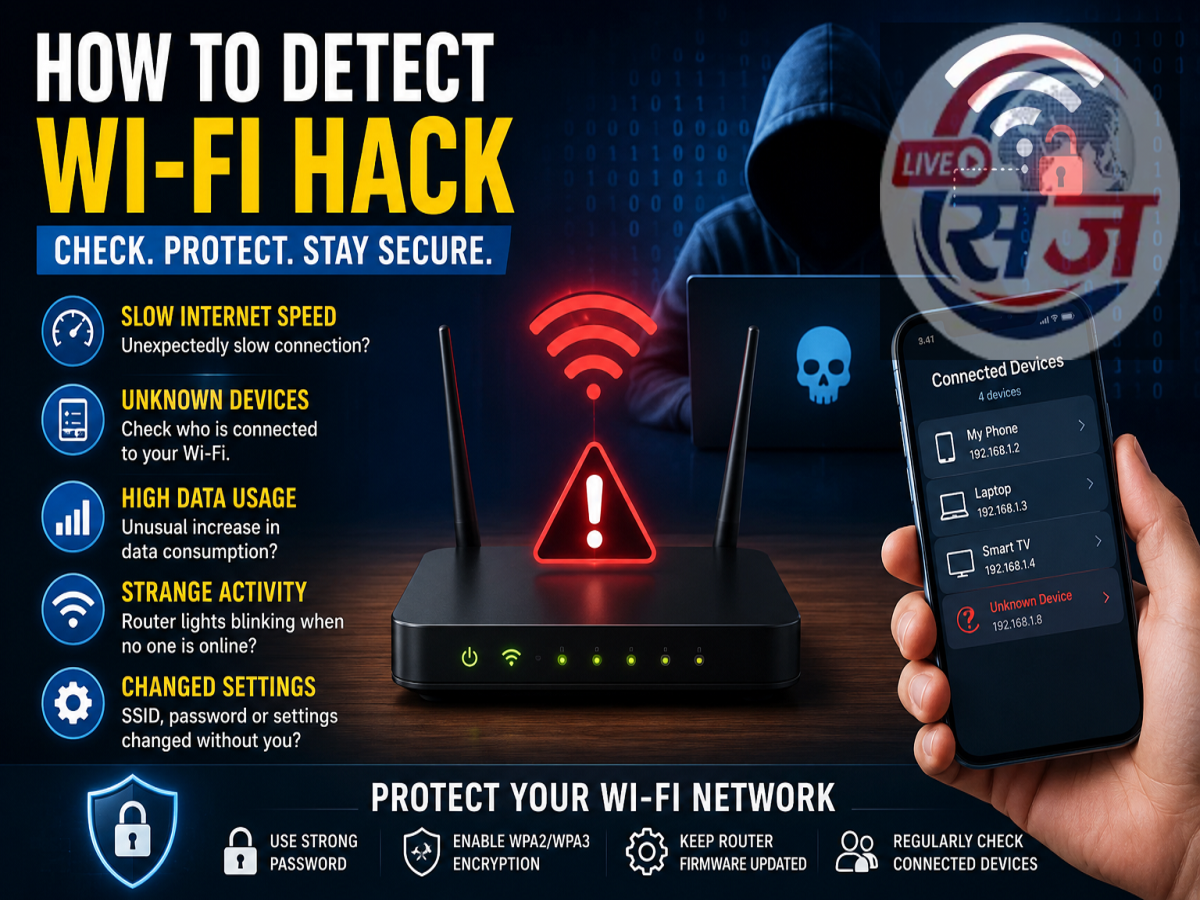
Is Someone Secretly Using Your Wi-Fi? Here's How to Find Out
A slow internet connection, unexpected data usage, or unfamiliar devices connected to your network could be warning signs that your Wi-Fi has been accessed without permission. Since most homes rely on Wi-Fi for work, entertainment, and smart devices, securing your wireless network is more important than ever.
If you suspect someone may be using your internet without your knowledge, there are several simple checks you can perform from home. Here's how to detect possible Wi-Fi hacking and protect your network.
1. Unusually Slow Internet Speed
One of the first indicators of unauthorized access is a sudden drop in internet speed.
If web pages take longer to load, videos buffer frequently, or downloads become unusually slow even when only a few devices are connected, another user may be consuming your bandwidth.
Before assuming your Wi-Fi has been hacked, rule out service outages or network congestion from your internet provider.
2. Check the List of Connected Devices
Most Wi-Fi routers allow users to view all devices currently connected to the network.
You can access your router's administration page by entering its IP address in a web browser and logging in with the administrator credentials.
Look for:
-
Unknown smartphones or laptops
-
Unrecognized smart TVs or streaming devices
-
Devices with unfamiliar names
-
Connections you cannot identify
If you notice a device that doesn't belong to anyone in your household, it may indicate unauthorized access.
3. Monitor Data Usage
A sudden increase in internet data consumption without any noticeable change in your usage habits could be another warning sign.
If your monthly broadband usage rises unexpectedly or your daily data consumption appears unusually high, someone else may be using your network.
Many internet service providers and Wi-Fi routers provide detailed usage statistics that can help identify abnormal activity.
4. Router Lights Keep Blinking Even When No One Is Using the Internet
Most Wi-Fi routers have LED indicators that flash whenever data is being transmitted.
If the activity lights continue blinking heavily while every connected device in your home is switched off or disconnected, background traffic from an unknown device could be occurring.
Although automatic software updates can also cause network activity, continuous unexplained traffic deserves further investigation.
5. Unexpected Changes in Router Settings
Hackers sometimes modify router settings after gaining access.
Watch for signs such as:
-
Changed Wi-Fi network name (SSID)
-
Modified administrator password
-
Unknown DNS settings
-
Disabled security options
-
New port forwarding rules
If you notice settings you didn't change, reset your router and review its security configuration immediately.
How to Secure Your Wi-Fi Network
If you suspect unauthorized access, take these steps as soon as possible:
-
Change your Wi-Fi password immediately.
-
Create a strong password using letters, numbers, and special characters.
-
Enable WPA3 security if your router supports it, or use WPA2 if WPA3 isn't available.
-
Change the default router administrator username and password.
-
Update your router's firmware to the latest version.
-
Disconnect unknown devices from the network.
-
Disable WPS (Wi-Fi Protected Setup), as it may create security risks on some routers.
Additional Tips to Keep Your Wi-Fi Safe
For stronger protection, consider these best practices:
-
Regularly review connected devices.
-
Avoid sharing your Wi-Fi password with unnecessary users.
-
Create a separate guest network for visitors.
-
Restart your router periodically.
-
Keep all connected devices updated with the latest security patches.
Why Wi-Fi Security Matters
An unsecured Wi-Fi network can expose more than just your internet connection. Unauthorized users may consume your bandwidth, access shared files, attempt to compromise connected smart devices, or exploit network vulnerabilities.
By checking your router regularly and following basic cybersecurity practices, you can significantly reduce the risk of unauthorized access and keep your home network secure.