
How to Cancel ChatGPT Subscription in 2026: Stop Automatic Payments on Android, iPhone and Web
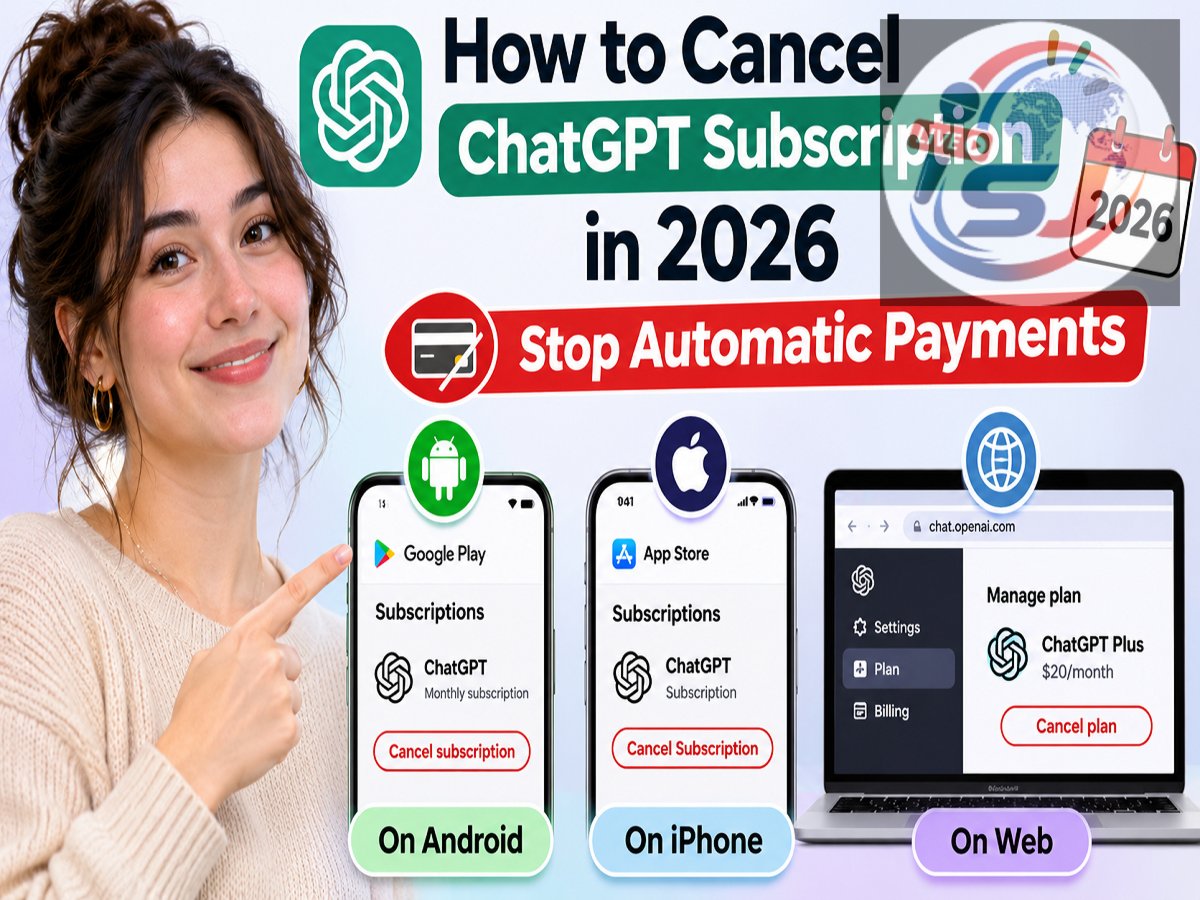
ChatGPT Subscription Cancellation Guide 2026: Are you paying for ChatGPT Go, Plus or Pro but no longer using its premium features regularly? You can stop future subscription charges without deleting your ChatGPT account. However, cancelling through the correct platform and completing the process before your next billing date are essential to avoid unwanted payments.
Artificial intelligence has become an important part of everyday digital activities. From writing emails and preparing presentations to studying, researching and creating content, millions of people rely on AI-powered platforms such as ChatGPT.
OpenAI offers different subscription options, including free access and paid plans designed for users who need additional features and higher usage limits. While these premium services can be useful, continuing to pay for a plan that is no longer required may increase monthly expenses unnecessarily.
Fortunately, ChatGPT users can disable subscription renewal in a few simple steps. The exact cancellation process depends on whether the plan was purchased through the ChatGPT website, Apple's App Store or Google Play.
ChatGPT Paid Plans: How Much Could You Save by Cancelling?
Cancelling an unused subscription can help reduce recurring digital expenses. Based on the indicative Indian subscription prices mentioned in the original report, the potential savings are as follows:
| ChatGPT Plan |
Reported Monthly Price |
Potential Savings Over 12 Months |
|---|---|---|
| ChatGPT Go |
₹399 |
₹4,788 |
| ChatGPT Plus |
₹1,999 |
₹23,988 |
| ChatGPT Pro |
₹10,699 |
₹1,28,388 |
These figures are illustrative and should not be treated as confirmed current subscription prices. Actual charges may vary depending on the plan, applicable taxes, promotional offers and billing arrangements.
The estimated annual savings assume that the subscription remains inactive for the following 12 months.
Check Where Your ChatGPT Subscription Was Purchased
Before attempting cancellation, users should identify the payment platform associated with their subscription.
This is important because subscriptions purchased through third-party app stores cannot necessarily be cancelled through ChatGPT's website.
| Subscription Purchased Through |
Where to Cancel |
|---|---|
| ChatGPT official website |
ChatGPT account settings |
| Apple App Store |
Apple Account subscription settings |
| Google Play Store |
Google Play subscription management |
If you cannot remember where you originally subscribed, check your email inbox for payment receipts from OpenAI, Apple or Google.
Steps to Cancel ChatGPT Plus, Go or Pro Through the Website
Users who purchased their subscription directly from OpenAI can manage their plan through the official ChatGPT website.
Follow these instructions:
-
Visit the official ChatGPT website.
-
Sign in using the account linked to your paid subscription.
-
Open the profile or account menu.
-
Select Settings.
-
Navigate to the subscription or billing section.
-
Select the option to manage your plan.
-
Choose Cancel Subscription or the equivalent cancellation option.
-
Follow the instructions displayed on the screen to confirm your request.
After completing the process, revisit the billing section to verify that your subscription will not renew automatically.
The exact menu names may vary depending on account type and interface updates.
How iPhone Users Can Stop ChatGPT Subscription Payments
If your subscription was purchased through Apple's App Store, the cancellation must be completed using your Apple Account.
Open your iPhone or iPad and follow these steps:
-
Launch the Settings application.
-
Tap your name at the top of the screen.
-
Open Subscriptions.
-
Find ChatGPT in the subscription list.
-
Select Cancel Subscription.
-
Confirm the cancellation when prompted.
If the cancellation button is unavailable and an expiration date is displayed, your subscription may already have been cancelled.
Users should ensure they are signed in to the same Apple Account used for the original purchase.
How to Turn Off ChatGPT Auto-Renewal on Android
Android users who subscribed through Google Play can stop future payments without accessing ChatGPT's website.
Here is the procedure:
-
Open the Google Play Store application.
-
Tap your profile icon.
-
Select Payments & subscriptions.
-
Open the Subscriptions section.
-
Locate ChatGPT among your subscriptions.
-
Tap Cancel subscription.
-
Complete the confirmation process.
Alternatively, users can manage eligible subscriptions through the Google Play subscriptions page.
Remember that cancelling through Google Play requires access to the Google Account used to purchase the plan.
Will ChatGPT Premium Features Continue After Cancellation?
One common concern is whether premium features disappear immediately after a subscription is cancelled.
According to OpenAI's subscription guidance, users can generally continue accessing paid features until their current paid billing period ends.
For example, suppose your ChatGPT Plus subscription is valid until November 20, 2026, but you cancel it on November 5. Under normal circumstances, you can continue using the paid plan until the end of the existing subscription period.
Once that period expires, your account generally returns to the free plan unless another eligible subscription is activated.
However, cancellation does not automatically guarantee a refund for charges already paid. Refund eligibility is subject to OpenAI's policies, applicable consumer laws and the platform through which the purchase was made.
When Should You Cancel to Avoid the Next ChatGPT Payment?
Timing is particularly important when stopping automatic subscription renewals.
OpenAI advises users to cancel at least 24 hours before their next billing date to avoid being charged for another subscription period.
Waiting until the final few hours may create a risk that the next payment has already entered processing.
For additional peace of mind, users can cancel several days before renewal and verify that the subscription status reflects the change.
It is also advisable to retain any cancellation confirmation email or receipt.
Unable to Access Your ChatGPT Account? Here's What to Do
Sometimes users lose access to the email address or account associated with their subscription.
If the plan was purchased directly through ChatGPT, users can contact OpenAI Support for assistance.
The support team may request certain details to identify the subscription, including the registered email address, recent payment information or limited card details such as the last four digits.
Never share your complete card number, card security code, account password or one-time password.
If the subscription was purchased through Apple or Google, users should follow the relevant platform's account recovery and subscription support procedures.
Does Uninstalling ChatGPT Automatically Cancel the Subscription?
No. Removing the ChatGPT application from your smartphone does not automatically stop recurring payments.
The subscription remains active until it is cancelled through the appropriate billing platform.
For example, deleting the ChatGPT app from an Android device will not terminate a subscription purchased through Google Play.
Similarly, uninstalling the iPhone application does not cancel an App Store subscription.
Users should also check whether they have accidentally purchased subscriptions through multiple accounts or platforms, which could result in duplicate charges.
How to Cancel a ChatGPT Business Subscription
ChatGPT Business subscriptions are managed differently from individual plans.
Users with the necessary workspace billing permissions can generally follow these steps:
-
Sign in to the relevant ChatGPT Business workspace.
-
Open Workspace Settings.
-
Navigate to the Billing section.
-
Select Manage Plan.
-
Choose the available cancellation option and confirm.
If you cannot access the billing controls, contact the workspace owner or an administrator with appropriate permissions.
Enterprise subscriptions may involve separate contractual arrangements, so organisations should review their agreement before requesting cancellation.
Important Things to Remember Before Ending Your ChatGPT Plan
Cancelling a ChatGPT subscription is usually straightforward, but users should pay attention to a few essential points.
First, identify the platform that processes the subscription payment. Second, complete cancellation before the next renewal date. Third, confirm that automatic billing has been disabled.
Users should also understand that cancellation and account deletion are different actions. You do not need to permanently delete your ChatGPT account simply because you want to stop paying for premium features.
If you decide to use paid features again in the future, you can generally subscribe again through an available plan. Pricing, promotions and plan availability may change.
Final Word
ChatGPT's paid plans can provide additional capabilities for professionals, students, researchers and content creators. However, keeping an unused subscription active can lead to avoidable recurring expenses.
Whether you subscribed through the official website, Google Play or Apple's App Store, the safest approach is to cancel through the original billing provider and verify the cancellation before the next payment date.
Most importantly, remember that deleting the ChatGPT app is not the same as cancelling your subscription. Disabling automatic renewal is the step that prevents future subscription charges.