Google Gemini Personal Avatar Feature: Create AI Videos With Your Face and Voice, Know How to Use and Delete It
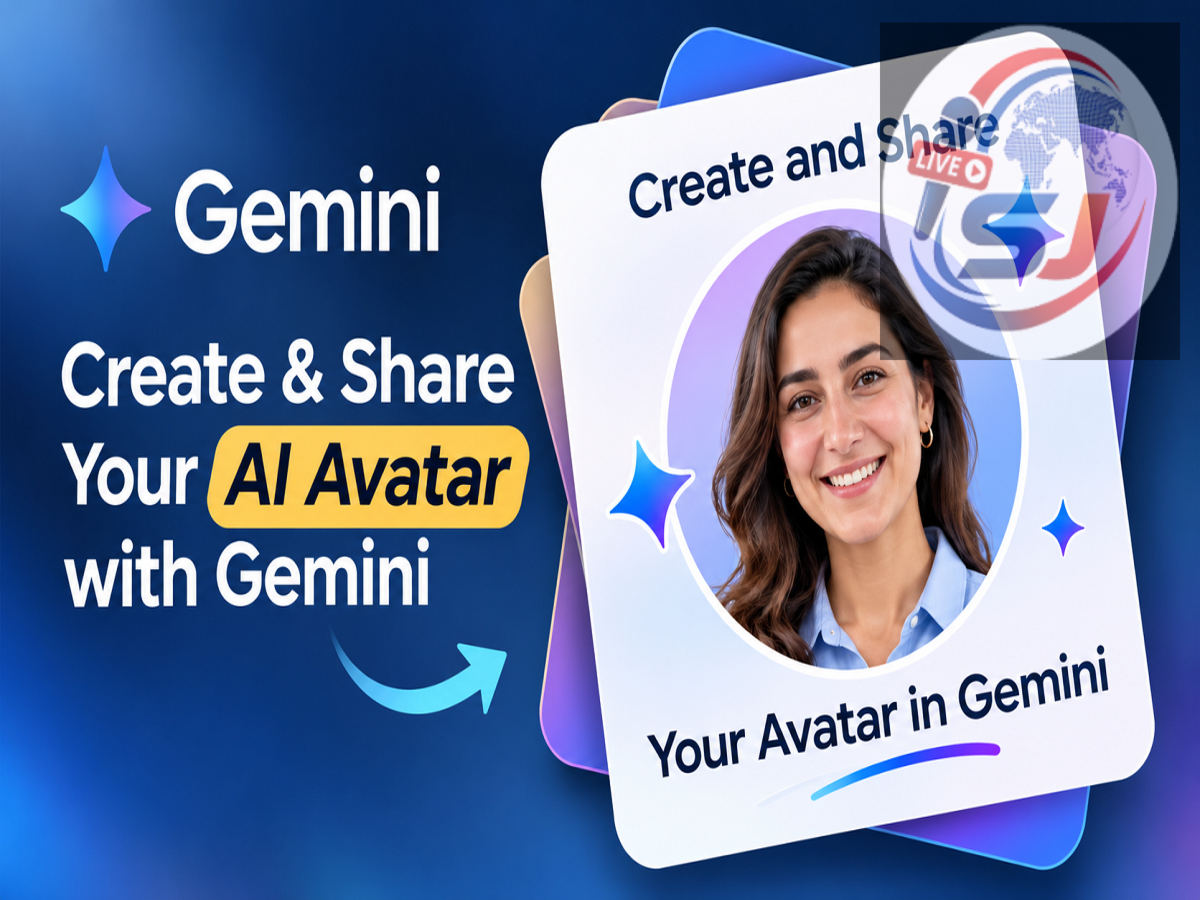
Google Gemini Personal Avatar Update 2026: Google is reportedly introducing a new Personal Avatar feature for Gemini users, allowing them to create AI-generated images and videos featuring their own faces and voices. The feature is designed to make AI content creation more personalised while giving users control over who can access and use their digital avatars.
According to reports, users will be able to share their personal avatars with friends, family members and colleagues. Once permission is granted, selected individuals can use those avatars in their own AI-generated content.
Google is also introducing permission management options, including access expiration dates and the ability to withdraw sharing permissions. However, some features require an eligible Google AI subscription, and availability is subject to regional and account restrictions.
What Is Google Gemini's New Personal Avatar Feature?
The Personal Avatar feature is designed to create a digital representation of a person using their facial appearance and voice.
Instead of generating an entirely fictional character, users can create an AI avatar that resembles them and can appear in AI-generated images or videos.
This technology could be useful for personalised greetings, creative storytelling, digital presentations and other content creation activities.
For example, a user could create a personalised video featuring their AI avatar and share it with friends or family members.
The feature may also help content creators incorporate familiar faces and voices into their projects without recording every scene manually.
However, users should remember that AI-generated avatars are synthetic representations and may not perfectly reproduce a person's natural appearance, expressions or voice.
How Does the Gemini Personal Avatar Feature Work?
According to a report cited by Live Hindustan, Google is using its AI image and video generation capabilities to support Personal Avatars.
The report identifies Nano Banana for image generation and Gemini Omni for video-related creation.
Users first create their personal avatars by recording their facial appearance and voice.
After the recording process is completed, the avatar can be used in supported AI content generation experiences.
The feature is also designed to support controlled sharing, allowing other people to use an avatar only after receiving permission from its owner.
This permission-based system is particularly important because a person's face and voice are sensitive elements of their digital identity.
Who Can Use Google Gemini Personal Avatars?
The new feature comes with certain eligibility requirements.
According to the reported rollout details, users must meet the following conditions:
-
Be at least 18 years old.
-
Have an eligible personal Google account.
-
Use the feature in a supported country or region.
-
Use English, which is currently the reported supported language.
-
Have an eligible Google AI plan when generating videos featuring personal avatars.
The report also states that the feature is not currently available in the United Kingdom, European Economic Area or Switzerland.
Availability may change as Google expands the service or updates its regional policies.
Users should check Gemini's official documentation and account settings to confirm whether the feature has been enabled for their accounts.
How to Create Your Personal Avatar in Google Gemini
Creating a personal avatar requires users to record their face and voice so that the system can generate a digital representation.
According to the reported instructions, the process can begin on a computer and continue on a smartphone or tablet.
Here is how the setup is expected to work:
-
Open Google Gemini using your eligible Google account.
-
Locate the Personal Avatar creation option, if available.
-
Start the avatar setup process and follow the on-screen instructions.
-
If prompted, scan the displayed QR code using your smartphone or tablet.
-
Use your mobile device to record your face and voice.
-
Follow the recording instructions carefully and submit the required material.
-
Complete the setup and wait for the avatar creation process to finish.
Google reportedly recommends recording in a quiet environment with sufficient lighting.
Your face should be clearly visible, and background noise should be kept to a minimum to improve the quality of the recording.
The exact menu names and setup steps may vary depending on the final interface and account availability.
How to Share Your Gemini Avatar With Friends and Family
One of the main highlights of the Personal Avatar feature is controlled sharing.
Users can reportedly allow selected people to use their digital avatars in AI-generated content.
The sharing process involves sending invitations to specific Gmail addresses.
The recipient must accept the invitation before gaining access to the avatar.
This approach gives the avatar owner more control than simply making the digital identity publicly available.
For example, someone creating a family celebration video could potentially invite a relative to use their avatar in a supported creative project.
The owner can also manage permissions and decide how long the recipient should retain access.
How to Stop Someone From Using Your Personal Avatar
Google's reported sharing system includes options to revoke previously granted permissions.
If a user no longer wants another person to access their avatar, they can withdraw permission through the relevant Gemini settings.
Users may also be able to set an expiration date when sharing an avatar.
Once permission expires or is revoked, the recipient should no longer be able to create new content using that shared avatar.
However, there is an important limitation.
Revoking access does not automatically delete images or videos that were already created using the avatar.
Previously generated or published content may remain available, even after sharing permissions have been withdrawn.
This is why users should carefully consider whom they trust before sharing access to their digital identities.
How to Delete Your Personal Avatar From Google Gemini
Users who no longer want to maintain their digital avatars can reportedly delete the associated avatar data through their Google account settings.
The deletion option is expected to allow users to remove their saved avatar, facial recording and voice information associated with the feature.
To delete an avatar, users should open the relevant Google account or Gemini settings, locate the Personal Avatar management section and follow the available deletion instructions.
Once the avatar has been deleted, users who want to use the feature again will need to create a new recording.
Importantly, deleting an avatar does not necessarily remove AI-generated images or videos that have already been created or shared.
Users may need to manage previously published content separately.
Why Is Privacy Important for AI Personal Avatars?
AI-generated avatars can offer new creative opportunities, but they also raise important questions about digital identity and consent.
A person's face and voice can be used to create highly realistic synthetic content.
If access is shared carelessly, such material could potentially be misused for impersonation or misleading communication.
Google's reported invitation-based sharing system and permission controls are intended to give users greater control over how their avatars are used.
Nevertheless, users should avoid sharing avatar access with unknown individuals and should review permission settings regularly.
They should also make it clear when content has been generated using AI, particularly if the material could otherwise be mistaken for an authentic recording.
Will Google Gemini Personal Avatars Be Free?
According to the source report, an eligible Google AI subscription is required to create videos featuring personal avatars.
However, the report does not establish that every aspect of avatar creation and image generation requires a paid subscription.
Pricing, usage limits and feature access may vary depending on the user's Google AI plan and region.
Customers should review the latest subscription details before purchasing a plan specifically for this feature.
Final Words
Google Gemini's reported Personal Avatar feature could introduce a more personalised way to create AI-generated images and videos.
By combining facial and voice recordings with AI generation tools, the feature aims to make digital content more expressive and easier to customise.
The ability to share avatars through invitations, set expiration dates and revoke access also gives users additional control over their digital identities.
However, users should understand that removing an avatar or withdrawing permission may not erase previously generated content.
As the feature becomes available to eligible accounts, users should follow Google's official guidance on setup, privacy and responsible use.