
Google Account Security: How to Turn On 2-Step Verification and Protect Gmail, Drive and Other Data
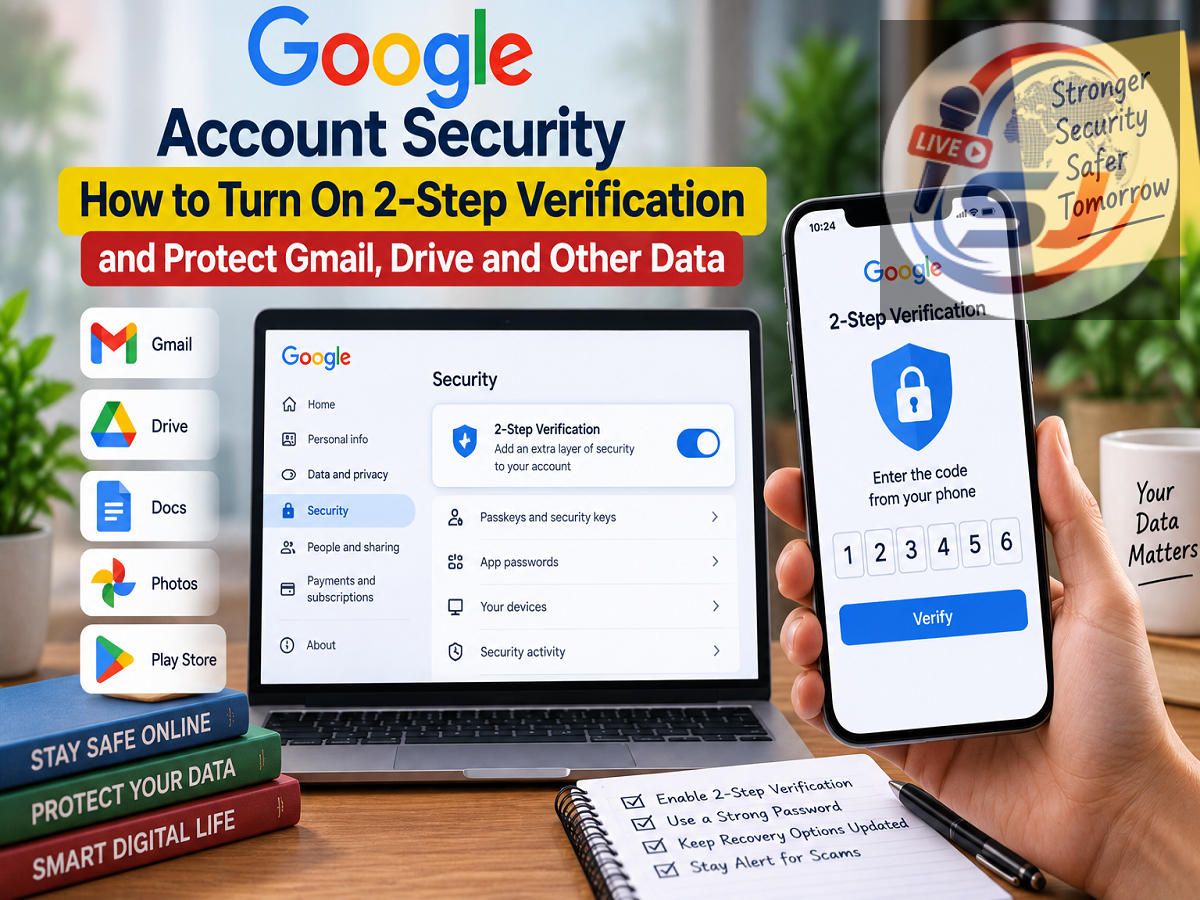
A Google Account today contains much more than emails. The same account can provide access to Gmail, Google Drive, Docs, Photos, the Play Store and several other Google services. Depending on how you use your account, it may also contain personal documents, photos, saved information and details associated with purchases or subscriptions.
That makes protecting your Google Account particularly important.
A strong password is an essential first layer of security, but a password alone may not always be enough. If someone manages to obtain your password through phishing, a data breach or another method, they may attempt to sign in to your account.
Google's 2-Step Verification adds another security check during sign-in, making unauthorized access more difficult even if someone knows your password.
Here's what 2-Step Verification does and how you can enable it on your Google Account.
What Is Google 2-Step Verification?
Two-Step Verification, sometimes referred to as two-factor authentication or 2FA, adds an additional identity-verification step to the sign-in process.
Normally, signing in involves entering your email address and password.
After 2-Step Verification is enabled, Google may require an additional verification method when necessary. This means possession of the password alone may no longer be sufficient to access the account.
Depending on the account and available security options, the second step may involve a Google Prompt on a trusted device, a security key, an authenticator method or another supported verification option.
Why Is a Password Alone Not Always Enough?
Passwords can be compromised in several ways.
A user might accidentally enter login credentials on a fake website designed to imitate Google. A password could also be reused across multiple services and become exposed through a breach elsewhere.
Attackers may also try to trick people into revealing passwords through fraudulent emails, messages or calls.
Using a unique and strong password reduces these risks, but adding a second verification step provides another layer of protection.
If an unauthorized person obtains your password, they may still face an additional verification requirement before gaining access.
How to Turn On 2-Step Verification for Your Google Account
Activating the feature only takes a few steps.
- Sign in to your Google Account.
- Open the Security section of your account settings.
- Look for the section related to how you sign in to Google.
- Select 2-Step Verification.
- Follow the instructions displayed on the screen.
- Choose or configure the verification methods available for your account.
Google may ask you to confirm your identity during the setup process.
Once setup is complete, your account will have an additional layer of sign-in protection.
Google Prompt Can Make Verification Easier
One method Google may use is a sign-in prompt sent to a device where your Google Account is already signed in.
When a login attempt needs verification, a notification can appear on the trusted device asking whether you are trying to sign in.
If you recognize the attempt, you can approve it. If you do not recognize it, you should reject the request.
Never approve an unexpected Google sign-in prompt simply because it appears on your phone. An unexpected request could indicate that somebody is attempting to access your account.
Other Verification Methods May Be Available
Google supports multiple security options, although the exact choices available can depend on the account and device.
For stronger protection, users may be able to use options such as passkeys or physical security keys. Authenticator-based verification methods may also be available.
Some accounts may still have phone-based verification or backup options.
The important point is to choose methods that are both secure and accessible to you, while also keeping a recovery option available in case your primary device is lost.
Keep Backup and Recovery Options Updated
Two-Step Verification improves account security, but users should also prepare for situations in which their usual verification device is unavailable.
For example, a phone can be lost, stolen or damaged.
Review the recovery information associated with your Google Account and make sure the available email address or phone number belongs to you and is kept up to date.
Where available, Google may also provide backup codes or other recovery methods. Backup codes should be stored securely and should never be shared with anyone.
Never Share Verification Codes
Two-Step Verification cannot protect an account effectively if a user voluntarily gives an attacker the second verification factor.
Fraudsters may impersonate customer-support representatives, bank officials or employees of well-known technology companies and ask for an OTP or verification code.
Treat such requests with caution.
A password, OTP, backup code or other authentication credential should never be given to an unknown person over a phone call, email, social-media message or chat.
Similarly, do not approve an unexpected login request on your phone.
Review Devices Signed Into Your Google Account
Enabling 2-Step Verification is a good opportunity to review account security more broadly.
In the Google Account security settings, users can check devices associated with their account and review recent security activity.
If you see a device or sign-in that you do not recognize, take action immediately. Depending on the situation, this may include signing the unfamiliar device out, changing your password and reviewing other account-security settings.
Use a Strong and Unique Password Too
Two-Step Verification should complement a good password rather than replace one.
Avoid using the same password for Google and unrelated websites. If another service suffers a data breach and the same credentials are reused, attackers may try those credentials on other accounts.
A unique password reduces this risk.
Users can also consider a reputable password manager to create and store strong, unique passwords rather than relying on easily remembered or repeated credentials.
Why Google Account Security Matters
For many users, a Google Account serves as a gateway to a large amount of digital information.
Gmail may contain personal and financial communication, Drive may hold important files, Photos can contain private images, and other Google services may store additional account information.
An attacker who gains control of the primary Google Account could potentially attempt to access several connected services.
Enabling 2-Step Verification is therefore one of the practical steps users can take to strengthen account security. Combined with a unique password, updated recovery information and careful attention to suspicious login requests, it can make unauthorized access considerably more difficult.