
Getting WhatsApp Calls From Unknown Numbers? Turn On This Setting to Silence Them Automatically
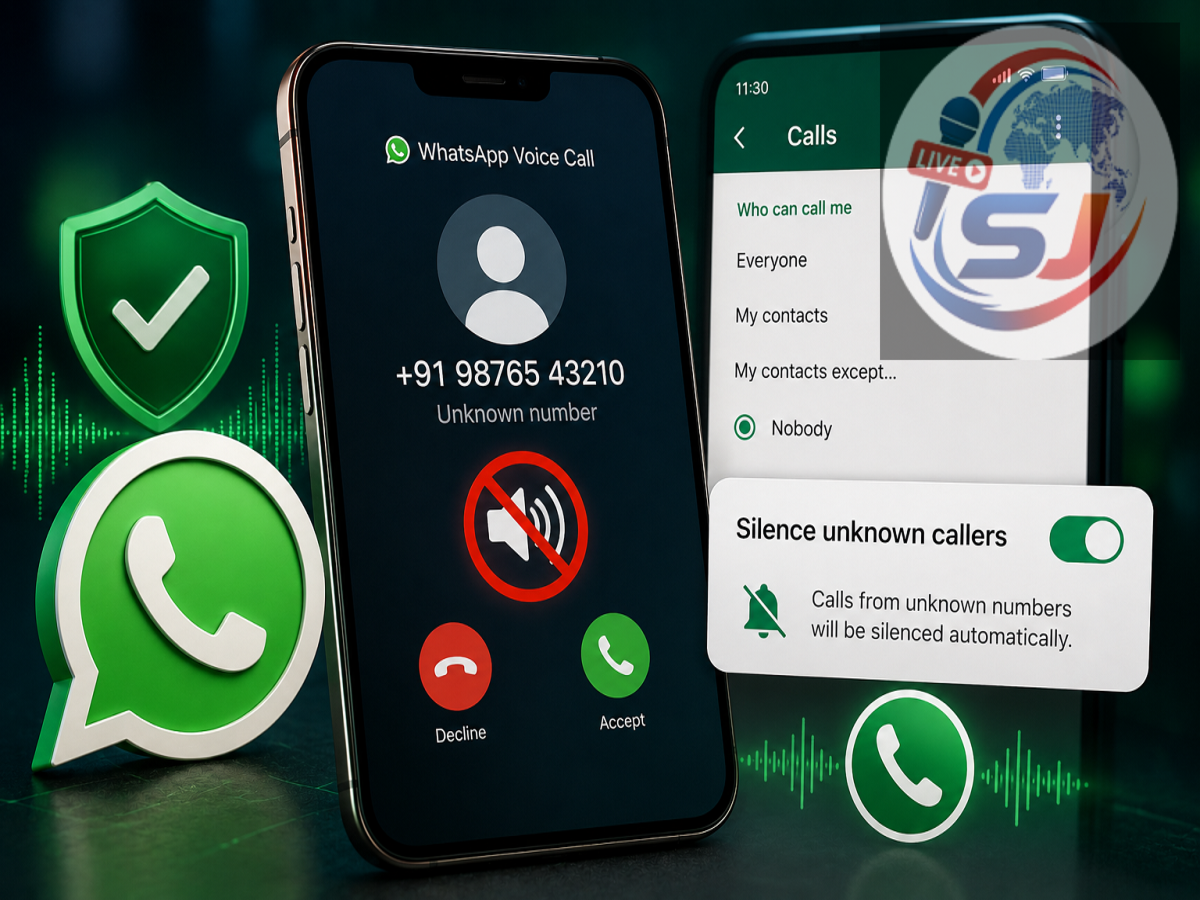
Unwanted WhatsApp calls from unfamiliar numbers can be irritating, distracting and, in some situations, potentially risky. Spam callers and scammers frequently use unknown numbers to contact users, hoping that someone will answer and engage with them. Fortunately, WhatsApp includes a built-in privacy feature that can reduce these interruptions without requiring users to block every suspicious number individually.
The feature is called Silence Unknown Callers. Once enabled, calls from numbers WhatsApp considers unknown will not ring your phone in the usual way. The calls are silenced automatically, while still remaining visible in the app so that you can review them later.
The setting is available to both Android and iPhone users and can be particularly useful for people who frequently receive unwanted WhatsApp calls.
What Is WhatsApp's Silence Unknown Callers Feature?
Silence Unknown Callers is a privacy feature designed to reduce interruptions caused by calls from unfamiliar WhatsApp accounts.
When the option is turned on, calls from unknown numbers are automatically silenced instead of ringing normally. This means an unexpected caller is less likely to interrupt a meeting, disturb you at night or pressure you into answering immediately.
Importantly, enabling the feature does not completely erase or hide these calls.
A silenced call can still appear in WhatsApp's Calls tab, allowing you to check the phone number afterward. This can be useful if the caller turns out to be someone legitimate whose number you have not saved.
The feature therefore offers a balance between avoiding unnecessary interruptions and retaining a record of incoming calls.
Why Silencing Unknown WhatsApp Calls Can Be Useful
Not every call from an unfamiliar number is fraudulent. A business, delivery service, colleague or another legitimate person may occasionally contact you through a number that is not saved in your phone.
However, unknown numbers are also frequently associated with spam and scam attempts.
Cybercriminals sometimes use unsolicited calls as the first stage of a social-engineering attack. Once a user answers, the caller may pretend to represent a bank, government agency, customer-support department or well-known company.
The caller could then attempt to create urgency or fear and persuade the person to disclose confidential information, transfer money, install an application or perform another potentially risky action.
Silencing an unexpected call gives users an opportunity to review the number rather than responding immediately.
How to Turn On Silence Unknown Callers on WhatsApp
Activating the feature takes only a few moments. The exact appearance of menus can vary slightly depending on the phone and WhatsApp version, but the setting can generally be found within the app's privacy controls.
On Android, open WhatsApp and access Settings from the menu. Go to Privacy, scroll down and select Calls. You should see the Silence Unknown Callers option. Turn on the toggle to activate it.
On an iPhone, open WhatsApp and go to Settings > Privacy > Calls. Enable Silence Unknown Callers from there.
Once switched on, the feature remains active unless you manually disable it.
What Happens After You Enable the Setting?
After Silence Unknown Callers is activated, incoming WhatsApp calls from unknown numbers will be silenced automatically.
However, this should not be confused with blocking a caller.
The number may still appear in your Calls list, giving you the option to review it later. If you recognize the caller, you can decide whether to contact them. If the number looks suspicious, you can simply avoid responding and use WhatsApp's available blocking or reporting options when appropriate.
This is particularly useful because legitimate calls from unsaved numbers are still recorded rather than disappearing completely.
Can This WhatsApp Feature Stop Scams?
The feature can reduce your exposure to unsolicited calls, but it should not be considered complete protection against online fraud.
Scammers can still attempt to reach users through WhatsApp messages, links, attachments and other communication methods. Users therefore need to remain cautious even after enabling the setting.
If an unfamiliar person contacts you claiming that you have won a prize, qualified for a lucrative investment, have an urgent banking problem or must immediately transfer money, verify the claim independently.
Never share an OTP, WhatsApp verification code, banking PIN, card details or account password with someone simply because they contacted you through WhatsApp.
Users should also avoid scanning unfamiliar QR codes or installing applications at the request of an unsolicited caller.
Other WhatsApp Security Settings Are Worth Checking
Silencing unknown callers works best as part of a broader approach to WhatsApp security.
Users should consider enabling two-step verification for their accounts and regularly reviewing the Linked Devices section to make sure there are no unfamiliar computers or browsers connected to WhatsApp.
Privacy controls for profile photos, About information, status updates and last-seen activity should also be reviewed. Limiting some information to saved contacts can reduce the amount of personal data visible to strangers.
Keeping WhatsApp and the smartphone's operating system updated is equally important because updates can contain security improvements and bug fixes.
A Simple Setting That Can Reduce Unwanted Calls
For people regularly disturbed by random WhatsApp calls, Silence Unknown Callers can be one of the most useful privacy settings available in the app.
It does not prevent every possible scam, nor does it completely block unknown callers. Instead, it stops unfamiliar calls from demanding your immediate attention while preserving their details in the Calls tab.
That gives you more control over who you choose to engage with.
If unknown WhatsApp calls have become a regular problem, enabling Silence Unknown Callers can provide a simple additional layer of privacy and help reduce unnecessary exposure to spam and suspicious callers.