
Fake Google Chrome App Found on Play Store With Over 1 Lakh Downloads: Here's How to Stay Safe
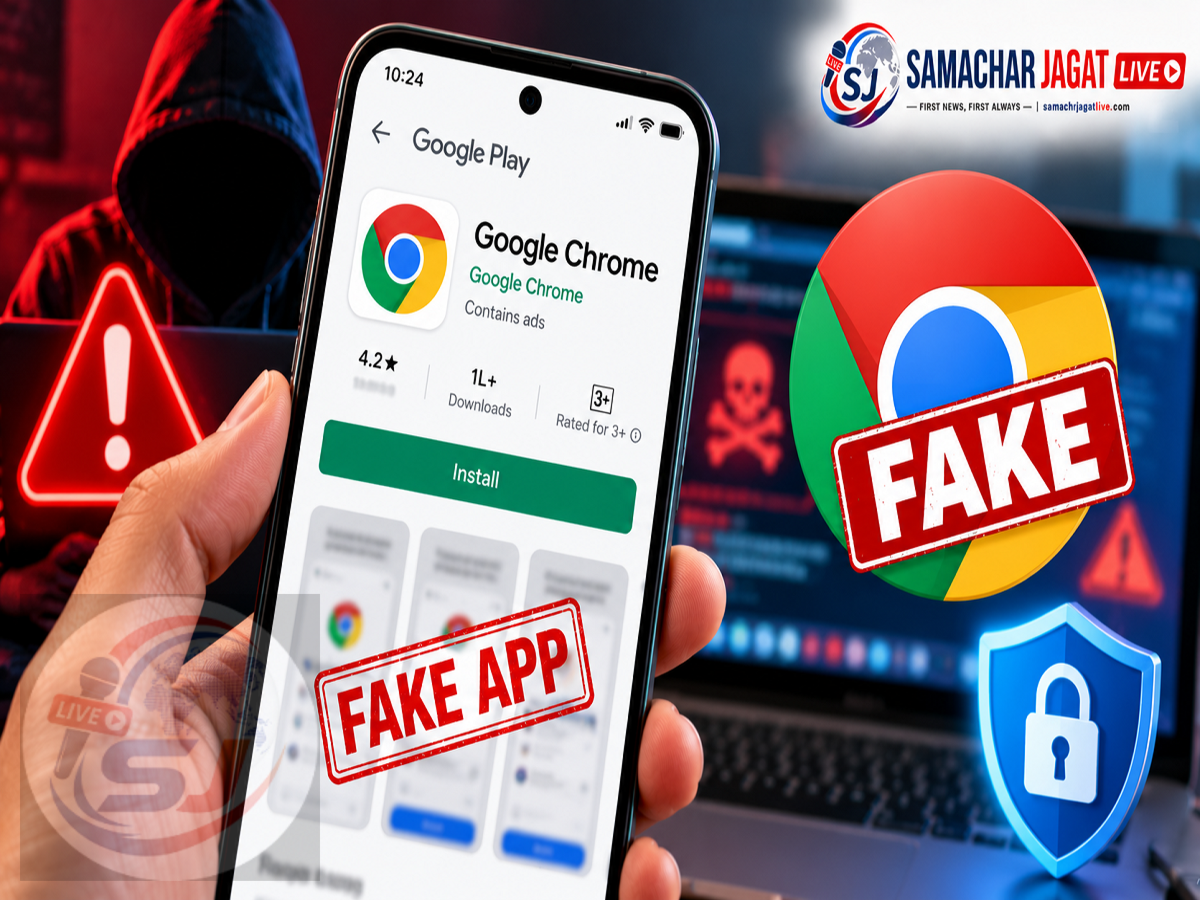
Google Play Store Fake App Alert 2026: A suspicious Android application impersonating Google's popular Chrome browser has raised concerns about app security after reportedly recording more than 100,000 downloads on the Google Play Store.
The application allegedly used a name and icon resembling the genuine Google Chrome browser, potentially misleading users searching for the official app.
What makes the incident particularly concerning is that the suspicious application reportedly appeared above the genuine Chrome listing in some Play Store search results.
According to a report published on October 15, 2026, the application was originally uploaded as a game called Ball Bounce before being renamed and redesigned to resemble Google Chrome.
Google reportedly removed the misleading application from the Play Store after the issue attracted attention.
However, the available reports do not establish that the app contained malware or stole users' personal information.
Here is what happened, how the suspicious application was discovered and what Android users should do to protect themselves.
Fake Google Chrome App Reportedly Crossed 100,000 Downloads
Google Chrome is one of the world's most widely used web browsers, with billions of installations across different devices.
Its popularity also makes it a recognisable brand that can be imitated by misleading applications.
According to information attributed to PhoneArena, an application resembling Chrome was listed on the Google Play Store by a developer identified as Hizbartech.
The app reportedly used branding similar to the genuine browser.
Its listing had accumulated more than 100,000 downloads before the incident became widely known.
The genuine Google Chrome application, by comparison, has more than 10 billion downloads on the Play Store.
Despite this enormous difference, the suspicious application reportedly appeared above the authentic Chrome listing in at least one observed search result.
This created a risk that users could download the wrong application without noticing the developer information.
How Was the Fake Chrome App Discovered?
The suspicious listing reportedly gained attention after a Reddit user shared a screenshot showing the application on the Google Play Store.
The screenshot highlighted the resemblance between the suspicious app and Google's official browser.
The listing's position in search results also raised concerns.
A user searching for Chrome might reasonably expect the official application to appear prominently.
However, search placement alone does not guarantee that an application is genuine.
The Reddit post helped draw attention to the listing, and the incident was subsequently discussed in technology reports.
According to the supplied information, Google later removed the application from the Play Store.
App Was Originally Listed as a Game Called Ball Bounce
One of the most unusual aspects of the incident was the application's reported history.
The app was not originally presented as a web browser.
Instead, it reportedly entered the Google Play Store under the name Ball Bounce.
According to the report, the game was first listed on August 22, 2026.
Its name was subsequently changed to Chrome on September 30, 2026.
The application icon was also reportedly modified to resemble Google's browser branding.
This sequence of changes is important because it illustrates how an application's identity can change after its initial publication.
Users who rely only on an app's current name or icon may overlook its previous purpose.
However, the available information does not establish exactly why the developer made these changes or whether the app's original downloads were obtained before or after the rebranding.
What Happened When Someone Installed the Suspicious App?
According to the report, one user installed the application to examine its functionality.
Instead of opening a conventional web browser, the application reportedly displayed features related to AI avatars and chat interactions.
The user also attempted to interact with its chat functionality.
The responses were described as generic or unusual rather than the behaviour expected from a normal browser.
This suggested that the application did not function like genuine Google Chrome.
A legitimate browser should allow users to open websites, navigate web pages and access normal browsing tools.
The suspicious app reportedly offered a substantially different experience.
Nevertheless, unexpected functionality does not automatically prove that an application contains malicious code.
Did the Fake Chrome App Steal Personal Data?
This is one of the most important questions arising from the incident.
The supplied report does not confirm that the application stole passwords, banking information, personal photographs or other private data.
It also does not establish that a specific form of malware was detected inside the application.
Therefore, it would be inaccurate to describe the incident as a confirmed data theft operation.
The verified concern within the supplied account is that the application allegedly impersonated a widely recognised browser and attracted a substantial number of downloads.
Such misleading branding can create security risks because users may trust an application they believe comes from a familiar company.
However, any claims about malware, spyware or stolen information would require additional technical evidence.
Why Can Fake Apps Appear on Google Play Store?
Google Play Store includes security screening and developer policies intended to reduce harmful and deceptive applications.
However, no app marketplace can guarantee that every listing will always be free from misleading content or security problems.
Applications can receive updates, change their descriptions or introduce new functionality over time.
This means users should remain cautious even when downloading from an official marketplace.
The reported Chrome impersonation incident highlights the importance of checking the developer's identity rather than relying solely on the application name.
An official-looking icon is not sufficient proof that an application is authentic.
How to Identify the Real Google Chrome App
Android users who want to download Chrome should carefully examine its Play Store listing.
The genuine Google Chrome application is published by Google LLC.
Before installing a browser, users should verify that the developer name matches the expected company.
They should also review the application's description, download history and other available details.
The following comparison can help users recognise potential warning signs.
| What to Check | Genuine Google Chrome | Possible Warning Sign |
|---|---|---|
| Developer | Google LLC | Unknown or unrelated developer |
| App Name | Google Chrome | Misleading imitation or unusual variation |
| Functionality | Web browsing | Unrelated tools or unexpected features |
| Download History | Established, very large installation base | Unusual history for a claimed major browser |
| App Description | Consistent with browser features | Confusing or unrelated description |
| Branding | Official Google branding | Similar-looking but misleading identity |
A large number of downloads or positive reviews should not be treated as conclusive evidence that an application is safe.
What Should You Do If You Installed the Fake Chrome App?
Users who believe they may have installed the suspicious application should take precautionary steps.
First, open the phone's settings and check the installed applications.
Review the app's developer information and confirm whether the installed Chrome application is published by Google LLC.
If an unfamiliar application is impersonating Chrome, uninstall it.
Next, run a security scan using Google Play Protect.
Users should also review whether the suspicious application was granted sensitive permissions, such as access to contacts, files, microphone or other device functions.
If any passwords or financial details were entered into an untrusted application, consider changing the affected credentials through the genuine service.
It is also sensible to check relevant accounts for unusual activity.
These are precautionary measures. They do not imply that the specific application described in the report was proven to have stolen information.
How to Scan Your Android Phone With Google Play Protect
Google Play Protect is designed to help identify potentially harmful applications on Android devices.
Users can generally access it through the Play Store.
Follow these steps:
-
Open the Google Play Store.
-
Tap your profile icon.
-
Select Play Protect.
-
Tap the option to scan your device, if available.
-
Review any security warnings.
-
Follow the recommended action if a suspicious application is detected.
Keeping Play Protect enabled can provide an additional layer of protection.
However, users should remember that security scans are not a substitute for careful app selection.
Five Important Safety Tips Before Downloading Any App
Android users can reduce the risk of installing misleading applications by following a few basic precautions.
Check the developer: Confirm that the publisher is the company or organisation you expect.
Review the app's purpose: Make sure the description and screenshots match the functionality you need.
Avoid relying on search ranking: An application appearing at the top of search results is not necessarily the official version.
Examine permissions: Be cautious if an app requests access that seems unrelated to its purpose.
Keep your phone updated: Install Android security updates and use trusted app security features.
These precautions are particularly important when downloading banking applications, browsers, payment services and other tools that may handle sensitive information.
Why This Incident Matters for Android Users
The reported case demonstrates how misleading application branding can create confusion even within an established app marketplace.
Users may recognise a familiar logo and assume that the listing belongs to the original company.
If the developer information is overlooked, they may install an unrelated application.
The fact that the suspicious listing reportedly attracted more than 100,000 downloads makes the incident noteworthy.
However, the download count does not establish how many users were misled, whether they actively used the application or whether any suffered financial or privacy-related harm.
Those questions would require additional evidence.
The broader lesson is that app authenticity should be checked independently of search placement and visual branding.
Frequently Asked Questions
Was a fake Google Chrome app found on the Play Store?
According to reports published in October 2026, an application impersonating Chrome appeared on the Google Play Store.
How many downloads did the suspicious app receive?
The reported listing showed more than 100,000 downloads.
Who published the suspicious application?
The developer was identified in the supplied report as Hizbartech.
What was the app originally called?
It was reportedly first published as a game called Ball Bounce before being renamed to resemble Chrome.
Has Google removed the app?
The supplied report states that Google removed the misleading application from the Play Store.
Did the app contain malware?
The available report does not confirm that malware was detected or that personal data was stolen.
How can I identify the genuine Chrome browser?
Check that the Play Store listing identifies Google LLC as the developer.
Final Thoughts
The discovery of an application impersonating Google Chrome on the Play Store serves as an important reminder for Android users.
According to the report, the suspicious app accumulated more than 100,000 downloads after undergoing changes to its original name and branding.
Although Google reportedly removed the listing, the incident highlights how users can be misled by familiar icons, application names and search results.
The most important precaution is to verify the developer before installing an application, even when downloading from an official app store.
Users should also review permissions, keep their devices updated and remove applications they cannot identify or trust.
Disclaimer: This article is based on the supplied October 15, 2026 report and the findings attributed to PhoneArena and a Reddit user. The app's removal, download history and technical behaviour have not been independently verified. No confirmed malware infection or data theft has been established by the supplied information.