
Fake Followers Growing on Instagram? Here's How to Find and Remove Potential Spam Accounts
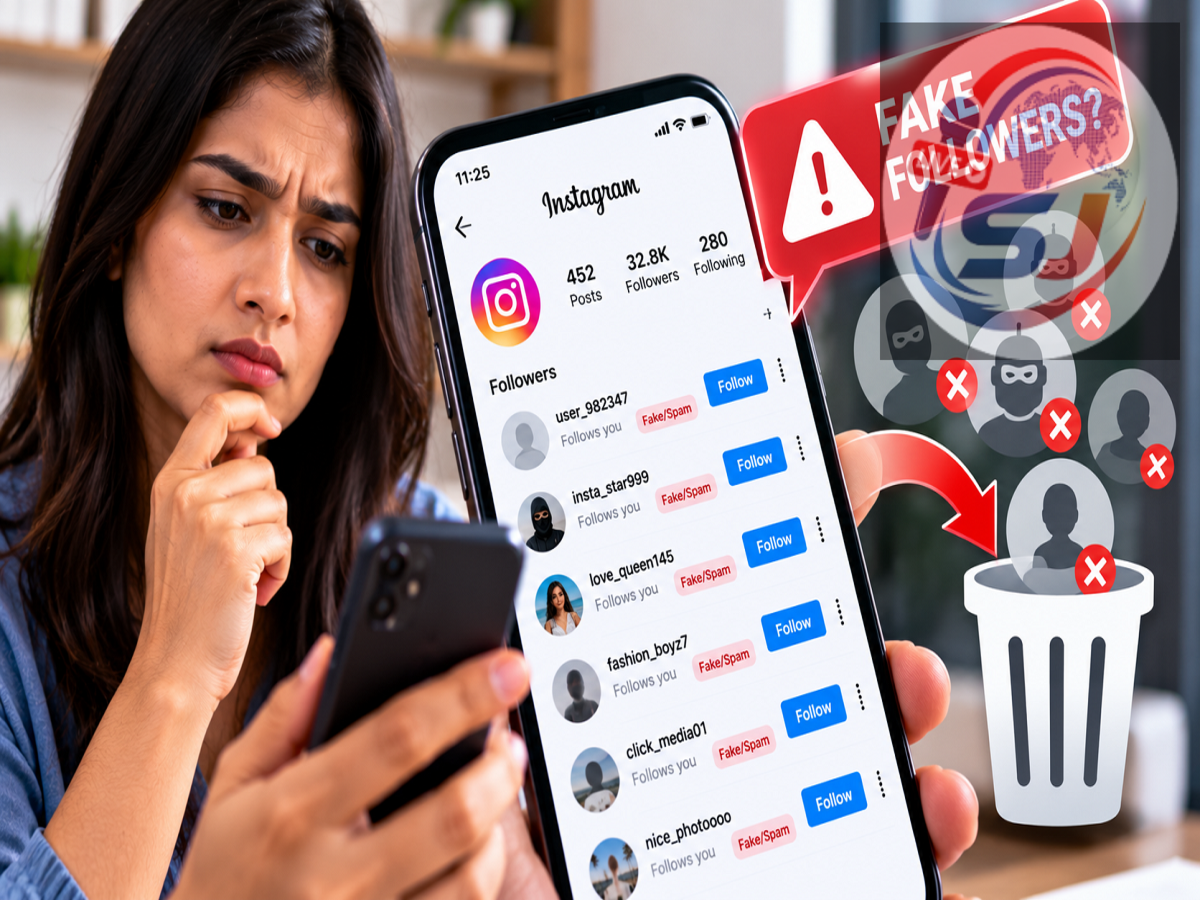
Instagram Fake Followers Removal: Have you noticed unfamiliar or suspicious profiles suddenly appearing in your Instagram followers list? Some of these accounts could be bots, spam profiles or accounts displaying behaviour that Instagram considers suspicious.
To help users manage such followers, Instagram can separate accounts it identifies as potential spam from the regular followers list. Users can then review these profiles and decide whether to keep or remove them.
The feature can be particularly useful if you have accumulated a large number of unknown followers and want to clean up your account without manually searching through the entire followers list.
However, it is important to remember that an account appearing under “Potential spam” is not necessarily proven to be fake. Users should review profiles before removing them.
What Are Spam Followers on Instagram?
Spam followers are generally accounts that show suspicious or automated behaviour. Some may be bots, while others could be profiles created primarily for mass-following, promotional spam or other unwanted activity.
These accounts may have unusual usernames, little genuine content or other suspicious characteristics.
Instagram uses its own systems to identify accounts that may potentially be spam and can place them in a separate section for users to review.
This makes it easier to manage questionable followers without checking every account individually.
How to Check Potential Spam Followers on Instagram
If the feature is available on your account, finding the relevant section is relatively straightforward.
Open the Instagram app and go to your Profile.
Next, open your Followers list.
Look for the Potential spam option. Instagram may place accounts it considers suspicious in this separate section instead of mixing them with your regular followers.
Tap the option to see the profiles Instagram has flagged.
You can then review these accounts before deciding what action to take.
Don't Automatically Assume Every Flagged Account Is Fake
Instagram's “Potential spam” label should be treated as a warning or classification rather than absolute proof that an account is fake.
It is possible that a genuine account could be placed in this category.
Before removing a profile, check whether you recognise the person or account. You may also review the username, profile information and posts where appropriate.
If you know the account and believe it is legitimate, you can choose to keep or confirm it where Instagram provides that option.
If the account looks suspicious and you do not want it following you, you can remove it.
How to Remove a Suspicious Instagram Follower
Inside the Potential spam section, Instagram may provide controls for reviewing the listed profiles.
According to the supplied information, users may see options such as Confirm or Delete, depending on the type of request or account shown.
If you recognise the profile and believe it is genuine, selecting the appropriate confirmation option can allow you to keep or approve it.
If you believe the profile is spam or do not want it associated with your followers, choose the removal or delete option available in the app.
The exact wording and placement of these controls may differ depending on your Instagram version, account type and rollout.
Can You Remove Multiple Spam Followers?
Instagram's spam-management tools are intended to make it easier to deal with suspicious accounts without searching manually through a potentially long followers list.
Depending on the version of the feature available to your account, Instagram may provide controls that make it possible to deal with potential spam accounts more efficiently.
Before using any bulk-removal option, however, review the profiles wherever practical.
Removing legitimate followers by mistake can be difficult to reverse, particularly on private accounts where the person may need to send another follow request.
Why Should You Remove Fake or Spam Followers?
A high follower count does not necessarily mean an account has a strong audience.
For creators and businesses in particular, genuine engagement can be more valuable than a large number of followers who never interact with posts or Reels.
Spam and bot followers may inflate the headline follower count without providing meaningful likes, comments, shares or other engagement.
Cleaning up suspicious followers can therefore give users a more realistic understanding of the audience actually interested in their content.
Can Spam Followers Affect Engagement?
Potentially, especially when analysing engagement rates.
Suppose an account has 20,000 followers but a substantial percentage consists of inactive or automated profiles. Its posts may receive relatively little interaction compared with the total follower count.
This can make audience metrics look weaker.
However, Instagram engagement is influenced by many factors, including content quality, audience interest, posting frequency and recommendation systems. Spam followers should not be treated as the sole explanation for poor reach.
What About Account Security?
The presence of unknown followers by itself does not necessarily mean your Instagram account has been hacked.
Still, a sudden increase in suspicious activity can be a good reason to review account security.
Users should use a strong and unique password, enable two-factor authentication and regularly check where their Instagram account is logged in.
Never share passwords, login codes or two-factor authentication codes with anyone claiming they can remove fake followers or increase engagement.
Avoid Third-Party “Follower Cleaner” Apps
Users should be particularly careful with third-party apps promising to instantly identify or remove fake Instagram followers.
Some services may ask you to enter your Instagram username and password or provide broad account access.
Giving login credentials to an unknown service can create a much bigger security problem than having spam followers.
If Instagram already provides a Potential spam section on your account, using the platform's own tools is generally preferable to handing account access to an unfamiliar third-party service.
What If You Don't See the “Potential Spam” Option?
Not every Instagram account necessarily displays exactly the same interface or features at the same time.
If you cannot find the Potential spam section, first make sure that your Instagram app is updated.
The option may also depend on whether Instagram has detected accounts that qualify for the category.
Feature availability and menu placement can change across app versions and accounts, so the absence of the option does not necessarily indicate a problem with your account.
Quick Steps to Clean Up Your Instagram Followers
To review potentially suspicious followers:
Open Instagram → Go to Profile → Tap Followers → Open Potential spam → Review the listed accounts → Keep/confirm genuine profiles or remove suspicious ones.
Do not remove an account solely because Instagram has placed it in the Potential spam category. Review it first whenever possible.
Bottom Line
Instagram's Potential spam section can make it easier to identify and manage suspicious followers without manually checking your entire audience.
If you see unfamiliar accounts in this section, review them and remove the profiles you do not trust or want following your account. If Instagram has mistakenly flagged someone you recognise, you can keep or confirm that profile where the option is available.
For creators, businesses and regular users alike, periodically reviewing followers can help maintain a cleaner and more meaningful audience.
Most importantly, stick to Instagram's built-in account-management tools and avoid giving your password or login credentials to third-party “fake follower removal” services.