
Facebook Security Tips: Change These Settings Now to Help Protect Your Account From Hackers
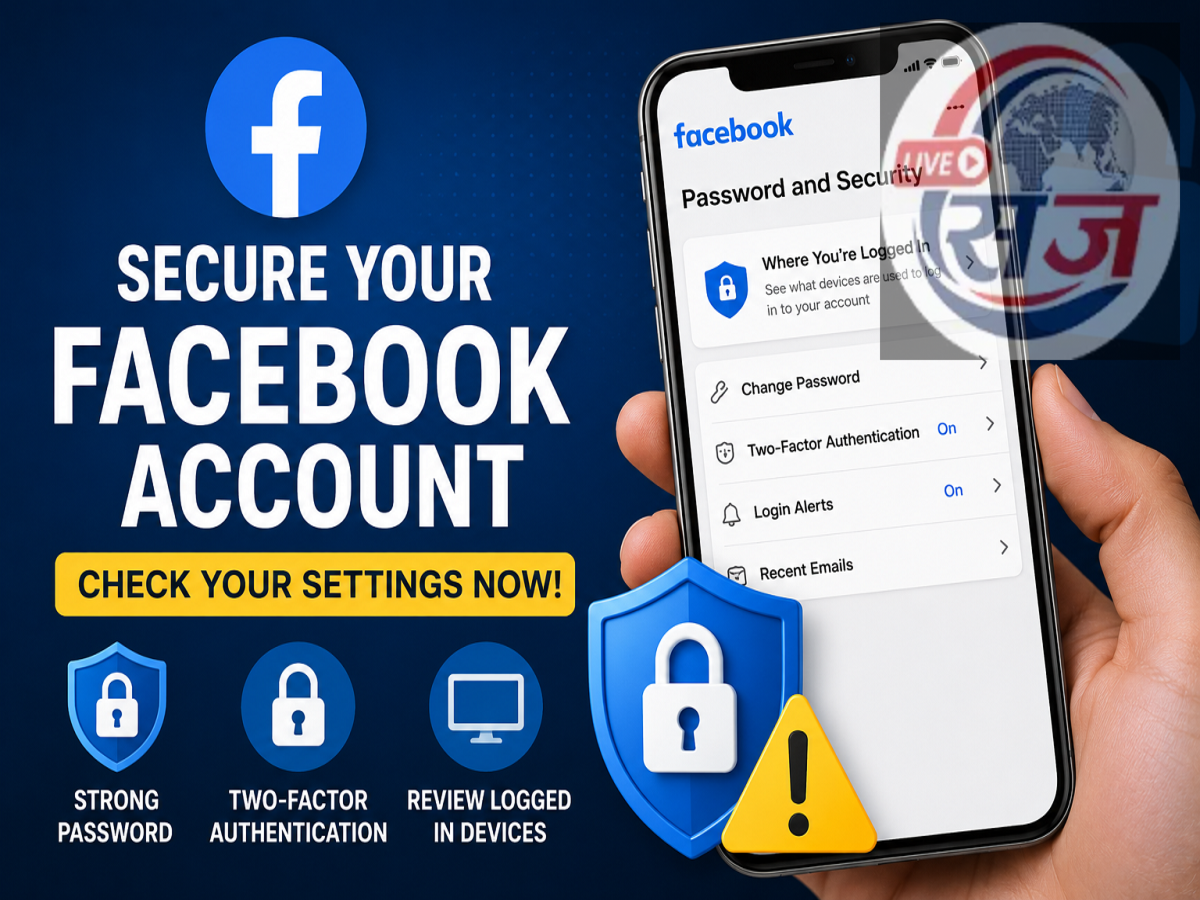
Facebook Security Tips: With millions of people using Facebook every day, protecting your account has become more important than ever. Cybercriminals often target social media accounts to steal personal information, send fraudulent messages, or gain unauthorized access to connected services. Fortunately, reviewing a few important security settings can significantly improve your account's protection.
If you haven't checked your Facebook security settings recently, now is a good time to do so.
Review Devices Logged Into Your Facebook Account
One of the first things you should check is the list of devices currently signed in to your Facebook account.
To view this information:
Settings & Privacy → Settings → Password and Security → Where You're Logged In
This section displays every device and location where your account is currently active.
If you notice a phone, computer, browser, or location that you don't recognize, sign it out immediately. Unknown login sessions may indicate that someone else has gained access to your account.
Remove Access for Unused Apps and Websites
Many users log in to websites or mobile apps using their Facebook account. Over time, some of these connected apps are forgotten but continue to retain account access.
Review the list of connected apps periodically and remove permissions for services you no longer use.
Reducing unnecessary third-party access helps minimize potential security and privacy risks.
Turn On Two-Factor Authentication (2FA)
One of the most effective ways to secure your Facebook account is by enabling Two-Factor Authentication (2FA).
With 2FA enabled, entering your password alone will not be enough to access your account. Facebook will also require a verification code sent to your authentication app or registered mobile device.
This additional security layer makes unauthorized access much more difficult, even if someone discovers your password.
Use a Strong and Unique Password
A weak or reused password increases the risk of account compromise.
Choose a password that:
-
Contains uppercase and lowercase letters
-
Includes numbers and special characters
-
Is difficult to guess
-
Is not reused across multiple websites
Changing your password regularly is also considered a good security practice.
Enable Login Alerts
Facebook allows users to receive notifications whenever their account is accessed from a new browser or device.
By turning on login alerts, you'll be notified immediately if someone attempts to access your account without your knowledge, allowing you to take quick action if needed.
Review Your Privacy Settings
Apart from security, it's also important to check who can view your personal information.
Review your privacy settings to control who can see:
-
Your posts
-
Friends list
-
Phone number
-
Email address
-
Personal profile details
Limiting public visibility can reduce the chances of misuse of your personal information.
Keep Your Contact Information Updated
Ensure that your recovery email address and mobile number are current and accessible.
If you ever lose access to your account, updated recovery information can make the account recovery process much faster and easier.
Stay Alert for Phishing Attempts
Hackers often try to steal Facebook credentials through fake emails, messages, or websites that imitate Facebook's login page.
Always:
-
Verify website URLs before entering your password.
-
Avoid clicking suspicious links.
-
Never share verification codes or passwords with anyone.
Facebook will never ask you to provide your password through email or direct messages.
Final Thoughts
Taking a few minutes to review your Facebook security settings can help reduce the risk of unauthorized account access. Regularly checking logged-in devices, removing unused third-party app permissions, enabling two-factor authentication, and using a strong password are among the simplest yet most effective ways to improve your account's security.
While no online account is completely immune to cyber threats, maintaining good security habits can significantly strengthen your protection against hacking attempts and unauthorized access.