
Facebook Account Hacked? Follow These Steps to Recover Your Account and Secure It
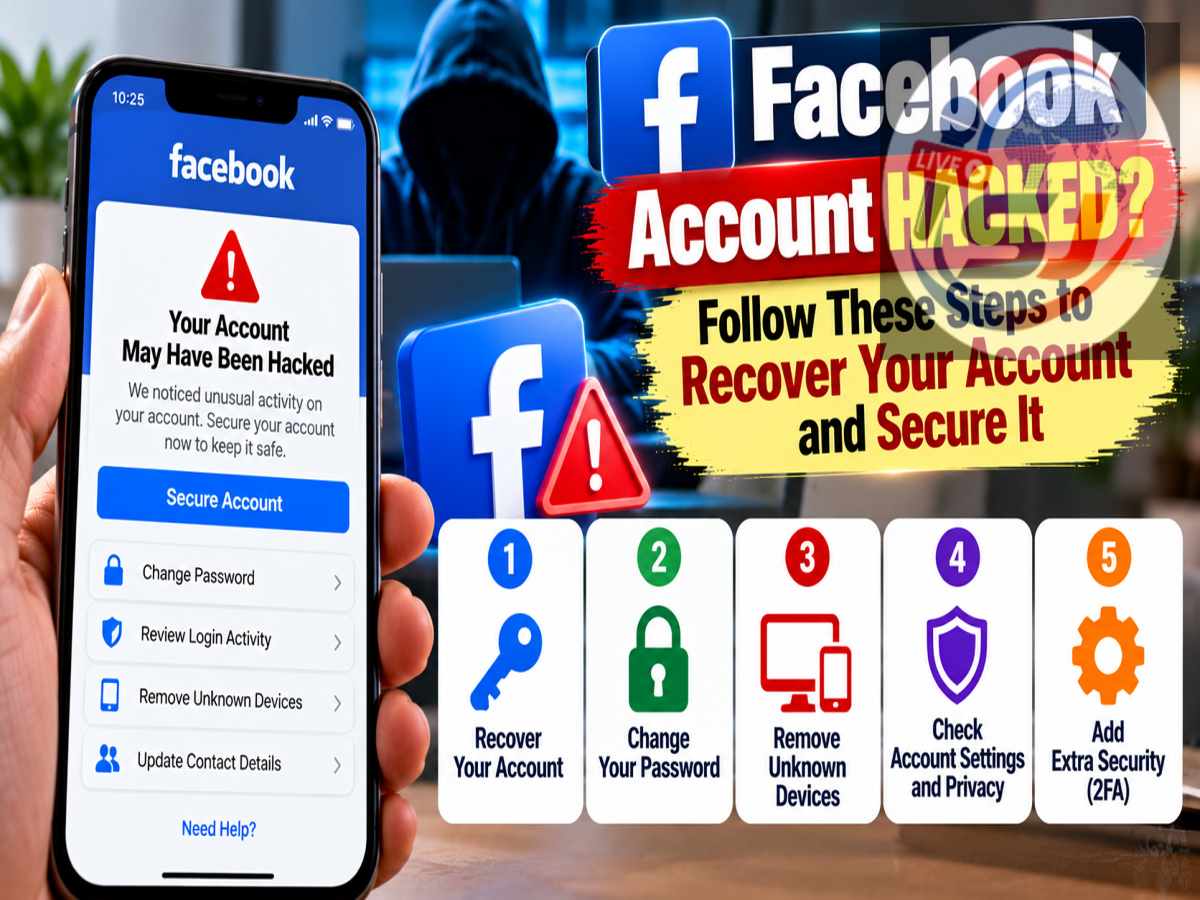
A hacked Facebook account can expose much more than your social media posts. If an attacker gains access, they may be able to view personal information, send messages to your contacts, change account details or even modify the password and recovery information to prevent you from signing back in.
The good news is that Facebook provides dedicated account-recovery tools for people who believe their accounts have been compromised.
Users should act as quickly as possible after noticing suspicious activity. The longer an attacker retains access, the more opportunity they have to change the email address, phone number, password or other security settings associated with the account.
Here are the warning signs of a compromised Facebook account, the steps users can take to recover it and the security measures that should be followed afterward.
How to Know If Your Facebook Account Has Been Hacked
Being locked out is one obvious indication of a compromised account, but hackers do not always immediately change the password.
Sometimes they remain inside the account while making smaller changes that can be easy to overlook.
Users should investigate if they notice posts, comments or messages that they did not create.
Changes to the profile picture, name or other account information without permission can also indicate unauthorised access.
Another major warning sign is an unfamiliar email address or phone number appearing among the account's recovery details.
Login alerts from devices or locations you don't recognise should also be treated seriously.
Similarly, if friends start receiving unusual messages, links or requests from your account, someone else may have gained access.
How to Recover a Hacked Facebook Account
Facebook provides a dedicated recovery process for compromised accounts.
If possible, users should begin the recovery process from a smartphone, computer or browser that they have previously used to access Facebook. Using a familiar device can help Facebook recognise the account during recovery.
The general recovery process is:
| Step | What to Do |
|---|---|
| 1 | Open Facebook's official hacked-account recovery page using a device previously used for the account. |
| 2 | Enter the email address or mobile number associated with your Facebook account. |
| 3 | Follow the account-recovery instructions displayed by Facebook. |
| 4 | If the first method fails, use Facebook's account-identification recovery option. |
| 5 | Search for the account using the available email address, phone number, name or username. |
| 6 | If old recovery details are no longer accessible, choose the option indicating that you no longer have access when Facebook provides it. |
| 7 | Provide any new contact information requested and complete Facebook's security checks. |
| 8 | After successful verification, follow the instructions to reset your password and regain control of the account. |
Users should rely only on Facebook's official recovery tools during this process.
What If the Hacker Changed Your Email or Phone Number?
An attacker may try to make recovery more difficult by changing the email address or mobile number associated with the account.
If you can still access Facebook, immediately review the contact and security information and remove any email address or phone number that you do not recognise.
If you have already been locked out, Facebook's recovery flow may provide options for people who no longer have access to their previous recovery information.
The supplied report notes that Facebook may request new contact information during certain recovery situations. Users should carefully follow the instructions displayed by Facebook because the options available can depend on the account and the circumstances of the compromise.
Change Your Password Immediately After Recovery
Regaining access is only the first step.
Once you are back inside your Facebook account, change the password as soon as possible.
The supplied report points users toward the password settings available through:
Settings and Privacy > Accounts Centre > Password and Security > Change Password
Choose a strong password that is difficult to guess and, importantly, is not already being used for your email, banking, shopping or other social-media accounts.
Password reuse creates additional risk because a password exposed through one service can potentially be tried against other accounts.
Review Your Email Address and Phone Number
After changing the password, inspect the recovery information linked with Facebook.
Look for unfamiliar email addresses or phone numbers and remove any unauthorised information using Facebook's available security controls.
You should also confirm that your own recovery email address and phone number remain correct.
This step matters because an attacker who retains control of a recovery method may potentially try to regain access even after you change the Facebook password.
Enable Two-Factor Authentication
Two-factor authentication, or 2FA, adds another security step when someone attempts to sign in.
Instead of relying exclusively on a password, the account requires an additional verification method.
This can make it considerably harder for an attacker to sign in using only a stolen password.
However, users should still pay attention to unexpected authentication prompts.
If you receive a login approval or verification request that you did not initiate, do not approve it. An unexpected request could mean someone already has your password and is attempting to complete the login process.
Secure the Email Account Connected to Facebook
Your email account is an important part of Facebook security because it can be used for password resets and account recovery.
If a hacker gained access to Facebook through a compromised email account, simply changing the Facebook password may not fully solve the problem.
Change your email password as well if there is any possibility that it has been compromised.
Use a strong, unique password and enable two-factor authentication on your email service where available.
Review recent email login activity and account-recovery information for unfamiliar changes.
Check Where Your Facebook Account Is Logged In
After recovering your account, review active sessions and devices.
If Facebook shows devices or locations you do not recognise, sign out of those sessions.
It can also be useful to sign out of old devices you no longer use.
Doing this reduces the possibility that an attacker remains logged in through an existing session even after other security changes have been made.
Watch Out for Facebook Phishing Links
Account theft often begins with phishing rather than a technical attack on Facebook itself.
A message may claim that your Facebook account will be suspended, that someone reported your page or that you must verify your identity immediately.
The link then leads to a fake login page designed to collect your Facebook email address and password.
Avoid entering Facebook credentials after opening suspicious links sent through messages, email or social media.
Instead, open Facebook directly through its official app or website and check account notifications there.
Don't Pay Unofficial 'Facebook Recovery' Services
People who have lost access to an account can become easy targets for a second scam.
Fraudsters may claim that they can recover a hacked Facebook account in exchange for money. Others may ask for passwords, OTPs, identification documents or payment before supposedly contacting Facebook on the victim's behalf.
Avoid these services.
Use Facebook's official recovery and support channels rather than handing account credentials or money to unknown individuals.
Never provide your Facebook password or authentication code to someone claiming they need it to recover the account.
How to Reduce the Risk of Another Facebook Hack
After recovering the account, users should review their overall security rather than simply returning to normal use.
Use a unique Facebook password, enable two-factor authentication and protect the email account connected to Facebook.
Pay attention to unfamiliar login alerts and password-reset messages, and regularly check whether unknown devices are signed in.
Also avoid suspicious links that ask you to enter Facebook credentials outside the normal login process.
Act Quickly If You Notice Suspicious Activity
The sooner users respond to a suspected Facebook compromise, the better their chances of preventing additional unauthorised changes.
If you see unfamiliar posts, messages, profile changes, login alerts or recovery information, check your account security immediately.
If access has already been lost, start with Facebook's official hacked-account recovery process and complete the account-identification steps provided.
After getting the account back, change the Facebook password, remove unfamiliar recovery information, secure the linked email account, review active sessions and enable two-factor authentication.
Most importantly, avoid third-party recovery agents and suspicious links. Official Facebook recovery tools should remain the first option when trying to regain control of a compromised account.