
Facebook Account Hacked? Follow These Steps to Recover Your Profile and Secure It
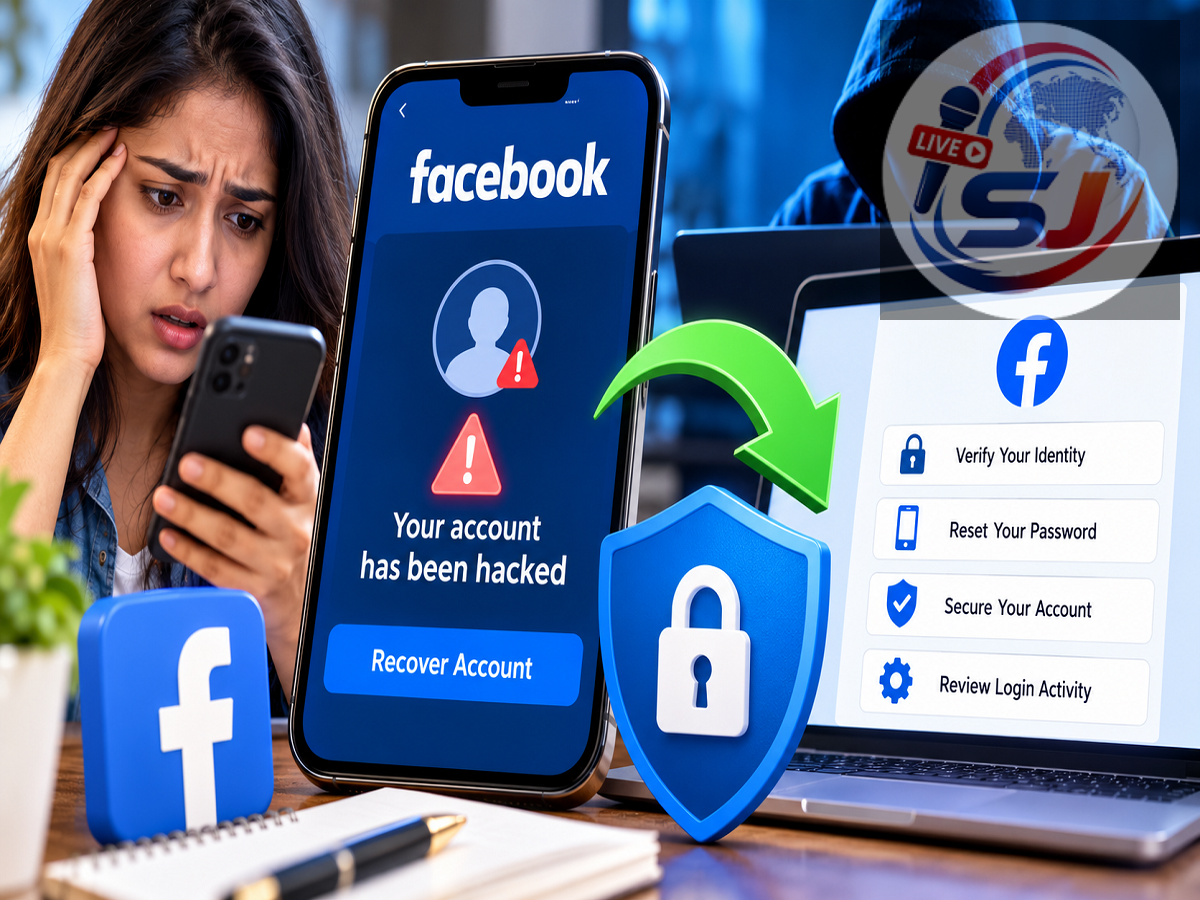
Facebook Account Recovery Guide: Losing control of a Facebook account can be worrying, especially when the profile contains personal photos, conversations, contact information and years of activity. A compromised account can also allow an attacker to send messages, publish posts or make changes while pretending to be the legitimate owner.
The important thing is to act quickly. Facebook provides account-recovery options for people who believe their profile has been hacked or compromised. Even if the password or contact details have been changed, there may still be ways to regain access.
Users should also secure their email account and other services that use the same or a similar password, because a compromised email inbox can make it easier for an attacker to take control of additional accounts.
How Can You Tell If Your Facebook Account Has Been Hacked?
Not every unusual Facebook notification means that someone has successfully taken over your account. However, several warning signs deserve immediate attention.
You should investigate if posts, comments or messages appear that you did not create. An unexplained change to your profile picture, password, email address or phone number can also indicate unauthorized access.
Another warning sign is an alert about a login from a device or location you do not recognize.
Meta provides a "Where You're Logged In" section that lets users review devices recently used to access their account. Login alerts can also warn users about attempts from devices Facebook does not recognize.
First Step: Use Facebook's Hacked Account Recovery Tool
If you believe someone has taken control of your account, start with Facebook's dedicated compromised-account recovery process.
Facebook hacked account recovery page
For the best chance of successful verification, try opening the recovery page on a phone, computer or browser that you previously used to access Facebook.
Follow the on-screen instructions and provide the information requested to identify and recover your account.
If you still have access to the email address or phone number associated with the profile, verification may be easier. If your email account has also been compromised, secure or recover that account as well.
Can't Find Your Facebook Account? Try Account Identification
If the standard recovery process does not immediately locate your profile, Facebook also provides an account-identification page.
Enter an email address or mobile number that may be connected with your Facebook profile. If necessary, try other email addresses or phone numbers that you previously used with the account.
You may also be able to identify your profile using other information associated with it and then follow Facebook's available recovery instructions.
Again, using a familiar device or browser can be helpful during the recovery process.
Change Your Password Immediately If You Still Have Access
If you can still sign in, change your Facebook password as soon as possible.
Open your Facebook settings and navigate to the security or password controls available through Accounts Center. Select the option to change your password and create a new one that you have not used elsewhere.
Avoid passwords based on easily guessed details such as your name, birthday or mobile number.
Meta recommends using a unique password for each account and advises against sharing login credentials with anyone.
If the compromised Facebook password was also used for your email, banking-related services or other online accounts, change those passwords separately.
Review Devices Logged Into Your Facebook Account
Changing the password is important, but you should also review where your account is currently signed in.
Facebook's security settings provide a list of devices recently used to access the account. Check the list carefully and sign out of sessions or devices you do not recognize.
Meta confirms that the "Where You're Logged In" section can be used to review recently used devices.
Also examine whether an unknown email address or phone number has been added to the account. Remove unauthorized contact information when Facebook's recovery and security tools allow you to do so.
Turn On Two-Factor Authentication
After regaining control, enable two-factor authentication, or 2FA.
Two-factor authentication adds another verification step when someone attempts to access your Facebook account from a new device. This means possession of your password alone may not be enough to sign in.
Meta specifically recommends two-factor authentication as an additional layer of account protection.
Users should also enable alerts for unrecognized logins where available. These notifications can provide an early warning if someone attempts to access the account again.
Check Your Email Account Too
Your Facebook profile may not be the only account at risk.
If an attacker gained access through your email account, changing only your Facebook password may not fully solve the problem. Check your email account for unfamiliar login activity, forwarding rules, recovery addresses or password changes.
Create a new, unique email password and turn on two-factor authentication for your email service if available.
Never give a Facebook recovery code, password or two-factor authentication code to someone who contacts you unexpectedly claiming they can recover your account.
Review Your Account After Recovery
Once access has been restored, inspect the account carefully.
Look for posts, messages or comments that were created while the account was compromised. Review recent login sessions and security settings, and check which applications have permission to access your Facebook information.
Meta recommends reviewing account permissions so users know which apps have access to their information.
If the attacker sent suspicious links or requests to your contacts, consider warning friends that your account was compromised so they know not to interact with those messages.
How to Reduce the Risk of Another Facebook Hack
Account recovery is only part of the process. Strengthening security afterward can reduce the chances of another takeover.
Use a strong and unique password, enable two-factor authentication and keep login alerts active. Avoid entering Facebook credentials after following suspicious links received through email, SMS, Messenger or other platforms.
Meta's Security Checkup can also help users review and improve security settings on their Facebook account.
Meta Safety Center account security guidance
Most importantly, use Facebook's official recovery tools rather than paying unknown individuals or services that claim they can "hack back" or instantly recover an account.
If you notice suspicious activity, acting quickly can limit the damage and improve your chances of restoring control of your Facebook profile.
I intentionally left out the source article's specific India grievance-officer email and Gurugram postal address because I could not verify those details from Meta's current official security resources; publishing potentially outdated recovery contacts could mislead readers.