
EPFO on WhatsApp: How to Join the Official Channel and Receive PF Updates on Your Phone
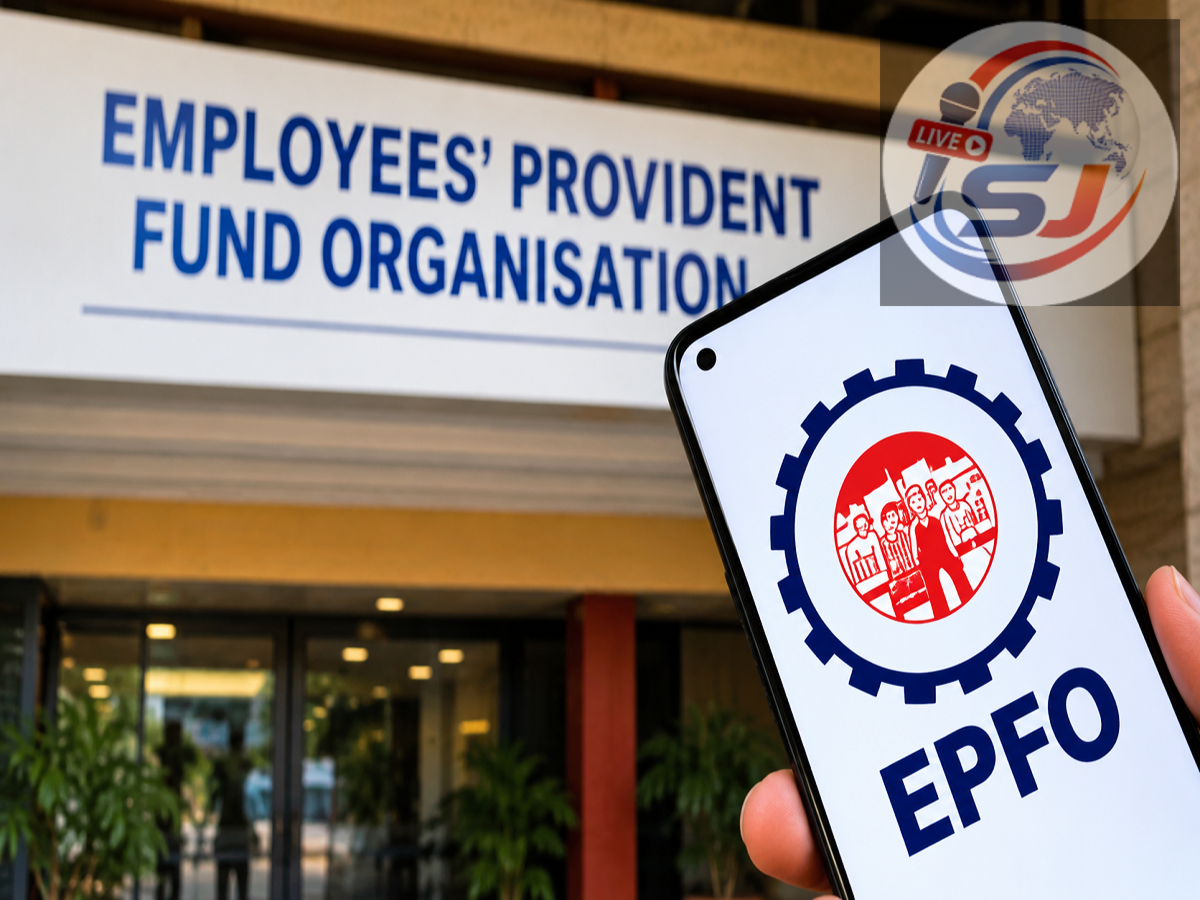
The Employees’ Provident Fund Organisation is expanding its digital communication services to make important information more accessible to members. As part of this effort, EPFO members can use its WhatsApp presence to receive updates related to provident fund services, deadlines, digital facilities and other announcements.
The WhatsApp facility can be useful for employees who do not regularly visit the EPFO website or monitor its social-media accounts. Once they follow the official channel, new announcements can appear directly in the Updates section of WhatsApp.
However, members must remember that a WhatsApp Channel is mainly a one-way communication service. Following a channel does not automatically provide access to an individual’s PF balance, claim status or account details. Such personalised services may still require the EPFO member portal, UMANG application or another officially authorised platform.
What is the EPFO WhatsApp Channel?
A WhatsApp Channel allows an organisation to broadcast information to its followers. Unlike a regular WhatsApp group, followers generally cannot view one another’s phone numbers or send messages into the channel as part of a public discussion.
EPFO may use the channel to circulate information such as:
- Updates about online PF services
- Notices concerning UAN and Aadhaar-linked facilities
- Claim-processing information
- Pension-related announcements
- Details of awareness programmes
- Warnings about fraudulent messages and fake websites
- Instructions for using EPFO’s digital platforms
The exact services and content offered through the channel may change over time. Members should check the channel description and the latest official announcements before relying on it for a particular facility.
How to find and follow EPFO on WhatsApp
Users can look for the EPFO channel through WhatsApp by following these steps:
- Open WhatsApp on an Android phone or iPhone.
- Go to the Updates tab.
- Find the Channels section.
- Tap the search or exploration option.
- Enter EPFO or Employees’ Provident Fund Organisation.
- Review the available results carefully.
- Open the channel that matches EPFO’s official identity.
- Check its name, description and any available verification indicator.
- Tap Follow to subscribe to its updates.
- Turn on notifications if you want alerts for new posts.
If EPFO shares a direct channel link through its official website or verified social-media account, users may also open that link and select the option to view or follow the channel.
Members should avoid joining through forwarded links received from unknown individuals. A fake link can redirect users to a fraudulent website designed to steal personal or financial information.
Turn on notifications for new messages
WhatsApp may keep notifications muted when a user begins following a channel. To receive immediate alerts, open the EPFO channel and tap the notification bell.
If notifications are not enabled, updates should still remain available inside the WhatsApp Updates tab. Users can return to the channel whenever they want to review recent announcements.
WhatsApp Channel and regional WhatsApp numbers are different
Members should understand the difference between a central WhatsApp Channel and regional WhatsApp Business contact numbers. A channel broadcasts general information, while certain regional EPFO offices may provide separate WhatsApp Business numbers for enquiries or grievances.
EPFO’s official directory lists WhatsApp Business contacts for a number of regional offices. Since these numbers differ by location, members should obtain the relevant contact only through the official directory rather than trusting an unverified number circulated online. EPFO’s official office directory contains regional contact information.
Availability and response procedures may vary between offices. Sending a query to the wrong regional number may delay assistance.
Can members check their PF balance through the channel?
Following a WhatsApp Channel should not be treated as equivalent to logging into an EPF account. A broadcast channel normally cannot display a member’s confidential PF balance, passbook or claim record.
For personalised account information, members should use official services such as:
- The EPFO member portal
- The UMANG application
- EPFO’s authorised missed-call or SMS services, where applicable
- The EPFiGMS grievance portal for formal complaints
Users should never share their UAN password, Aadhaar OTP, bank OTP, debit-card details or UPI PIN through WhatsApp. EPFO officials do not need a member’s UPI PIN or banking password to process a PF request.
How to identify a fake EPFO message
Fraudsters often use urgent language to pressure people into revealing sensitive details. Be cautious if a WhatsApp message claims that your PF account will be blocked immediately unless you click a link, pay a fee or provide an OTP.
Warning signs may include spelling errors, shortened or unfamiliar links, requests for remote-access applications, demands for payment to release a claim, and promises of instant settlement in exchange for money.
Before acting on any message, cross-check the information through EPFO’s official website, verified accounts or regional office directory. Do not download an APK file or unknown application sent over WhatsApp.
Why the service can benefit EPFO members
The WhatsApp initiative can help EPFO distribute important information quickly through an application already used by millions of people. It may also reduce dependence on forwarded messages, provided that members follow only the authentic channel.
Still, subscribers should treat the channel as an information source rather than a complete replacement for the official portal. Account-specific actions—including filing or tracking a claim, downloading a passbook and updating member details—should be completed only through authorised EPFO services.
Important: The supplied source excerpt does not provide EPFO’s verified WhatsApp Channel link or confirm every feature available through it. Users should join only through a link published on EPFO’s official website or verified social-media handles and should verify the channel before following it.