
Diwali Cyber Fraud Alert 2026: Government Warns iPhone, Android and WhatsApp Users About 3 Dangerous Scams
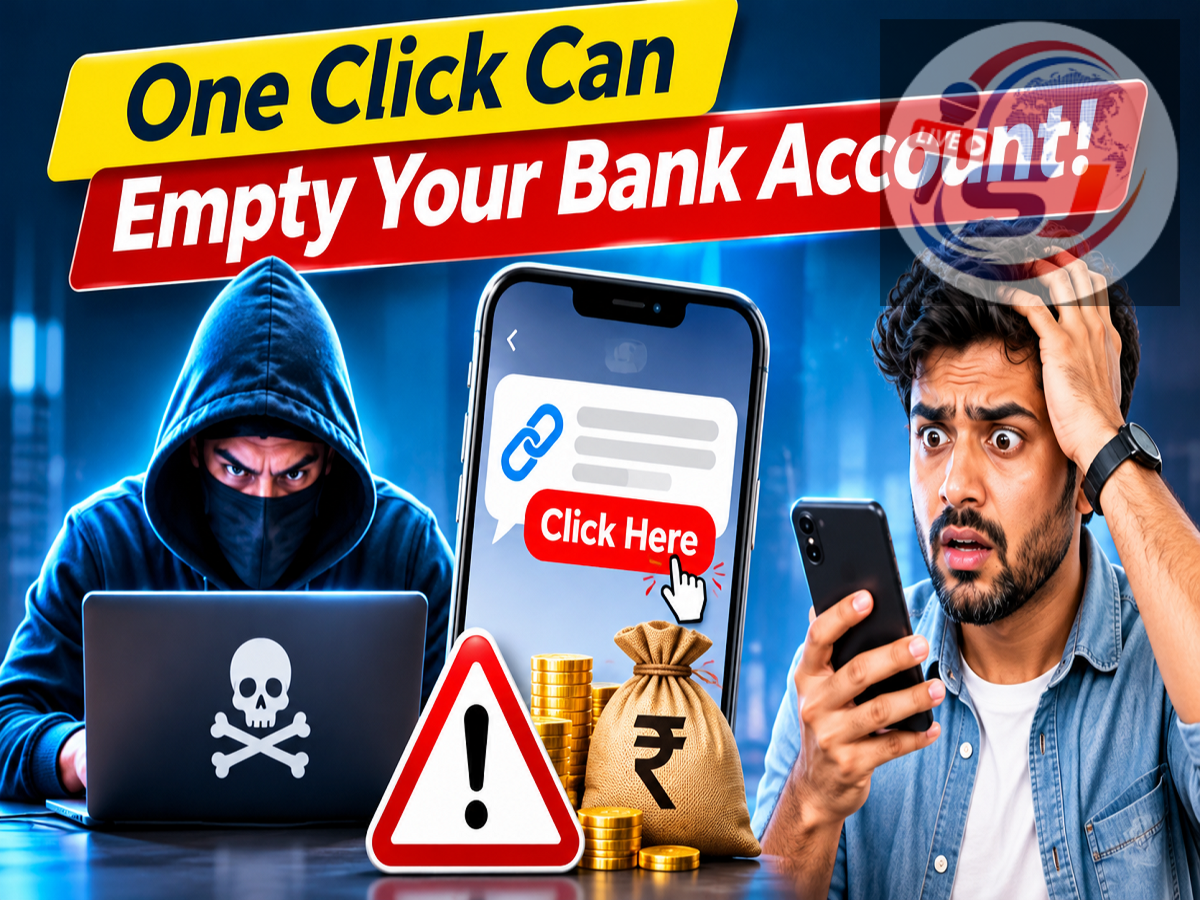
Diwali Cyber Security Alert 2026: As the festive shopping season reaches its peak, the Indian government has warned smartphone users about cyber fraud schemes designed to steal personal information, banking credentials and money. Cybercriminals are reportedly using fake customer support messages, malicious Android applications and hijacked WhatsApp accounts to target unsuspecting individuals and businesses.
According to a Live Hindustan report published on November 5, 2026, the Ministry of Home Affairs (MHA), through the Indian Cyber Crime Coordination Centre (I4C), has highlighted several emerging threats affecting iPhone and Android users.
These scams can appear as genuine messages from trusted organisations, banks, technology companies or even senior company executives. Fraudsters often create a sense of urgency to convince victims to click suspicious links, download harmful files or transfer money without proper verification.
With people increasingly shopping online, exchanging festive greetings and making digital payments during Diwali, understanding these threats is particularly important.
1. Fake Apple Support Messages Target iPhone Users
One of the scams highlighted in the report involves fraudulent messages sent to people whose iPhones have been lost or stolen.
Cybercriminals send SMS messages claiming that the missing device has been located. The message contains a link that appears to direct the user to an official Apple support or account verification page.
However, the website is controlled by the fraudsters.
When victims enter their Apple Account credentials and one-time passwords, criminals may gain unauthorised access to their accounts.
This can expose personal information and potentially help attackers interfere with security protections associated with the missing device.
How to stay safe: Never enter your Apple Account password or verification code through links received in unexpected messages. Instead, access Apple's official website or Find My service directly.
2. WhatsApp 'Boss Scam' Targets Company Executives and Employees
Another serious threat involves the so-called Boss Scam, also known as CEO impersonation fraud.
In this scheme, attackers impersonate senior executives, regulators or representatives of trusted organisations.
According to an official Ministry of Home Affairs advisory issued in August 2026, cybercriminals have circulated malicious ZIP files disguised as financial statements and communications from organisations such as the Reserve Bank of India and Ministry of Corporate Affairs.
When a victim extracts and runs the malicious program on a Windows computer, the malware can compromise the device and hijack an active WhatsApp Web session.
Criminals may then use the compromised account to instruct finance employees to transfer money to fraudulent bank accounts.
This makes the attack particularly dangerous because the fraudulent request may appear to originate from a genuine senior executive's WhatsApp account.
How to stay safe: Companies should independently verify unexpected payment instructions through a direct phone call and use multiple levels of approval for financial transfers.
3. Android 'God Mode' Malware Can Steal Banking Information
Android smartphone users are also being warned about malicious applications that imitate legitimate services.
The Live Hindustan report describes a threat referred to as Android God Mode malware.
Fraudsters distribute harmful APK files through WhatsApp messages, social media posts and phishing links.
These files may be presented as familiar applications or services, including SBI YONO, Jeevan Pramaan, traffic challan services or Google Play Services updates.
Once installed, the malicious application may attempt to obtain powerful Accessibility permissions.
These permissions can potentially allow malware to observe screen content, interact with applications and misuse sensitive information.
Some malicious applications also request access to SMS messages, which can expose banking OTPs and other authentication information.
The report further warns that certain malware may hide its application icon or make removal difficult.
How to stay safe: Avoid installing APK files from messages or unknown websites. Download applications through official sources, review permissions and never grant Accessibility access to an unfamiliar application.
Other Common Diwali Online Shopping Scams
Apart from these three highlighted threats, festive shoppers should remain cautious about several other fraud techniques.
Cybercriminals may create fake shopping websites advertising unusually large discounts on smartphones, electronics, clothing and jewellery.
Others send fraudulent delivery notifications asking customers to update their address or pay a small fee.
Fake cashback messages and QR-code scams can also trick users into authorising payments.
Cybersecurity warnings issued during the 2026 festive season have highlighted these tactics, particularly fraudulent shopping links and malicious applications disguised as gifts or greetings.
How to Identify a Suspicious Message
| Warning Sign |
Possible Risk |
|---|---|
| Unexpected Apple Support link |
Account credential theft |
| ZIP attachment claiming to be from RBI |
Malware infection |
| APK file received on WhatsApp |
Device compromise |
| Urgent payment request from a boss |
CEO impersonation fraud |
| Unbelievable festive discount |
Fake shopping website |
| Request for OTP or UPI PIN |
Banking fraud |
| Unknown courier payment link |
Phishing or payment fraud |
These signs do not prove that every message is fraudulent, but they are reasons to verify the sender before taking action.
Government-Recommended Safety Precautions for Diwali 2026
The Indian Cyber Crime Coordination Centre has repeatedly advised citizens and businesses to follow essential cybersecurity practices.
-
Avoid downloading applications from unofficial websites or unknown links.
-
Never share OTPs, UPI PINs, banking passwords or account credentials.
-
Do not open suspicious ZIP files or executable attachments.
-
Verify urgent money-transfer requests through an independent communication channel.
-
Keep smartphones, computers and security software updated.
-
Review WhatsApp's Linked Devices section for unfamiliar sessions.
-
Use official customer support channels rather than numbers received through suspicious messages.
-
Enable available two-factor authentication and account security features.
These precautions can reduce the likelihood of becoming a victim of phishing, malware and financial impersonation fraud.
What Should You Do If You Become a Victim of Cyber Fraud?
If you suspect that money has been stolen from your bank account, immediate action is important.
First, contact your bank or payment service provider through its official helpline and report the unauthorised transaction.
Next, call India's national cybercrime helpline at 1930 or register a complaint through the National Cyber Crime Reporting Portal.
Preserve screenshots, transaction IDs, suspicious messages, phone numbers and payment details.
If you installed a suspicious application, stop using the affected device for banking until it has been checked. Use a trusted device to change compromised passwords and contact the relevant service providers.
Quick reporting may improve the chances of stopping further fraudulent transactions, although recovery of stolen money is not guaranteed.
Conclusion
Diwali is a period of celebrations, shopping and digital payments, but it also creates opportunities for cybercriminals to exploit hurried decisions.
The government's warnings about fake Apple Support messages, WhatsApp Boss Scams and malicious Android applications highlight how fraudsters are using increasingly convincing methods to steal information and money.
Whether a message appears to come from a technology company, a bank, a delivery service or a senior executive, users should verify its authenticity before clicking links, downloading attachments or making payments.