
Digital Life Certificate 2026: Pensioners Can Submit Jeevan Pramaan From Home Using Mobile Face Authentication
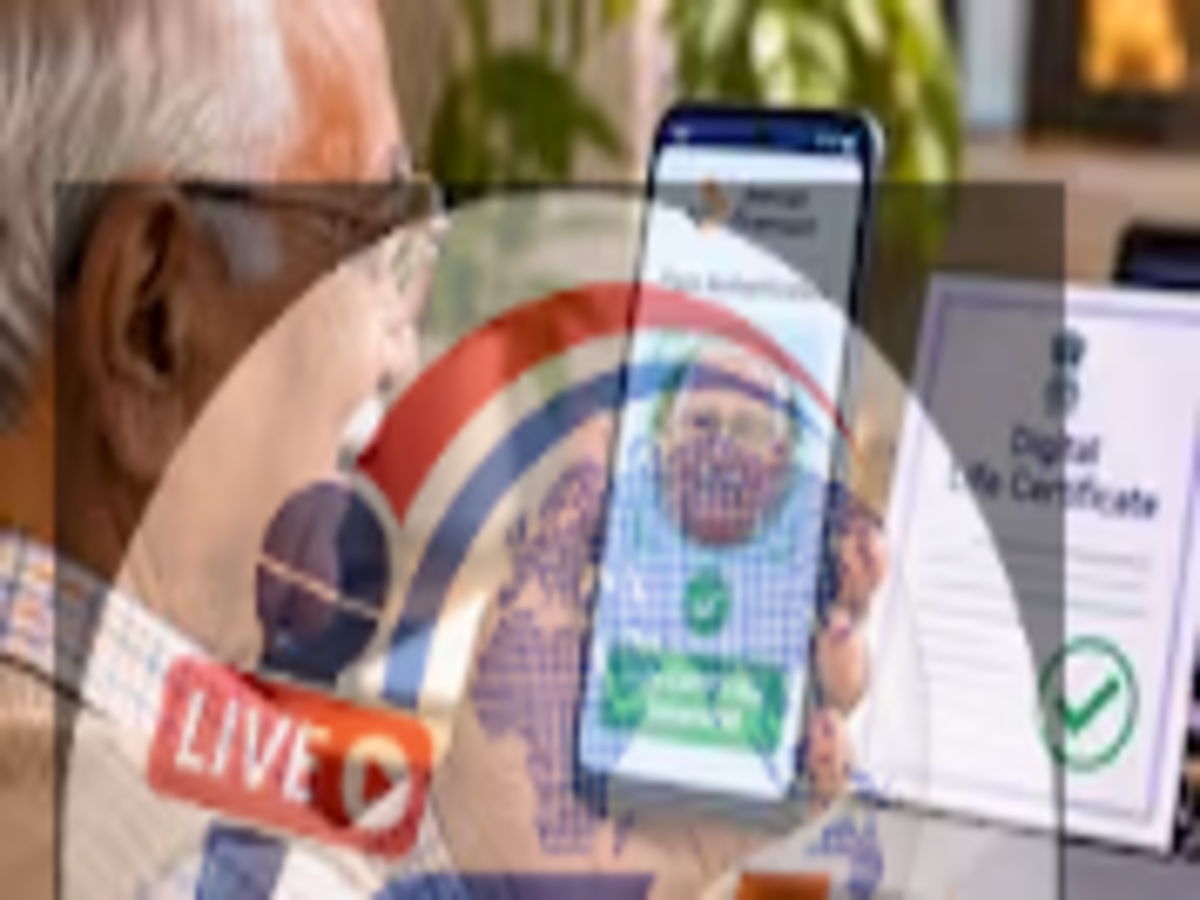
Jeevan Pramaan Digital Life Certificate 2026: Pensioners across India can now complete an important annual requirement without necessarily visiting a bank or pension office. With the help of smartphone-based face authentication, eligible pensioners can generate and submit their Digital Life Certificate (DLC) from home.
The facility is particularly useful for senior citizens who find it difficult to travel, stand in long queues or visit pension-disbursing branches for physical verification.
The government is also conducting a special Digital Life Certificate campaign during November 2026 to encourage pensioners to use digital verification facilities.
By using the Jeevan Pramaan Face App and the AadhaarFaceRD application, pensioners can authenticate their identity through a compatible smartphone camera.
The process eliminates the need for a separate fingerprint scanner in supported cases and makes annual life certificate submission more convenient.
What Is a Digital Life Certificate?
A Digital Life Certificate, also known as Jeevan Pramaan, is an electronically generated certificate that confirms a pensioner's continued eligibility to receive pension payments.
Pensioners are generally required to submit a life certificate periodically to their pension-disbursing authority.
The purpose is to establish that the pension beneficiary is alive and remains eligible for the applicable pension benefits.
Traditionally, many pensioners completed this requirement by visiting banks, government offices or authorised service centres.
However, digital verification has made it possible for eligible pensioners to complete the process remotely.
The Jeevan Pramaan system uses Aadhaar-based authentication to generate a digitally verifiable certificate.
Once successfully generated, the certificate can be accessed by the relevant pension-disbursing authority through the supported system.
Digital Life Certificate November 2026: Why Is This Month Important?
November is an important month for many government pensioners because it is the usual annual life certificate submission period.
Pensioners who are required to submit their certificates during this period should complete the process within the applicable deadline to avoid interruptions in pension processing.
For many central government pensioners, the regular submission window runs from November 1 to November 30.
Pensioners aged 80 years and above are generally permitted to begin submitting their annual life certificates from October 1.
However, submission rules may vary according to the pension scheme and pension-disbursing authority.
Pensioners should confirm the relevant deadline with their bank, pension office or pension sanctioning authority.
Which Apps Are Needed for Mobile Face Authentication?
The smartphone-based process uses two applications.
Jeevan Pramaan Face App: This application is used to enter pension details, initiate authentication and generate the Digital Life Certificate.
AadhaarFaceRD: This application supports Aadhaar-based facial authentication using the smartphone camera.
Pensioners should download both applications from authorised sources.
A compatible smartphone, internet connectivity and the required Aadhaar and pension details are also necessary.
The process may differ slightly depending on the device, application version and pensioner's registration details.
How to Submit a Digital Life Certificate From Home
Eligible pensioners can follow the general procedure below to generate their certificate using mobile face authentication.
Step 1: Install the Required Applications
Download the official Jeevan Pramaan Face App and AadhaarFaceRD application on a compatible smartphone.
Make sure the applications are installed correctly and have the necessary camera permissions.
Step 2: Open the Jeevan Pramaan Face App
Launch the Jeevan Pramaan application and follow the instructions displayed on the screen.
The application may first require operator authentication.
Depending on the supported process, the pensioner or another authorised person assisting them may act as the operator.
Step 3: Enter the Required Details
Provide the necessary information, which may include:
-
Aadhaar number or Virtual ID.
-
Mobile number.
-
Pension Payment Order (PPO) number.
-
Pension account information.
-
Name of the pension sanctioning authority.
-
Pension-disbursing agency details.
The information should match the records maintained by the relevant pension authority.
Step 4: Complete the Required Verification
Follow the app instructions for mobile verification and facial authentication.
Position the smartphone so that the front camera can clearly capture the face.
Good lighting and a steady camera can help improve authentication performance.
Step 5: Generate the Digital Life Certificate
Once the required details and facial authentication are successfully verified, the application can generate the Digital Life Certificate.
A Jeevan Pramaan ID or acknowledgement may be provided.
Step 6: Save the Acknowledgement
Keep the acknowledgement or certificate reference safely for future use.
Pensioners should also check that the certificate has been correctly associated with their pension records.
What Documents and Details Are Required?
Before beginning the process, pensioners should keep their essential information ready.
| Requirement | Purpose |
|---|---|
| Aadhaar number or Virtual ID | Identity authentication |
| Mobile number | Verification and communication |
| PPO number | Identification of pension records |
| Pension bank account details | Matching pension information |
| Pension authority details | Identifying the relevant pension scheme |
| Compatible smartphone | Facial authentication |
Additional details may be required depending on the pension scheme and the application's instructions.
Incorrect PPO numbers, bank account details or pension authority selections can create difficulties in matching the certificate with the correct pension record.
What If Face Authentication Fails?
Some pensioners may encounter problems during facial verification.
These may occur because of poor lighting, camera positioning, device compatibility or authentication-related technical issues.
If the process does not work, pensioners can try moving to a well-lit location and positioning the camera at eye level.
They should also ensure that the required applications are updated.
If authentication repeatedly fails, they can seek assistance through an authorised service centre, bank or other supported life certificate submission channel.
A failed facial authentication attempt does not automatically mean that the pensioner has lost eligibility for pension benefits.
Can Family Members Help Pensioners Generate a Life Certificate?
Yes, family members or caregivers may be able to assist pensioners with the smartphone-based process.
This can be useful for elderly individuals who are unfamiliar with mobile applications.
However, the pensioner's own identity must be authenticated.
Another person cannot substitute their face for that of the pension beneficiary.
Family members should also handle Aadhaar and pension details carefully and avoid sharing confidential information with unknown individuals.
What Happens If the Life Certificate Is Not Submitted on Time?
Failure to submit a required annual life certificate within the applicable deadline may result in pension payments being temporarily stopped or withheld.
The exact consequences depend on the pension scheme and the pension-disbursing authority's procedures.
Pensioners should therefore complete the process before their deadline and retain the acknowledgement.
If a payment is interrupted because of a missing certificate, the pensioner should contact the pension-disbursing authority to understand the restoration process.
Is the Digital Life Certificate Facility Free?
The Jeevan Pramaan mobile application and the official digital certificate generation process are intended to make pension verification accessible.
However, assistance provided by certain service centres or other intermediaries may involve an applicable service charge.
Pensioners should check any fee in advance and use authorised service providers.
They should avoid paying unknown individuals who promise guaranteed approval or immediate pension release.
Conclusion
The Digital Life Certificate facility offers a convenient alternative to traditional in-person verification for eligible pensioners.
By using smartphone-based face authentication, senior citizens can complete the annual Jeevan Pramaan process without necessarily travelling to a bank or pension office.
With November 2026 being an important submission period for many pensioners, beneficiaries should check their applicable deadlines and complete the verification process in time.
Those who experience technical problems can seek assistance through authorised channels or use another permitted submission method.
Disclaimer: This article provides general guidance. Application compatibility, submission deadlines and certificate acceptance depend on the applicable pension scheme and official instructions. Pensioners should verify details through the Jeevan Pramaan portal or their pension-disbursing authority.