
DigiLocker Account Registration 2026: Create Your Free Account Online Using Mobile Number and Aadhaar
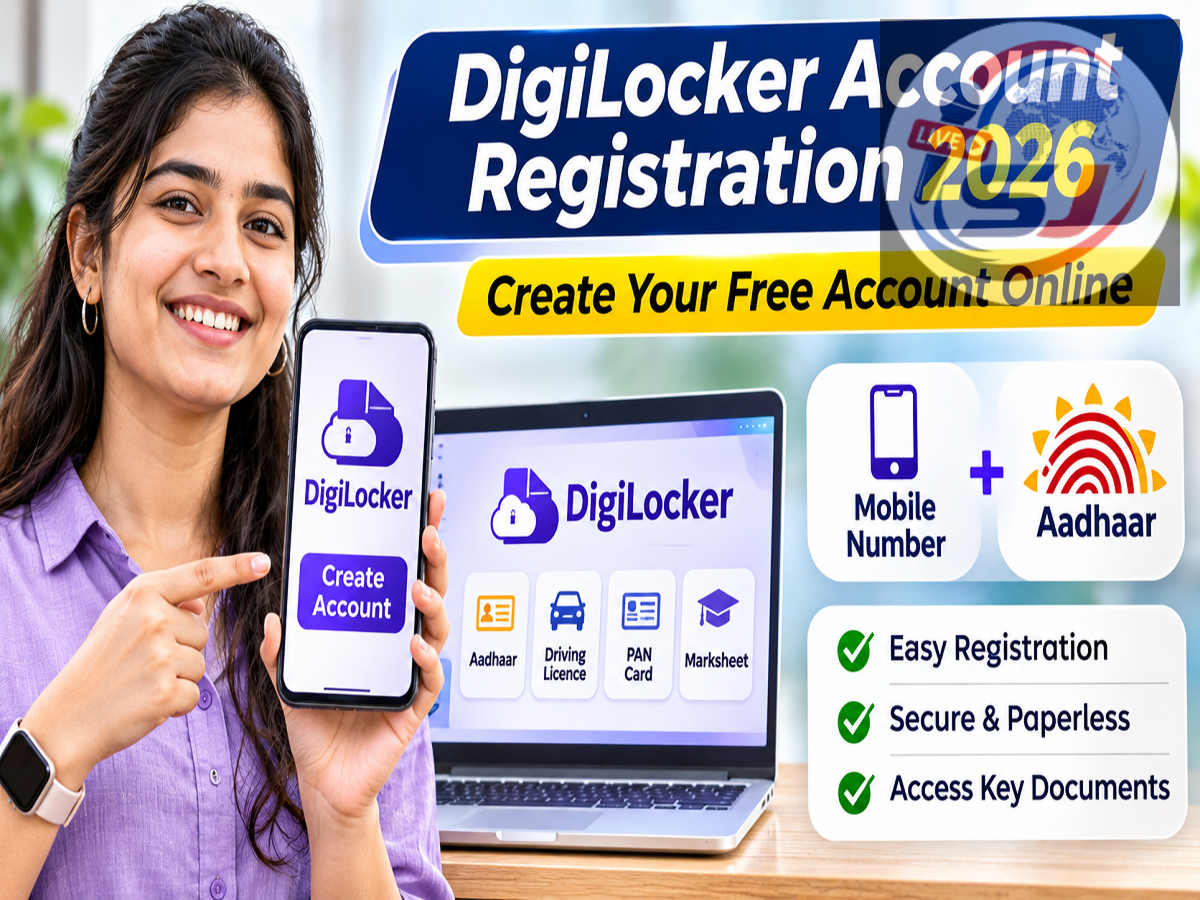
DigiLocker Registration 2026: DigiLocker allows Indian citizens to access important documents such as driving licences, PAN cards, vehicle registration certificates and educational records digitally. The government-backed service is free to use, and a new account can be created from home using a mobile number. Aadhaar verification can be completed separately to access additional services and officially issued documents.
How to Create a DigiLocker Account Online
-
Open DigiLocker: Visit www.digilocker.gov.in or download the official DigiLocker mobile app.
-
Select Sign Up: Enter your mobile number and verify it using the OTP received.
-
Enter Personal Details: Provide the information requested during registration, such as your name and date of birth.
-
Create a Security PIN: Set up the required login credentials to protect your account.
-
Complete Registration: Sign in to your DigiLocker account and access the dashboard.
How to Verify Aadhaar in DigiLocker
Aadhaar verification is a separate process that enables users to access Aadhaar-linked services and retrieve eligible documents directly from issuing authorities.
-
Log in to DigiLocker and select the Aadhaar verification or linking option.
-
Enter your 12-digit Aadhaar number or use the Virtual ID option if available.
-
Provide the required consent for Aadhaar authentication.
-
Enter the OTP sent to your Aadhaar-registered mobile number.
-
Complete verification to access supported Aadhaar-linked services.
Important: A mobile number can be used to register a DigiLocker account without completing Aadhaar authentication immediately. However, Aadhaar-based document retrieval generally requires successful Aadhaar verification. The mobile number registered with UIDAI must be active for OTP-based Aadhaar authentication.
Which Documents Can You Access?
Depending on availability from the issuing authority, DigiLocker users can retrieve PAN cards, driving licences, vehicle RCs, school marksheets, university degrees and other government-issued records.
Documents issued directly through DigiLocker have legal recognition under applicable rules, while personally uploaded files may not carry the same status.
Is DigiLocker Registration Free?
Yes. Creating a DigiLocker account and using its standard document services is free. Users should access only the official website or verified mobile application and never share their OTP or security PIN.
Conclusion
DigiLocker simplifies digital document management by providing convenient access to important records. Users can register with a mobile number and complete Aadhaar verification when required. Keeping personal details accurate and using official services helps ensure a smooth registration and document retrieval experience.