
ChatGPT GIF Maker 2026: Turn Any Photo Into an Animated GIF With These Simple Steps
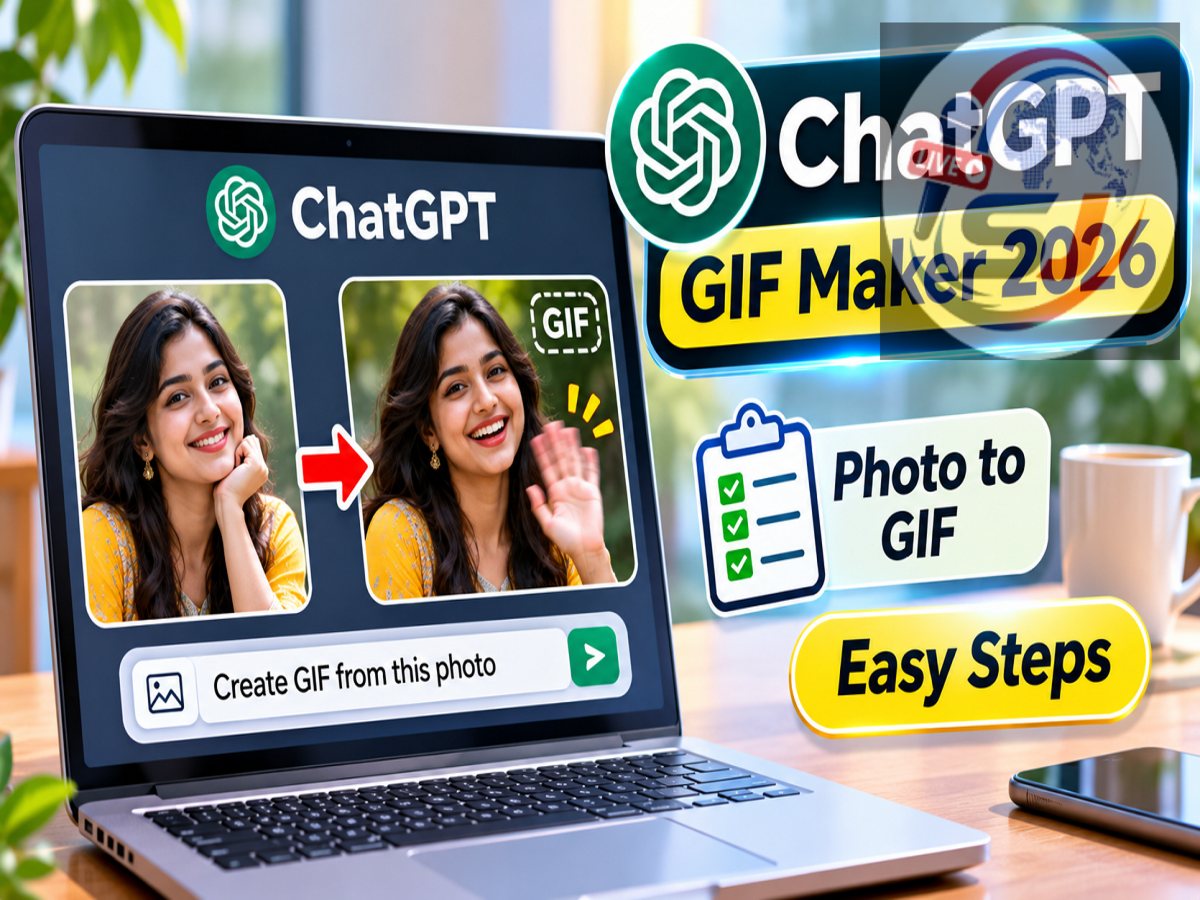
ChatGPT Photo to GIF Feature 2026: Creating animated images from ordinary photographs is becoming easier with artificial intelligence. ChatGPT now supports workflows that can transform a still image into a short, looping animated GIF, allowing users to add movement to selfies, pet photographs, product images, and other pictures.
According to a report published on November 11, 2026, ChatGPT's Images 2.6 capabilities make it possible to create animations by uploading a photograph and describing the movement users want to see.
Instead of manually creating individual animation frames in complicated editing software, users can provide instructions in everyday language.
For example, someone can ask ChatGPT to make a person wave, create a gentle blinking effect, or add subtle movement to the background of an image.
The feature is designed to simplify animated content creation, although availability and supported controls may differ depending on the ChatGPT interface and account.
Here is how to create an animated GIF using ChatGPT, write effective prompts, and improve the final result.
What Is ChatGPT's Photo-to-GIF Feature?
The photo-to-GIF workflow uses AI image-generation capabilities to create a sequence of frames based on an existing photograph.
These frames can then be combined into an animated GIF that plays repeatedly.
Unlike a conventional photograph, which displays a single moment, an animated GIF creates the appearance of movement.
For example, a still photograph of a dog can be transformed into a short animation showing the dog wagging its tail.
Similarly, a portrait may be animated to show a person blinking or smiling.
The main advantage is that users can describe the desired animation without learning professional editing techniques.
How to Convert a Photo Into an Animated GIF Using ChatGPT
The process is straightforward when the image-animation capability is available in your ChatGPT experience.
Follow these steps:
-
Open ChatGPT: Visit the ChatGPT website or launch the official application on your smartphone or computer.
-
Upload a photograph: Select a clear image from your device. It can be a portrait, pet photograph, landscape, or product picture.
-
Describe the animation: Tell ChatGPT exactly what movement you want to add.
-
Specify the background: Mention whether the camera, surrounding objects, and background should remain stationary.
-
Request a looping GIF: Ask for a seamless animation that can repeat without an obvious jump.
-
Review the result: Check whether the movement looks natural and whether the original subject remains recognisable.
-
Request changes if necessary: Adjust the movement, speed, or animation details through additional instructions.
A well-written prompt can help the AI understand which elements should move and which should remain unchanged.
Best ChatGPT Prompts to Animate Your Photos
Users do not need technical knowledge to create effective animation instructions.
Here are some example prompts that can be adapted for different photographs.
Ready-to-Use ChatGPT GIF Prompts
Choose animation type
Portrait Animation
Waving Hand
Pet Animation
Nature Animation
Product Animation
Turn this portrait into a short, seamless looping GIF. Make the person smile gently and blink naturally. Keep the face recognisable, the camera fixed, and the background completely still.
Copy Prompt
These prompts provide clearer instructions than simply asking ChatGPT to animate an image.
Why Should You Specify Which Parts of the Image Move?
One of the most important factors in AI animation is identifying the intended movement.
If a prompt only says "make this photo move," the AI may interpret the instruction in several ways.
It might introduce unwanted camera movement, change the subject's appearance, or animate parts of the image that should remain stationary.
A more detailed prompt can reduce these problems.
For example, users can specify that only a person's hair should move gently while their face and the background remain unchanged.
Similarly, a product photograph can be animated with a subtle lighting effect without changing the product itself.
Clear instructions help produce more controlled and visually consistent results.
What Does Seamless Looping Mean in a GIF?
A seamless loop is an animation in which the final frame transitions smoothly back to the first frame.
This creates the appearance of continuous movement.
For example, if a person waves their hand, the animation should ideally end in a position that matches the beginning.
Otherwise, the movement may appear to jump suddenly when the GIF restarts.
Including phrases such as "seamless looping animation" or "smooth continuous loop" can help communicate the intended effect.
However, the quality of the loop still depends on the generated frames and the complexity of the movement.
Can You Change GIF Speed After Creating It?
Users may be able to refine an animated GIF by requesting changes to its timing and movement.
For example, they can ask for slower blinking, smoother hand movements, or a faster repeating animation.
The AI may regenerate the animation with revised timing rather than directly editing every frame of the original result.
Available playback and editing controls can vary between ChatGPT interfaces.
If a GIF does not look natural, asking for smaller movements and a shorter animation sequence may improve the result.
Tips for Creating Better Animated GIFs With ChatGPT
The quality of the original photograph can strongly influence the generated animation.
A clear image with good lighting and a well-defined subject generally provides a better starting point than a blurry or heavily compressed picture.
Users should also avoid requesting too many complicated movements simultaneously.
For instance, asking a person to smile, turn around, wave, walk, and change their clothing in a short animation may produce inconsistent results.
Simple movements are usually easier to control.
It can also help to specify that the original facial features, clothing, and background should remain unchanged.
For social media posts, a short animation with a smooth loop is often more practical than a long or complicated sequence.
Can ChatGPT GIFs Be Shared on WhatsApp and Social Media?
Animated GIFs are widely used across messaging and social media platforms.
Once a GIF has been created and saved, users can share it through compatible applications.
However, some platforms may automatically convert GIF files into video formats or display them differently depending on their upload rules.
Users should check the supported file format and size restrictions before uploading.
For professional or commercial use, it is also important to ensure that the source image and any visible branding can be used legally.
Is ChatGPT's GIF Creation Feature Free?
The availability of AI image-generation and animation capabilities depends on the ChatGPT product experience and applicable usage limits.
The reported Images 2.6 rollout covers different ChatGPT platforms, including web, mobile, and desktop experiences.
However, access, generation limits, and specific controls may vary by account and rollout stage.
Users should check the options available in their own ChatGPT interface rather than assuming that every feature is immediately accessible.
Final Update
ChatGPT's photo-to-GIF capabilities provide a convenient way to create short animations from still photographs using natural-language instructions.
Users can upload an image, describe the movement they want, and request a seamless looping animation.
For better results, the prompt should clearly identify the moving elements, stationary background, desired speed, and overall animation style.
The key to creating a good AI-generated GIF is using a clear photograph and providing precise movement instructions.
Whether creating a fun selfie animation, a moving pet picture, or a simple product visual, this workflow can make animated content creation more accessible without requiring advanced editing skills.
Disclaimer: AI-generated animations may differ from the original photograph, and feature availability depends on supported ChatGPT capabilities and account access.