
ChatGPT and Gemini Users Alert: Fake Google Login Pop-Ups Could Steal Passwords, OTPs and MFA Codes
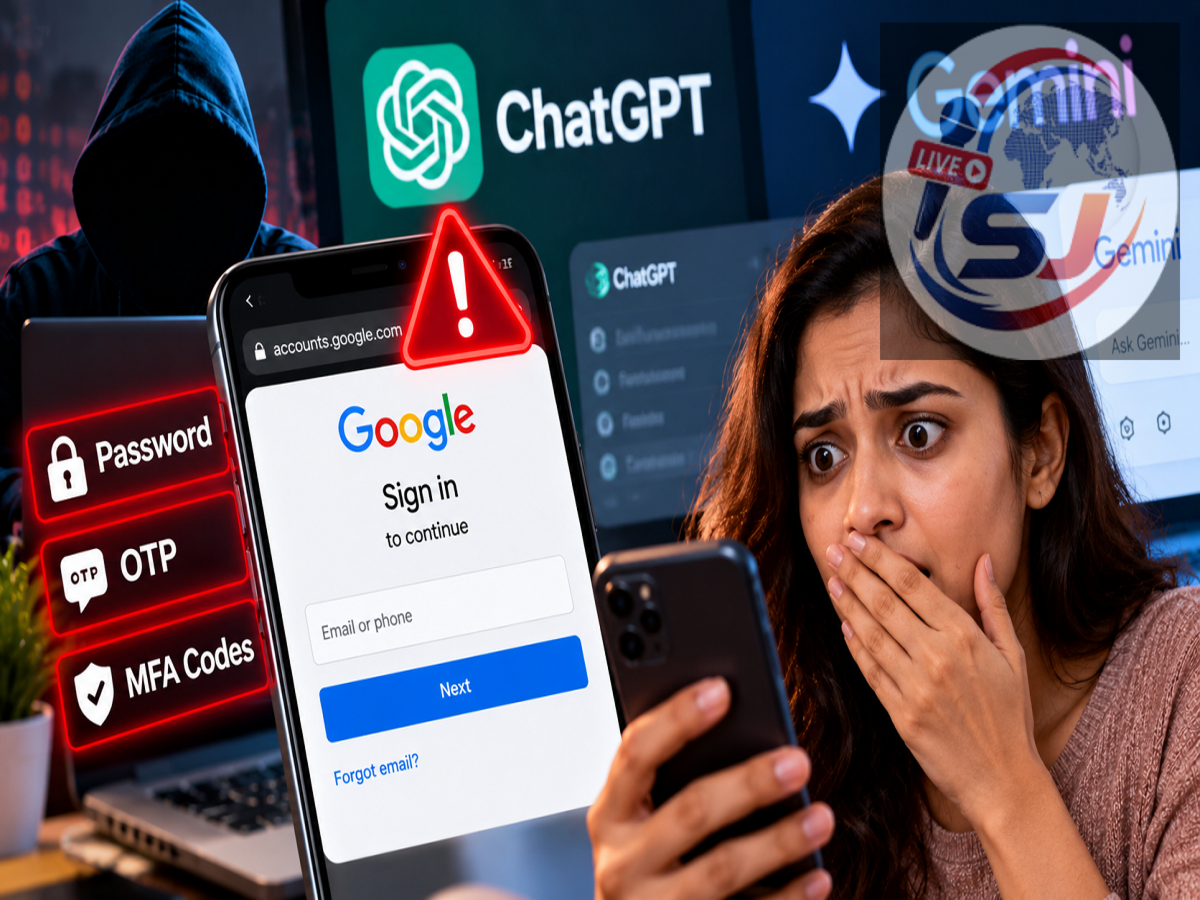
AI Phishing Scam Alert 2026: People using popular artificial intelligence platforms such as ChatGPT, Google Gemini, Claude and Perplexity are being warned about a sophisticated phishing campaign designed to steal login credentials and security verification codes. Cybersecurity researchers at Island have reportedly identified fraudulent websites that imitate well-known AI services and display convincing Google sign-in windows.
Unlike ordinary phishing attempts that rely on poorly designed fake login pages, this campaign reportedly uses a technique called Browser-in-the-Browser (BitB). It allows attackers to create a realistic-looking authentication window inside a malicious website, potentially tricking users into entering passwords, one-time passwords (OTPs) and multi-factor authentication (MFA) codes.
The campaign is particularly concerning for professionals who manage advertising accounts for multiple businesses, although ordinary internet users could also encounter similar attacks.
Fake Google Login Windows Used to Trick AI Platform Users
According to the research described in the report, cybercriminals have created websites resembling legitimate AI platforms.
A victim may arrive at one of these websites and see a familiar option such as "Continue with Google" or "Connect with Google."
After clicking the button, a login window appears that closely resembles Google's official authentication interface.
The fraudulent window may display Google's branding, familiar login fields and even an address resembling accounts.google.com.
However, the apparent login window is not necessarily a genuine browser window.
Instead, attackers can reproduce its appearance using elements embedded directly within the malicious webpage.
If someone enters their Google account email address and password into this imitation, the information may be captured by the criminals operating the website.
What Is a Browser-in-the-Browser Phishing Attack?
Browser-in-the-Browser, commonly abbreviated as BitB, is a phishing technique that imitates a browser's login pop-up within an existing webpage.
Ordinarily, when a website opens a genuine Google authentication window, the browser manages that window separately.
In a BitB attack, criminals create a visual imitation using webpage elements.
The imitation may include a fake title bar, browser-style borders, familiar logos and a simulated website address.
These design elements make the page appear trustworthy even though the authentication form is controlled by the attacker.
The main danger is that users may focus on the familiar Google logo or displayed URL without checking whether the login process is genuine.
A convincing appearance alone does not prove that a login page belongs to Google.
Attackers May Also Steal OTPs and MFA Verification Codes
The reported phishing operation goes beyond collecting usernames and passwords.
Researchers found that attackers may attempt to obtain additional authentication information, including:
-
SMS verification codes and authenticator app codes.
-
Google account approval confirmations.
-
QR-code-based authentication responses.
-
Okta push notification approvals.
-
Other multi-factor authentication credentials.
Multi-factor authentication is designed to protect accounts by requiring an additional verification step beyond the password.
However, phishing attacks can sometimes exploit the user rather than directly breaking the authentication technology.
For example, after stealing a password, a fraudulent website may ask the victim to enter a verification code.
If the victim provides that code, the attacker may attempt to use it during a real login session.
This is why MFA remains valuable but does not make every phishing attempt harmless.
Phishing-resistant authentication methods, such as appropriately configured passkeys and hardware security keys, can provide stronger protection against credential-harvesting attacks.
ChatGPT, Gemini, Claude and Perplexity Names Used in the Campaign
The reported operation is not limited to a single artificial intelligence service.
Researchers identified phishing websites impersonating several prominent AI platforms, including ChatGPT, Google Gemini, Claude and Perplexity.
The phishing infrastructure reportedly also supports imitation login processes involving Google, Meta, TikTok and Okta.
This suggests that the attackers are attempting to exploit familiar authentication experiences across multiple online services.
Importantly, the presence of a platform's name in a phishing campaign does not establish that the legitimate service itself has been hacked.
The reported threat concerns fraudulent websites and deceptive authentication screens.
Fake Recruitment and Refund Websites Also Identified
Investigators reportedly discovered that the phishing campaign extended beyond websites imitating AI tools.
Related infrastructure included fraudulent recruitment pages and refund-related websites.
These additional themes may help attackers reach people who are searching for employment opportunities, payment assistance or customer support.
Researchers also reportedly found older attacker-controlled source code in publicly accessible GitHub repositories.
The investigation traced elements of the operation back to March 2026.
A Telegram channel associated with the campaign reportedly contained hundreds of victim submissions.
However, a recorded submission does not necessarily mean that the corresponding account was successfully compromised.
Why Advertising Agencies and Media Buyers Are Being Targeted
According to Island's reported findings, the campaign appears particularly interested in individuals who have access to multiple online advertising accounts.
These may include digital marketing agency employees, media buyers, campaign managers and advertising account administrators.
Such professionals often manage advertising campaigns for several clients through platforms such as Google Ads and Meta Ads Manager.
Their accounts may contain valuable business information, payment arrangements, campaign settings and administrative permissions.
If criminals gain unauthorised access, they may attempt to launch fraudulent advertising campaigns, misuse available budgets or obtain access to additional business resources.
Compromised advertising accounts may also be offered to other criminals.
This makes individuals with extensive account permissions attractive targets for credential-theft campaigns.
How to Identify a Fake Google Login Pop-Up
One warning sign of a Browser-in-the-Browser attack is a login window that behaves like part of the webpage rather than a separate browser-controlled window.
For example, an imitation window may not be movable outside the boundaries of the existing webpage.
However, this is only a possible clue and should not be treated as a definitive test.
Users should also distinguish between a website address displayed inside a page and the genuine address shown in the browser's interface.
A malicious website can display text resembling accounts.google.com without actually being hosted by Google.
The safest approach is to avoid entering credentials when the authentication process appears suspicious or originates from an unfamiliar website.
How to Protect Your Google and AI Accounts From Phishing
Users can reduce their exposure to these attacks by following several precautions.
-
Use official websites: Open AI platforms through their verified websites or official applications rather than unfamiliar links.
-
Check the actual website address: Do not rely solely on logos or URLs displayed inside a webpage.
-
Avoid unexpected login prompts: Be cautious when an unfamiliar service suddenly asks for Google account credentials.
-
Never share verification codes: Do not provide OTPs or authentication codes to another person or untrusted website.
-
Consider passkeys: Where supported, passkeys can offer phishing-resistant authentication.
-
Review account activity: Check for unfamiliar devices, unexpected sign-ins and suspicious account permissions.
-
Protect advertising accounts: Limit administrative access and regularly review authorised users and connected applications.
Users should also avoid approving unexpected authentication notifications, even when those notifications appear on their own phones.
What Should You Do If You Entered Your Password on a Fake Website?
Anyone who suspects that they submitted credentials through a fraudulent login page should act quickly.
First, open the legitimate account website directly and change the affected password.
If the same password was used on other services, those accounts should also be secured.
Next, review recent account activity, signed-in devices and recovery settings.
Unknown sessions should be terminated, and unfamiliar connected applications or permissions should be investigated.
If an advertising account may have been compromised, notify the relevant business administrator and examine recent campaign activity and billing records.
Users should also report suspicious websites through the appropriate platform's security or abuse-reporting channels.
Are ChatGPT and Gemini Accounts Safe?
The reported phishing campaign does not, by itself, indicate a security breach affecting the official ChatGPT, Gemini, Claude or Perplexity platforms.
Instead, attackers are allegedly exploiting the popularity of these services to make fraudulent websites appear credible.
The broader lesson is that even familiar login screens can be imitated.
The key takeaway: A Google logo, familiar-looking sign-in window or displayed website address is not enough to establish that an authentication request is legitimate. Users should verify where they are signing in before entering passwords, OTPs or MFA codes.
As AI services become part of everyday work, recognising deceptive authentication attempts is increasingly important for protecting both personal and business accounts.
Editor's note: The campaign details are based on the supplied October 7, 2026 report citing Island researchers. The specific findings have not been independently verified for this rewrite. Users should consult official platform security guidance for current account-protection instructions.