
Charging a New Laptop for the First Time? Avoid This Mistake to Protect Battery Health
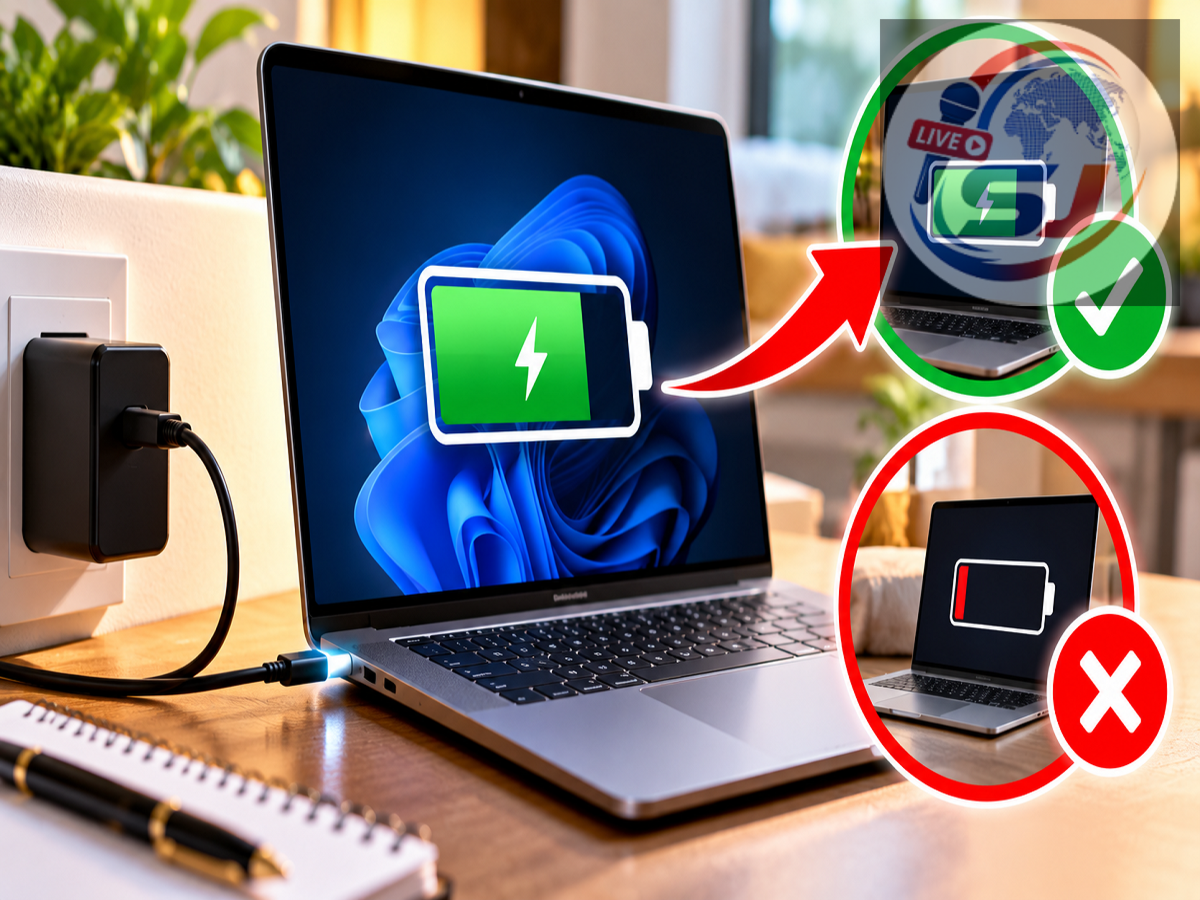
Buying a new laptop often brings up an old question: Should you charge it for several hours before using it for the first time?
Many people still follow the traditional advice of charging a new laptop continuously for four, five or even eight hours before switching it on. That recommendation came largely from practices associated with older battery technologies.
Modern laptops are different.
Most current laptops use lithium-ion (Li-ion) or lithium-polymer (Li-Po) batteries, and they generally do not require a special marathon charging session before their first use.
If your new laptop comes out of the box with 30%, 40% or 50% battery remaining, you can normally turn it on and start setting it up immediately.
However, a few charging habits can help reduce unnecessary battery wear over the long term.
Do You Need to Charge a New Laptop Before Turning It On?
Usually, no.
Modern laptop batteries commonly arrive with some charge already available. Manufacturers generally ship lithium-based batteries at a partial state of charge rather than keeping them completely full or completely empty for long periods.
So, if your laptop shows a reasonable battery level when you first switch it on, there is generally no need to turn it off and leave it charging for several hours before use.
You can begin the initial setup and connect the charger whenever required.
If the battery is extremely low, however, connecting the charger before completing a lengthy setup or installing updates is sensible.
Is the Old 'Charge for 8 Hours' Rule Still Necessary?
For most modern laptops, the traditional advice to charge the battery for a fixed number of hours before first use is unnecessary.
Lithium-ion and lithium-polymer batteries do not need the same type of initial charging routine associated with some older rechargeable battery technologies.
Modern laptops also have charging-management electronics that control how the battery is charged.
Once the battery reaches its charging target, the laptop's charging system manages power rather than simply continuing to force energy into the battery indefinitely.
Therefore, keeping a new laptop connected for eight hours does not somehow create additional battery capacity.
Should You Charge It to 100% the First Time?
You can charge a new laptop to 100%, but doing so is generally not a mandatory first-use requirement.
If you're about to travel or expect to use the laptop away from a power outlet for several hours, a full charge can obviously be useful.
For ordinary setup and home use, however, there is no technical requirement to complete a special 100% first charge before using the machine.
More important than the first charging session is how the battery is treated over months and years.
One Habit That Can Increase Battery Wear: Excessive Heat
If there is one thing modern lithium-based batteries particularly dislike, it is excessive heat.
Laptop batteries naturally degrade over time, but high temperatures can accelerate this ageing process.
Problems can arise when a laptop is charged or used for demanding tasks while its ventilation is blocked.
For example, placing a laptop on a bed, blanket or sofa can obstruct cooling vents on some models. Running games, video rendering or other intensive workloads at the same time can further increase internal temperatures.
A hard, stable surface with adequate airflow is generally better for demanding workloads and charging.
Don't Regularly Drain the Battery to 0%
Another outdated belief is that a laptop battery should be completely discharged before being recharged.
That is generally unnecessary for modern lithium-ion batteries.
Repeatedly allowing the battery to reach extremely low levels can place additional stress on it.
You don't need to panic if your laptop occasionally reaches 5% or shuts down because the battery runs out. The concern is making deep discharge a regular habit.
Charging the laptop before it repeatedly reaches empty is generally a more battery-friendly approach.
Is It Bad to Leave a Laptop Plugged In?
This question does not have a simple yes-or-no answer.
Modern laptops have battery-management systems designed to prevent conventional overcharging. However, keeping a battery at a very high state of charge for extended periods—especially while the laptop is also running hot—can contribute to long-term battery ageing.
Many manufacturers therefore provide battery-health or charge-limit features.
Depending on the laptop, these may be called Battery Conservation Mode, Smart Charging, Battery Health Management, Battery Care or something similar.
Such features may limit charging to around 80% or another level when the laptop spends most of its time connected to AC power.
If your laptop provides an official battery-protection setting, it can be worth enabling when maximum unplugged runtime is not required every day.
The 20%–80% Range Can Be Useful, But Don't Obsess Over It
You may have heard advice suggesting that lithium-ion batteries should always be kept between 20% and 80%.
There is some logic behind avoiding prolonged extremes because high states of charge and deep discharges can contribute to battery stress.
But this should not become an inconvenient daily rule.
A laptop is designed to be used.
If you need 100% battery before a long journey, charge it fully. If it occasionally drops below 20%, that is not a disaster.
Think of moderate charging habits as a way of potentially reducing long-term wear rather than a strict requirement.
Use the Correct Charger
Another important factor in battery health and safety is the charger.
Ideally, use the charger supplied with the laptop or a compatible charger that meets the manufacturer's specifications.
This is particularly important with USB-C laptops.
Two USB-C chargers can look almost identical while supporting very different power outputs and charging standards.
An underpowered charger may charge the laptop extremely slowly or fail to provide enough power while the computer is under load.
Poor-quality or incompatible charging accessories can also introduce reliability and safety concerns.
Check the laptop manufacturer's recommended wattage and charging specifications before purchasing a replacement adapter or cable.
Don't Ignore Battery Protection Features
Modern laptops increasingly include software designed specifically to protect battery health.
If you primarily use your laptop at a desk, check the manufacturer's control application or BIOS/UEFI settings for battery-care options.
Some systems can learn your charging routine, while others allow you to manually limit the maximum charge.
This can be particularly useful for users whose laptops remain connected to power for most of the working day.
Remember that the availability and behaviour of these features varies by manufacturer and model.
Your First Day With a New Laptop
A simple first-day routine is enough.
Take the laptop out of the box and inspect the charger and device for any obvious damage.
Turn the laptop on if it has sufficient battery power. You can connect the charger during setup, especially if the battery is low or the system needs to download large operating-system updates.
Complete the initial setup and allow important system, driver and security updates to install.
There is no need to intentionally drain the battery to zero afterward.
Likewise, you don't need to leave the computer charging overnight merely because it is new.
What Actually Determines Laptop Battery Life?
Battery ageing is influenced by far more than what happens during the first charging session.
Important factors include:
-
Battery chemistry and manufacturing quality
-
Number and depth of charge cycles
-
Operating temperature
-
Time spent at very high or very low charge levels
-
Charging-management software
-
Usage patterns
-
Age of the battery
All rechargeable batteries gradually lose capacity. Even with careful use, a laptop battery will not retain its original capacity forever.
Good charging practices are mainly about slowing that natural degradation.
New Laptop? Forget the Old First-Charge Myth
If your new laptop arrives with 30%, 40% or 50% battery, you can generally start using it immediately.
There is normally no need to perform a special four-, five- or eight-hour first charging session with a modern lithium-ion or lithium-polymer laptop battery.
Instead, focus on habits that matter over the long term: avoid excessive heat, don't intentionally drain the battery to zero on a regular basis, use a compatible quality charger and consider enabling the manufacturer's battery-protection feature if the laptop remains plugged in most of the day.
The way you treat the battery over hundreds of charging cycles is far more important than whether its very first charge lasted four hours or eight.
Note: Charging behaviour and battery-management features vary by laptop manufacturer and model. Always follow the charging and safety instructions provided by your laptop manufacturer, particularly if they differ from general guidance.