
Changing Your WhatsApp Number? Avoid These 5 Mistakes or You Could Lose Chats and Account Access
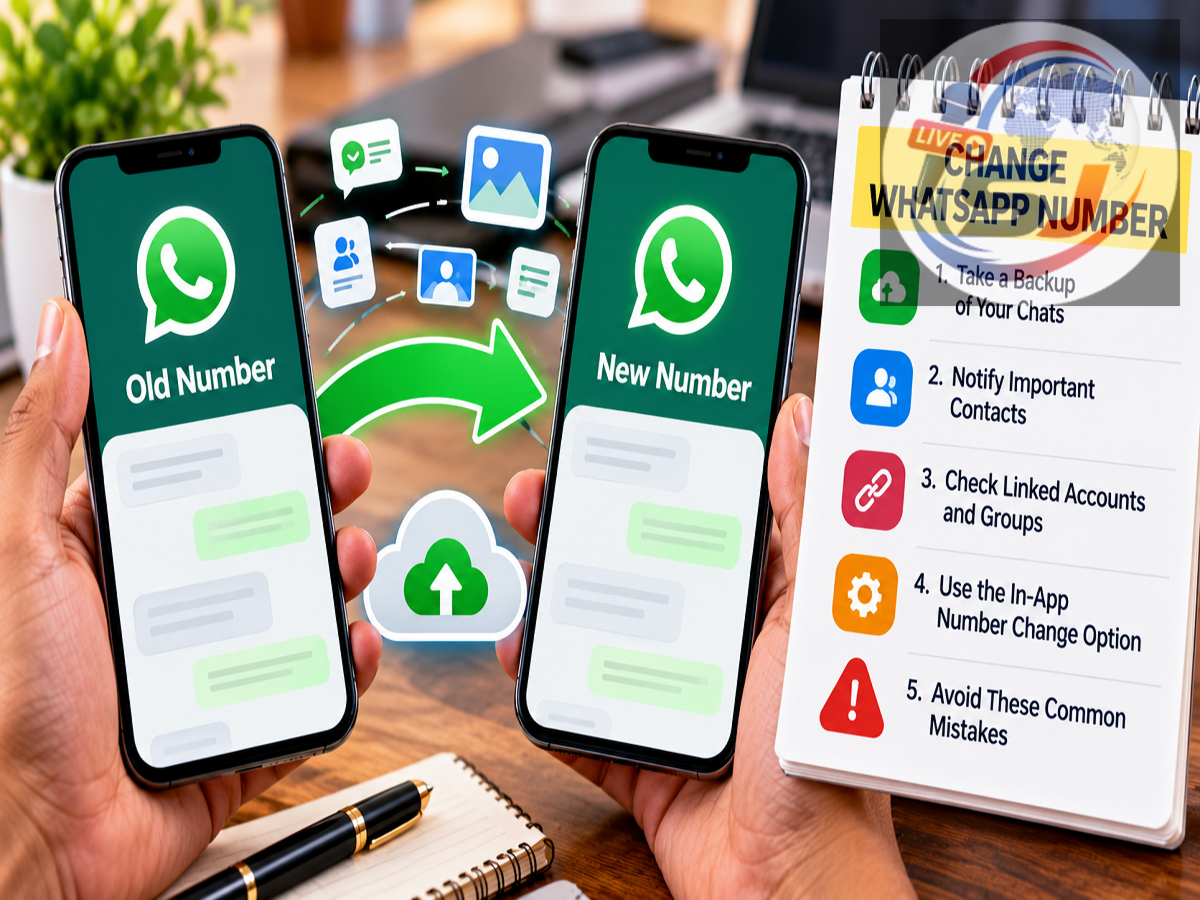
WhatsApp Number Change Guide: Switching to a new mobile number may sound simple, but WhatsApp users should take a few precautions before making the change. If the process is handled incorrectly, you could face problems accessing your account, restoring chats or keeping contacts informed about your new number.
WhatsApp provides a built-in Change Number feature designed specifically for users moving from one phone number to another. Using this option is generally better than simply deleting WhatsApp, inserting a new SIM and registering from scratch.
The feature can move important account information to the new number while helping you retain your WhatsApp setup. Still, there are several things you should check beforehand.
Here are five important precautions to take before changing your WhatsApp number.
1. Make Sure Your New Phone Number Is Active
The first and most important requirement is access to the new mobile number.
WhatsApp needs to verify the new number during the migration process. You should therefore make sure the SIM or mobile connection is active and capable of receiving the verification method offered during setup, such as an SMS or phone call.
If the number has not yet been activated or you cannot receive verification communications, the migration may not complete successfully.
Also double-check the number before confirming it. Entering an incorrect mobile number can unnecessarily complicate the process.
2. Create a Fresh Chat Backup Before Making Changes
Your WhatsApp conversations may contain important messages, photos, documents and other information, so taking a fresh backup before changing important account details is a sensible precaution.
Open WhatsApp and go to:
Settings > Chats > Chat backup
Review when the last backup was created. If necessary, create a fresh backup before proceeding.
Depending on your device and WhatsApp configuration, backups can be associated with the supported cloud-backup service.
Remember that changing your WhatsApp number and changing your physical phone are two different situations. If you are doing both at the same time, the transfer and backup process needs extra attention.
3. Use WhatsApp's Built-In 'Change Number' Feature
One of the biggest mistakes is treating a number change like the creation of an entirely new WhatsApp account.
WhatsApp already provides a dedicated tool for the purpose.
On the app, go to:
Settings > Account > Change number
WhatsApp will ask for your existing phone number and the new number you want to use.
Enter both numbers carefully, including the correct country code, and follow the verification instructions displayed on the screen.
Using the official Change Number feature helps WhatsApp move relevant account information from your old number to the new one.
4. Decide Who Should Be Told About Your New Number
Changing a phone number can create confusion among friends, relatives and professional contacts.
WhatsApp provides an option to notify contacts about the number change.
Depending on the options available in your version of WhatsApp, you can choose which contacts should receive the notification.
This can be useful because manually messaging hundreds of people about your new number can be inconvenient.
You should still separately inform important contacts if necessary, particularly people who may need your new mobile number outside WhatsApp.
5. Don't Give Up the Old Number Before Completing the Process
Another avoidable mistake is losing access to your existing number too early.
If possible, complete the WhatsApp number-change process while your existing WhatsApp account is still accessible and the new number is ready for verification.
Waiting until the old SIM is completely unavailable can make troubleshooting more difficult if something goes wrong.
It is therefore better to plan the transition instead of abruptly abandoning the old connection.
What Happens to Your WhatsApp Groups?
Users often worry that changing their phone number means they will automatically lose membership in all WhatsApp groups.
The built-in Change Number feature is designed to migrate the account rather than require users to rebuild everything from the beginning.
WhatsApp also handles number-change information for groups as part of this process.
This is another reason to use the official migration feature rather than simply registering the new number as an unrelated account.
Will Your Old Chats Automatically Disappear?
Changing the number itself should not be confused with deleting your chat history.
If you are keeping the same smartphone and using WhatsApp's Change Number feature correctly, the process is intended to preserve the relevant account setup and chat history on the device.
The situation becomes more complicated if you are changing both the phone and phone number simultaneously.
In that case, it is especially important to follow WhatsApp's supported chat-transfer or backup-and-restore process in the correct order.
Do not delete WhatsApp from the old phone until you are confident that the information you need has been transferred or backed up appropriately.
Changing Your SIM Is Not the Same as Changing Your WhatsApp Number
Simply inserting a different SIM card into your phone does not necessarily change the number registered with your WhatsApp account.
WhatsApp accounts are associated with registered phone numbers.
If you want WhatsApp itself to move from your old number to your new number, use the Change Number option rather than assuming that replacing the SIM will automatically update your WhatsApp account.
What If You Are Also Buying a New Phone?
If you're changing both your number and your smartphone, plan the process carefully.
You may need to change the registered WhatsApp number and transfer your chat history to the new device using WhatsApp's supported migration options.
The exact process can differ depending on whether you are moving between Android devices, between iPhones, or from one operating system to another.
Before erasing, selling or exchanging the old phone, confirm that the WhatsApp data you need is safely available on the new device.
Be Careful With WhatsApp Verification Codes
A phone-number change is also a good time to review account security.
WhatsApp may send a verification code when registering or changing a number. This code should never be shared with another person.
Scammers sometimes contact users pretending to be friends, customer-support representatives or company employees and ask them to forward a verification code.
Sharing such a code can put your WhatsApp account at risk.
WhatsApp users should also consider enabling two-step verification for additional account protection.
Check Two-Step Verification Before Switching
If you already use WhatsApp's two-step verification feature, make sure you remember the PIN associated with it.
You should also keep the recovery information associated with the security feature current.
After completing the number change, review WhatsApp's privacy and security settings to make sure everything remains configured as expected.
Don't Delete Your Account Just to Change the Number
Deleting a WhatsApp account is very different from using the Change Number feature.
If your only objective is to replace your old mobile number with a new one, account deletion is generally unnecessary.
Deleting the account can have consequences for account information and group participation, so users should not select that option accidentally while trying to update their number.
Use Change number under Account settings instead.
Quick Checklist Before Changing Your WhatsApp Number
Before starting the process, make sure the new number is active and available for verification. Create a recent backup of important conversations and confirm that WhatsApp is working normally on your existing device.
Then use Settings > Account > Change number, carefully enter the old and new numbers and complete the verification process.
If you are also moving to another smartphone, confirm that your required chats and media have successfully transferred before wiping or selling the old device.
A Few Minutes of Preparation Can Prevent Problems
Changing a WhatsApp number does not have to mean losing your conversations, groups or account setup.
The safest approach is to use WhatsApp's official Change Number feature, keep the new number available for verification, create a fresh backup beforehand and avoid deleting your existing account unnecessarily.
Users changing their smartphone at the same time should take additional care because moving the number and moving chat history are separate processes that need to be handled correctly.
Most importantly, never share WhatsApp verification codes or two-step verification PINs with anyone. A small amount of preparation before switching numbers can help prevent account-access and data-transfer problems later.
Disclaimer: WhatsApp menu names, backup methods and transfer options can vary depending on the device, operating system and app version. Users should check the latest options displayed in WhatsApp before changing their registered phone number.