
CERT-In Cyber Security Alert 2026: Government Advises Users to Enable MFA to Protect Online Accounts
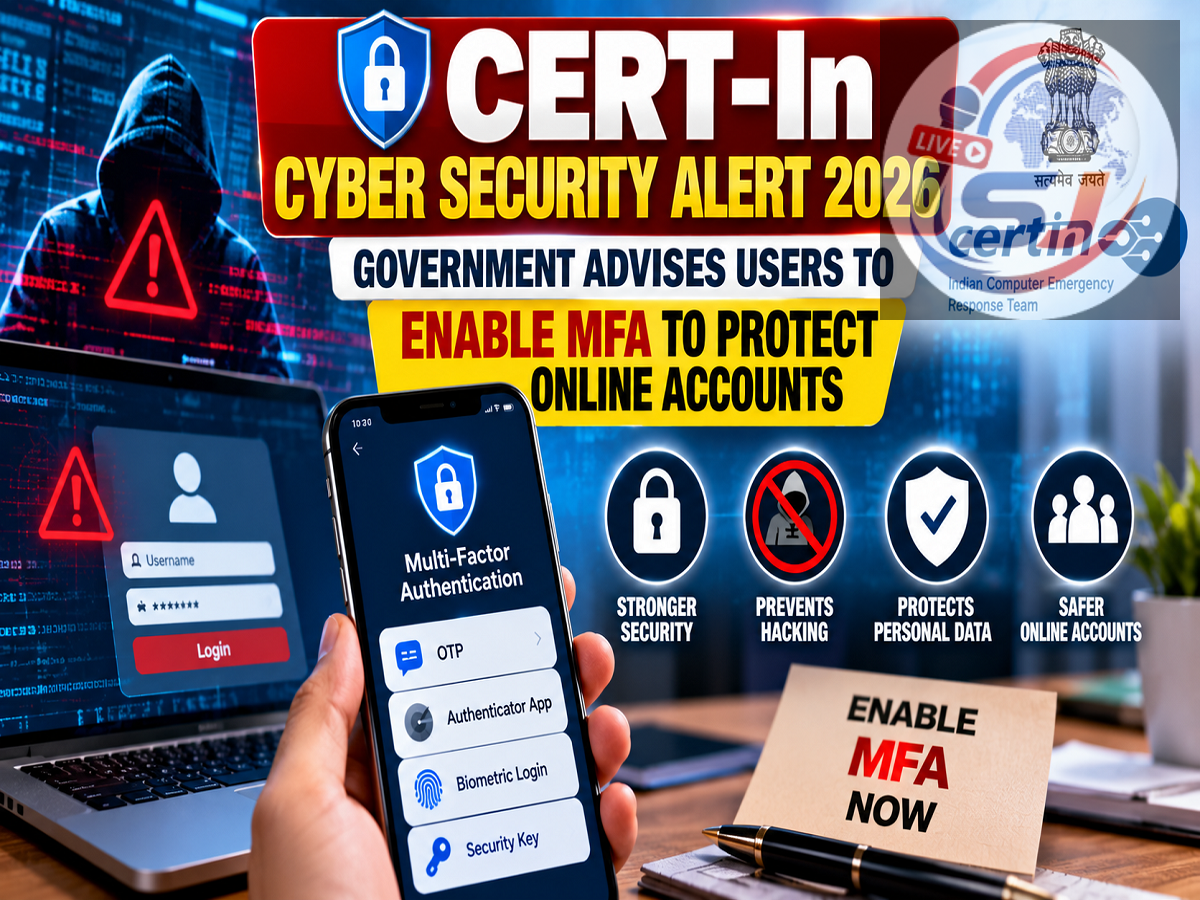
CERT-In Security Advisory October 14, 2026: With online banking, digital payments, email and social media becoming essential parts of everyday life, protecting personal accounts against cybercriminals is increasingly important. India's cybersecurity agency, the Indian Computer Emergency Response Team (CERT-In), has reportedly issued an advisory encouraging internet users to enable Multi-Factor Authentication (MFA) wherever the feature is available.
The recommendation comes amid growing concerns about phishing attacks, stolen passwords, account hacking and online financial fraud.
Many people still rely on passwords as their only line of defence. However, even a strong password can be compromised through data breaches, fraudulent websites or malicious software.
Enabling MFA adds another verification requirement, making it more difficult for an attacker to access an account using only a stolen password.
Here is what users should know about CERT-In's reported advisory, how MFA works and how to activate this important security feature.
What Is Multi-Factor Authentication (MFA)?
Multi-Factor Authentication is a security system that requires users to verify their identity through two or more independent authentication factors.
These factors generally fall into three categories:
-
Something you know: A password or PIN.
-
Something you have: A registered mobile phone, security key or authenticator device.
-
Something you are: A fingerprint, facial recognition or another biometric identifier.
For example, when signing in to an email account, a user might enter a password and then approve a login request through an authenticator application.
Even if a cybercriminal obtains the password, they would still need to complete the additional verification step.
This makes unauthorised access more difficult, although MFA cannot eliminate every cybersecurity threat.
Two-Factor Authentication vs Multi-Factor Authentication: What Is the Difference?
Two-Factor Authentication (2FA) is a form of MFA that uses two distinct authentication factors.
For instance, entering a password and then providing a one-time code generated by an authenticator app can qualify as two-factor authentication.
Multi-Factor Authentication is the broader term for systems requiring multiple independent factors.
Some services use the terms 2FA, two-step verification and MFA interchangeably, although their technical implementations may differ.
For everyday users, the practical recommendation is simple: activate the strongest available additional login protection on important accounts.
Why Is CERT-In Advising People to Enable MFA?
Passwords can be exposed in several ways.
Cybercriminals may create fake login pages that resemble genuine banking, shopping or social media websites. Unsuspecting users who enter their credentials on these pages can unknowingly disclose their passwords.
Attackers may also obtain passwords through malware, data leaks or attempts to reuse credentials stolen from other websites.
MFA reduces the usefulness of a stolen password by requiring another form of verification.
This is especially valuable for accounts containing financial information, private communications or sensitive personal data.
However, users must remain cautious because sophisticated phishing attacks can sometimes bypass weaker forms of MFA.
Which Online Accounts Should Have MFA Enabled?
Users should prioritise accounts that could cause significant financial or personal harm if compromised.
| Account Type |
Why MFA Is Important |
|---|---|
| Email accounts |
Protects messages and password-reset access |
| Banking and financial accounts |
Adds protection against unauthorised account access |
| Social media |
Reduces the risk of account takeover |
| Shopping websites |
Helps protect saved addresses and payment-related information |
| Cloud storage |
Protects personal documents and photographs |
| Work accounts |
Helps safeguard professional information |
| Government service portals |
Adds security to accounts containing identity information |
Email deserves particular attention because it is often used to reset passwords for other services.
If someone gains access to your primary email account, they may be able to attempt password resets on several connected platforms.
How to Enable MFA on Your Google Account
Google users can activate additional account protection through their security settings.
-
Open your Google Account settings.
-
Select the Security section.
-
Find 2-Step Verification under the sign-in settings.
-
Follow the instructions to enable additional verification.
-
Choose an available method, such as a passkey, authenticator application or security key.
-
Review account recovery options and save backup codes if provided.
The exact menu names may differ depending on the device and current Google interface.
How to Enable Two-Factor Authentication on WhatsApp
WhatsApp provides a two-step verification feature that allows users to create a six-digit PIN.
To enable it:
-
Open WhatsApp.
-
Go to Settings.
-
Select Account.
-
Tap Two-step verification.
-
Choose Turn on or Enable.
-
Create a six-digit PIN.
-
Add a recovery email address if prompted.
WhatsApp's two-step verification PIN helps protect account registration. It is not identical to the login MFA systems used by some other services.
Users should also avoid sharing WhatsApp registration codes with anyone.
How to Activate MFA on Instagram and Facebook
Meta's social media platforms provide additional login protection through their account security settings.
On Instagram, users can generally open Accounts Center, navigate to Password and security, and select Two-factor authentication.
Facebook offers similar settings through Accounts Center.
Depending on the account, available verification methods may include an authenticator application, SMS or a compatible security key.
Users should follow the latest instructions displayed in their accounts.
Which MFA Method Is the Safest?
Not all authentication methods provide the same level of protection.
| Authentication Method |
Main Advantage |
Important Limitation |
|---|---|---|
| SMS OTP |
Convenient and widely supported |
Vulnerable to SIM-swap attacks and phishing |
| Authenticator app |
Generates codes without relying on SMS |
Codes can still be stolen through phishing |
| Push notification |
Convenient approval process |
Users may approve fraudulent requests |
| Passkey |
Strong resistance to phishing when properly implemented |
Availability and recovery options vary |
| Hardware security key |
Strong phishing-resistant protection |
Requires compatible services and a physical device |
Where available, phishing-resistant methods such as passkeys and FIDO2-compatible security keys generally offer stronger protection against credential phishing than SMS codes.
Authenticator applications are also useful when stronger methods are unavailable.
Important Cybersecurity Mistakes to Avoid
Enabling MFA is an important step, but users should also follow other security practices.
Never share OTPs, authentication codes, backup codes or account recovery information with strangers.
Avoid approving unexpected login requests, even if they appear to come from a familiar service.
Be cautious of messages claiming that your bank account, Aadhaar details or digital wallet will be blocked unless you immediately complete verification.
Always open official applications or enter website addresses directly instead of relying on suspicious links.
Keep your phone, computer, browser and security applications updated.
Users should also avoid reusing the same password across multiple important accounts.
A password manager can help generate and store strong, unique passwords.
What Should You Do If Someone Tries to Access Your Account?
If you receive an unexpected login verification request, do not approve it.
Open the account's official security settings and review recent sign-in activity.
If you notice suspicious activity, change the password, sign out of unfamiliar sessions and check whether recovery details have been modified.
Where appropriate, revoke unknown connected applications and strengthen your authentication settings.
If financial fraud has occurred in India, report it promptly through the National Cyber Crime Reporting Portal at cybercrime.gov.in or call the national cybercrime helpline at 1930.
Quick reporting may improve the chances of limiting financial losses, although recovery is not guaranteed.
CERT-In MFA Advisory 2026: Final Takeaway
The reported CERT-In advisory highlights an important cybersecurity practice: passwords alone may not provide sufficient protection for sensitive online accounts.
Multi-Factor Authentication adds another security requirement and can significantly reduce the risk of account compromise resulting from stolen passwords.
Users should enable MFA on email, banking, social media, cloud storage and other important accounts wherever supported, preferably choosing phishing-resistant methods when available.
Combining MFA with unique passwords, updated devices and careful handling of suspicious messages can provide stronger protection against common cyber threats.
Editorial note: This article is based on the CERT-In advisory described in the supplied October 14, 2026 report. Individual services may change their authentication settings and available verification methods over time.