
Bluetooth Always On? Know How It Affects Your Phone's Battery, Security and Performance
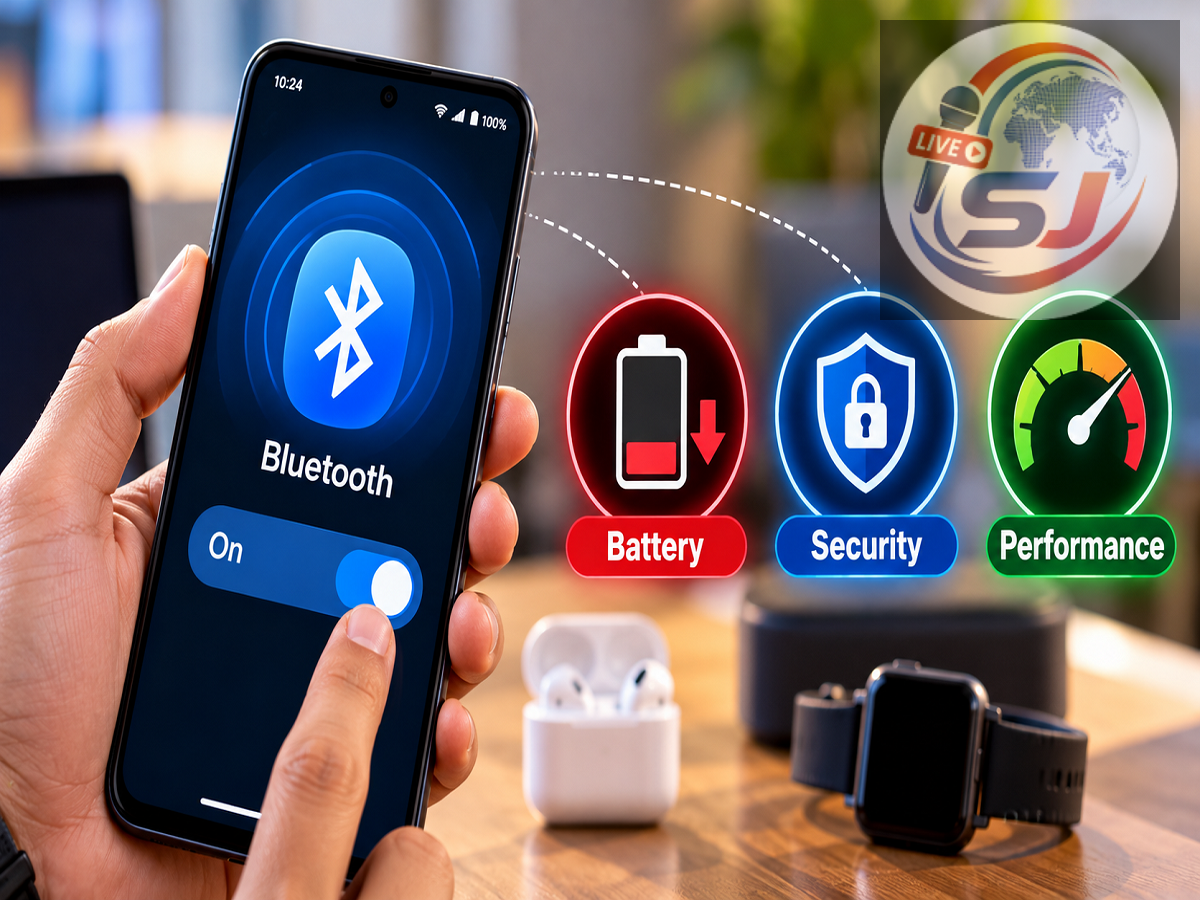
Bluetooth Tips 2026: Do you leave Bluetooth enabled on your smartphone throughout the day? If yes, you are certainly not alone. Millions of smartphone users keep Bluetooth switched on to connect wireless earbuds, smartwatches, fitness bands, car music systems, and other accessories.
Bluetooth has become an essential feature of modern smartphones because it allows devices to communicate wirelessly without cables. However, many people wonder whether leaving Bluetooth enabled continuously can affect battery life, phone performance, or personal data security.
While modern Bluetooth technology is designed to consume relatively little power, keeping it active unnecessarily may have certain disadvantages. The actual impact depends on your smartphone, connected accessories, Bluetooth settings, and how frequently the feature is used.
Here is everything you should know about keeping Bluetooth switched on all the time.
Does Keeping Bluetooth On Drain Your Phone's Battery?
One of the most common concerns among smartphone users is whether Bluetooth consumes battery power even when no device is connected.
The answer is yes, but the amount of power consumed is generally small on modern smartphones.
When Bluetooth is enabled, the phone's wireless hardware may periodically perform background activities, such as checking for compatible accessories or maintaining existing connections.
These operations require some energy.
However, modern smartphones use Bluetooth Low Energy (BLE) technology and power-management features that significantly reduce battery consumption.
This means leaving Bluetooth enabled without an active connection will not necessarily cause your battery to drain rapidly.
The impact can become more noticeable when your phone is continuously connected to accessories, transferring data, or frequently scanning for nearby devices.
Bluetooth Scanning Can Increase Background Activity
Bluetooth scanning is another factor that may influence battery usage.
Some smartphone applications use Bluetooth to identify nearby accessories or support location-related features.
For example, fitness applications, smart home systems, and device-finding services may request permission to scan for Bluetooth devices.
Depending on the operating system and application settings, these scans may continue periodically in the background.
Frequent scanning can increase power consumption, particularly when several applications are using wireless connectivity features.
Android users can review nearby-device permissions and Bluetooth scanning settings to understand which applications have access.
iPhone users can check Bluetooth permissions under Privacy & Security in the Settings application.
Restricting unnecessary permissions can help improve privacy and reduce unwanted background activity.
Can Bluetooth Always On Damage Your Smartphone?
A common misconception is that leaving Bluetooth enabled continuously can physically damage a smartphone.
In normal circumstances, this is not true.
Bluetooth is designed to operate for extended periods, and smartphone manufacturers build wireless connectivity features to function safely during everyday use.
Keeping Bluetooth switched on does not normally damage the processor, battery, motherboard, or other internal components.
It also does not automatically cause overheating.
Although Bluetooth uses electrical power, its energy requirements are generally much lower than power-intensive activities such as gaming, video recording, or mobile hotspot usage.
If your smartphone becomes unusually hot or loses battery power quickly, other factors such as background applications, poor mobile network reception, software problems, or battery ageing may be responsible.
Can Leaving Bluetooth On Create Security Risks?
Battery consumption is not the only consideration. Bluetooth security also deserves attention.
Bluetooth connections use security mechanisms, including authentication and encryption, but vulnerabilities can occasionally be discovered in wireless communication technologies.
Attackers may attempt to exploit weaknesses in outdated Bluetooth software or poorly secured devices.
Certain attacks can involve unauthorised access attempts, unwanted connection requests, or exploitation of known vulnerabilities.
However, simply keeping Bluetooth enabled does not mean that hackers can automatically access your phone.
Successful attacks generally depend on factors such as software vulnerabilities, device configuration, proximity, and whether security protections are working correctly.
Keeping your smartphone updated is one of the most important steps for reducing these risks.
What Happens When Bluetooth Is Connected to Wireless Earbuds?
Wireless earbuds and headphones are among the most popular Bluetooth accessories.
When connected, Bluetooth transfers audio information between the smartphone and the accessory.
This requires more activity than leaving Bluetooth enabled without an active connection.
Battery consumption depends on factors such as the Bluetooth version, audio codec, connection quality, and duration of use.
Listening to music through wireless earbuds may use additional battery power compared with having Bluetooth idle, although the difference varies between devices.
Users should also remember that music streaming, mobile data usage, and the audio application itself consume power.
Therefore, Bluetooth should not automatically be blamed for all battery drain during wireless audio playback.
Does Bluetooth Affect Smartphone Performance?
On most modern smartphones, Bluetooth has little noticeable effect on overall performance.
The wireless connection is managed by specialised hardware and operating-system services designed to handle connectivity efficiently.
Simply enabling Bluetooth should not make your smartphone significantly slower.
However, certain applications connected to Bluetooth accessories may perform additional background tasks.
For example, a smartwatch application may continuously synchronise notifications, health statistics, or other information.
Such activities can contribute to battery consumption and background processing.
If you experience performance problems, checking application activity and software updates is usually more useful than assuming Bluetooth itself is responsible.
Should You Turn Bluetooth Off at Night?
Whether Bluetooth should remain enabled overnight depends on how you use your smartphone.
If you rely on a smartwatch for sleep tracking, disabling Bluetooth may interrupt some connected features or delay data synchronisation.
Similarly, smart home accessories and other connected devices may require Bluetooth for certain functions.
However, if you do not use any Bluetooth accessories overnight, switching it off is a reasonable way to reduce unnecessary wireless activity.
The potential battery savings may be modest, especially on newer smartphones.
Turning Bluetooth off can also reduce exposure to unnecessary connection attempts, although keeping your phone updated remains more important for security.
How to Reduce Bluetooth Battery Usage on Android and iPhone
Smartphone users can take several simple steps to manage Bluetooth efficiently.
-
Disable Bluetooth when unnecessary: If you rarely use wireless accessories, turning it off can reduce background wireless activity.
-
Review app permissions: Limit Bluetooth access for applications that do not need it.
-
Keep software updated: Install security patches and operating-system updates to address known vulnerabilities.
-
Remove unused paired devices: Delete old accessories from your Bluetooth device list if you no longer use them.
-
Check battery usage: Review the battery settings to identify applications consuming excessive power.
-
Avoid unknown pairing requests: Do not approve connection requests from unfamiliar devices.
These precautions can improve device management without sacrificing the convenience of wireless connectivity.
Is Bluetooth Low Energy Better for Battery Life?
Bluetooth Low Energy, commonly called BLE, was developed for devices that need wireless communication while consuming relatively little power.
It is widely used in smartwatches, fitness trackers, sensors, and other connected accessories.
BLE allows devices to exchange small amounts of information efficiently, making it suitable for applications that require occasional or continuous low-bandwidth communication.
However, actual battery usage still depends on how frequently devices communicate and how the associated applications operate.
A poorly optimised application can consume considerable power even when using energy-efficient wireless technology.
Bluetooth vs Wi-Fi: Which Consumes More Battery?
Bluetooth and Wi-Fi serve different purposes, making a direct comparison difficult.
Bluetooth is generally designed for short-range communication between devices, while Wi-Fi supports higher-speed networking and internet connectivity.
Bluetooth Low Energy can consume very little power during periodic data exchanges.
Wi-Fi may consume more power during intensive activities such as large downloads or video streaming, although modern Wi-Fi hardware also includes energy-saving features.
The overall battery impact depends on connection conditions, data transfer requirements, and device hardware.
For this reason, there is no universal rule that Bluetooth always drains more or less battery than Wi-Fi.
Final Verdict: Is It Safe to Keep Bluetooth On All Day?
Keeping Bluetooth enabled throughout the day is generally safe for modern smartphones.
It does not normally damage the phone's internal hardware or cause serious performance problems.
Although Bluetooth consumes some battery power, the effect is usually limited when no accessories are actively connected.
The more important considerations are unnecessary background scanning, application permissions, and security updates.
If you regularly use wireless earbuds, smartwatches, or car connectivity, there is usually no need to switch Bluetooth off after every use. However, users who rarely need Bluetooth can disable it to conserve some battery power and reduce unnecessary wireless exposure.
Ultimately, managing Bluetooth settings according to your usage habits is more effective than assuming that leaving the feature enabled will harm your smartphone.