
Android Gets Easier Nearby Sharing: New Tap-to-Share Feature Makes File Transfers Faster
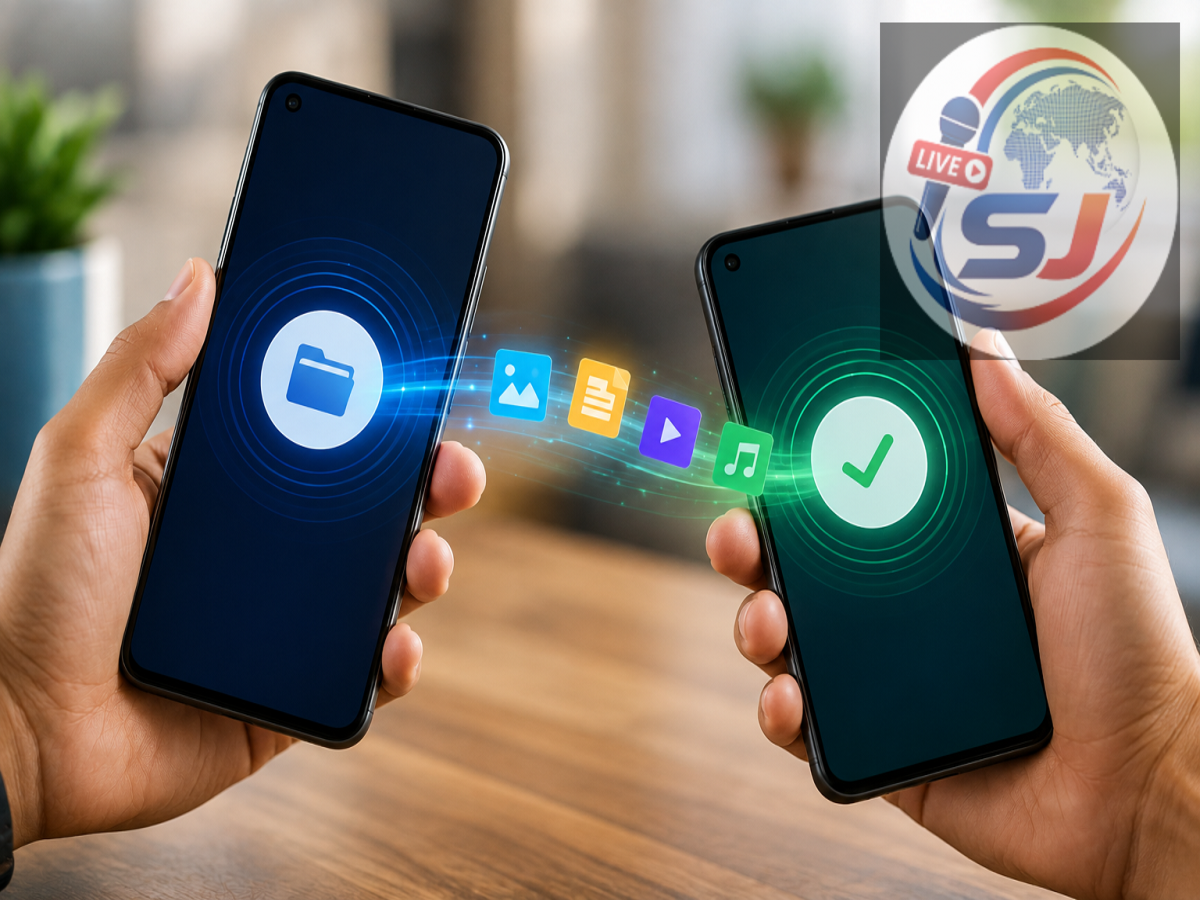
Sharing photos, videos or other files between two smartphones is something people do almost every day. However, the process can sometimes involve several steps—opening the share menu, selecting a nearby-sharing option, waiting for another device to appear and then confirming the transfer.
Google is working to make that experience much simpler on Android. A newer Quick Share tap-to-share experience is designed to reduce the number of steps required when two compatible phones are physically close to each other.
The experience has obvious similarities to the frictionless nearby-sharing features associated with Apple's ecosystem. For Android users, the bigger benefit is straightforward: transferring a large batch of photos or videos to someone standing next to you could become considerably quicker and more intuitive.
What Is Android's New Tap-to-Share Feature?
The new functionality is built around Quick Share, Google's existing nearby file-sharing system.
Quick Share already allows compatible devices to transfer photos, videos, documents and other content wirelessly without requiring users to first upload those files to a cloud service or send them through a messaging application.
The tap-to-share approach simplifies device discovery.
Instead of spending time searching through a list of nearby devices, users with supported phones can bring the devices close together during the sharing process. The phones can then recognise the nearby device and make it easier to initiate the transfer.
Importantly, this is an enhancement to Quick Share rather than an entirely separate file-sharing platform.
Which Android Phones Support It?
The feature is not necessarily available on every Android smartphone at the same time.
The initial availability is focused on Google Pixel 6 and newer Pixel devices, with broader compatibility potentially expanding as the feature develops and manufacturers provide appropriate software support.
Therefore, users should not assume that simply touching or bringing any two Android smartphones together will automatically initiate file sharing.
Availability can depend on the handset model, operating-system version and relevant Quick Share updates.
Why Is It Being Compared With Apple's AirDrop?
Apple has made nearby file sharing one of the convenient features of its device ecosystem.
AirDrop allows users to transfer photos, videos, documents and other content between nearby supported Apple devices without having to use messaging applications, email attachments or physical cables.
Android's Quick Share already provides similar core functionality.
What makes the newer tap-to-share experience interesting is the reduction in friction. Bringing compatible devices close together can make identifying the intended recipient more natural, especially when several devices are nearby.
The objective is not merely to transfer a file quickly. It is to make the process simple enough that users barely have to think about the technology involved.
Sending Full-Quality Photos Could Become Much Easier
Consider a common situation: you attend a wedding, birthday party or family gathering and take dozens of photographs.
Someone standing beside you wants the original files.
Sending 20 or 30 high-resolution images through a messaging application may involve compression, depending on the app and sharing method. Uploading them to cloud storage and generating a link adds extra steps.
Quick Share provides another option by transferring supported files directly between nearby devices.
With easier device discovery, the process can become even more convenient: select the files, choose the nearby-sharing option, bring the supported devices close together and complete the transfer after the necessary confirmation.
This can be especially useful for large videos and high-resolution photographs.
Quick Share Is Expanding Beyond Android Phones
Quick Share has gradually developed into a broader file-sharing ecosystem rather than being limited to transfers between two Android smartphones.
It can already facilitate sharing across compatible Android devices, Chromebooks and Windows PCs. QR-code-based sharing can also help in situations where normal nearby-device discovery is inconvenient.
Google's larger objective appears to be reducing the barriers between the different devices people use throughout the day.
For example, someone could take photographs on an Android smartphone and transfer them to a supported Windows laptop without first emailing the images to themselves.
What About Sharing Between Android and iPhone?
Cross-platform sharing is particularly important because many families and workplaces use a mixture of Android phones and iPhones.
Google has also been working to improve interoperability between Android's Quick Share and Apple's AirDrop ecosystem on supported devices and configurations.
However, users should pay attention to device compatibility, software requirements and visibility settings, as cross-platform functionality may not work identically across every Android phone and iPhone.
It is therefore better to check the latest Quick Share support available for your particular handset rather than assuming universal Android-to-iPhone compatibility.
Privacy Still Matters
Making nearby sharing easier should not mean allowing strangers to send files to your phone without control.
Quick Share includes visibility and receiving controls that determine who can discover a device and initiate transfers. When content is being shared between different people, the recipient may also need to approve the transfer.
Users should review their Quick Share visibility preferences, particularly when using their phones in crowded public places.
Avoid accepting unexpected file-transfer requests from unknown devices.
Why Tap-to-Share Could Be More Important Than It Sounds
From a technical perspective, nearby wireless file transfer is hardly new. Smartphones have supported different forms of local sharing for years.
The significant improvement is how users interact with the technology.
Every extra menu, device list and confirmation screen creates friction. If bringing two compatible smartphones close together helps identify the intended recipient immediately, sharing starts to feel more like physically handing someone a photograph.
That is exactly the kind of small usability improvement that can turn a rarely used feature into an everyday habit.
Bottom Line
Android's evolving tap-to-share experience is making Quick Share faster and more intuitive for supported devices. Instead of navigating multiple menus to locate a nearby phone, users can bring compatible devices close together and more easily initiate a transfer.
The feature should be particularly useful for sharing large photos and videos without relying on messaging apps or cloud uploads.
Availability will depend on the device and software version, so not every Android phone will support the same experience immediately. But the direction is clear: Google wants nearby file sharing to become something users can accomplish in seconds rather than a process they have to figure out each time.